
Merge, Then Compress: The Right Order for Big Combined PDFs
Ten small files become one big file, and the limit is per-file. The fix is a sequence, not a struggle: merge first, compress the combined result, then verify.
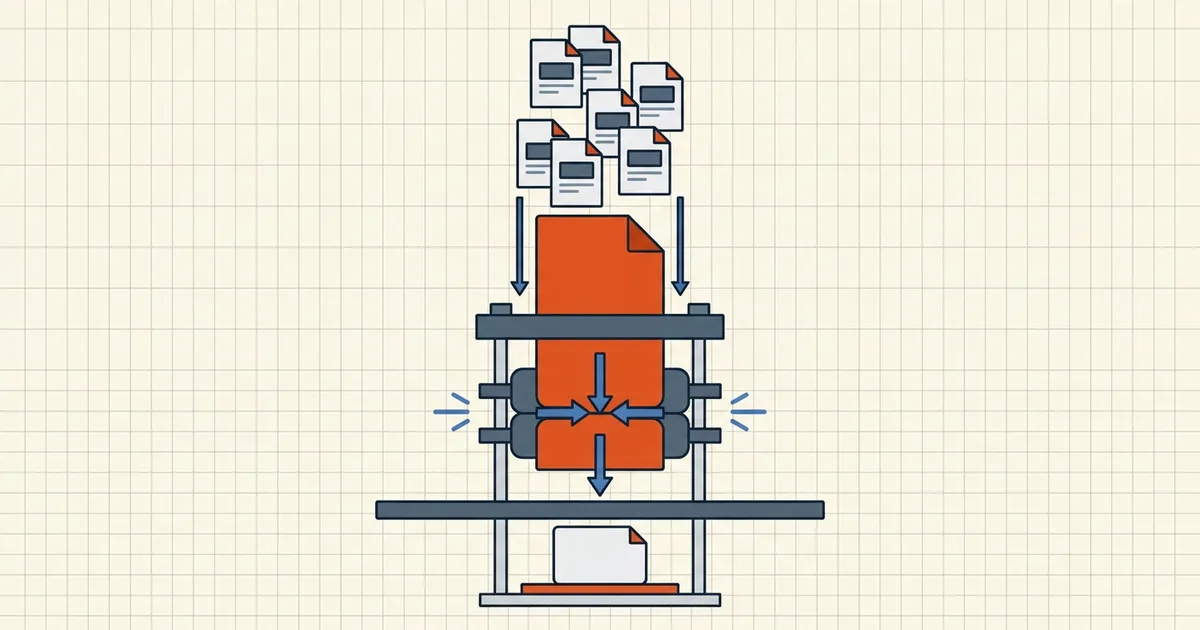
Five files, each comfortably under the limit. One merged file, comfortably over it. This is the standard surprise of assembling application packs, statement bundles, and contract sets — and the fix is a sequence, not a stronger compressor.
Why the limit bites only after merging
Portals and mail servers judge one file at a time. Each source passed its own audition; the merged file never did. Scans are the usual culprit — image-heavy pages don't share savings when concatenated, they just add (why scans are large).
The right order: merge → compress → verify → send
- Merge first into the final document (merge scope + bookmarks).
- Compress the combined result — one pass over the actual file you'll send:
- known destination limit → target-size compression;
- general "too big" → standard compression, quality-checked.
- Verify the pages that mattered — the salary table from source #3, the signature page from #4. Compression degrades images, not text (what compression does).
- If it still overshoots, diagnose like a pro: what's taking up space — usually one embedded scan carrying the whole bundle (causes and fixes).
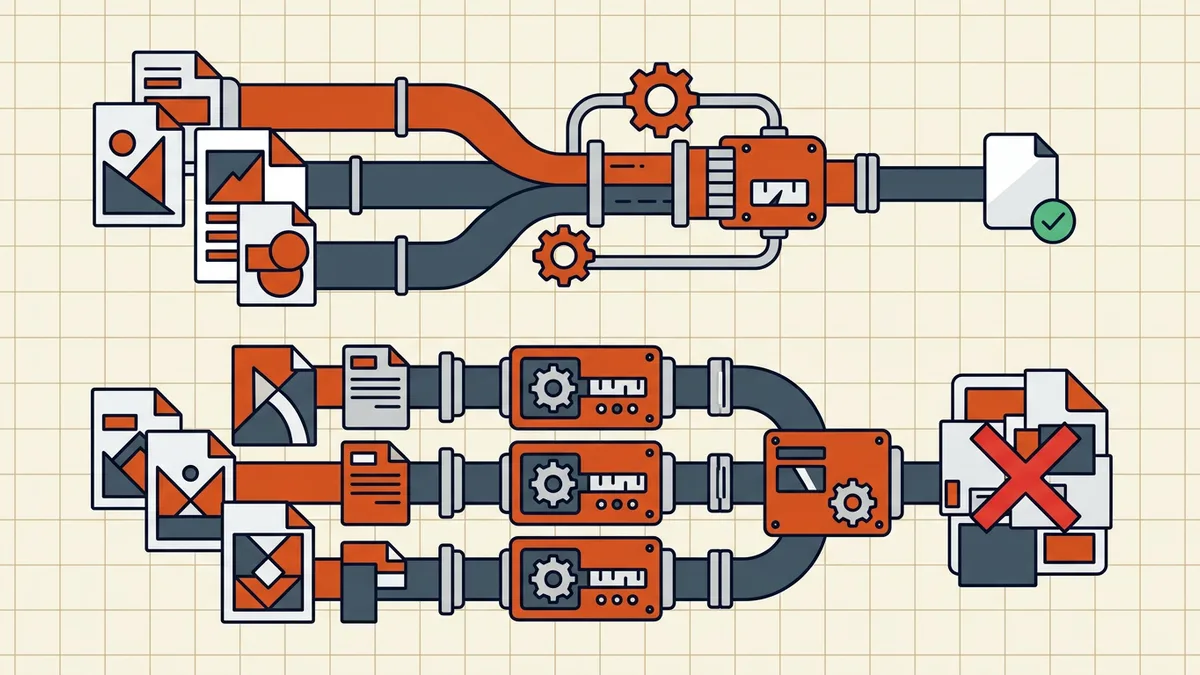
Why not compress every file first?
Two reasons, one quality and one practical:
- N compression passes, N quality hits, then often an (N+1)th on the combined file anyway when it still overshoots — each pass recompresses images (why twice is worse).
- Verification gets harder: you'd need to quality-check every source and the bundle.
Pre-compressing individual monsters (a 40 MB scan bundle) before merging is legitimate triage; pre-compressing normal files is just noise in the pipeline.
Worked example: a five-file application pack
| Source | Size | Notes |
|---|---|---|
| Transcript (born-digital) | 320 KB | Already small — leave it |
| Diploma scan | 4.1 MB | Image-heavy |
| ID page scan | 2.8 MB | Image-heavy |
| Recommendation letter | 610 KB | Word-exported PDF |
| Address proof scan | 3.4 MB | Image-heavy |
| Merged total | ≈ 11.2 MB | Portal cap: 5 MB |
Each source cleared a naive "keep it under 5 MB" habit; the bundle doesn't. Running merge → target-size compress at 4.5 MB (undershoot the 5 MB cap) lands the pack in one pass. Spot-check the diploma and ID scans — image pages take the quality hit; the transcript's text stays crisp either way.
Ordering with the rest of the pipeline
Compression interacts with every other finalization step, so sequence deliberately:
- Page-level fixes first: rotation, page-size normalization, bookmark-aware merge.
- Content decisions: redaction, metadata cleaning, tracked-changes resolution — content edits change byte counts.
- Then compress — one pass over the near-final file.
- Protect/sign last where the tool allows: signatures shouldn't be re-saved through lossy passes (signature validity), and encryption is the final wrapper.
Reversing steps means re-running compression — the exact loop this sequence exists to avoid. The full secure-send chain lives in the contract workflow guide.
Frequently asked questions
Why is my merged PDF too large to send?
File-size limits apply to the final file, and merging sums the bulk: five 2 MB scans become roughly a 10 MB combined PDF. Sources that were each 'under the limit' were never tested *as one file* — the merge is where the limit actually bites.
Should I compress before or after merging?
After. Compressing each source then merging gives the combined file no chance at shared optimizations and can double-recompress pages when you shrink the result again. Merge once, then compress the single output — one pass, one verification, one file under the limit.
Can compressing each file before merging work at all?
It can, but you pay: every source gets its own compression pass (quality hit ×N), and if the combined result still overshoots, you're compressing already-compressed pages — quality degrades faster ([compressing twice explained](/questions/can-you-compress-pdf-twice)). Reserve pre-compression for cases where individual sources are absurdly large on their own.
How do I get the merged file under a specific portal limit?
Use target-size compression on the merged output: name the limit (e.g. 2 MB), run the pass, check the achieved size honestly — undershoot slightly, since portals count bytes strictly ([exact-size guide](/blog/compress-pdf-to-exact-size)). Verify page legibility before sending.
Does merging change how well compression works?
Not inherently — the combined file still contains the same images and text. What changes is your verification surface: you now check *one* output's quality and size instead of trusting N separate passes. Always spot-check the pages that mattered most in the sources.