
Extract Pages from a PDF: Print Ranges, Preview, Editors — and Honest Tool Limits
Pulling one chapter or one exhibit out of a big PDF shouldn't mean re-scanning the world. Quality-safe extraction routes, when to extract vs remove, and what BytesPDF deliberately doesn't do.
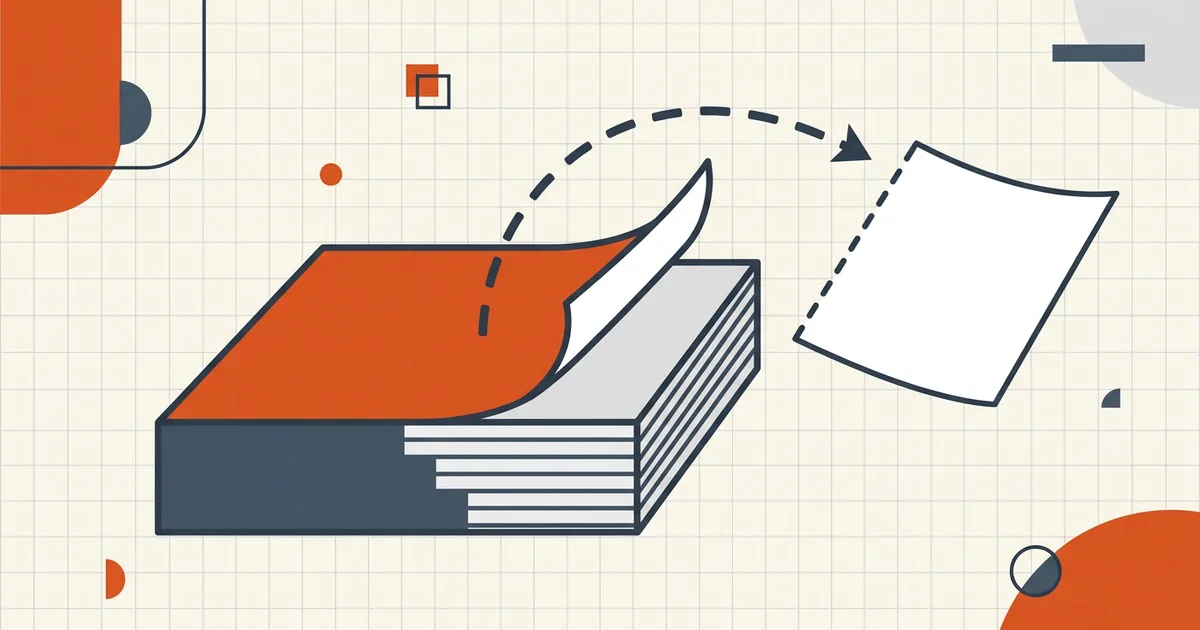
The whole 240-page manual to move one exhibit. Or: pages 12–15, please. Extraction is the surgical move — quality rules differ from casual "download selected pages" marketing.
Extract vs remove (choose the verb)
| Extract | Remove/delete | |
|---|---|---|
| Output | New file with selection | Working file without the rest |
| Original | Untouched master | Often mutated copy |
| Use | Send chapter/annex alone | Clean before merge/ship |
| Close cousin here | Remove-pages guide teaches the inverse patterns | same |
Keep masters pristine: extract to a new name every time (naming).
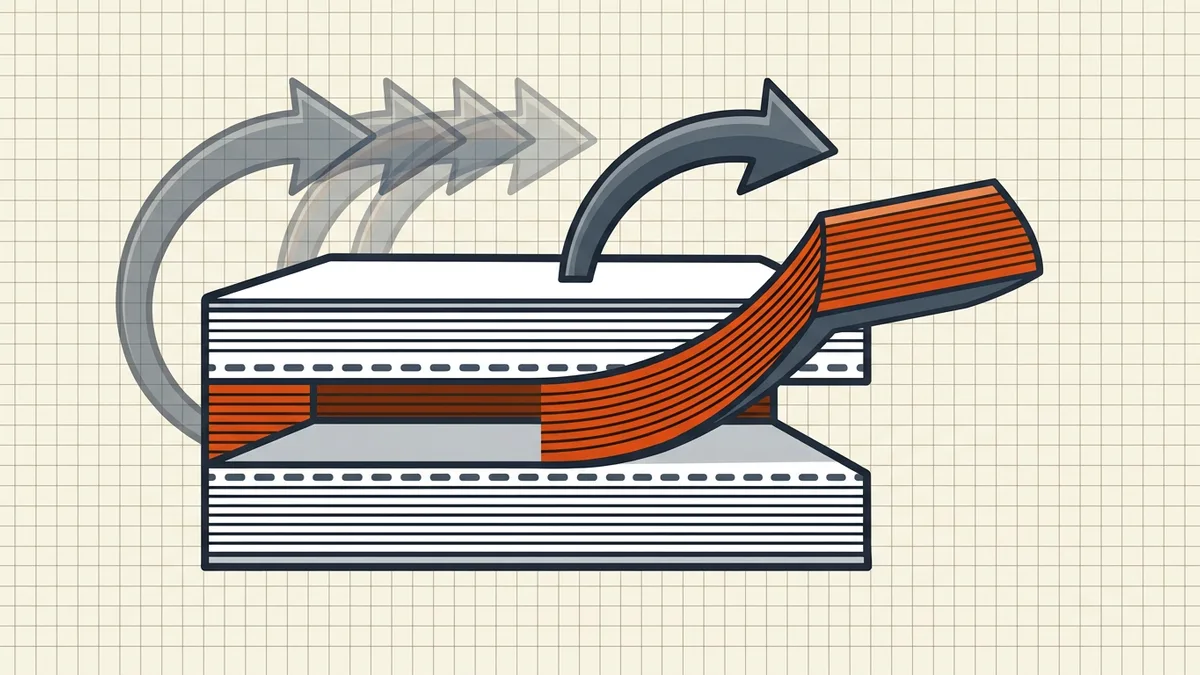
Route A — Print range to PDF (universal)
Print → page range 12-15 → destination "Save as PDF"/Print-to-PDF. Works in browsers and most viewers with zero installs. Caveat: you're re-rendering — text PDFs usually fine; scan-heavy or color-critical pages deserve a second route. Also ties into print vs save differences.
Route B — Preview (Mac) thumbnails
Sidebar thumbnails → select range → drag to desktop/folder, or delete the pages you don't want from a duplicate. Fast for handfuls; save duplicates (_extract_12-15) not overwrites.
Route C — Editors / utilities with real Extract
Desktop editors and browser extractors copy page objects — closest to lossless. Prefer local/browser-local tools for sensitive packets (architecture compare). After extract: reopen, page-count, zoom spot-checks (checklist).
Strategy notes that save rework
- Annexes/tenders: many systems want discrete files per annex — extract, name by annex code, compress each to its cap (tender prep). BytesPDF provides the compress; your extractor provides the slice.
- Then merge elsewhere: slices feeding a pack follow merge-then-compress.
- Signatures: never extract from a sealed final to reuse pages — resign after assembly (why seals break).
- Privacy: a 3-page slice can still carry comments/metadata from the parent — scrub/slice-check before send.
- Big inbound files: run virus-check habits before deep-opening a stranger's 200-page PDF to carve it up.
Honest BytesPDF scope
BytesPDF does not extract or split pages — explicit non-feature next to PDF/A and booklet non-goals. What we do around this workflow: remove-pages-before-sharing decision guide, whole-file merge, target compress, check, metadata, protect, redact, OCR, compare, cleanup, sign. Extract with dedicated tools; finish with ours.
Frequently asked questions
How do I extract specific pages from a PDF?
Common free routes: Print dialog → page range → Save/Print to PDF (works almost everywhere); macOS Preview's thumbnail sidebar (drag pages out or delete-around); full editors' Extract Pages tools; browser utilities that copy page objects. True binary-level extraction keeps fonts/images identical; print-based routes re-render and can shift subtle layout — proof either way.
What's the difference between extract and remove pages?
Extract builds a *new* file containing only the chosen pages, leaving the original untouched. Remove (delete) drops pages from a working copy. Same page objects, opposite goals: keep-this vs drop-this. Strategy: extract for 'send only the annex'; remove for 'clean the packet before merge.'
Does extracting pages reduce quality?
Binary copy/extraction: no — pages keep original streams. Print-to-PDF extraction: usually fine for text, can re-rasterize fragile scans or reflow edge cases. When quality is contractual (court exhibits, artwork), prefer binary extraction and compare the slice against source at 100–200%.
Why doesn't BytesPDF extract or split pages?
Byte-splitting is outside our shipped toolkit — documented in how-it-works and llms alongside missing PDF/A and booklet features. We cover the inverse guidance (remove pages before sharing patterns) plus merge/compress/check around whatever extractor you use. We'd rather state the gap than half-ship a dangerous splitter.
Extracted pages and digital signatures?
Slicing a signed PDF invalidates or drops the original signature coverage — structure changes break ByteRanges. Extract first from unsigned sources, sign the final artifact last ([signature invalidation](/blog/why-is-my-pdf-signature-invalid), [edit rules](/blog/edit-signed-pdf-options)).
Related comparisons
Source-led comparisons written by BytesPDF, with the conflict of interest disclosed on each page. They link official provider documentation rather than fabricated tests.