
Send a Contract as a Secure PDF: The Right Order of Operations
One sequence prevents the two classic contract-file failures: the broken signature and the leaked draft. Here it is, end to end.
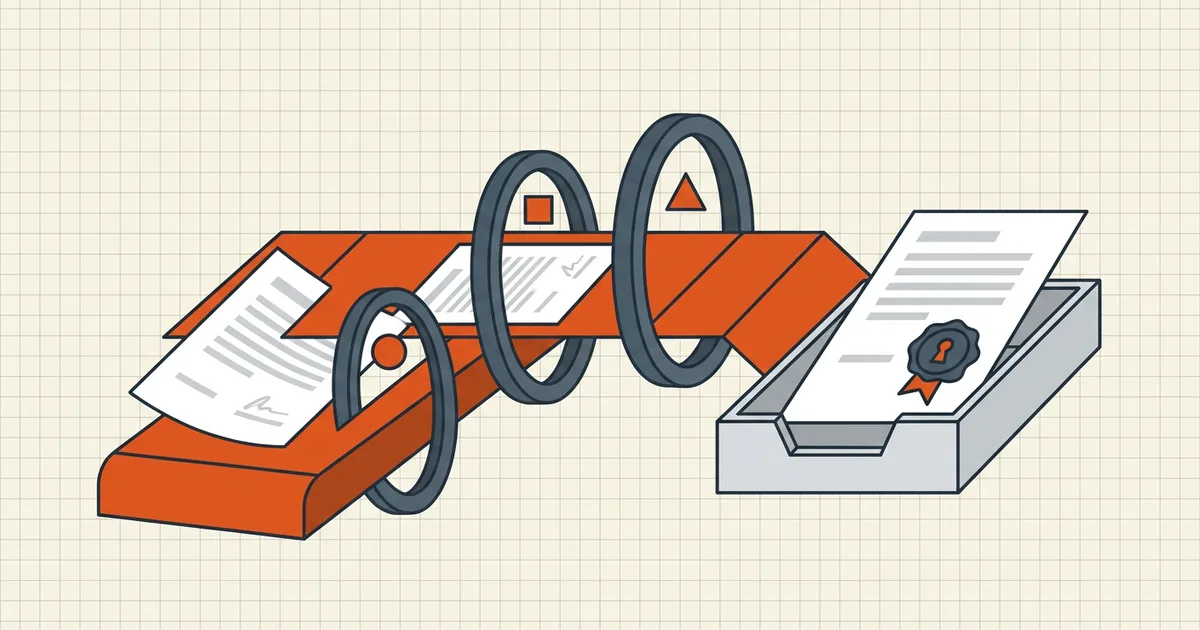
Two failure modes end contract-file stories badly. One: the signature shows invalid — the file was rewritten after signing. Two: the counterparty found your comments — the draft layer shipped with the document. Both are ordering problems. There is exactly one sequence that prevents both, and it fits on an index card.
The sequence
Finalize → Clean → Size → Protect → Sign → Send. Six verbs. Every "my PDF is broken" contract story is one of these six out of order.
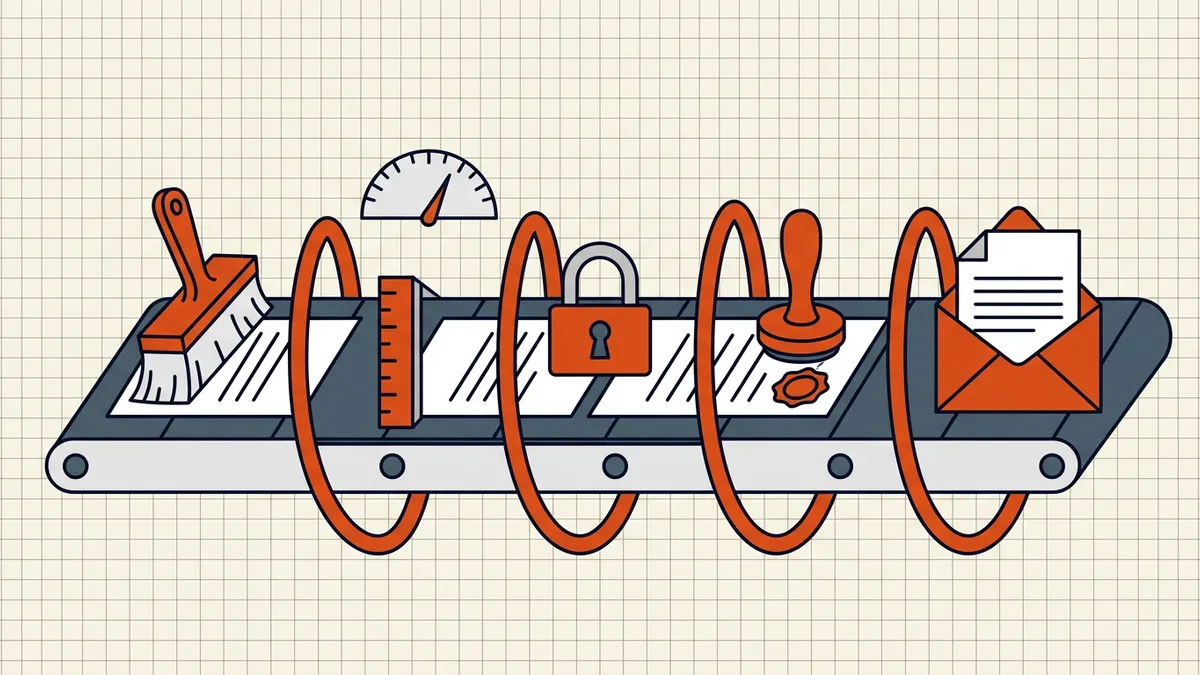
1. Finalize the text (while it's still a draft problem)
Accept/reject every tracked change. Delete comments — all of them, including the "killing this clause?" balloon from round two. Confirm the accepted state is the meeting's outcome. If you're unsure which draft is which, compare the versions first; certainty is cheaper than a re-sign.
2. Clean the invisible layers
Contracts leak through invisibles more than any other document class:
- Redlines and comments in the review layer (what rides along);
- Author names and timestamps — the metadata that named opposing counsel's paralegal in more than one public dispute (what it reveals);
- Prior revisions kept by incremental saves;
- Anything marked black — verify it's truly redacted, not taped over.
A pages-only rebuild (Secure Cleanup) is the belt-and-braces version: keep the pages, drop the container.
3. Size it for the delivery path
Email attachments and e-filing portals have gates (limits hub); undershoot them deliberately with target-size compression. Compression rewrites bytes — which is exactly why it happens here, before the signature exists. Never after.
4. Protect before signing
If the contract travels with an AES-256 open password — usually yes — apply it now, with permissions chosen deliberately. Encrypting rewrites the file; doing it after signing would kill the seal (why). Send the password on a different channel than the file.
5. Sign last — and never touch it again
Apply the digital signature to the exact protected, sized, cleaned bytes. Verify the seal opens in a second viewer. Now the file is a sealed instrument:
- no re-saving through editors or annotators;
- no "quick recompress";
- no metadata cleanup afterwards (that rewrite also breaks seals);
- corrections mean: edit → repeat steps 2–5 → re-sign.
6. Send the exact signed file
Not a re-export. Not a print-to-PDF of the signed copy. The file that verified on your screen is the file that must arrive.
Why the order can't flex
Signatures cover the file's exact bytes — one re-encode and the integrity check correctly reports tampering (the mechanics). Every earlier step rewrites bytes: cleanup rebuilds, compression re-encodes, protection encrypts. So all the rewriting must finish before the one operation whose whole value is freezing the result.
Keep the sequence taped to the workflow and the two classic failures — broken seal, leaked draft — simply have no entry point.
Frequently asked questions
How do I send a contract as a secure PDF?
Finalize the text, remove comments and hidden data, scrub metadata, compress to any size limit, apply password protection if needed, then apply the digital signature last and send that exact file — with the password on a separate channel.
Why does my contract signature show invalid after sending?
Something rewrote the file after signing — a compression pass, metadata cleanup, or a re-save in a viewer. Signatures cover exact bytes; any post-sign change invalidates them. Re-sign the final copy and don't touch it afterwards.
Should I password protect a signed contract?
Protect before signing: set the open password and permissions first, then sign the protected file. If a recipient must verify the signature, share the password out-of-band so verification can still run.
What hidden data do contract drafts carry?
Redline comments, tracked changes, author names, template metadata and sometimes prior revisions. Counterparties have treated all of these as disclosure at one time or another — run a full hidden-data pass before the file leaves.
Is it safe to email a PDF contract?
With an AES-256 open password sent on a separate channel, yes for most purposes. For high-value instruments add a digital signature for integrity and consider the channel itself — the file is only as private as the mailbox.
Related comparisons
Source-led comparisons written by BytesPDF, with the conflict of interest disclosed on each page. They link official provider documentation rather than fabricated tests.