
How to Remove Hidden Data from a PDF Before Sharing
Metadata is just the beginning. PDFs can carry attachments, comments, scripts and old revisions. Here's how to strip everything that isn't the page.
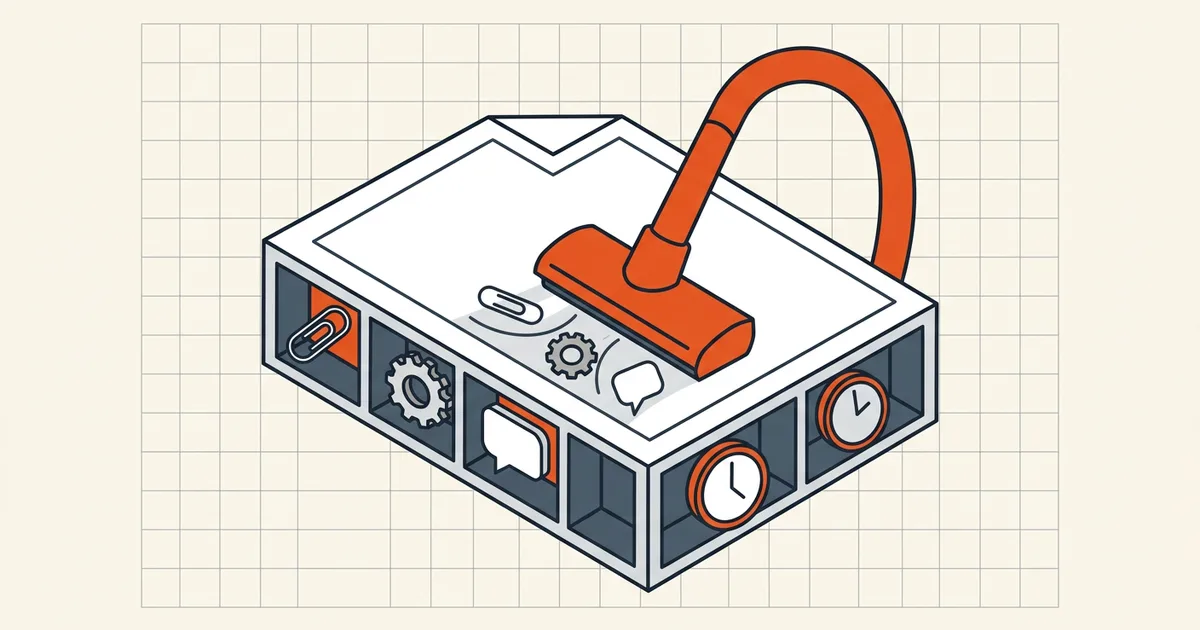
Ask someone what's in a PDF and they'll say "the pages." Ask the file format and you'll get a longer list: attachments, comments, scripts, form data, thumbnails, hidden text layers, and every prior revision someone saved in place. All invisible on screen. All in the bytes.
The full inventory of "invisible"
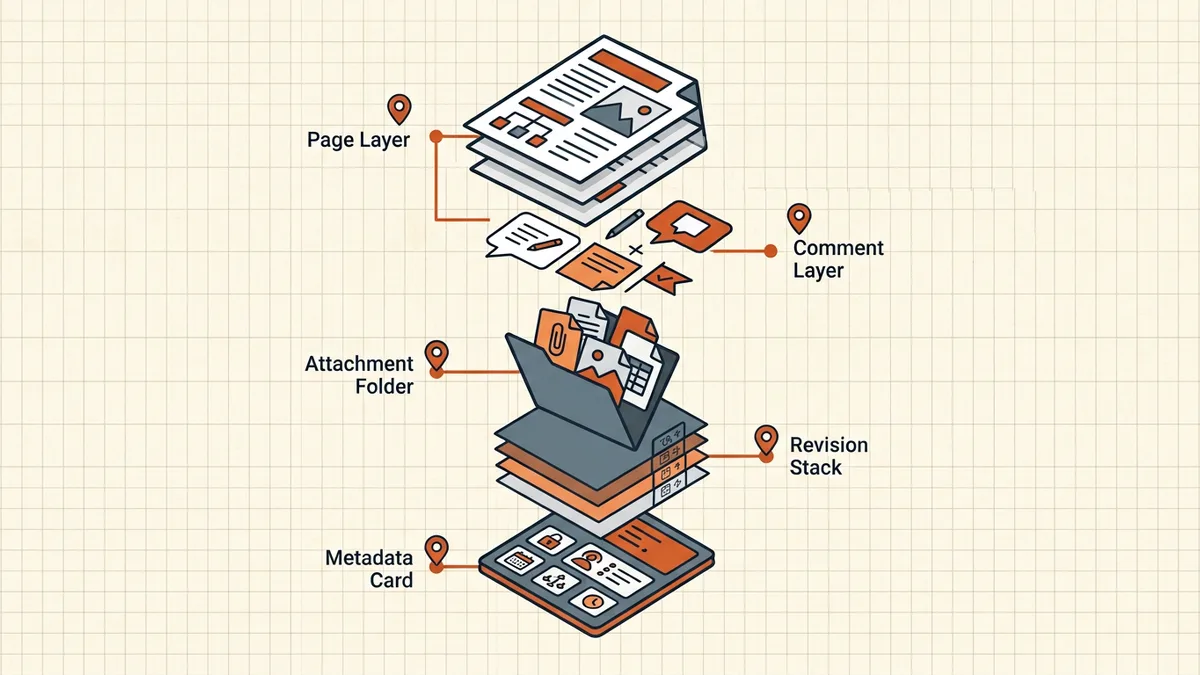
- Embedded attachments. Entire files — spreadsheets, source documents, emails — can be bound into a PDF as attachments. Recipients see nothing unless they open the attachments panel. Discovery disputes have turned on exactly this.
- Comments and annotations. Reviewer notes, sticky comments, struck-through text that's only "deleted" as a tracked change.
- Form field values. Data typed into AcroForm fields lives in the file whether or not it's visible; exported FDF/XFA remnants carry more.
- Embedded scripts. PDFs support JavaScript. Legacy workflows embed automation you did not write and cannot audit at a glance.
- Incremental-save revisions. Editing and re-saving in place appends new versions of changed objects while keeping the old ones for undo. "Deleted" paragraphs often survive inside the file's history.
- OCR text layers. The searchable layer under scanned pages — essential for search, disastrous under bad redaction.
- Thumbnails and metadata. Page thumbnails can show pre-edit states; XMP and document-info fields round out the panel (field-by-field guide).
The pages-only rebuild
The strongest cleanup philosophy is simple: keep the pages, throw away the container, write a new file. A pages-only rebuild drops everything not rendered on a page — attachments, scripts, comments (rendered markup becomes artwork; unrendered comments vanish), and all revision history — because none of it is carried into the new document.
That's how BytesPDF Secure Cleanup works: it rebuilds from page content and drops metadata, attachments, scripts and history in one pass, locally in your browser. Adobe Acrobat's Tools → Redact → Remove Hidden Information takes a checklist approach to the same inventory; command-line qpdf --empty --pages in.pdf -- out.pdf rebuilds pages-only without any GUI at all.
What survives (and what to do about it)
- Visible content. If a name is printed on the page, rebuilds keep it. Page-level problems need page-level fixes: redaction before cleanup.
- Flattened annotations. Comments already burned into the page artwork stay as pixels. That's usually what you want for record copies — just know it's irreversible.
- Signatures. A rebuild invalidates digital signatures by design — the bytes changed. Order of operations: edit → redact → clean → compress → sign (details). Signed inputs are refused by BytesPDF tools rather than silently broken.
Verify before you send
- Open the cleaned copy's attachments panel — it should be empty.
- Check document properties — author, producer, dates should be cleared or reset (scrub guide).
- Search for a word from a comment or deleted section — zero hits expected.
- Skim every page once in a second viewer.
Then run the rest of the outbound list — size limits, page order, orientation — from the pre-send checklist. If the file is a contract or filing, the sequence in send a contract as a secure PDF puts cleaning and signing in the right order.
And one meta-point, since "hidden data" is exactly the category skeptest to your own files: whatever tool performs the cleanup also sees everything it removes. For sensitive documents that argues for local processing — the same evaluation framework in privacy risks of online PDF tools applies.
Frequently asked questions
What hidden data can a PDF contain?
Beyond metadata: file attachments and embedded files, comments and annotations, form-field values, JavaScript or other embedded scripts, bookmarks, hidden text layers (OCR), thumbnails, and previous incremental-save revisions.
How do I remove hidden data from a PDF?
Use a cleanup tool that rebuilds the document from its pages only — BytesPDF Secure Cleanup drops metadata, attachments, scripts and revision history while keeping page content. Acrobat's 'Remove Hidden Information' and command-line `qpdf` runs cover similar ground. Then verify by reopening the file and checking the panel.
What's the difference between metadata removal and hidden-data removal?
Metadata removal clears descriptive properties (author, dates, app names). Hidden-data removal also strips attached files, comments, scripts and leftover revisions. For outward-facing documents, do both.
Does saving a PDF normally remove old revisions?
No. Many editors save incrementally, keeping earlier versions inside the file to make saves faster. A full rewrite — cleanup, 'save as', or a pages-only rebuild — is what discards them.
Related comparisons
Source-led comparisons written by BytesPDF, with the conflict of interest disclosed on each page. They link official provider documentation rather than fabricated tests.