
Add Page Numbers to PDF (Without Acrobat): Formats, Covers, and Batch Reality
Page 1 of 10 or plain '3'? Numbering a PDF looks trivial until covers, roman numerals, and batch packets enter the chat. How to choose settings that survive review.
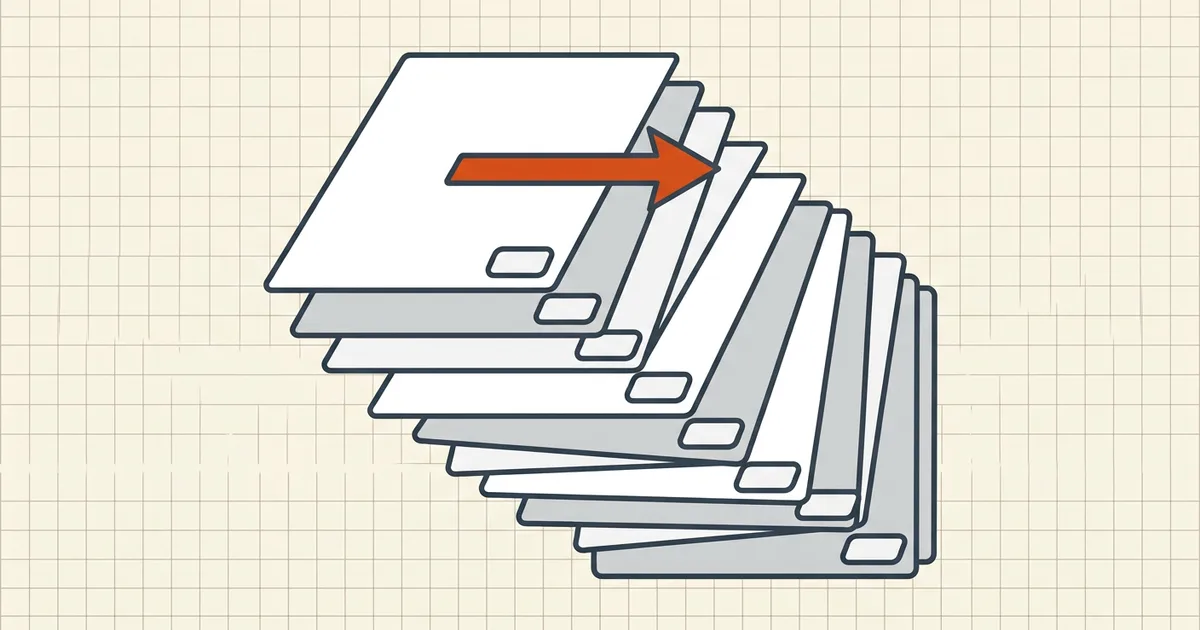
Academia, courts, and RFPs all speak fluent "page X of Y." Getting the stamp wrong is a small error that reads as carelessness — so treat numbering as a finishing step with rules, not a decoration impulse.
Choose the format first
| Format | Reads as | Typical use |
|---|---|---|
3 | Absolute position | Simple reports, most portals |
Page 3 of 40 | Completeness proof | Contracts, tender packs, theses |
3 / 40 | Compact proof | Slides-style decks, annexes |
Prefix + number (A-3) | Annex identity | Tender annexes, exhibit sets |
| Roman body + arabic main | Book convention | Long academic work (often authored in Word, not stamped later) |

Position rules that survive design
- Bottom center is the default that never fights layouts; bottom-right is common in business docs.
- Avoid margins that clip on printers (pair with sideways/geometry checks if pages rotate).
- Skip header positions on documents whose headers already carry titles — double headers look like two teams stamped the same file.
- Preview dense pages (maps, full-bleed images): numbers on dark art need a light chip behind them or they vanish.
Covers, TOCs, and start-at tricks
Covers shouldn't say "Page 1." Use start-page/start-number controls so the first body page owns number 1. If your tool shows only "start at N," trial once and verify — off-by-one numbering is the most common support-thread complaint in this niche.
Order of operations (non-negotiable)
- Rotate/fix pages.
- Delete throwaway pages.
- Merge in final order.
- Then number.
- Then compress if size matters (sequence deep-dive).
Renumbering after a late merge/delete wave is how "Page 12 of 38" ends up twice.
Batch packets
Numbering one PDF is a utility click; numbering twelve annex files consistently means either numbering each with its prefix scheme (T-1, T-2) or merging (if the destination wants one file) and numbering once. Batch header/footer features exist in heavy editors — great for firms, overkill for a student packet.
Print vs screen permanence
Numbering utilities typically bake numbers into page content (they'll print and survive flatten). That's different from interactive page labels some readers show in navigation panes — readers care about both, printers only about ink. When in doubt, export/print a test page.
Honest BytesPDF scope
No page-number tool at BytesPDF. Honest boundary, same as PDF/A and form authoring: use free numberers/editor footers for this step; use BytesPDF for compress/merge/rotate/protect/check around it. Sequence still applies — our merge is often step 3 before someone else's numbering step 4.
Frequently asked questions
How do I add page numbers to a PDF for free?
Use a free page-numbering utility (many browser tools position footer/header numbers with format patterns) or an editor's header/footer feature. In Word/Docs, it's often cheaper to add numbering *before* exporting to PDF. Acrobat's header/footer tool is fine if you already have it — not required.
How do I skip the cover page when numbering?
Set the start page later than 1 and the start number to 1 (or 0 so the first numbered page lands on your target). Combined with 'Page {num} of {tot}' patterns, covers stay clean while body pages count correctly. Always preview pages 1–3 after applying.
Should I number before or after merging/deleting pages?
After structural changes. Merge first, delete extras first, then number — absolute page order is only stable once the page set is stable. Numbering a draft that later loses two pages forces a full redo and leaves inconsistencies reviewers *will* flag.
Why not just use Word page numbers?
Do, when you still own the source — export already numbered. The PDF-side tool exists for scanned packets, designer exports, and files you can't reopen. Mixed packets (scan + born-digital) often need PDF-side numbering to get one continuous sequence.
Does BytesPDF add page numbers?
No — BytesPDF does not ship a page-number/header-footer tool (documented in how-it-works and llms). We handle compress, merge, rotate, rename, metadata, check, protect, redact, OCR, compare, cleanup, sign, and Word/Excel→PDF. Use dedicated numbering tools for this step inside a larger BytesPDF prep pipeline.
Related comparisons
Source-led comparisons written by BytesPDF, with the conflict of interest disclosed on each page. They link official provider documentation rather than fabricated tests.