
Combine Photos and PDFs into One Upload Packet (Receipts, Forms, IDs)
Receipt JPEGs, a signed form PDF, a passport scan — one upload field. The mixed-packet pipeline that keeps order, legibility, and size under control.
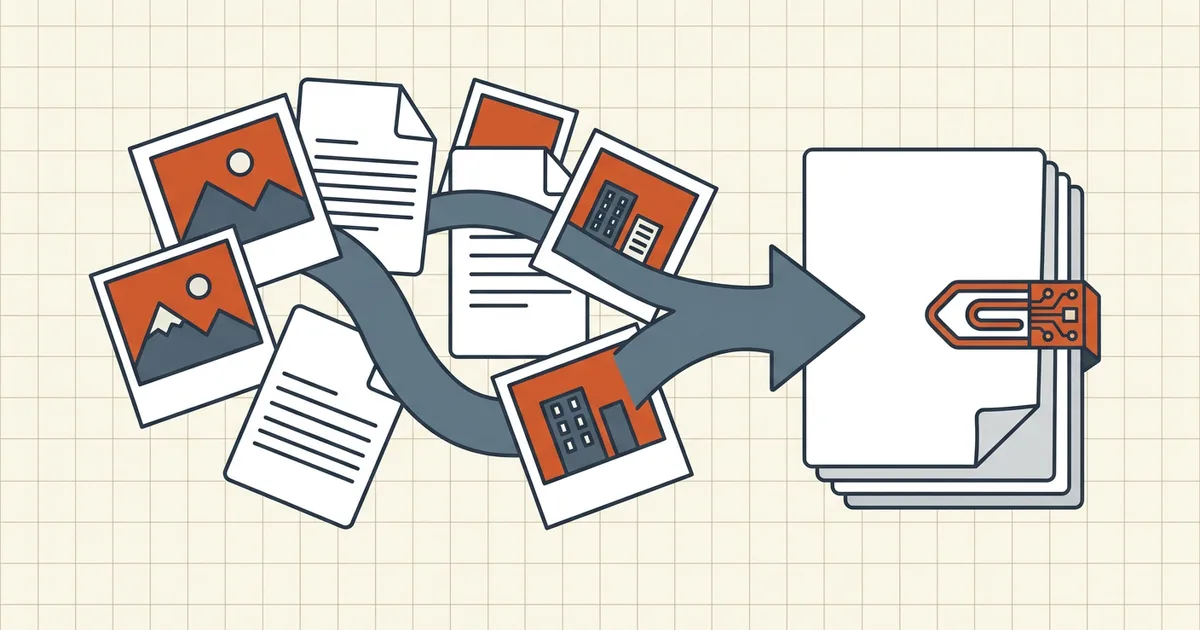
Expense portals, scholarship packs, insurance claims: "upload one PDF" meets a camera roll and a downloads folder. The conversion layer is where packets go to die — or come out clean.
The pipeline (order matters)
- Normalize images → PDF pages. HEIC via HEIC route; JPG/PNG via OS print/export or image→PDF tools. One page per image unless the form says collage.
- Fix orientation while images are still easy to rotate (phone rotate).
- Order with intent: form → primary doc → supporting evidence (date sequence for receipts).
- Caption photo pages when content isn't self-explaining (invisible metadata gets scrubbed later anyway — don't rely on EXIF as documentation).
- Merge once (merge-then-compress) — whole PDFs only at BytesPDF.
- One target-size pass to the portal number (exact target).
- 200% zoom QA: receipt totals, ID fields, signatures (checklist).
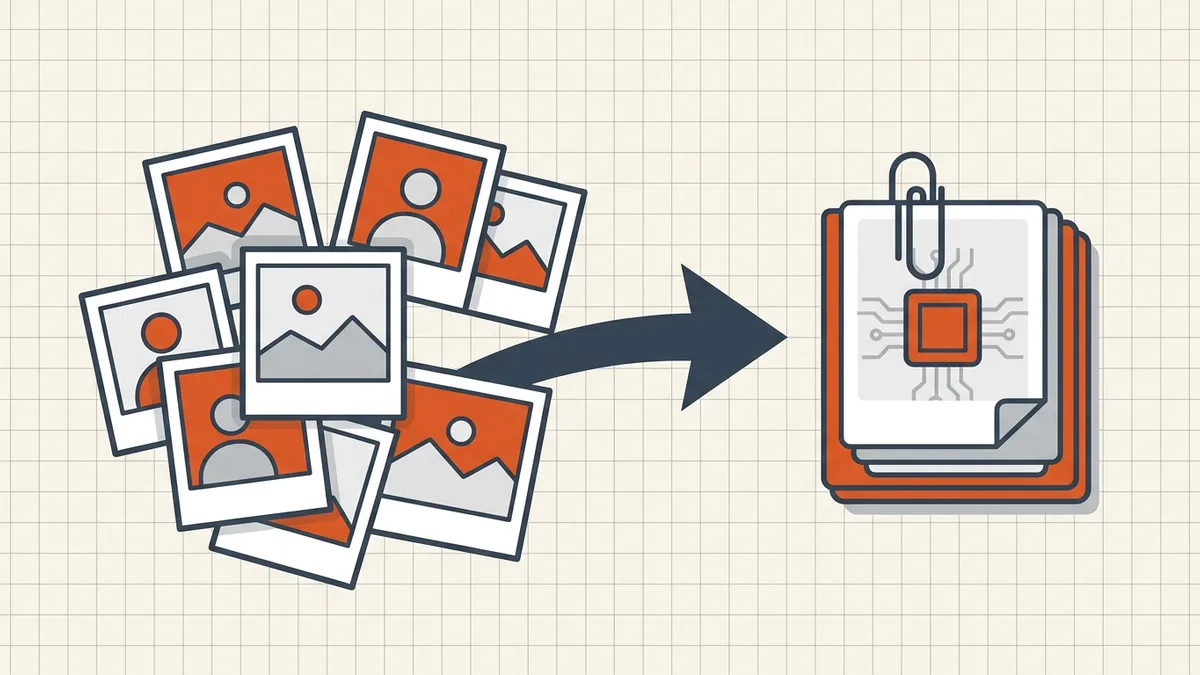
Capture quality beats late filters
Blurry receipt photos don't get fixed by merging (blurry triage); ID pages follow capture discipline. Shoot square, fill the frame, decent light — then convert.
Size reality check
| Packet type | Typical pressure | Lever |
|---|---|---|
| 5 text-form PDFs | Low | Maybe no compress at all |
| 10 full-res phone receipts | High | Downscale at convert + one compress pass |
| Mixed + multi-page scan of statement | Very high | Bank-statement patterns apply to evidence scans |
Illegible-under-limit is still a reject — same rule as insurance claims and government portals.
Sensitive packets
Receipts + IDs + forms = high PII density. Prefer browser-local merge/compress; scrub metadata (camera usernames, template authors); redact anything the portal doesn't need visible — but never redact fields the validator reads.
Honest BytesPDF scope
No image→PDF converter at BytesPDF (Word and Excel → PDF only). Flow: OS/HEIC/JPG conversion → BytesPDF merge (PDF sources) → target compress → check. Documented the same way as missing split/booklet/PDF/A features.
Portal-type cheat sheet
| Destination | Common shape | Packet tip |
|---|---|---|
| Expense/reimbursement | One PDF: form + receipts | Date-order receipts; caption meal vs travel lines |
| Insurance claim | Form PDF + photo evidence slots | Read accepted types — some want JPGs separate |
| Scholarship/admissions | Single compiled PDF | Follow checklist order exactly |
| Tender/annex | Discrete named PDFs | Don't one-file them unless rules say so |
Each row defers to the form's printed instructions — the table only says where the usual pressure appears.
Frequently asked questions
How do I combine JPG photos and PDF files into one PDF?
Convert every image to a PDF page first (OS export, print-to-PDF, or an image→PDF converter), then merge the resulting PDFs in order — or use a mixed-format merger that accepts images+PDFs in one pass. Either way, preview page order and orientation before you download the pack.
What order should receipts, forms, and IDs go in?
Caption inside the page (a small text line) or rely on a contents page — filenames vanish once everything is one PDF.
Why is my combined photo+PDF packet so large?
Phone photos are multi-megapixel; ten receipts at full resolution blow past portal caps. Convert at sane dimensions, merge once, then a single target-size pass — not per-photo heroic compression before merge ([sequence](/blog/merge-then-compress-workflow)). Zoom-check totals and fine print after.
Should I zip images instead of making a PDF?
Only if the portal asks for a zip. Most application/claim/expense fields want one PDF (or separate image slots). Zipping when they wanted PDF fails validators; PDFing when they wanted separate JPGs fails too — read the accepted-types line.
Does BytesPDF convert images to PDF or merge mixed formats?
BytesPDF merge works on whole **PDF** sources. Image→PDF conversion (JPG/HEIC/PNG) belongs in OS tools or dedicated converters — see our HEIC guide. Once images are PDF pages, BytesPDF merge/compress/check finish the packet. No image converter is claimed in how-it-works.
Related comparisons
Source-led comparisons written by BytesPDF, with the conflict of interest disclosed on each page. They link official provider documentation rather than fabricated tests.