
Merge PDFs and Keep Bookmarks (Why They Vanish, How to Save Them)
The merged file has every page and none of the navigation. Bookmarks don't 'break' in merging — they're simply never brought over. Here's why, and how each tool type handles it.
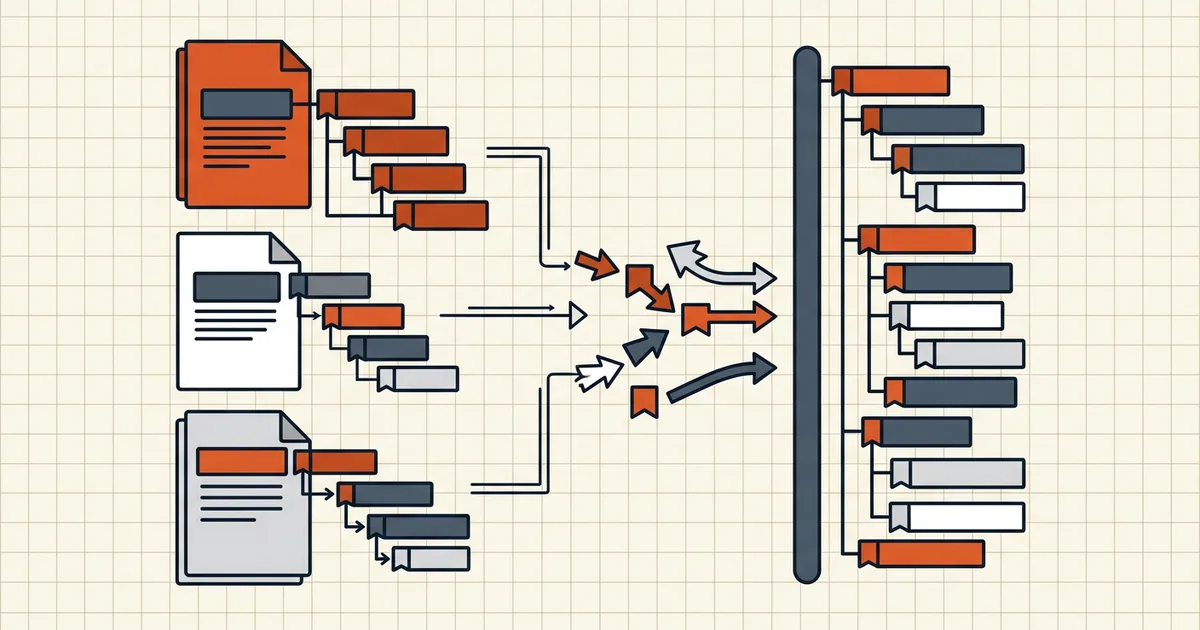
You merged four reports into one binder. Every page is there — and the table of contents that used to navigate report #2 is simply gone. No error, no warning: merge tools that don't handle outlines don't announce what they skipped.
What bookmarks actually are (why concatenation ignores them)
An outline tree is document-level structure: named entries holding page pointers into one document. When a merger appends pages from file B after file A's pages, B's pointers still point at B's old page numbers — meaningless in the new file — so a naive merge doesn't copy them at all.
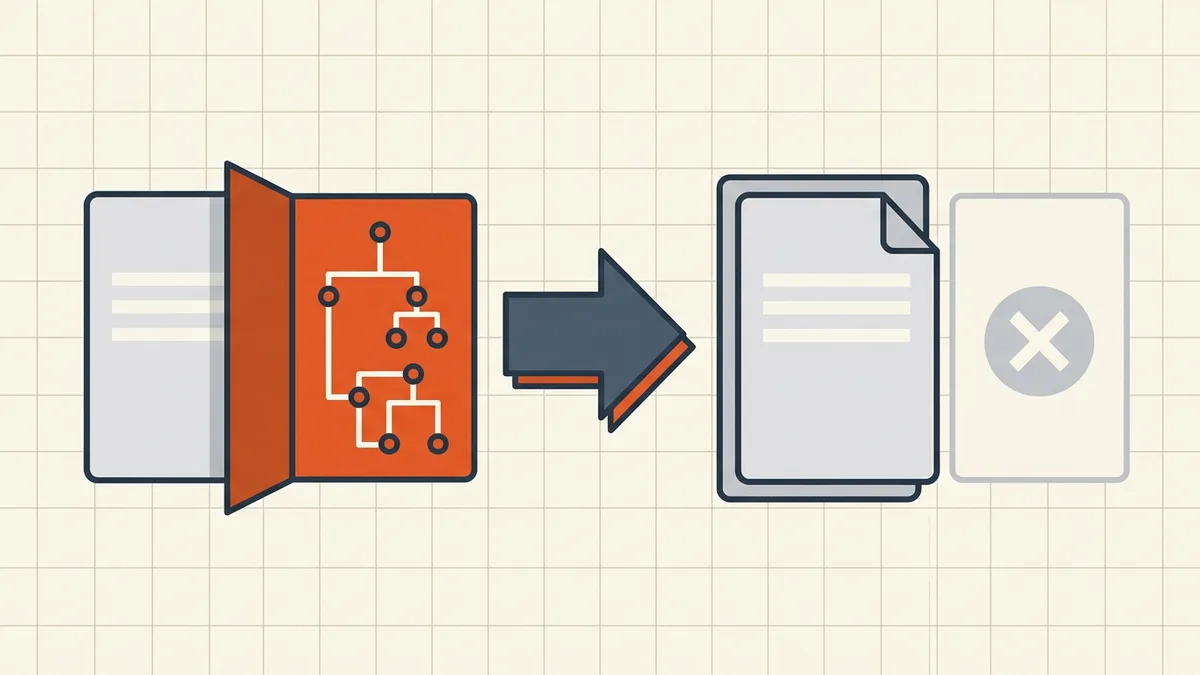
The tools that do preserve bookmarks do real work: clone each source's tree, offset every page reference by the destination position, optionally nest each file's tree under a filename entry. That's why it's a checkbox some tools have and others don't.
The three merger classes
| Class | Bookmark behavior | Examples of the pattern |
|---|---|---|
| Bookmark-aware | Clone + offset remap; often options (keep-all / one-entry-per-file / discard) | Acrobat Combine, PDFsam, Sejda's keep-settings |
| Pages-only honest | Copies visible pages; document-level objects not imported — stated in scope | BytesPDF Merge (explicitly documents this) |
| Silent varies | Unspecified — could preserve, could drop, could partially mangle | Random browser "free merge" tools |
Rule: for bookmark-critical documents (reports, manuals, anything someone navigates), use class 1 and check the merge options; class 2 is fine when linear reading suffices.
If you already merged and need the outlines back
- Re-merge with a bookmark-aware tool — cheapest correct fix; sources still exist.
- Manual rebuild — outline panel, add entries, set destinations. Fine for a handful of top-level items.
- Filename TOC page — insert a generated contents page listing the parts (not clickable bookmarks, but navigable-ish and honest).
- Scripted rebuild — CLI ecosystems (qpdf/ghostscript/pdfmark patterns) can synthesize outlines from structure; power-user territory.
Verify either way
After any merge claiming bookmark support: open the outline panel, click through one entry per source file, confirm destinations — especially the final source (largest page offsets). Pair it with the rest of the merge QA: page sizes, orientation (rotate first), then compress the combined result.
Bookmark depth: top-level vs nested trees
Quick merges that "keep bookmarks" sometimes flatten structure — every nested sub-entry promoted to top level, or only the first file's tree retained. If your sources have deep outlines (manuals, multi-chapter reports), test a nested entry three levels down, not just the top level. A flat but complete outline beats a partial tree; neither beats a tool that documents its exact behavior.
Related document-level objects
The outline tree isn't alone in being skipped by pages-only mergers:
- Internal links between pages usually survive (they ride with page content) but can point at shifted destinations if offsets aren't remapped.
- Forms, annotations, and digital signatures are document/page-level objects with the same import problem — signed sources especially.
- Metadata (title, author) typically becomes the first file's values only.
If navigation and forms both matter, confirm your merger handles both classes before you trust a one-shot combine — or split the job: merge pages, then re-attach structure with an outline-aware editor.
Frequently asked questions
Why did my bookmarks disappear when I merged PDFs?
Bookmarks (the outline tree) live at the document level with page references pointing into *that document*. Simple merges concatenate visible pages and don't import each source's outline — so pages arrive, navigation doesn't. It's omission, not corruption.
Do all merge tools drop bookmarks?
No — behavior is a feature choice. Acrobat's Combine Files, PDFsam (merge-bookmarks option), Sejda (keep-all settings), and some mergers explicitly clone outlines with page offsets remapped. Browser 'quick merge' tools vary. Check a tool's merge options *before* trusting it with a bookmarked source.
How can I check bookmarks survived a merge?
Open the bookmarks/outline panel in any reader and compare against the sources: every source's top-level entries should appear, and clicking each should jump to the right page. Test 5–10 entries, especially the last file's (offsets accumulate toward the end).
Can I add bookmarks back after merging?
Yes — manually in any editor with an outline panel (laborious but reliable), by rebuilding from filenames via CLI tools, or by inserting a generated table-of-contents page instead of true bookmarks (faster, less navigable). For long documents, prevention beats repair: merge with a bookmark-aware tool.
Does BytesPDF Merge keep bookmarks?
No — and it says so plainly: Merge copies *visible pages* from each source; document-level objects (bookmarks, forms, annotations, signatures, metadata) are not carried across sources. That's the honest scope; if outlines are load-bearing for your document, use a bookmark-aware merger for that file.