
PDF Attachment Size Limits for Email, Messaging and Online Forms
Every attachment limit that matters, in one table — then how to tell which of the three failure modes you have, and how to get the PDF under the limit without wrecking it.
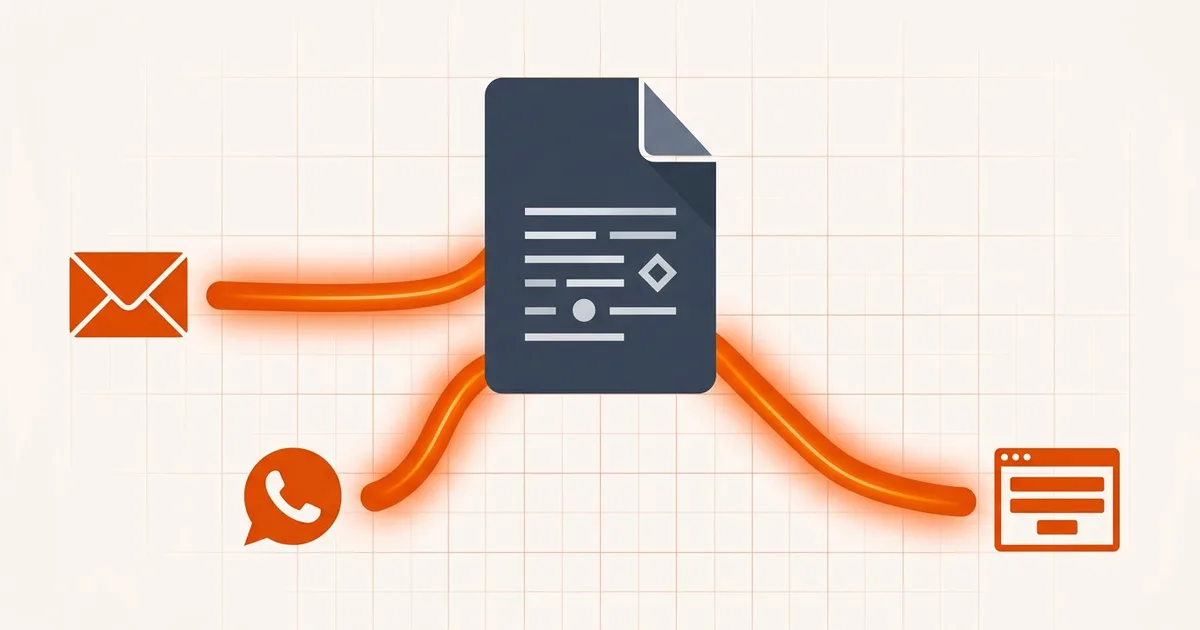
"Your file is too large" is three different problems wearing one error message. The fix depends entirely on where the file is going, and guessing wrong wastes a lot of time — you compress a PDF to 18 MB for a portal that caps at 2 MB, or you shrink a file for email when the real problem is that the messaging app recompressed it into mush.
Start by identifying the destination.
PDF attachment size limits by destination
Reference limits and suggested headroom are listed below; your recipient's current instructions take precedence. The UK row deliberately has no provider-wide number. Each row links to the detailed guide.
| Destination | Published limit | Realistic file size | Guide |
|---|---|---|---|
| Gmail (personal) | 25 MB per message | ~18 MB | Gmail |
| Outlook.com | 25 MB | ~18 MB | Outlook |
| Outlook desktop, POP/IMAP account | 20 MB client cap | ~18 MB, or the provider's limit if lower | Outlook |
| Microsoft 365 / Exchange Online | 35 MB send, 36 MB receive by default | ~25 MB | Outlook |
| Exchange Server on-premises | 10 MB by default | ~7 MB | Outlook |
| Yahoo Mail, AOL | 25 MB | ~18 MB | Yahoo, iCloud, Proton, Zoho |
| iCloud Mail | 20 MB (Mail Drop to 5 GB) | ~14 MB | Yahoo, iCloud, Proton, Zoho |
| Proton Mail | 25 MB out, 50 MB in | ~18 MB | Yahoo, iCloud, Proton, Zoho |
| 2 GB as a document | Not a size problem — send as Document | Messaging apps | |
| Telegram | 2 GB (4 GB Premium) | Send as a file, not a photo | Messaging apps |
| Slack / Teams / iMessage | 1 GB / 100 MB chat attachment / ~100 MB reported | Rarely binding | Messaging apps |
| US immigrant visa (NVC / CEAC) | ~2 MB per document | Under 2 MB with margin | NVC / CEAC |
| Canada (IRCC) | Under 4 MB on the secure account; other accounts vary | Under 4 MB | IRCC |
| UK visa application service | Check your application's upload screen | Below its confirmed ceiling, with margin | UK visa uploads and printing |
| Australia (ImmiAccount) | 5 MB per attachment | Under 5 MB | ImmiAccount |
Where a provider's documentation conflicts with itself — Outlook.com has been quoted at both 20 and 25 MB, NVC at both 2 and 4 MB — the linked guide states the conflict and gives the target that is safe under either reading.
Three destinations, three failure modes
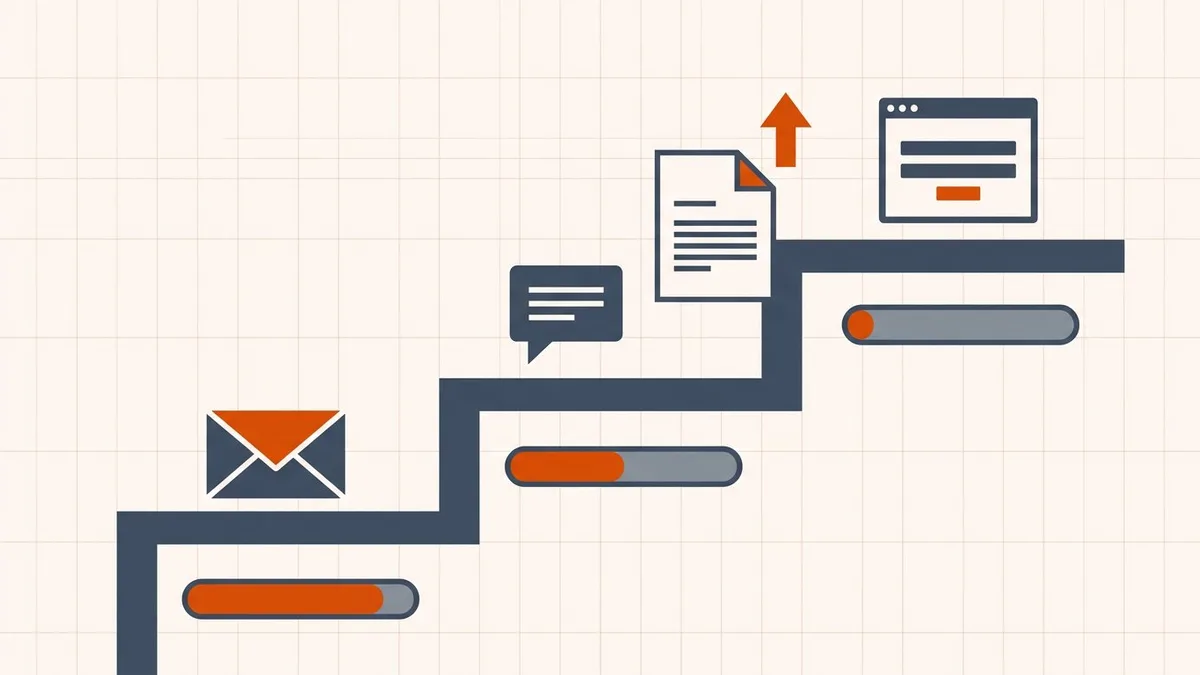
| Destination | What actually fails | The real constraint | Guide |
|---|---|---|---|
| The provider refuses to send | The encoded message size, not the file size | Gmail · Outlook · Yahoo, iCloud, Proton, Zoho | |
| Messaging | Nothing fails — quality silently degrades | Whether you sent it as a document or as media | WhatsApp, Telegram, Slack, iMessage |
| Upload portal | The upload is refused, or quietly never attaches | A hard per-file cap plus format rules | US · Canada · UK · Australia |
Email: the limit is bigger than you think, and smaller than you think
Email providers publish limits of 20–25 MB, but they measure the base64-encoded message, which inflates your file by roughly a third. A 25 MB cap is reached by a file of about 18 MB — and the limit covers the whole message, including body text, signature, and inline images.
The other half of email is the recipient. Delivery depends on the strictest server in the chain, so a file that leaves Gmail happily can bounce hours later at a corporate gateway capped at 10 MB.
Start here: Gmail's 25 MB attachment limit.
Messaging: the file will send, and that is the problem
WhatsApp allows documents up to 2 GB and Telegram up to 4 GB on Premium. Size is almost never your problem.
What destroys documents is recompression. Send a scan through the photo or gallery path and WhatsApp resizes it to roughly 1600 pixels and re-encodes it as JPEG. Send the identical file through the paperclip as a Document and the bytes arrive untouched.
If your PDF arrived looking soft, this is why. Full detail: messaging app limits.
Portals: check the recipient's upload rules
Government and institutional upload rules vary by system, account and document type. They may impose size, format, encryption and filename requirements that differ from email.
A completed progress bar is not proof of a saved attachment. Complete the required confirmation or submission steps and check the saved document list. A missing entry can have causes other than size.
Because these rules are country- and system-specific, use the dedicated guide:
- NVC and CEAC (United States) — roughly 2 MB per document
- IRCC (Canada) — under 4 MB on the secure account, one file per field
- UK visa upload service — confirm the current limit, categories and submission steps in your own account
- ImmiAccount (Australia) — 5 MB per file, 30–60 files
Read the error before you compress
Read the exact error before changing the file. Besides excess size, possible causes include:
- Format rejected — the extension or actual file format is not accepted by that upload field
- Encrypted or password-protected — if the recipient disallows protection, obtain an authorised, accepted copy
- Signature invalidated — you compressed a signed document
- Wrong field — the file is fine, it is in the wrong upload slot
- Filename characters — some portals reject anything beyond letters, numbers, dashes, and underscores
Compression addresses excess file size; it does not fix these other rejection causes.
There is no one file size that works everywhere
A file suitable for email may still exceed an online form's ceiling. Always check the destination, even for a small PDF. For signed or interactive documents, preserve the original and use the recipient's approved submission method rather than blindly rewriting it.
Getting a PDF under the confirmed destination limit
- Check the size. File properties, not a guess.
- Find out why it is large. Image-heavy scans often offer more room for reduction than digital text PDFs; attachments or other stored data may need a different fix. Why is my PDF so large? has a 30-second diagnosis.
- Reduce the source only when allowed. Follow the recipient's resolution and colour requirements; keep small text, stamps and identity details readable.
- Compress locally in the browser. Open the compress tool — or the email attachment version — and reduce a copy. Processing happens on your device, so contracts, statements, and identity documents are not uploaded anywhere. How to reduce PDF file size online for free covers choosing a level and what to inspect afterward.
- Open the result and check it. Small text, stamps, and signatures degrade first.
- Send it the right way — as a document in messaging apps, never as media.
If you are deciding between a browser-local tool, an upload-based service, and a desktop application, online, desktop and AI PDF compression compared sets out where the file goes in each case — which matters when the attachment is a bank statement or a passport.
Before you send
- You identified the destination and its actual limit
- File is below the actual destination cap, with appropriate headroom
- The actual file format is accepted by the destination
- Password or archive restrictions checked with the recipient
- Required signatures preserved; no signed original rewritten
- In messaging apps, sent as a document rather than media
- The downloaded copy was opened and checked
Frequently asked questions
What is the maximum PDF size I can attach to an email?
Gmail, Outlook.com, Yahoo and Proton publish 25 MB per message; iCloud and Zoho 20 MB; Microsoft 365 defaults to 35 MB and on-premises Exchange to 10 MB. All of these are measured after base64 encoding adds roughly a third, so a 25 MB limit fits a file of about 18 MB on disk — and the recipient's server may be stricter than yours.
Why does my PDF send from one service but not another?
Because each service enforces a different limit, and limits stack. Email measures the encoded message, messaging apps recompress rather than reject, and portals apply hard per-file caps with format rules.
Is 'file too large' always about file size?
No. On upload portals especially, rejections are frequently caused by format, encryption, filename, page dimensions, or a signature — not size. Read the actual error before compressing anything.
What size PDF is safe to send anywhere?
There is no universal safe size. Online forms can require much smaller files than email allows, and mail-server limits can vary too. Check the actual destination ceiling, accepted format and document requirements before changing or sending the file.
Should I just compress everything to be safe?
No. Compression changes the bytes, which invalidates digital signatures and can flatten fillable forms. For signed or interactive documents, send a link or the original instead.
Related comparisons
Source-led comparisons written by BytesPDF, with the conflict of interest disclosed on each page. They link official provider documentation rather than fabricated tests.