
Merge PDFs on iPhone: Files App Limits, Shortcuts, and the Form-Flatten Trap
The Files app will merge PDFs on iPhone — in filename order, sometimes into a flattened result. How to get the order right, when to use Shortcuts, and the form-field trap.
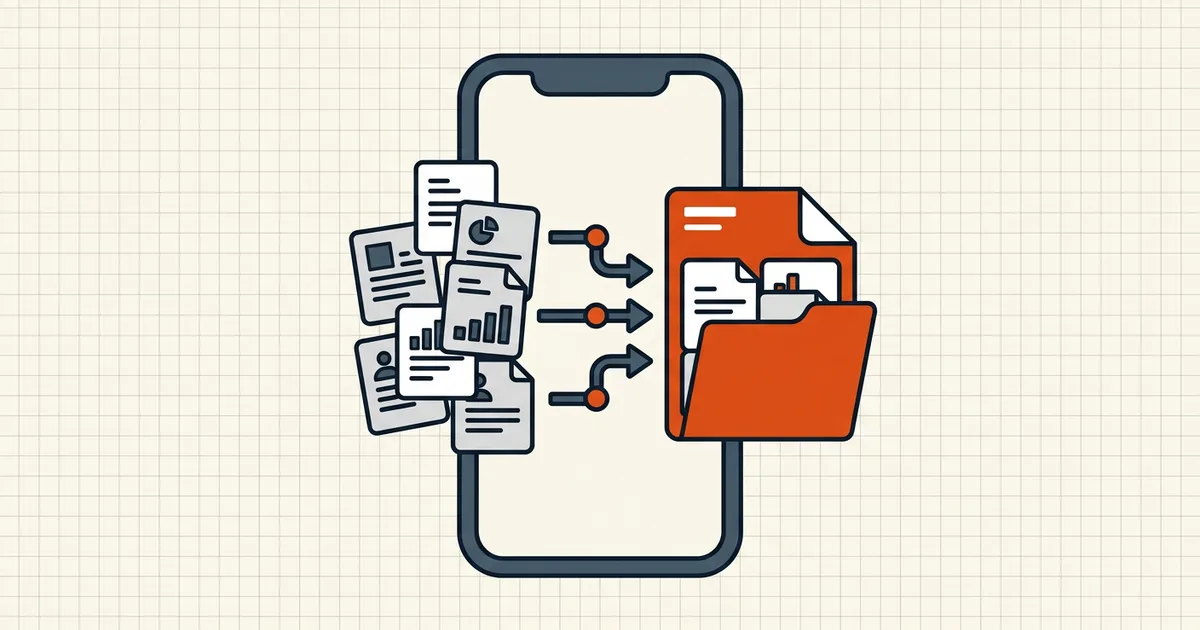
Apple's phone is brilliant at photos and surprisingly ambivalent about PDFs. Merging is possible — with rules nobody prints on the box.
Route 1 — Files app (the built-in path)
- Put every source PDF in one folder (On My iPhone or iCloud — same place).
- Rename for order:
01_application.pdf,02_transcript.pdf,03_letters.pdf. - Select all → look for the combine/merge action (label wording varies by iOS version).
- Open the result and verify: page order, orientation, form fields, bookmarks.
Order is filename law. If the folder is sorted by date, you'll get date order — rename, then select.
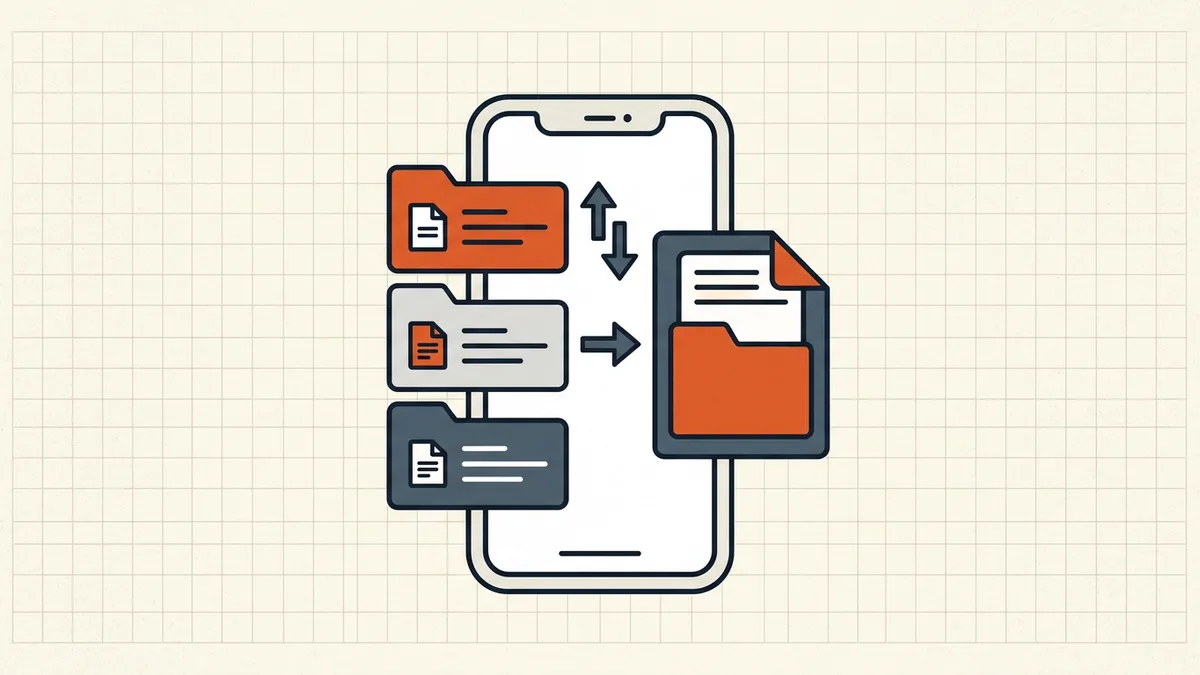
Route 2 — Shortcuts (when you merge often)
Shortcuts can wrap merge + naming + save destination into one tile. Great for weekly lab packs; overkill for one deadline. Stick to shortcuts from reputable galleries — automation that requests odd file permissions isn't a convenience, it's a risk surface (OCR/privacy mindset applies to sketchy helpers).
Route 3 — Dedicated merge tool (when fields matter)
If sources include fillable forms, test the Files result first. Flattened fields are a classic phone-merge complaint (Apple community threads describe "Create PDF"-style paths baking forms into images). When fields must stay live:
- merge on desktop or in a browser-based merge that documents form preservation;
- or flatten deliberately later if the packet is meant to be a frozen record (flatten guide) — chosen flattening beats accidental flattening.
Before you share the phone merge
Run the usual gate on-device (checklist):
- Order matches the application/checklist
- Sideways scans rotated (rotate on phone)
- Mixed page sizes still sane (why they happen)
- Form fields still accept input (if they should)
- Size fits the destination — one target compress after merge, not five before (sequence)
- Bookmarks policy conscious (bookmarks after merge)
- No stray comments/metadata (strip, scrub)
Privacy note for phone workflows
School and medical packets get merged from phones more than from workstations. Prefer browser-local architectures over "upload to merge" apps for that content (local vs server); if you password-protect on the go, use the documented phone protection path — and remember rewrite-based tools refuse signed inputs.
Honest BytesPDF scope
BytesPDF merge is whole-file merge in the browser, with published mobile limits (fewer files, smaller total than desktop). It doesn't do page-level extract/reorder surgery — use Files/Shortcuts/a full editor for that — and we don't claim iOS Files-app behavior (that's Apple's surface; test your version).
Frequently asked questions
Can I merge PDFs on iPhone without an app?
Yes — the Files app can combine multiple PDFs selected together; iOS also offers merge-style actions via Shortcuts. Availability and exact labels move between iOS versions, so if a menu item is missing, update iOS and re-check Files → Select → More. Third-party editors fill gaps when you need page-level control.
Why is my merged PDF in the wrong order in Files?
Files merges according to the order it lists files — which is effectively name-based sorting in the view you're in. Rename sources with numeric prefixes (01_, 02_, 03_) into one folder first, then select in that visible order. There's no drag-to-reorder step inside the merge itself.
Does Files merge preserve form fields and links?
Not always reliably — community reports include flattened/image-like outputs for some form PDFs and limited preservation of interactive features. Before you ship a merged packet with fillable fields, reopen the result and try typing into a field; if values won't accept input, the merge flattened them — go back to source files and use a merge path that preserves AcroForms (many desktop tools and dedicated browser merges do).
What's the difference between Files and Shortcuts for merging?
Files is one-tap for a handful of PDFs in one folder. Shortcuts shines when you merge repeatedly: it can automate naming, destination, and ordering once configured. For a single exam packet tonight, Files wins; for a weekly ritual, build or install a Merge PDFs shortcut.
Does BytesPDF merge work on iPhone?
BytesPDF's merge runs as a browser-based tool with documented mobile limits (smaller file/count ceilings than desktop). Open the merge tool in Safari on the same privacy model as desktop — processing in the tab rather than an app-store middleman. Always test fillable fields after merge when sources included forms.
Related comparisons
Source-led comparisons written by BytesPDF, with the conflict of interest disclosed on each page. They link official provider documentation rather than fabricated tests.