
Add a Header or Footer to a PDF (Including Batch Packets)
Headers and footers turn loose pages into a controlled document: titles, confidentiality marks, dates, numbering. How to place them without collisions — and what 'batch' really costs.

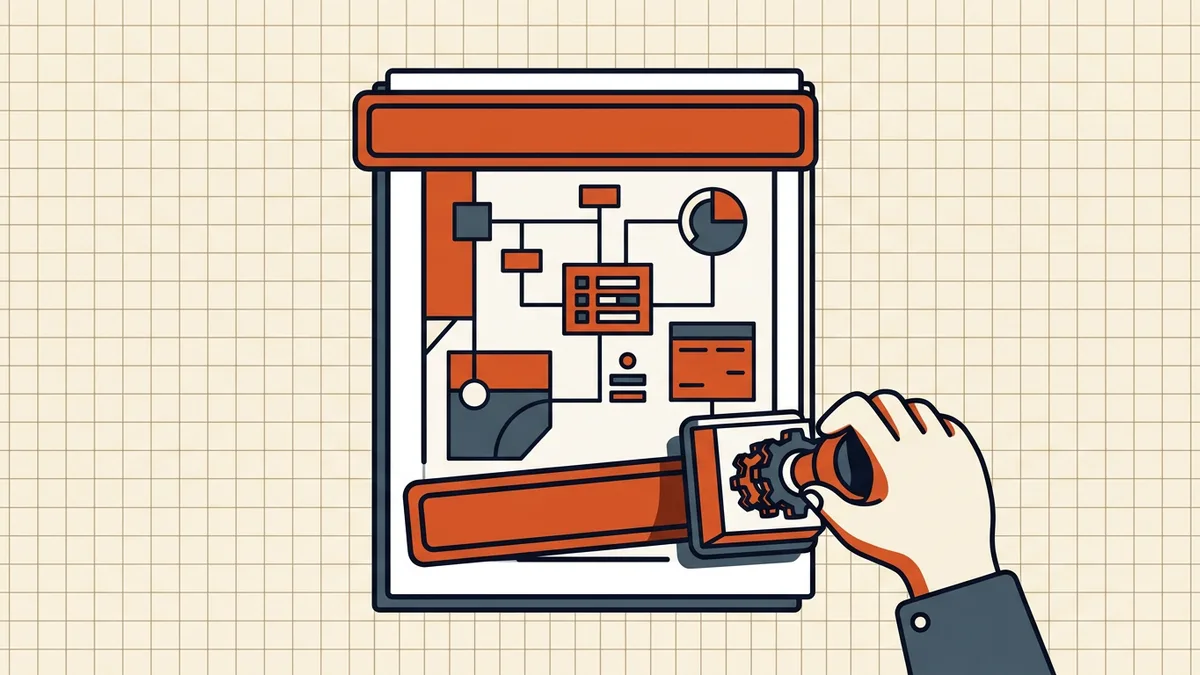
A footer that says CONFIDENTIAL — Draft 2026-09-23 does more work than another paragraph of cover email. Headers/footers are cheap governance — applied with rules.
What belongs where
| Location | Good occupants | Leave out |
|---|---|---|
| Top header | Short title, matter number, version | Paragraphs, full addresses |
| Bottom footer | Page X of Y, date, status stamp | Anything you'll need to change per page |
| Outer edges | Bates/control numbers (legal) | Decorative rules that clip on printers |
Status words (DRAFT, FINAL, CONFIDENTIAL) are policy, not decoration — decide retention and removal timing before stamping a hundred pages.
Placement rules that prevent rework
- Merge and delete first — footer pagination against a moving page set is wasted labor (sequence).
- Preview first, middle, and last pages plus a full-bleed image page — collisions hide in art.
- Respect printer non-printable margins; 0.5" safe zones prevent edge amputation.
- On forms, keep footers out of field bands — stamp over a signature line and fillable fields become unusable.
- Consistent fonts; mismatched footer typefaces scream template error.
Batch reality check
Batch modes apply one template across a folder — powerful and blunt. Operating rules from the vendor docs themselves:
- template applies uniformly; exceptions (odd cover sizes) will be wrong everywhere;
- many tools warn that batch overwrites outputs — stage copies;
- Bates/numbering fields need width planning so 000123 doesn't clip at 999999;
- run on file #1 of each sheet size before the whole set.
Student/one-off scale: one-file tools or editor footers are enough. Firm scale: batch templates earn their keep.
Annotations vs content
Editor "stamp" features may create annotation objects (print depends on markup settings); header/footer tools usually write content (always print). For anything a court, auditor, or client must see on paper, prefer content-level marks — then still check before send.
Cleanup direction
Marks are visible content; they are not the same as hidden metadata or hidden layers. Removing a confidentiality footer does nothing for Author fields — scrub both when the document goes public, strip neither when the record must stay complete.
Honest BytesPDF scope
No header/footer tool at BytesPDF. Use editors (Acrobat/Bluebeam-class or free stamp sites with eyes-open upload policies) for marking; BytesPDF for the surrounding pipeline — compress after stamps, check for collisions, scrub metadata, protect, sign last.
Frequently asked questions
How do I add a header or footer to a PDF?
In a PDF editor: open Header/Footer (or Page Marks) tools, set text (title, date, 'Confidential', page number fields), choose positions (top/bottom × left/center/right), preview against real pages, apply. Free online stamp tools exist too — check retention policies before uploading sensitive packets.
What should go in a PDF header or footer?
Short, stable control data: document title, version/date, page numbers, confidentiality or draft status, matter/file numbers. Keep one idea per edge; long sentences fight margins. Don't duplicate what's already in metadata if your goal is hidden fields — visible marks and metadata are different layers.
Can I add headers and footers to multiple PDFs at once?
Heavy editors (Acrobat, Bluebeam, PDF-Architect) offer batch header/footer runs with templates — ideal for discovery sets and drawing packages. Free tools are usually one-file-at-a-time. Batch also means batch mistakes: preview the first file of every template before letting it walk a folder.
Will headers and footers print and survive compression?
If applied as page content, yes — they print and usually survive ordinary compression (they're vector text, cheap bytes). If someone applied them as annotations, print behavior depends on viewer markup settings ([print markups](/blog/remove-comments-from-pdf)). Prefer content-level stamps for anything contractual.
Does BytesPDF add headers or footers?
No — BytesPDF does not ship header/footer stamping tools (documented boundary). We do rotate, merge, page deletion via remove-pages guidance, compress, check, metadata, protect, redact, OCR, compare, cleanup, sign, and Word/Excel→PDF. Stamping is a dedicated-editor step in the pipeline.
Related comparisons
Source-led comparisons written by BytesPDF, with the conflict of interest disclosed on each page. They link official provider documentation rather than fabricated tests.