
Compress a PDF for a Job Application Portal (SSC, UPSC, Bank, and Campus)
The notification says 200KB; your scan is 2MB. Job-portal uploads are a target-size problem — with legibility rules that break careless compressors.
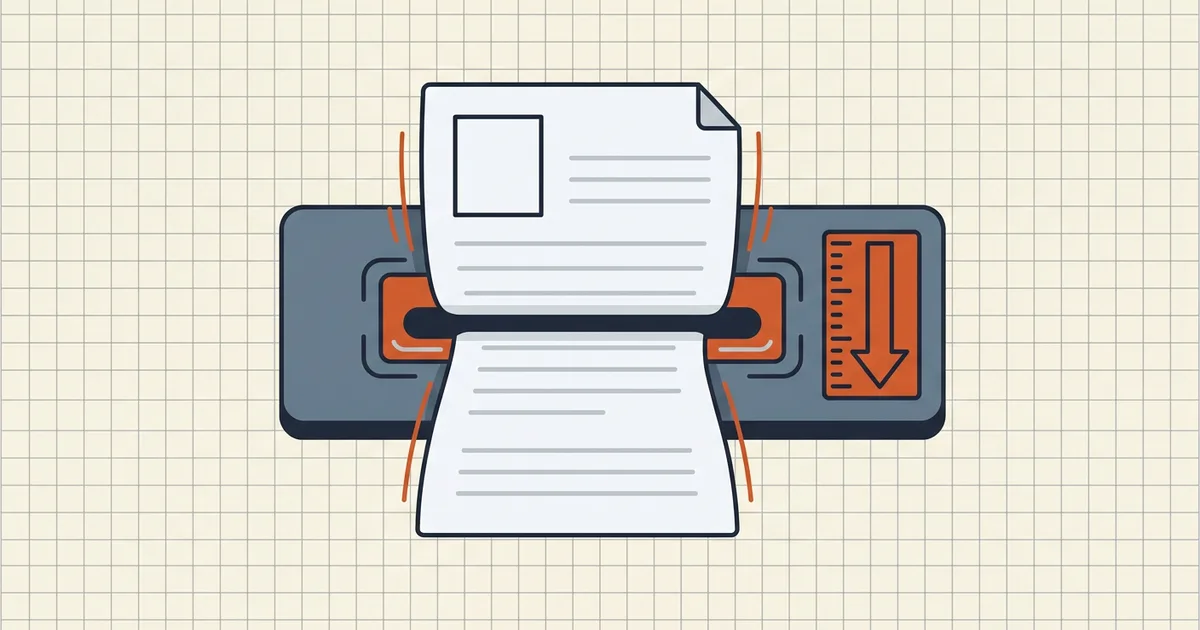
Recruitment portals fail applicants in a boring, brutal way: File size must not exceed 200 KB (or 500KB, or 2MB — the number changes with every notification) and an auto-reject loop that doesn't care that your certificate scan came from a municipal office scanner set to "archive quality."
Step 0 — Read the official specification table
Before touching any tool:
- Open the current notification PDF / info brochure.
- Find the document-upload section (often "Specifications for upload of photograph and signature" or similar).
- Record per field: accepted type (JPEG/PDF), dimensions, DPI if stated, and max KB/MB.
- Screenshot it. Notifications get corrected mid-cycle; your screenshot is your receipt.
Those numbers move between exams and even between cycles of the same exam — which is exactly why we don't print a "universal" limit table on this page.
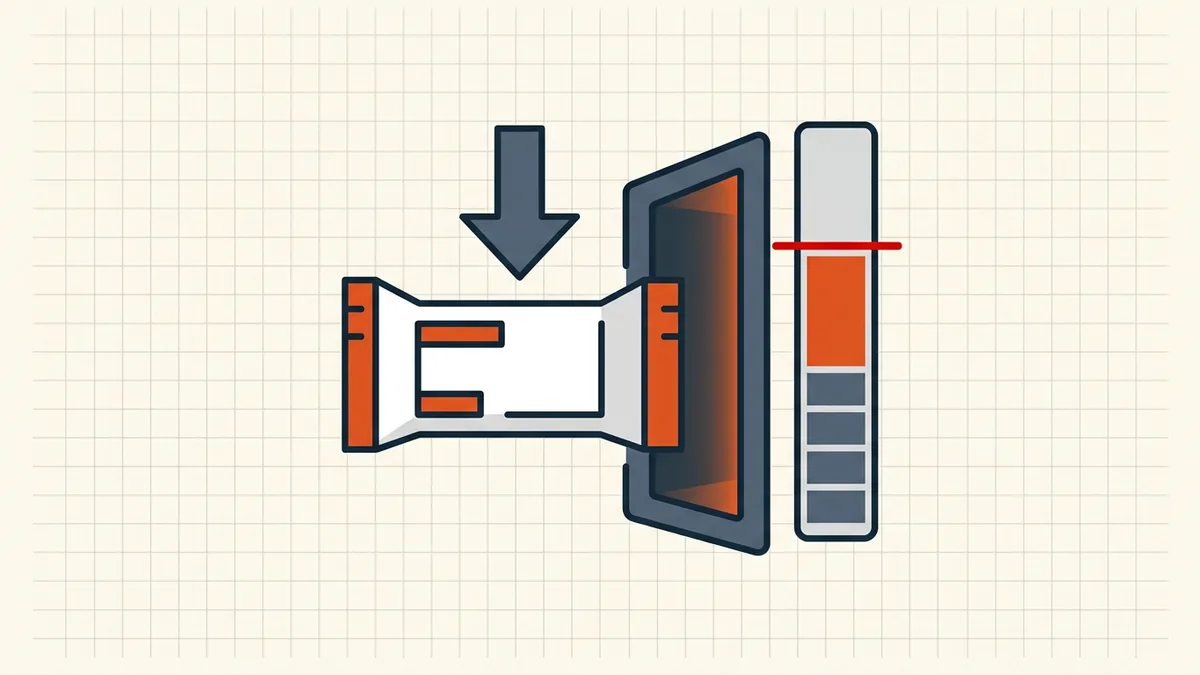
Build each file to its slot
Typical layout (always defer to your form):
| Slot | Common shape | Compression angle |
|---|---|---|
| Photograph | JPEG, px dimensions, low KB cap | Rescan/export at required pixels first; compress image file, not a PDF wrapper |
| Signature | JPEG, small canvas | Transparent/clean background if required; keep stroke crisp |
| Documents (mark sheet, ID, caste/-income…) | PDF per document or one combined pack | Target-size PDF pass; merge only if the form says so |
Printed rules beat cleverness: if the form wants Photograph.jpg and you send photo_final_v3_printscan.pdf, a strict validator may never look at your bytes.
Compress to the notification's number
- Export born-digital sources directly from Office (already smaller than phone photos of paper).
- For scans, pick sane capture settings first (passport/ID capture patterns; fix blur before size games — blurry-scan guide).
- One target-size compression slightly under the cap (exact target; byte-class tactics in 100KB-family guide).
- Zoom QA at 200%: faces, seals, roll numbers, dates. Illegible-but-legal is still a reject at human review stages.
- Name exactly as the portal asks (naming).
- Run the pre-submit checklist — orientation, right file in right slot, no leftover comments.
Combined certificate packs
Some forms want one PDF of all enclosures. Sequence matters (merge-then-compress): order like the checklist on the form → merge once → single target pass → verify page-by-page. Scholarship packs use the same discipline (pack guide).
Privacy posture
These files carry the worst possible mix: photo, signature, birth date, ID numbers. Prefer browser-local processing so the compressor never sees the bytes; submit only through the official career portal — never WhatsApp "helpers" or third-party "form-fill" services that ask for your PDF first.
Frequently asked questions
What size should my PDF be for a job application?
Whatever number sits next to that field in the official recruitment notification or upload form — caps differ by exam, post, and document type (photo vs signature vs certificate). Screenshot the specification table before you compress; never assume yesterday's SSC number applies to today's cycle.
How do I compress a 2MB document to 200KB without blurring it?
Use a target-size pass aimed slightly under the cap, then zoom the photo/signature/certificate to 200% and check that face details, roll numbers, and stamps stay sharp. If the image mushes, rescan that one page at cleaner settings (good light, higher DPI, grayscale if allowed) instead of pushing compression harder on the whole pack.
Should photo and signature be JPEG or PDF?
Follow the notification's accepted types and dimensions exactly — many portals want JPEG photos/signatures under a KB cap and PDF for multi-page documents like mark sheets. Uploading the wrong container type is a common auto-reject even when the bytes are under limit.
Can I merge certificates into one PDF for upload?
Only if the form has a single combined field for those certificates. If each document has its own slot, upload separately with the requested names. When combining is required, merge first, compress once to the combined cap, and verify every page before submit.
Does BytesPDF work for government job portals?
BytesPDF runs compression and checks locally in the browser — useful for hitting KB targets without uploading files to a third-party compressor. It does not fill forms, know each portal's current limits, or guarantee acceptance. The notification and the upload screen remain the source of truth.
Related comparisons
Source-led comparisons written by BytesPDF, with the conflict of interest disclosed on each page. They link official provider documentation rather than fabricated tests.