
Merging PDFs with Different Page Sizes (How to Avoid the Weird Result)
A merged PDF isn't wrong when pages differ in size — it's just honest about where each page came from. When that honesty looks unprofessional, here's how to normalize.
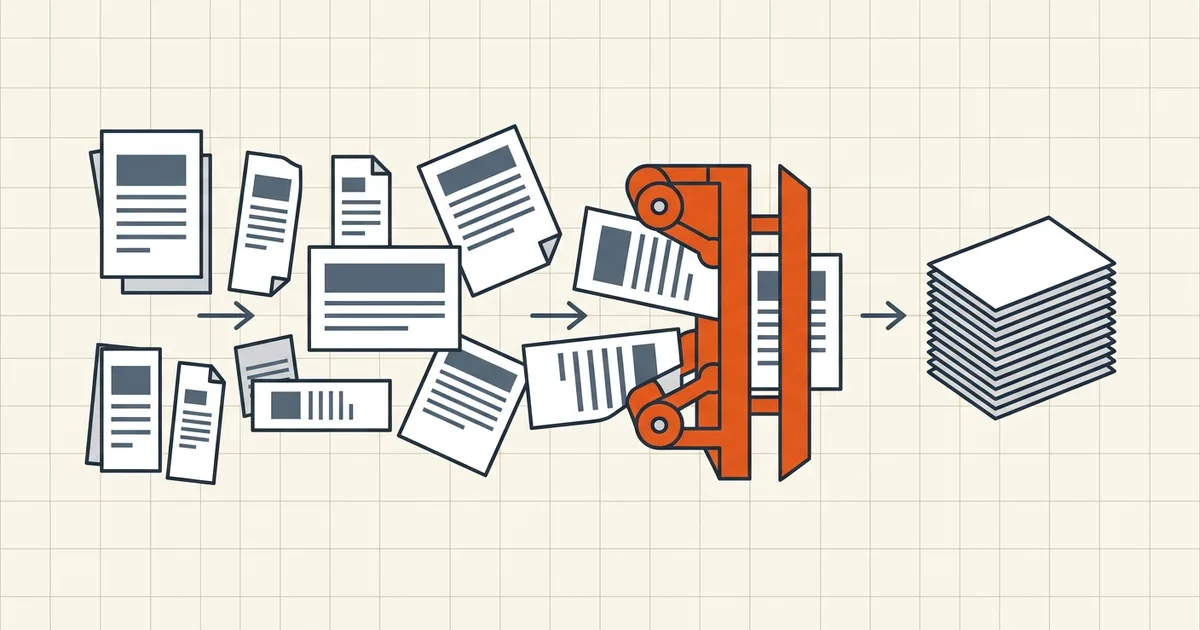
Contract-A4.pdf meets Invoice-US-Letter.pdf meets Scan-landscape.pdf, and out comes a merged file where every few pages change shape. Nothing is corrupt — but if the document is going anywhere that judges presentation, mixed page sizes are the first thing that looks amateur.
Why it happens (there is no bug)
Merging is concatenation: page 1–8 of file A, then page 1–3 of file B, each keeping its original dimensions. No tool silently resizes, because "helpfully" stretching a signed contract onto different paper changes margins, breaks print setup, and can clip content — tools leave the decision to you.
Decide: does this destination care?
- Screen sharing, quick email, internal reference — mixed sizes are fine. Every modern viewer scales pages independently; recipients won't notice unless they print.
- Print, professional deliverables, client-facing PDFs — normalize. Uneven page boxes fight duplex printing and look as pieced-together as they are.
- Strict submission portals — check the requirement; most accept mixed sizes (they care about file size and type), but when uniformity is specified, follow it.
Fix before merging (the clean path)
- Rotate first. Orientation mismatches are the loudest symptom — fix per-page rotation on each source (phone or permanent rotation).
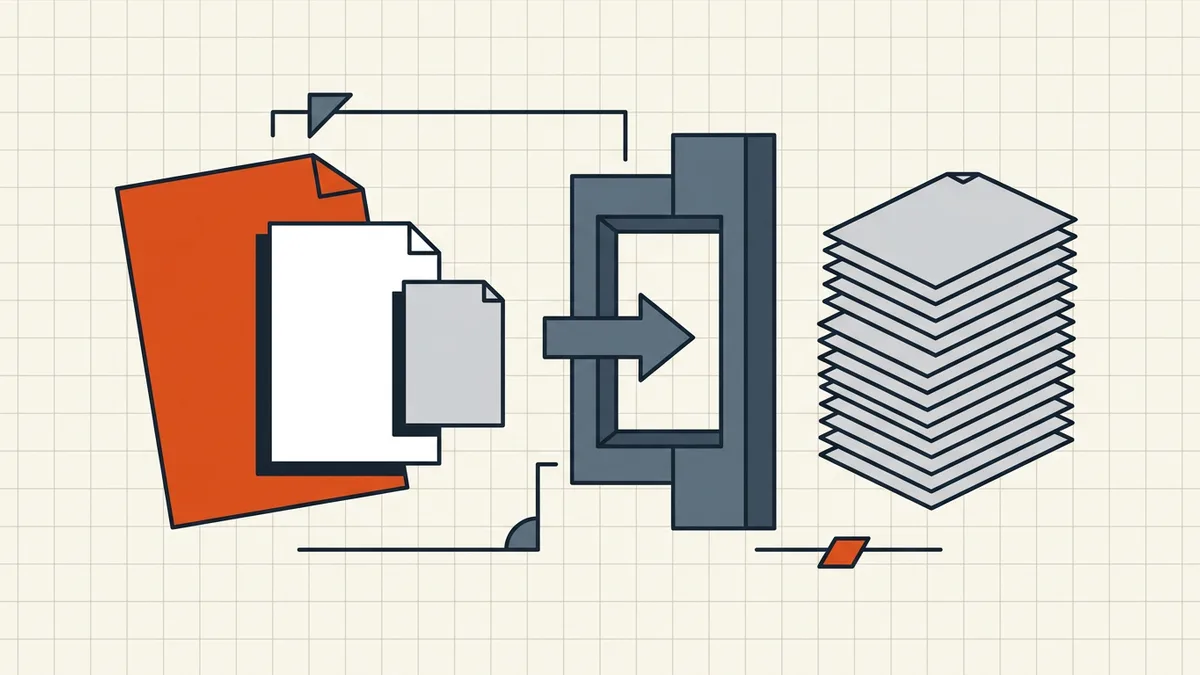
- Resize to one target. In a PDF editor: organize pages → select all → set page boxes → standard size (A4 or Letter, pick your market). Scaling preserves content proportionally; check margins after.
- Merge once, into the final document.
- Name it properly — one merged file, dated and versioned (naming conventions).
Fix after merging (when it already happened)
Same operation on the combined file: select all pages → set/change page size → let content-scale handle the rest → spot-check the previously-mismatched pages for clipping. It's more clicks than fixing upstream, and the reason to prefer the clean path.
What content scaling actually does (and doesn't)
"Scale to fit" re-fits each page's content box to the new dimensions. Proportional scaling keeps aspect ratios intact, so a Letter page moved to A4 shrinks slightly with balanced margins; an A4 moved to Letter grows a touch. Two traps remain:
- Non-uniform moves (portrait Letter → landscape A4): content rotates or overflows unless you also fix orientation. Normalize rotation in the same pass.
- Already-tight layouts: a form with fields near the trim edge can push past the new margin. Zoom the previously-mismatched pages after scaling — especially tables and signature blocks.
Scanned pages behave the same way: the raster scales with the box, so a 300 dpi scan stays legible after a modest resize, but upscaling a low-res scan adds blur, not detail.
A quick pre-merge checklist
- Sources rotated correctly (orientation fixed first).
- One target size chosen (A4 or Letter — match the destination market).
- Every source resized to that target before merge.
- Merge once, then open the outline and page-size inspector: no page should still report foreign dimensions.
- Compress only after size normalization — resizing can change effective image sampling, and one final compression pass sees the final geometry (order matters).
Getting sizes uniform before the merge means the compress step, the print step, and the portal-upload step all see one predictable document — which is the whole point of the normalization pass.
Frequently asked questions
Why does my merged PDF have pages of different sizes?
Because merging concatenates pages — each keeps the dimensions it had in its source file. Letter contracts plus A4 scans plus landscape spreads produce a mixed-size document by design. Tools don't resize pages unless you ask them to.
Is a mixed-size PDF actually a problem?
For reading on screen, rarely — viewers scale per page. It shows in print (uneven margins, surprise duplexing), in professional presentation (looks cobbled), and in some strict submission systems that expect uniform dimensions. Decide by destination, not by reflex.
Should I normalize page sizes before or after merging?
Before is cleaner when you control the sources: resize/rotate each input to the target dimensions, then merge once. After works too (select all pages → set page boxes in a PDF editor), but you're now editing a 200-page child — do it only if the merge already happened.
Does BytesPDF Merge PDF resize pages?
No — Merge copies visible pages as they are, including their original dimensions and orientation (same honest scope as its bookmark behavior). Fix sizes upstream with rotate/resize passes, or accept mixed sizes for screen-only sharing.
What about orientation — landscape pages in a portrait document?
Same principle: mixed orientation is legal and viewable, ugly in print. Rotate offenders before merging ([rotation guide](/blog/how-to-permanently-rotate-a-pdf)) — rotating is cheap; un-merging later is not.