
Tender Bid PDF Preparation: Annex Limits, Freeze Buttons, and Upload Traps
Two hours before bid close, the upload bar stalls. Tender PDF prep is a deadline-safe workflow: right structure, right DPI, right filename — and freeze while there's still time.

Bid evaluation doesn't care how good your technical proposal is if the attachment module never accepted Annexure IV. Tender portals fail in predictable ways — structure, size, naming, and the freeze button — and all four are fixable before deadline panic sets in.
Structure: split the way the template asks
Procurement templates usually map named fields to individual PDFs: commercial bid here, technical bid there, BOQ here, certificates there. Two failure modes:
- One mega-bundle pasted into the wrong field → size reject or evaluation confusion.
- Zip-the-world to dodge limits → unrecognized archive (official help in multiple eprocure systems warns documents are expected as individual files).
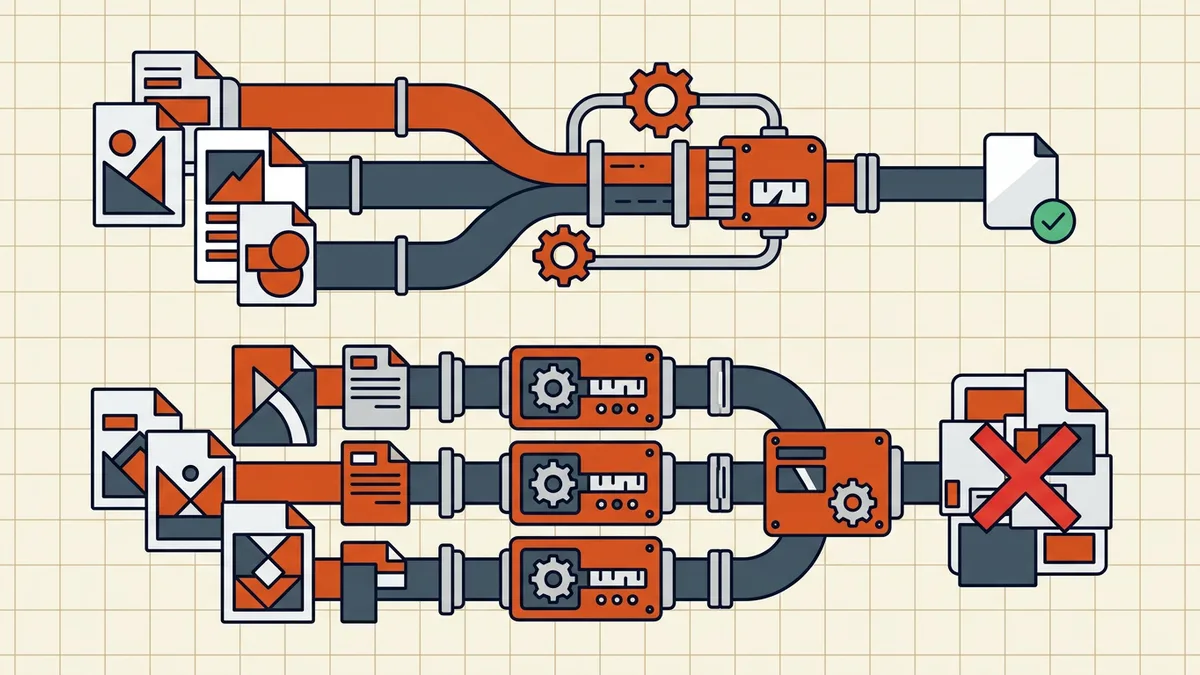
Build to the template: one PDF per requested annex, each under that field's displayed cap. Combine only when the ITT literally says "single compiled bid PDF."
Size: document-level caps, not vibes
Caps are set per document type and shown on the upload screen — they change between tenders and revisions. Workflow:
- Screenshot the cap text for each field you'll use.
- Export born-digital sources directly from Office (often halves size vs scanning a printout).
- Compress each annex to under its number with margin (target-size).
- Verify legibility: currency tables, seals, signatures (legibility checks).
Scanning paper annexes: choose DPI for content, not habit — crisp text at moderate DPI beats a huge soft scan; some official guidance for bandwidth-heavy portals suggests quite low DPI for simple scans (75–100 range in published eprocure help) — follow your portal's advice if given, and never below readable.
Naming: required patterns beat clever ones
If the ITT specifies Document Title or metadata naming (some systems do — see state DOT/eBIDS-style guides), that string is the filename contract. Free-form names should still follow date-first conventions with stable type tags so your own team can re-find files at 11:58 PM.
Pages you didn't mean to bid
Internal routing slips, blank scans, superseded drafts — drop pages before packing. Then strip comments (margin notes from legal are not for the procuring entity) and glance metadata (author fields).
The freeze button is the real deadline
Published close time ≠ your deadline. Major eprocure systems require an explicit freeze/submit action; unfrozen bids are incomplete/invalid no matter what's uploaded. Operational rules:
- Internal freeze target: well before close (hours, not minutes).
- Upload → download/preview what the portal shows if it offers a view — confirm the right file landed in the right field.
- Connection resilience: prefer stable networks; retry logic exists but absorbs time you won't have at T-5 minutes.
- Keep the exact local files you submitted (date-versioned) for debriefs and audits.
When upload still fails late
Fall back to the invalid upload diagnosis: wrong type, malformed export, hidden security, over-cap by a few KB. One calm re-export beats five frantic retries. If the portal has a helpdesk channel published in the ITT, use it early — not at freeze time.
Frequently asked questions
Why is my tender bid PDF too large to upload?
Usually one of: a combined annex bundle that ballooned past the document-level cap, color scans at print DPI, or a zip the portal never wanted. Official e-procurement help in some regions suggests scanning supporting docs at modest DPI for bandwidth; others publish per-document caps on the upload screen itself. Read the screen you're uploading to — caps are document-level and revised often.
Should I zip tender documents instead of compressing PDFs?
Generally no, if the portal expects individual PDFs mapped to named fields — zipped bundles can go unrecognized even when total size passes. Split into the separate annexes the template requests, compress each to its field's cap, and upload individually. Zip only when the tender document explicitly asks for an archive.
How should tender annex files be named?
Exactly as the ITT/tender template specifies — many procurement systems require a prescribed Document Title or metadata name. When free, use the same date-first, type-tagged discipline as our general conventions: readable, stable, no spaces if the portal is fragile. Deviating from a required name can orphan your annex in evaluation.
What scan resolution should bid documents use?
Depends on content: text certificates scan fine at 150–300 DPI; some official eprocure help suggests 75–100 DPI for bandwidth-sensitive uploads of simple scans — that's their suggestion for *their* system, not a universal. Never go so low that seals, signatures, or tabular figures fail a reviewer's zoom. When unsure, scan at 300 and compress with verification.
What does 'freeze bid' mean and why does it matter?
Major e-procurement systems require an explicit freeze/submit confirmation step after uploads — unfrozen bids are treated as incomplete or invalid regardless of how good your files were. Treat freeze as a hard deadline earlier than the published close: portals and connections fail at the last minute.
Related comparisons
Source-led comparisons written by BytesPDF, with the conflict of interest disclosed on each page. They link official provider documentation rather than fabricated tests.