
Compress PDF for Grant Application Uploads (Funder Limits)
Funder portals rarely publish a friendly compressor — they publish a megabyte cap and a deadline. Build the pack to fit without crushing the figures reviewers must read.

Grant writing is hard enough without a portal rejecting budget_v3_FINAL.pdf at 11:58 PM. Funder packs fail for size, structure, and signature order — in that order.
Build to the call sheet
| Call says | Do this |
|---|---|
| One merged PDF | Merge-then-compress order |
| Separate annexes with caps | Target size per file (exact size) |
| Max pages not MB | PDF page tooling + lighter images still apply |
| Signed forms required | Sign after size passes (sign last) |
Never hardcode another funder's megabyte number into your process — copy the current call's instruction into the cover checklist.
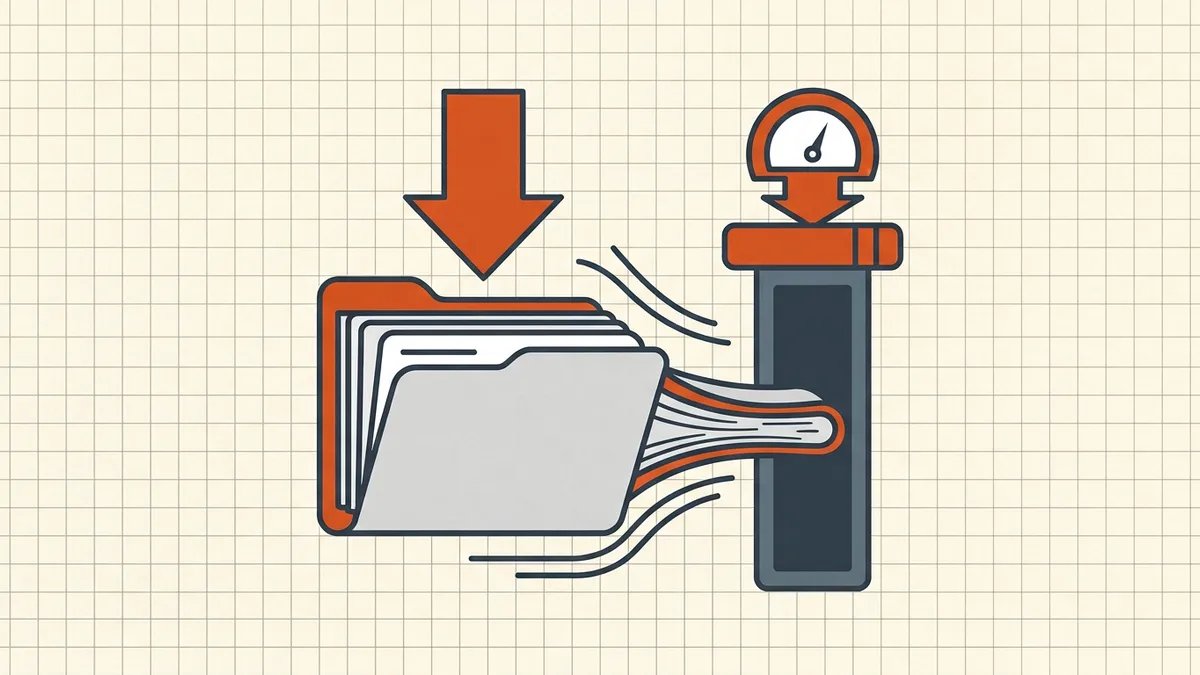
Figure-friendly compression pass
- Export charts/tables from source (vector when possible).
- Merge annexes in review order; keep bookmarks if the reader cares
- Compress to cap − margin (10–15% headroom for portal overhead myths and
re-uploads).
- Zoom-check: line items, footnotes, wet-ink signature scans, QR codes.
- Names: funder + scheme + annex id — not
finalv2
(naming).
- Dry-run upload on the actual portal network before D-day.
Cousin packs: scholarship, tender/bid, job applications.
Honest BytesPDF scope
No grant-branded mode (scope). Tools used honestly for this workflow: compress-to-target-size, merge, Word/Excel→PDF, metadata scrub, check before sending. Funder rules win over any blog number — including this one.
Annex packing checklist
- Call document open: cap, formats, naming rule, page limits
- Merge only required annexes (order reviewers expect)
- Target size = cap − 10–15%
- Figures/charts zoom-checked; signatures crisp
- Metadata scrub if policy is picky about authors
(metadata)
- Names follow funder rule exactly
- Dry-run upload ≥ 24h before deadline
- Sealed signatures applied after final size pass
Failure modes
| Rejection | Fix |
|---|---|
| Over MB cap | Target-size recompress; drop non-scored bulk |
| Wrong format | Re-export PDF/A only if call demands; else standard PDF |
| Password prompt | Strip intentional lock only if call forbids encryption |
| Broken seal | Resign final bytes — never compress sealed file |
Cousin checklists: scholarship pack, tender bid.
Word counts and annex weight
Word/PPT annexes are cheap to export to PDF but expensive if you embed fonts plus 300 dpi scans. Prefer Word→PDF for text annexes; re-export figures from source when possible. Photo evidence packs are the usual cap killers — downsample photos in the source deck before export, then one final PDF pass.
Named attachments and version tokens
Funders often demand Surname_ApplicantID_AnnexC.pdf. Stick to ASCII, no spaces (naming, portal rejects). Keep v1/v2 out of the final name unless the call asks for version tags.
If the call adds a cap late
Re-run target-size on the unsigned master, re-sign, dry-run upload again. The exact-size tool takes the number from the updated call sheet — do not guess from memory.
Frequently asked questions
What size limit do grant applications use?
It varies by funder and call — some publish a single-PDF cap for annexes (public UKRI-adjacent guidance has cited figures such as 8 MB for certain collaboration attachments; always read *your* call's instructions). Treat the call document as law; do not reuse another funder's number.
What should I compress first in a grant PDF?
Order: merge only what the call asks for → drop non-required bulk (extra photos, empty template pages) → compress with a target size under the cap (leave 10–15% margin) → verify figures, logos, and scanned signatures still read at 100% zoom → test upload from a stable network before deadline day.
Will compressing break my digital signature?
Yes if it is a cryptographic signature — compress first, then sign, or leave pre-signed templates alone and compress only unsigned annexes. Visible stamp-style marks survive as images; keep quality settings kind to fine strokes.
Do tables and charts survive compression?
Usually, if you avoid aggressive image downsampling on figure-heavy pages. Check axes labels and small multiples after the pass. Vector charts shrink less than embedded screenshots — prefer vector exports from the source tool when you control them.
Does BytesPDF have a grant-specific tool?
No funder-branded mode ships (documented scope). Compress-to-target-size takes the number from your call sheet; Word/Excel→PDF covers editable annexes; merge combines if instructed. Always cite your call's rules, not this blog, for limits.
Related comparisons
Source-led comparisons written by BytesPDF, with the conflict of interest disclosed on each page. They link official provider documentation rather than fabricated tests.