



No server upload round-trip
Your selected PDF content is not sent to BytesPDF servers for processing.
Unlike other tools, we never receive your files. Everything happens inside this browser tab — no upload, no account, no signup, no watermark, no waiting. Drop a file, process it, download it.
Or choose files from your device. They stay in this tab and are processed in your browser—not uploaded to BytesPDF servers.
PDFs only · up to 10 PDFs / 150 MB per session · No account · No signup · No watermark
The only limits are the ones a browser sets: 150 MB per session on desktop, 50 MB on mobile, and the file count shown on each tool. No account changes them.
18 tools
Compress, organize, convert, secure, or check a PDF. Search by name or filter by category.
18 tools, one click from the navbar
Shrink image-heavy PDFs locally.
Shrink filesCombine files into one, in your order.
Combine filesAdd text and marks; organize pages.
Edit pagesBytesPDF Pro target-size compression; check results.
Hit a sizeVisual page copy or editable Word text · experimental beta.
Convert to WordTurn .docx into a clean, searchable PDF.
Create PDFPrint every sheet as a tidy grid.
Create PDFBytesPDF Pro · real PKCS#7 signatures on-device.
Sign nowAES-256 encryption with reader permissions.
Add passwordRotate one PDF free; Pro handles batches.
Rotate pagesFind text or draw boxes on scans. Review the output.
Redact textBytesPDF Pro OCR makes scans searchable locally.
Make searchableBytesPDF Pro batch rename with live preview.
Rename filesSee and scrub hidden author data.
Scrub metadataPortal limits, metadata and redaction checks.
Run checksNewLine-level diff between two drafts.
Compare filesRebuild pages-only: scripts and history gone.
Clean fileShare activity, not documents.
Open workspaceSimple & direct
Choose a core tool, adjust its options, and save the result in your browser.
Select a PDF task in the drop area, then add files from your device.
Choose a compression preset or arrange the merge order, then review the available options.
Download it the moment it's ready. No account, no email, no watermark — the PDF never left your browser.
$0
Current core-tool price
150 MB
Desktop input limit
50 MB
Mobile/session limit
0
Signups before your first download
The current number of reviews comes directly from Trustpilot. Visit our profile to read the reviews or write one; BytesPDF does not reproduce or edit review content here.
Loading Trustpilot review count…
If the review count does not appear, view the current count on Trustpilot. The count loads directly from Trustpilot, connecting your browser to Trustpilot. Privacy terms.
Portals publish a hard ceiling and reject anything above it. Pick the one blocking you and the compressor opens already pointed at that target — no guessing at quality settings.
12 use-case pages in total — or start with the plain compressor.
Real workflows, less friction
Preview how compression, merging, signing, and conversion work. These are illustrative interface examples; actual processing results depend on your file.
Illustrative interface only—no file was processed. Compression results vary by PDF.
Open the compressorBuilt for everyday PDF work
Start with a focused tool, keep the original, and check the result against the destination’s requirements.
Prepare assignment and application PDFs, then check the destination’s file rules before submitting.
School submission tipsOrganize resumes, proposals, and client paperwork with focused browser-based PDF tools.
Resume file guidancePrepare invoices, catalogs, and records while keeping selected PDF content out of BytesPDF servers.
Business document tipsWork with filing packets and statements locally; always verify portal rules and inspect the final copy.
PDF tools for law firmsAssemble client statements and schedules into one pack on your own device, then check it before sending.
Client pack workflowUse a small utility to decode PDF bytes that already form a complete document.
Open the byte utilitySelected PDF content is processed locally and is not uploaded to BytesPDF servers. Your device, browser, extensions, downloaded output, and the destination where you send a file remain part of the security boundary.
For the core PDF workflows, the selected document is read in this tab, processed locally, and returned as a separate download. Working data is kept in tab memory rather than a BytesPDF document queue or persistent browser storage.
Your PDF
selected locally
This browser tab
processes the file
Download
you keep the copy
Your selected PDF content is not sent to BytesPDF servers for processing.
Desktop and mobile limits are published up front; actual capacity also depends on browser memory and file complexity.
No BytesPDF watermark; current file and device limits apply. BytesPDF Pro is $9.99/month for specialist workflows. Check pricing for current checkout status.
iLovePDF, Smallpdf and PDF24 all process your document on their servers — that is the deal, and their security pages say so. Here is the same deal set out as rows, so you can check it instead of taking a badge for it.
Where your file goes
Others:Uploaded to the provider's servers, processed there, then deleted on their schedule.
BytesPDF:Read and rewritten inside your browser tab. Never uploaded to BytesPDF servers.
Account needed
Others:Usually required for repeat or larger jobs, with free-tier usage quotas.
BytesPDF:None. No account, no signup, no email — not even to download.
What limits you
Others:The provider's quota: tasks per hour, pages per document, or a paywall.
BytesPDF:Your own device memory, published up front: 150MB desktop, 50MB mobile.
After the page loads
Others:Still needs the round trip: your file up, their output back down.
BytesPDF:Processing stays local, so the file itself never needs the connection.
What it costs
Others:Free tier plus a subscription prompt for the tools people actually need.
BytesPDF:Free, full stop. No account, no signup, no watermark, no daily task cap.
Our limits are published, not discovered at the paywall.
Free processing and downloads stay available within published limits, with no account, signup or email. Pro checkout and access are subject to verified subscription status.
Free core
Current core tools
Specialist workflows
Individual plan
Checkout is not offered when subscription eligibility cannot be verified.
Pro does not promise higher file or page limits. OCR has a 25 MB / 20-page run limit; actual capacity depends on your browser and device.
Answers & comparisons
29 direct answers about compression, quality and privacy, plus honest comparisons with the tools you are probably weighing up.
FAQ
Understand the processing model, practical limits, and the checks that still matter.
Still unsure about something?
For questions about a specific tool, check its details or ask us directly.
The core tools are free. Desktop PDF inputs are limited to 150MB; mobile compression and merge sessions use a 50MB limit. Desktop merge supports up to 20 files and mobile merge up to 10, subject to available browser memory.
Selected PDF content is read and rewritten inside this browser tab and is not uploaded to BytesPDF servers. Your device and browser remain part of the security boundary.
PDF content is processed locally and is not uploaded to BytesPDF servers. Security still depends on your device, browser, extensions, downloaded-file handling, and the portal where you later submit the result.
BytesPDF requires a connection to load the site and its assets. Once the required code is available in the current session, the selected PDF is processed locally and is not uploaded to BytesPDF servers.
Working PDF data remains in this tab's memory and is not stored on BytesPDF servers or in persistent browser storage. Closing the tab releases it; any file you download remains where you saved it.
From the blog
Learn best practices for PDF compression, security, and document optimization.
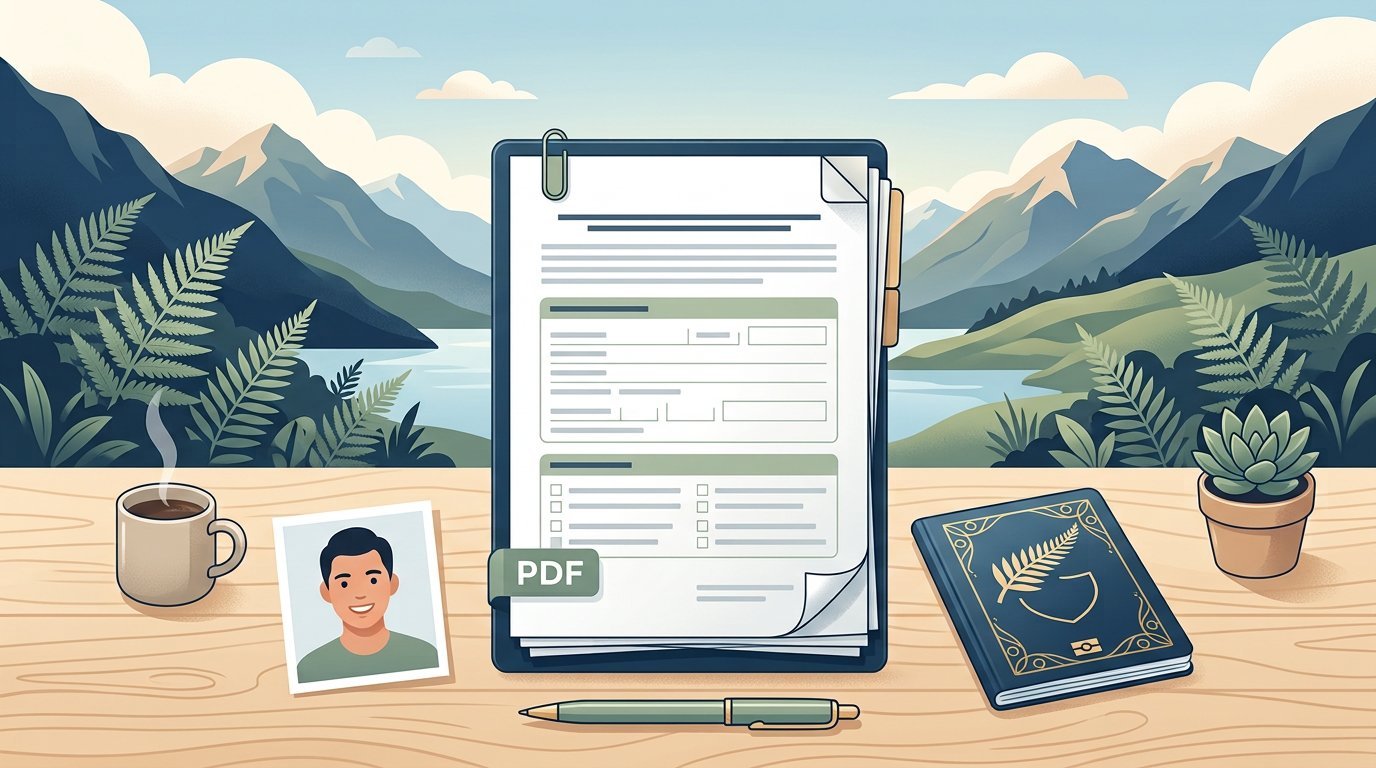 Visa & immigration documents
Immigration New Zealand's published guidance describes PDF and one-file rules plus separate photo requirements. The under-10 MB figure comes from one form, not a universal portal cap.
 Visa & immigration documents
A 3 MB cap and JPG/JPEG passport-page instructions appear in specific Thai e-Visa guidance—not a guarantee for every application. Check your mission's upload slots first.
 Developer workflows
An API hands you a long string that starts with JVBERi0. You do not need to generate a PDF — you need to restore the bytes, name the file, and prove you received a document.
Document workflowsUse Preview for individual-page assembly or a browser-local merger for whole files. Preserve originals and verify the combined document, not just its thumbnails.
 Privacy and security
Follow Apple's Preview password workflow or use browser-local encryption. An open password protects access; permission flags and a locked-file icon mean different things.
 Compression guide
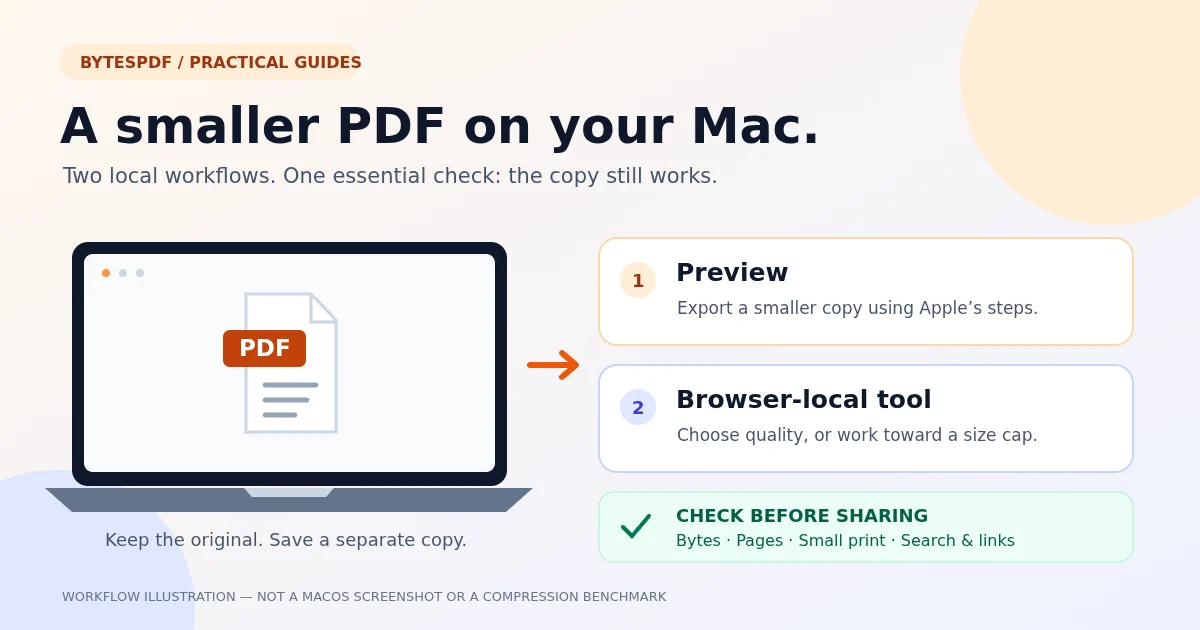
Two local workflows for a smaller PDF on Mac: Preview's export filter or browser-based quality controls. Keep the original, check the bytes and inspect the copy.
Every core tool runs in your browser: no account, no signup, no watermark, no upload. Drop a file and download the result in one go. File and device limits apply.
No account · No signup · No watermark · No PDF upload