
Merge Password-Protected PDFs (Unlock Copies You Own, Then Combine)
One upload slot, three password-protected statements. The merge tool is not broken — encrypted inputs are refused on purpose. Unlock copies you own, then combine.
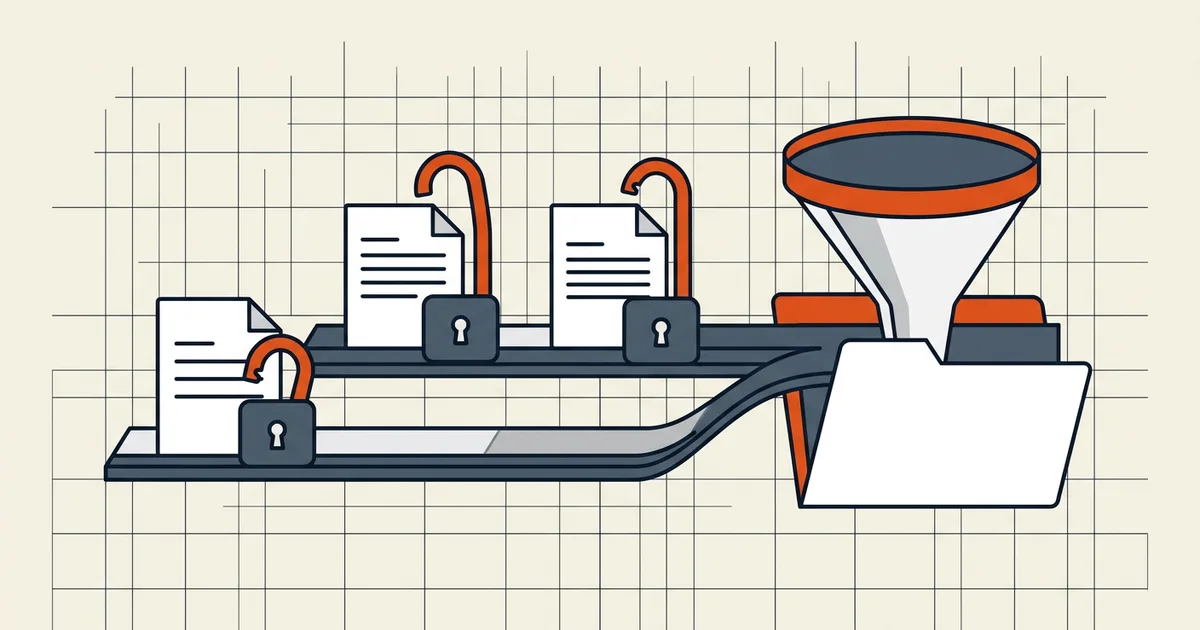
Portal says "one file only." You have four bank PDFs. Three demand a password every time they open. Merge button fails. This is a two-phase workflow, not a broken tool.
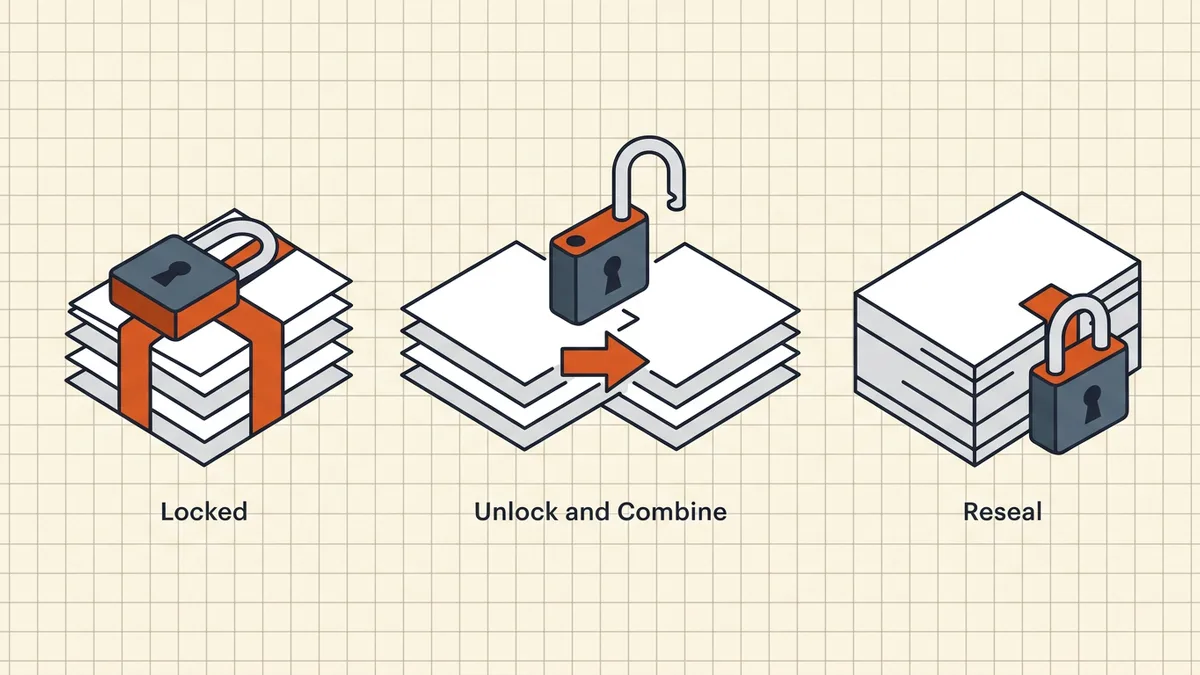
Phase model
| Phase | Action | Tool class |
|---|---|---|
| 1 | Open each locked file with its known password → save unlocked copy | Reader / known-password unlock |
| 2 | Merge the unlocked copies | Merge engine |
| 3 | Optional: re-protect the combined file | Protect tool |
| 4 | Password out-of-band if still encrypted | Separate channel |
Rewrite engines will not do phase 1 for you during merge — encryption and byte-level combine are mutually exclusive steps.
Known password, different tools
- GUI: open → Properties → Security → None → save copy (Acrobat class);
many readers offer "save without password" once open.
- CLI:
qpdf --password=… --decrypt in.pdf out.pdfper file, then merge. - Bank quirks: passwords are often account/dob fragments — see
- Permission-only locks: if the file opens with no password but merge still
complains, that is a different lock class (owner vs user password).
After merge
- Order and size (merge-then-compress).
- Outline policy (keep bookmarks).
- Re-protect only if the destination allows encrypted uploads.
- Standard pre-send checklist.
Honest BytesPDF scope
Merge refuses encrypted and signed inputs (documented boundary). There is no in-tool decrypt-during-merge. Unlock → merge → optional re-protect is the supported human workflow; we document it so the refusal reads as safety, not failure.
Worked example: three bank PDFs, one upload
- Open statement A → Security → None → save
stmt-a-open.pdf. - Repeat for B and C (qpdf CLI if scripting).
- Merge the three open copies; check order
- If the portal requires encryption: protect the combined file once, send
the password on a second channel (separate channel).
- If the portal rejects encryption (common for government uploaders): ship
plain merged PDF after pre-send checklist.
Do not chain unlock attempts with "unknown password" tools — that is a different, unauthorized problem. Known password only.
Failure modes
| Symptom | Likely cause | Next |
|---|---|---|
| Merge still refuses after unlock | Saved as locked copy (password kept) | Re-export security None; verify reopen without prompt |
| Only one file unlocks | Permission password ≠ open password | Owner vs user |
| Merged file rejected by portal | Encryption on output | Re-merge without re-protect |
| Size over cap after merge | Photos/scans stacked | Merge then compress |
Frequently asked questions
Why won't my merge tool accept password-protected PDFs?
Rewrite-based merge engines refuse already-encrypted files by design — combining changes bytes and must happen on decrypted input (BytesPDF documents this boundary). The fix is not a crack: open each file with the password you already have, save an unlocked copy, merge those, then re-protect the result if policy requires.
How do I unlock a PDF when I know the password?
Open it, then Save As / export with security removed (Acrobat: Properties → Security → None), or use your reader's 'save a copy without password' path. CLI users: qpdf --password=… --decrypt. Only unlock files you own or are authorized to process.
Can I merge locked files without the password?
No — and you should not try. If you lack the open password, you cannot read the pages; tools claiming to merge 'without passwords' are either removing permission flags on files you can already open or crossing into unauthorized access. Get the password from the issuer instead.
Should the merged packet stay password-protected?
If the portal or recipient requires it, re-apply an open password after merge ([protect guide](/blog/how-to-password-protect-a-pdf)) and send the password on a different channel ([separate-channel rule](/blog/send-password-protected-pdf-safely)). Many upload portals reject encrypted PDFs — check before you re-lock.
Does BytesPDF merge encrypted PDFs?
No — Merge (and other rewrite tools) refuse already-encrypted and signed inputs (documented operating boundary). Unlock known-password copies first, merge, then optionally re-protect the single output.
Related comparisons
Source-led comparisons written by BytesPDF, with the conflict of interest disclosed on each page. They link official provider documentation rather than fabricated tests.