
What Is PDF Compression? A Practical Technical Guide
PDF compression is a collection of techniques, not one shrink button. Learn what can change and what to check afterward.
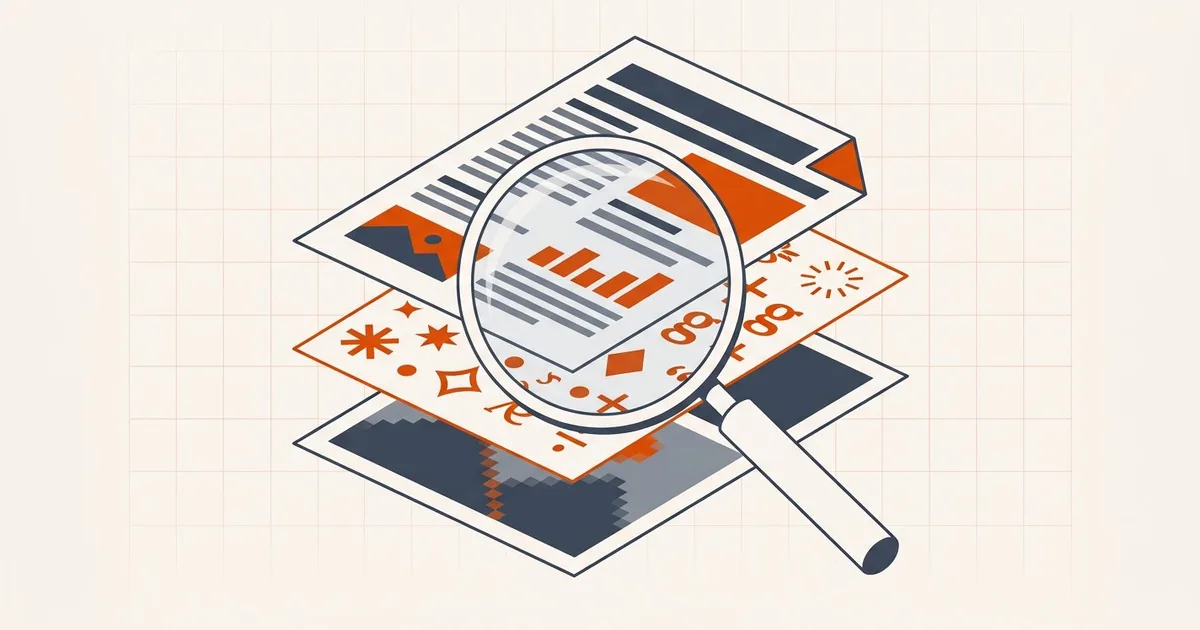
PDF compression means representing a document with fewer bytes while trying to preserve what matters for the intended use. The phrase covers several different operations, each with a different risk profile.
What is inside a PDF
A PDF describes pages through objects and streams. Those can include font programs, vector drawing commands, text, raster images, forms, annotations, attachments, metadata, tags, color profiles, and cross-reference structures. A compressor must decide which representations it understands and which it should leave alone.
The three levers, and which one applies to your file
Almost every size reduction comes from one of three places. Knowing which one your file responds to saves a lot of blind trial and error.
| Lever | What it does | Works best on | Typical result |
|---|---|---|---|
| Image re-encoding | Re-compresses embedded raster images, optionally at lower resolution | Scans, photographed pages, exports with photos | Large reductions; visible softening if pushed |
| Structural rewrite | Repacks objects and streams more efficiently, drops dead objects | Files edited repeatedly, files with redundant objects | Modest; invisible |
| Metadata and font cleanup | Removes descriptive metadata, XMP, unused font data | Files with heavy branding or embedded font sets | Small to moderate |
Most large PDFs are large because of images. If your file is a scan or contains photographs, image re-encoding is where the savings are. If it is a text-only PDF that has been edited many times, structural rewriting helps. If it is a short text document, there may be very little to recover — see why a text PDF won't get smaller.
To find out which case you have, start with how to check what takes space in a PDF.
Lossless and lossy changes
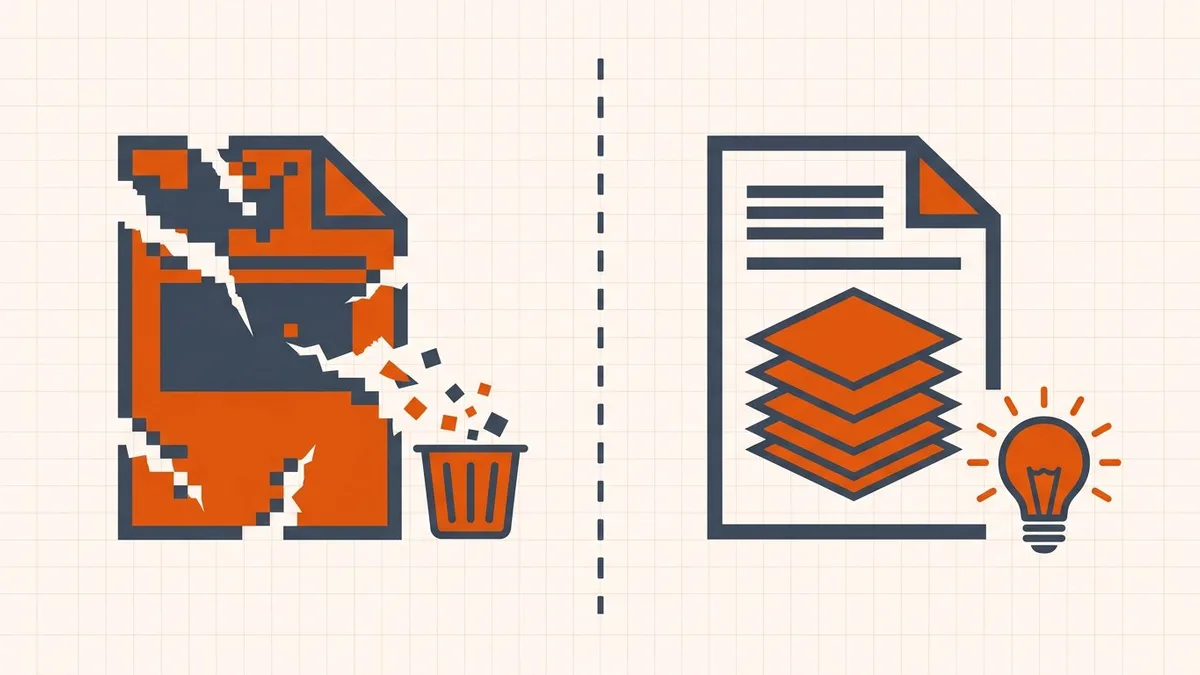
A lossless change can decode back to the same information, such as a more efficient stream representation. A lossy change intentionally discards information, such as lowering image resolution or JPEG quality. “Lossless” does not mean “risk-free for every PDF structure,” and “lossy” does not tell you whether the visible change matters for a particular recipient.
Text, scans, and OCR
Born-digital text normally uses fonts and positioning instructions, so it can stay sharp at any zoom. A scanner creates an image of the page; the letters are pixels. OCR may add an invisible text layer over that image. Recompressing the image can soften what people see and can affect later recognition even if an existing hidden text layer remains.
Current BytesPDF behavior
- Processes one selected PDF at a time, inside your browser tab.
- Re-encodes supported embedded images through adaptive presets.
- Can choose grayscale encoding when image sampling supports that decision.
- Clears common descriptive and XMP metadata, but is not a forensic sanitizer.
- Does not perform OCR, font subsetting, complete object garbage collection, or PDF/A validation.
- Returns the source when the generated output is not smaller.
What compression cannot do
Compression is not a metadata-cleaning step; see whether compression removes PDF metadata before relying on it to sanitize a file.
Setting expectations correctly avoids most of the frustration:
- It cannot shrink an already-optimized text PDF. If the content is vector text with no large images, there is very little redundancy to remove.
- It cannot create information that was never there. A 72 DPI scan will not become a crisp document.
- It cannot repair a broken file. Structural problems are not a size problem.
- It is not a sanitizer. Removing visible metadata is not the same as removing all traces — hidden content, revision history, and over-redacted text can survive.
- It will not preserve a signature. Rewriting the bytes invalidates it by design.
Why compression sometimes makes a file bigger
Occasionally a "compressed" file comes back larger. This is not a bug; it happens when a tool re-encodes images that were already efficiently stored and the new encoding is less efficient than the original.
Files most prone to this are those already processed by a good optimizer, or those using image codecs a given tool does not understand. If a tool cannot beat the original, it should return the source unchanged — which is what BytesPDF does.
Signatures, PDF/A, and complex structures
A digital signature covers bytes, not just visible ink. Rewriting those bytes invalidates the signature, so BytesPDF rejects detected signed files. PDF/A is also more than a filename or visual appearance; conformance requires rules and validation that BytesPDF does not certify.
The current compression path avoids deliberately deleting outlines, names trees, annotations, forms, tags, language, output intents, page labels, and attachments. That is not a guarantee that every complex PDF will behave identically after a rewrite. Test the structures your workflow needs.
Why results vary
A scan with large supported images may offer room for reduction. A compact text PDF, a file whose images are already aggressively encoded, or a document dominated by fonts and unsupported structures may not. The honest result is the measured output for that file, not a universal percentage.
Frequently asked questions
Is PDF compression always lossy?
No. Some rewrites remove redundant representation without changing rendered content, while image downsampling and lossy re-encoding discard information. A single PDF can involve both kinds of change.
Why can text stay sharp while a scan becomes blurry?
Born-digital text is usually represented as font and drawing instructions. Scanned text is pixels inside an image, so image recompression can soften it.
Does compression preserve OCR?
An existing hidden OCR text layer may remain, but visual alignment and future OCR accuracy can be affected when the page image changes. BytesPDF's compression path does not run OCR; the separate OCR tool adds a text layer afterwards.
Can a signed PDF be compressed?
Rewriting a cryptographically signed PDF normally invalidates the signature. BytesPDF rejects files with a detected signature ByteRange rather than producing a rewritten copy.
Does BytesPDF produce PDF/A?
No conformance claim is made. Keep the archival master and validate standards-controlled output with an appropriate external tool.
Related comparisons
Source-led comparisons written by BytesPDF, with the conflict of interest disclosed on each page. They link official provider documentation rather than fabricated tests.