
How to Compress a PDF to an Exact Size (2MB, 500KB, Any Limit)
Trial-and-error compression against a hard upload limit is a bad evening. Target-size mode does the passes for you — and tells you honestly when it can't hit the number.
"Maximum upload size: 2 MB." Your file: 9.4 MB. What follows in most households is forty minutes of save-recompress-try-again against a form that times out at fifteen. Target-size compression exists to end that loop: you name the number, the tool does the passes — and, critically, tells you the truth when the number is unreachable.
Normal compression vs. target-size mode
Regular compression applies one preset and returns whatever size results — fine when you want "smaller," useless against a hard gate. Target-size mode inverts the loop: the size is the input.
How it generally works (BytesPDF's Compress to Target Size included):
- You set the goal —
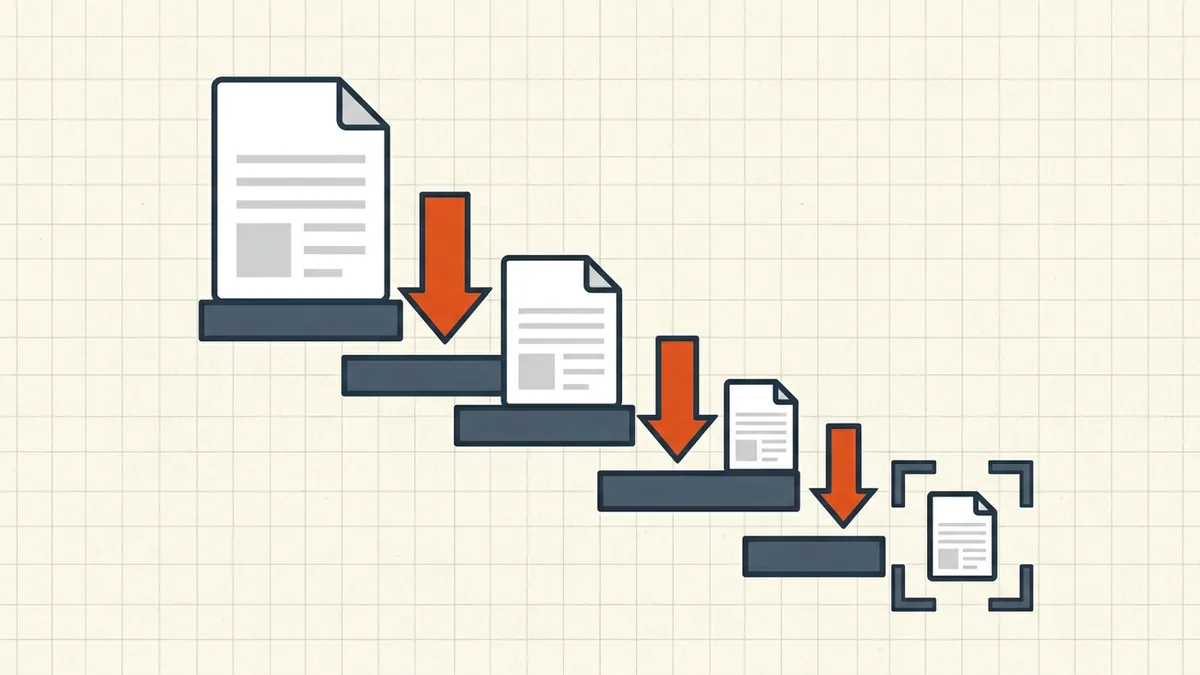
2 MB,500 KB, whatever the portal demands. - The tool compresses, measures, and adjusts image re-encoding strength across passes.
- It stops at or under the target — or returns the honest closest result with the number it actually reached. No silent failures, no pretending.
All of it runs in your browser — the file stays on your device, which matters when the thing you're compressing is a bank statement or a visa scan.
Set a size target and watch the passes land under it — no upload, no account.
Open Compress PDF →The common targets (and why to undershoot)
| Limit | Common source | Suggested target |
|---|---|---|
| 500 KB – 1 MB | Application forms, HR portals | 450–900 KB |
| 2 MB | Visa and government portals (e.g. NVC/CEAC's 2 MB per-file cap — guide) | 1.8–1.9 MB |
| 3–5 MB | University and insurance portals | 10% under the stated cap |
| 25 MB | Gmail (28.75 MB total MIME — why) | 24 MB |
Always aim under the gate: platforms re-process files, round differently (MB = 10⁶ vs 2²⁰ bytes), and some count request overhead. A file at 2,000,001 bytes fails a "2 MB" limit on a technicality.
Why some files cannot hit the number
Target-size mode is honest about its physics. Compression acts mostly on embedded images (what compression changes); these floors resist:
- Text-heavy PDFs. A 20-page contract is mostly font programs and text — a few hundred KB of image data to re-encode at most. "Compress to 500 KB" on a 600 KB text PDF is near its floor already (why text PDFs won't get smaller).
- Already-optimized images. Re-compressing compressed JPEGs has diminishing returns.
- Page count. 200 scanned pages have 200 page images; below a certain per-page budget, text softens visibly.
When the honest closest result is still over: split the document (merge workflow later if needed), drop non-essential pages/attachments (hidden data), or use grayscale on scans where the destination allows it. What you should not do is shrink until fine print becomes mush — several government portals reject compressed-but-unreadable scans outright (why).
The quality check before you submit
- Zoom 200% and read fine print, signatures, stamps and small table digits.
- Check the first and last pages and any page with handwriting or seals.
- Confirm text still selects (searchability intact) if the workflow needs it.
- Re-check file size in your OS — trust the measured number over the tool's claim.
Order of operations with signatures
Compression rewrites bytes — an existing digital signature dies by design (why). Compress to the target first, sign the final copy after. Tools that refuse to compress detected signed files (BytesPDF's do) are saving you from a silent broken seal.
For the destination-by-destination limit encyclopedia, the email/messaging/forms limits hub has the numbers with sources.
Frequently asked questions
How do I compress a PDF to exactly 2MB?
Use target-size compression: enter 2 MB as the goal and the tool runs compression passes until the output lands at or under it — or tells you the honest closest result. BytesPDF's Compress to Target Size does this locally in your browser.
Why is my PDF still over the size limit after compressing?
Either the remaining size is text, fonts and vector content that image recompression can't touch, or the images are already at their compressible floor. Pages with lots of pages or dense scans can only shrink so far before text becomes illegible.
Does compressing to a target size reduce quality?
It can — smaller targets mean more aggressive image re-encoding, and at some point softening is visible. Check digits, names and fine print at 200% zoom before submitting anything official.
What size should I target if the limit is 2MB?
Aim slightly under — 1.8–1.9 MB — so platform re-processing or rounding can't push you over. Portal failures at exactly the boundary are common enough to plan around.
Does the text stay searchable after compression?
In BytesPDF's normal presets, yes — text stays real text and images are re-encoded. Some other tools rasterize whole pages to hit size targets, which destroys the text layer. If searchability matters, verify selectability in the output.
Related comparisons
Source-led comparisons written by BytesPDF, with the conflict of interest disclosed on each page. They link official provider documentation rather than fabricated tests.