
Visa Document Upload Size Limits: US, Canada, UK and Australia Compared
Compare CEAC, IRCC and ImmiAccount limits, confirm UK rules in your own upload account, and check format, signatures and legibility before changing a PDF.
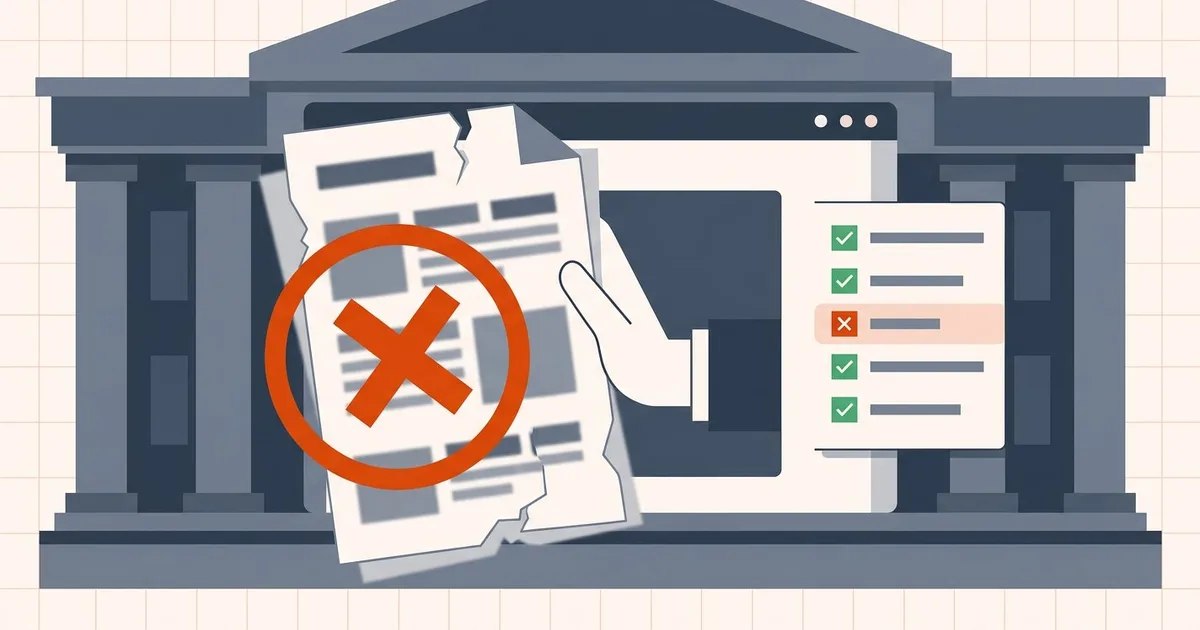
Few frustrations rival preparing a visa application for hours only to have a portal flash a generic error: "Document validation failed" or "File cannot be processed."
The reason it feels arbitrary is that portals are not checking what email checks. Email attachments and portal uploads face different combinations of size, security and format rules. Depending on the workflow, a government portal may check format, document structure, encryption, filename and other requirements in addition to size. A file can be well under the size limit and still be refused.
Why portals are stricter than email
Depending on the recipient, automated checks can include:
- Structural integrity — cross-reference tables, object streams, page trees
- Text layers — whether the document is searchable, not just an image of text
- Font embedding — whether text renders identically on the reviewer's machine
- Signature state — whether a cryptographic signature still validates
- Format and filename — strict allow-lists, not suggestions
- Accessibility tags — required by some public-sector validators
A compressor optimized purely for size can break several of these at once. That is the trap: the thing that makes the file small is the thing that makes it unacceptable.
The four major systems compared
| System | Per-file limit | Realistic target | Accepted formats | Distinctive rule |
|---|---|---|---|---|
| US — NVC / CEAC | ~2 MB (some NVC pages say 4 MB) | Under 2 MB, with margin | PDF, JPG, JPEG | One document per file; no ZIP or password-protected files |
| Canada — IRCC | Under 4 MB on the secure account; other accounts vary by application | Under 4 MB unless the page says otherwise | PDF, TIFF, JPG, PNG, DOC, DOCX | Only one file is saved per field |
| UK — UKVCAS / country-specific visa service | Confirm on your application's upload screen | Below the confirmed ceiling, with margin | Follow that field's accepted extensions | Follow the actual categories and save/submit steps |
| Australia — ImmiAccount | 5 MB | Under 5 MB | PDF, JPG, PNG | 30–60 files total by application type |
The UK guide uses current GOV.UK and scoped VFS guidance rather than an unsupported provider-wide cap. The US figure is inconsistently documented by the agency itself; the individual guide explains that conflict. This table is not a guarantee of acceptance.
Two patterns are worth pulling out:
- File-count rules differ. IRCC describes a one-file-per-field workflow, but do not apply that rule to every UK category or other portal. Combine related pages only when the instructions require or permit it.
- Formats are allow-lists, not suggestions. Check the accepted extensions for the actual field; a format accepted by one system may be rejected by another. Convert to PDF only where it is accepted.
Pick your system for the detail: United States · Canada · United Kingdom · Australia.
Possible rejection causes beyond file size
Check these possible causes against the error and your recipient's instructions:
- The file is a ZIP or is password-protected. If the field disallows it, obtain an authorised, accepted copy. Flattening is not the same as removing encryption.
- Photos are HEIC. iPhone default. Convert to JPG before building the PDF.
- A conversion rasterized the pages. A print-to-PDF or image-based export may remove a required text layer or form behaviour.
- The signature no longer validates. Compression changed the bytes. Compress before signing, never after.
- A fillable form was flattened. Some fields expect an interactive PDF.
- Pages are rotated or upside down. Some ingestion checks fail on orientation.
- The document is in the wrong field. Structurally fine, semantically wrong.
- Legibility. A file under the cap that nobody can read is worse than one that failed.
A checklist to adapt to your upload service
- Read the field instructions. Confirm the document wanted, the format, and the stated maximum in the account you are actually using.
- Convert unsupported source formats only when allowed. Check the accepted extensions, obtain an authorised copy if protection is disallowed, and preserve any required signed original.
- Combine related pages only as instructed. Keep document and category boundaries intact; not every portal has a one-file rule.
- Resize images before combining, not after. Phone photos at full resolution are what blow the budget.
- Compress only if you are still over. Open the compress tool — or the visa-specific version, which walks through passport, biometric and evidence pages — and reduce a copy. Passports, financial records, and police checks are processed in your browser, not uploaded. For choosing a level and checking the output, see how to reduce PDF file size online for free.
- Inspect every page. Small text, stamps, seals, and signature lines.
- Upload, save or submit as instructed, then confirm the attachment. Revisit the saved document list; do not interrupt a running upload with a refresh.
Scan settings: follow readability and colour requirements
If scans dominate the file, image resolution and colour settings can affect its size. Follow the recipient's minimum resolution and colour instructions rather than applying one DPI setting to every route. Reduce pixels only if small text remains readable; retain colour wherever identity details, stamps, seals or the instructions require it. What DPI should I use for a scanned PDF? covers the trade-offs, and compressing bank statements for online portals covers the financial-evidence bundle specifically.
On privacy
Visa documents are among the most sensitive files most people ever handle — passports, financial records, medicals, police certificates. Uploading them to an unfamiliar server-based converter to save a megabyte is a real risk that has nothing to do with the size limit.
Local preparation avoids sending the document to a converter's server. Submission to the official visa service is a separate upload; local processing does not remove device-security or recipient-verification responsibilities. Browser-local vs server-based PDF tools sets out the difference concretely, and online, desktop and AI PDF compression compared covers how to judge any tool you are considering.
Before you upload
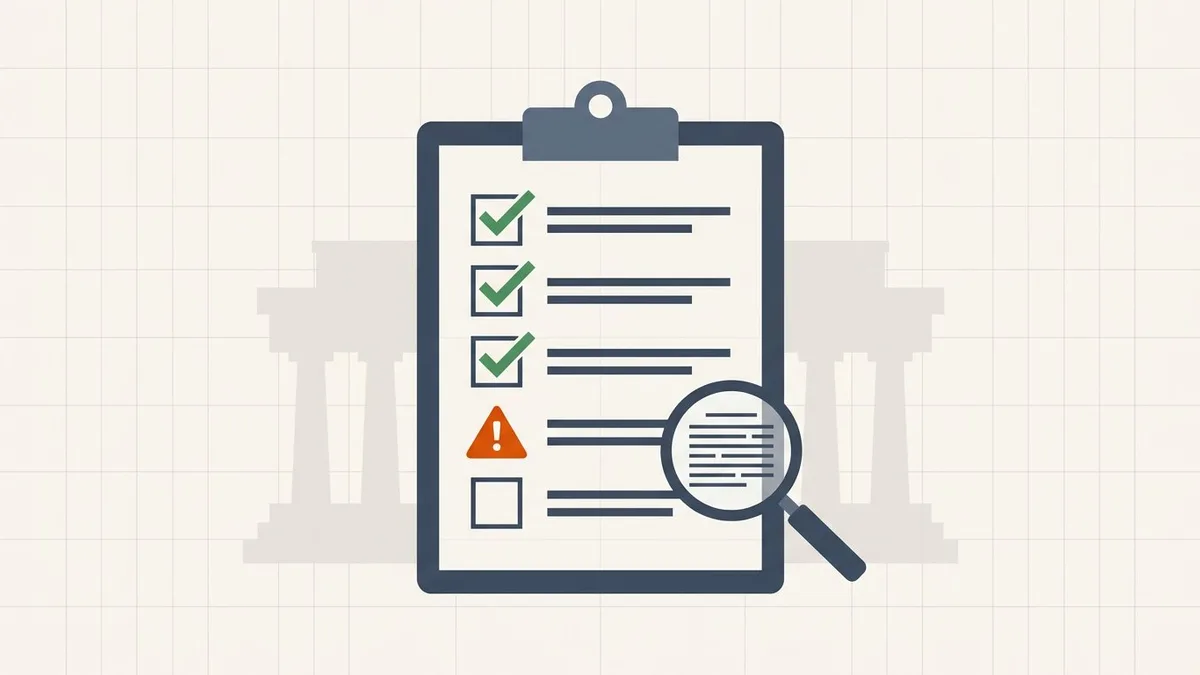
- Format is on the accepted list for that specific upload field
- File is under the cap for your specific system, with margin
- Related pages combined and ordered only as the field instructions permit
- Encryption restrictions checked against the recipient's instructions
- Required signatures preserved; no signed original rewritten
- Every page legible, including stamps and small text
- Confirmed the upload actually attached
Frequently asked questions
What is the file size limit for visa document uploads?
It depends on the system. The US CEAC portal enforces roughly 2 MB per document, IRCC in Canada says the secure account takes files under 4 MB and that the limit varies by application, UK visa limits must be confirmed on the upload screen for your application, and Australia's ImmiAccount caps each attachment at 5 MB. The upload page in your own account is always authoritative.
Why do government portals reject PDFs that email accepts?
Depending on the service, an upload field may validate format, encryption, filename, document structure or other requirements as well as size. Email services can also impose security and format restrictions; a file accepted by email is not automatically suitable for a portal.
How do I get a scanned passport or bank statement under a visa portal's limit?
Follow the recipient's scan resolution, colour and format requirements. Prefer original digital documents when permitted, combine only the pages requested, and compare the result with the confirmed ceiling. If reduction is needed, compress a supported copy locally and inspect stamps, MRZ lines and small print; there is no reliable output-size prediction from page count alone.
Can compression cause a portal rejection?
Yes. Lossy image compression can make stamps and small text unreadable, and rewriting a digitally signed PDF invalidates its signature. Some conversion or print-to-PDF workflows also remove text layers or form behaviour. Keep required originals and inspect the exact output.
What should I check before compressing a rejected upload?
Read the actual error, then check the current file-size ceiling, accepted format, encryption, filename and category instructions. Compress only if size is the problem; it will not fix missing evidence or the wrong upload field.
Related comparisons
Source-led comparisons written by BytesPDF, with the conflict of interest disclosed on each page. They link official provider documentation rather than fabricated tests.