
Send a Large PDF Without Email: Compress, Drive Links, Transfer Sites, Local Handoff
Twenty-five megabytes is a wall with four doors: shrink the file, link it, transfer it, or walk it over. How to pick — and why portals hate your clever link.
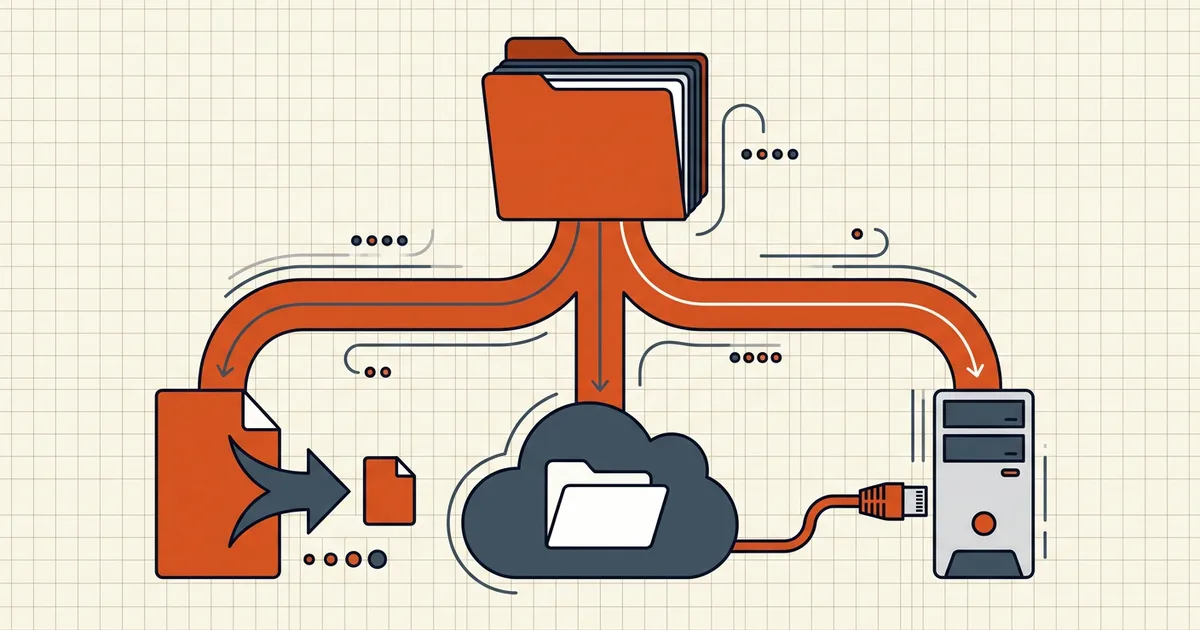
Email attachment caps are polite fiction: the number on the box rarely survives encoding overhead. Before you thrash a compress slider into mush, decide which door fits the document.
Size math first
- Published caps (Gmail ~25MB class, Outlook ~20–25MB class, many webmail smaller) count encoded size — base64-style overhead runs ~a quarter on top. Target well under the printed number (exact-target compress).
- If content is already dense scans at floor quality, you're compressing pain (still too large diagnosis).
- Portals have their own caps — email advice doesn't transfer (government rejects guide).
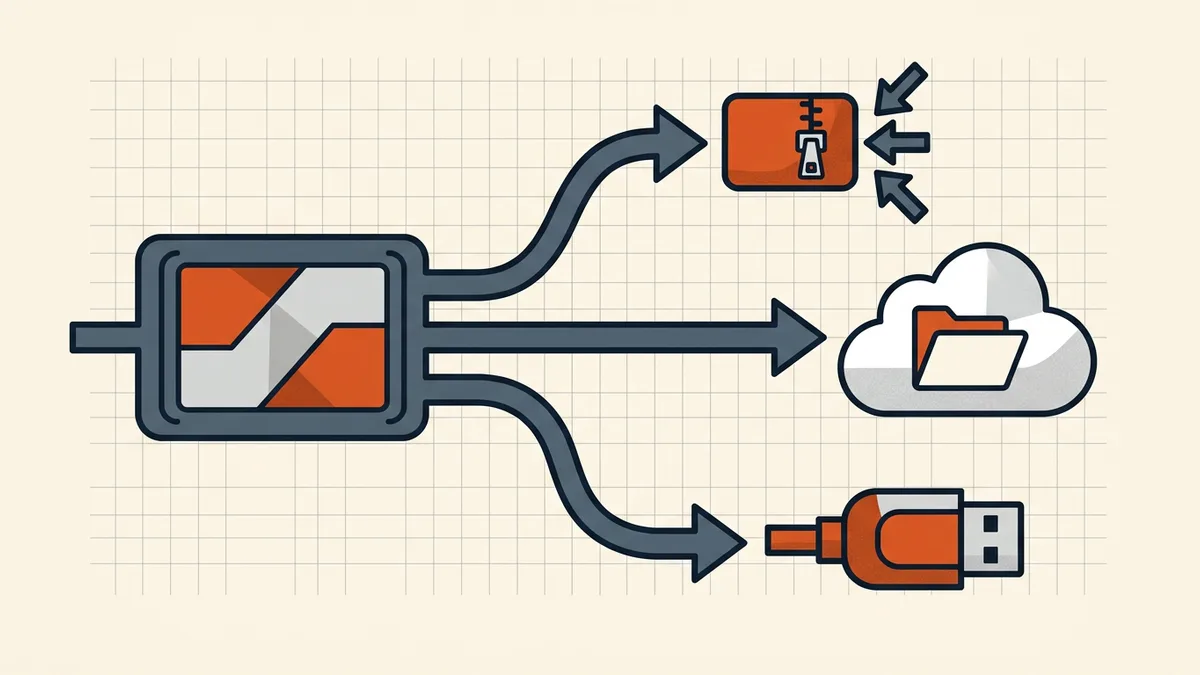
Door 1 — Compress (stay in-channel)
Best when: text-ish scans, modest overshoot, recipient expects an attachment. One purposeful pass (email/WhatsApp/form patterns); stop when legibility flags raise (200% zoom rule).
Door 2 — Cloud drive link (Drive, Dropbox, OneDrive)
Best when: both sides live in the same ecosystem; file is large; you want version updates under one URL. Failure modes to pre-flight:
- Permission theater: recipient hits "Request access" because you shared restricted — test incognito.
- Quota: link dies with your storage pressure, not theirs.
- Persistence: copies, caches, and history outlive your revoke fantasy — treat drive links as publication events for sensitive docs (privacy risks framing).
Door 3 — Transfer services (WeTransfer-class)
Best when: one-shot handoff to outsiders; no account friction; multi-GB. Watch expiry (free tiers often ~7 days — catalog links for March need hosting, not delivery), and know the file still transits a third party. Encrypt sensitive payloads before upload (protect guide) when the channel isn't the trust boundary you want.
Door 4 — Local / device-to-device
USB, AirDrop-class, QR-from-phone: unbeaten for privacy and size, useless across cities. Fine for client meetings; not a workflow.
When the destination is a portal (not a person)
Portals want files, not links — validator, scanner, archival. Compress/split structure to the printed cap; never substitute a drive URL unless the rules explicitly allow it (tender reality, court e-filing).
Controls that survive sharing
Once bytes leave, forwarding controls are advisory; open passwords are real encryption; permission flags are politeness (password types). Combine: encrypt for confidentiality, link hygiene for access lists, expiry for delivery mechanics — layer with intent, don't cosplay DRM.
Honest BytesPDF scope
BytesPDF prepares the artifact (compress to target, protect, redact, metadata scrub, check, sign) and does not host or issue share links. Delivery is your channel choice; we keep the file ready for whichever door you open.
Frequently asked questions
What's the fastest way to send a PDF bigger than the email limit?
If it's close to the cap: compress once to under ~75% of the limit (MIME/base64 overhead makes the printed limit optimistic). If it's far over: cloud-drive link or a file-transfer link beats heroic recompression. Reserve local handoff (USB, AirDrop-class) for same-room recipients.
Is a Google Drive link safe for contracts?
Common and workable with care: set sharing deliberately (anyone-with-link vs restricted — test in a private window), remove edit rights, set expiry if available, and remember the file now lives on cloud storage under your account's retention and access history. For high-sensitivity packets, add an [open password](/blog/pdf-owner-password-vs-user-password) and send the password out-of-band — or use channels your counsel actually endorses.
Why do portals reject my Drive or WeTransfer link?
Because the portal's rule is 'upload a file,' not 'prove you can share.' Application, court, and tender systems need bytes on their servers for validation, virus scanning, and archival. A cover-sheet PDF that only *contains* a link may pass the validator and fail the human reviewer — check rules; most filings want the document itself.
Compress or link — which preserves quality?
Linking preserves bytes exactly; compressing trades bytes for size (quality knobs matter on scans/photo PDFs). Photo-heavy catalogs should lean link; text-heavy scans usually compress cheaply. You can also do both: moderate compress + link for slow recipients.
Do BytesPDF links or hosting exist?
No. BytesPDF is a local-prep toolkit (compress, merge, protect, redact, check, sign, …) — we don't host, don't issue share links, don't track opens. Pair our compression with whatever delivery channel *your* recipient and risk profile already trust.
Related comparisons
Source-led comparisons written by BytesPDF, with the conflict of interest disclosed on each page. They link official provider documentation rather than fabricated tests.