
ImmiAccount Uploads: 5 MB per File, 30–60 Files, and What Gets Rejected
ImmiAccount's rules are published and specific: 5 MB per file, 30 to 60 files per application, PDF/JPG/PNG only, and no ZIP archives or encrypted PDFs.
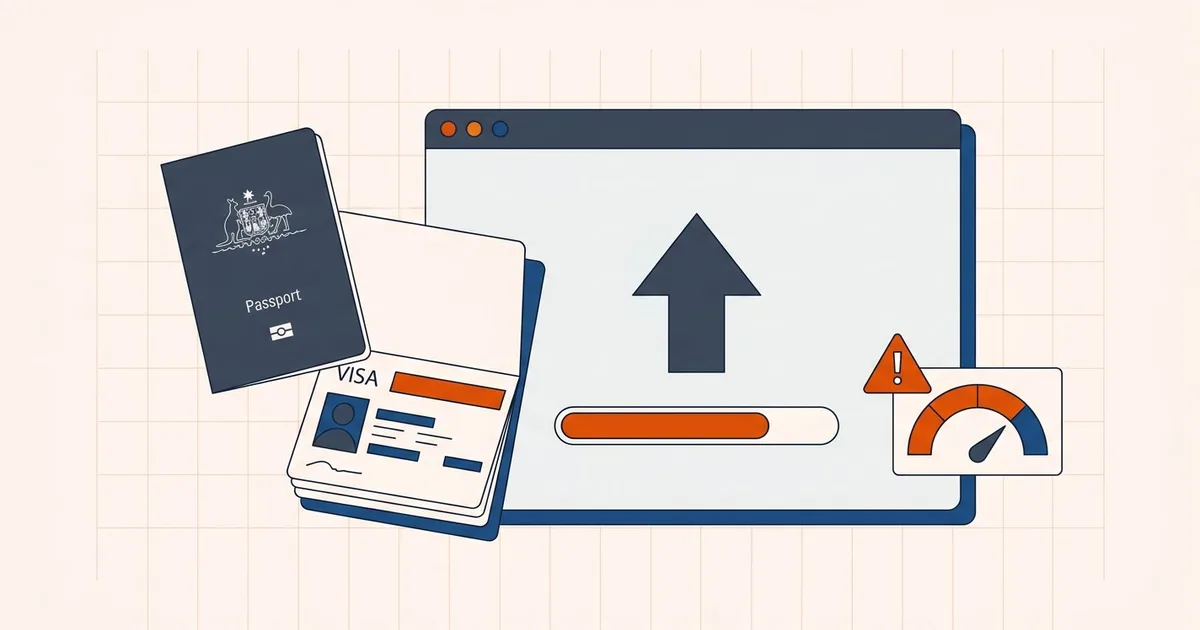
ImmiAccount is unusual among government portals because the Department of Home Affairs publishes its limits directly and precisely. There is no guessing:
The maximum file size for each attachment is 5 MB. The maximum number of files that can be attached ranges from 30 to 60 depending on the application type.
That is from the Department's own help text. Two constraints, both hard, and both easy to plan around once you know them.
The two limits
| Constraint | Limit | Source |
|---|---|---|
| Size per attachment | 5 MB | Department of Home Affairs help text |
| Number of attachments | 30–60, depending on application type | Department of Home Affairs help text |
| Per applicant, most applications | 60 documents | Widely reported |
| Partner applications | 100 documents per applicant | Widely reported |
The file count is the constraint people forget. It is cumulative across the whole application, including documents you attach after lodgement. If you used 45 slots when you applied, you have 15 left for anything the Department later requests — and Section 56 requests for further evidence are common.
Two habits protect you:
- Put multiple pages of the same document in one file, rather than uploading each page separately.
- Print and scan several photographs into a single file instead of attaching them individually. The Department's own guidance suggests this for relationship evidence.
If you need to combine files, the merge tool runs locally in your browser.
What gets rejected
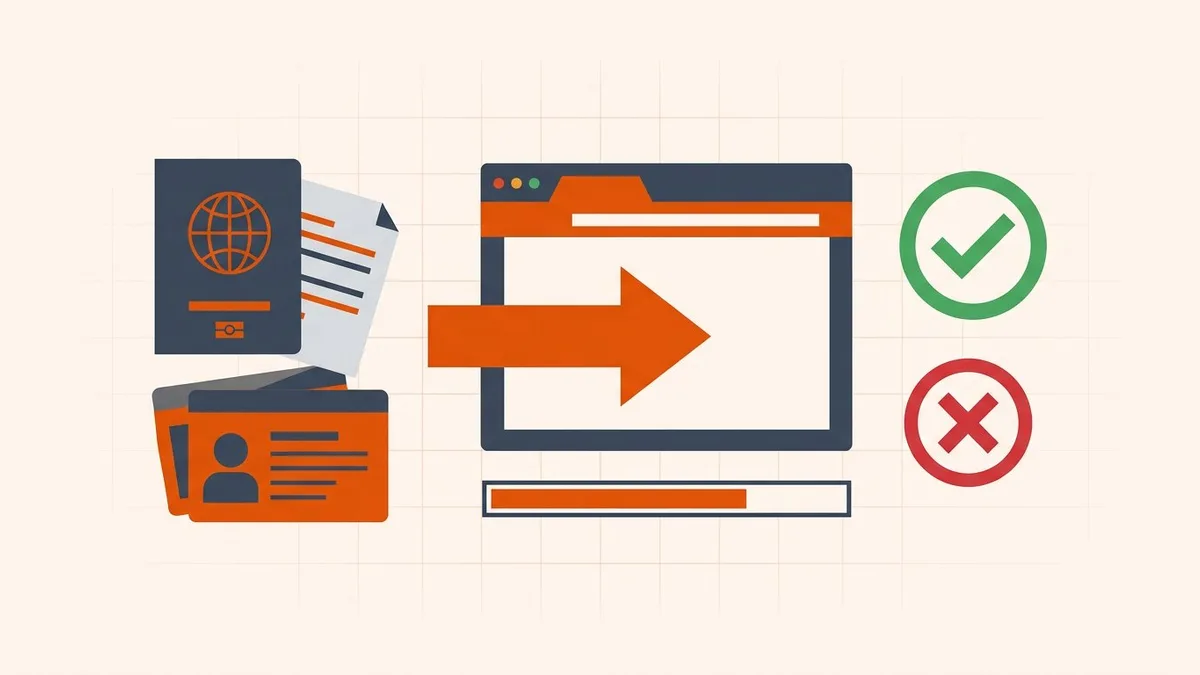
| Rejected | Why |
|---|---|
| ZIP and other compressed containers | The Department explicitly does not accept compressed files — create a PDF instead |
| Password-protected PDFs | Remove the protection before uploading |
| Encrypted PDFs | Rejected outright |
| Form-fillable PDFs | Flatten interactive forms before uploading |
| Filenames with unusual characters | Stick to letters, numbers, dashes, and underscores |
That last one is small but real: filenames should use only letters (A–Z), numbers (0–9), dashes, and underscores.
Quality is part of the requirement
The Department warns that attaching low-quality scanned documents can delay processing, and asks that images and text be clearly visible before you attach them.
There is one specialized case worth knowing: for facial images and other proof-of-identity documents attached to citizenship applications, the Department prefers scanned documents no larger than 500 KB.
So the target is not "as small as possible" — it is "as small as possible while everything stays legible." That is a compression decision, not a minimum-file-size competition.
Getting documents under 5 MB
For a visa-specific workflow, prepare a copy with the visa-application PDF compressor, then verify the file remains below ImmiAccount’s per-attachment limit.
- Scan sensibly. 200 DPI in grayscale is plenty for most text documents. A 600 DPI color scan of a text page is mostly wasted bytes — choosing a scan DPI explains where the trade-off sits. If the scan already exists and is poor, fix it rather than compressing it: blurry pages, pages that are too dark or too light, and a grey background that should be white.
- Combine related pages into one PDF — this addresses the file-count limit and the size limit at the same time.
- Check the size. If it is over 5 MB, compress.
- Compress in your browser. Open the compress tool and reduce it. Passports, police checks, and financial records are processed on your device and never uploaded to a server. Processing and downloading are free: no account, no signup, no email and no watermark.
- Open the output and check every page. Small text, stamps, and signatures are what degrade first.
- Flatten any fillable form before the final save.
If you are uploading through myGov for Centrelink instead
Different service, different rules — and these one are published too. Services Australia states that for Centrelink online account uploads:
- The total size of all files for each upload must be under 10 MB — note that this is a total per upload, not a per-file cap
- Up to 10 files per upload
- PDF, PNG, or JPEG only
- Remove password protection before uploading — bank and super-fund statements are the usual offenders; see opening a password-protected statement
That "total per upload" framing is the important difference from ImmiAccount's per-file cap. Ten files can be 10 MB between them, not 10 MB each.
Official sources
- ImmiAccount — how to attach documents before submitting a visa application — Department of Home Affairs, stating the 5 MB per-attachment limit and the 30–60 file range
- Centrelink online account help — upload documents — Services Australia, stating the 10 MB total per upload and 10-file limit
Before you upload
- Each file is under 5 MB
- Total file count is within your application's cap, with room for later requests
- Format is PDF, JPG, or PNG
- No ZIP, no password protection, no encrypted or fillable PDFs
- Filename uses only letters, numbers, dashes, underscores
- Multiple pages of the same document combined into one file
- Every page opened and legible, including stamps and small text
Frequently asked questions
What is the maximum attachment size in ImmiAccount?
The Department of Home Affairs states that the maximum file size for each attachment is 5 MB. It also states that the maximum number of files that can be attached ranges from 30 to 60, depending on the application type.
What file formats does ImmiAccount accept?
PDF, JPG, and PNG are the formats commonly accepted. ZIP or other compressed containers are not accepted — the Department's guidance says to create a PDF instead if a document is too large.
Can I upload a password-protected or fillable PDF to ImmiAccount?
No. Encrypted PDFs are rejected, and password protection blocks the upload. Form-fillable PDFs are also reported to be rejected, so flatten any interactive form before uploading.
How many documents can I attach to an Australian visa application?
The Department's help text states 30 to 60 depending on application type. For most applications the cap is 60 per applicant, with 100 per applicant for Partner applications. The count is cumulative across the whole application.
Related comparisons
Source-led comparisons written by BytesPDF, with the conflict of interest disclosed on each page. They link official provider documentation rather than fabricated tests.