
Why Email Quarantines Your PDF Attachment (and How to Get a Clean One Through)
Your PDF is fine; the mail gateway disagrees. How attachment scanners false-positive on PDFs, which fixes are safe, and which 'workarounds' make things worse.
You hit send. Seconds later: quarantined, blocked, contains malware, or the quieter NDR. The PDF you just exported from your own machine. What's going on — and what actually gets a legitimate file through.
Why gateways flag clean PDFs
Attachment scanners layer three things: signature databases, heuristic structure analysis, and policy (allowlists, size rules, encryption rules). PDFs false-positive when:
- Producer/Creator strings match a tool an incident response team once blamed — niche scanners and ancient exports show up in real IR notes;
- Old PDF dialects carry structures that look like historical exploit shapes;
- Heuristics overreact to JavaScript-free but unusual object graphs, or to bulk-send volume thresholds;
- The file never fully arrived — a truncated download can look "corrupt/malicious" to a scanner mid-parse.
None of that means your contract has a virus. It means the gateway's opinion is probabilistic.
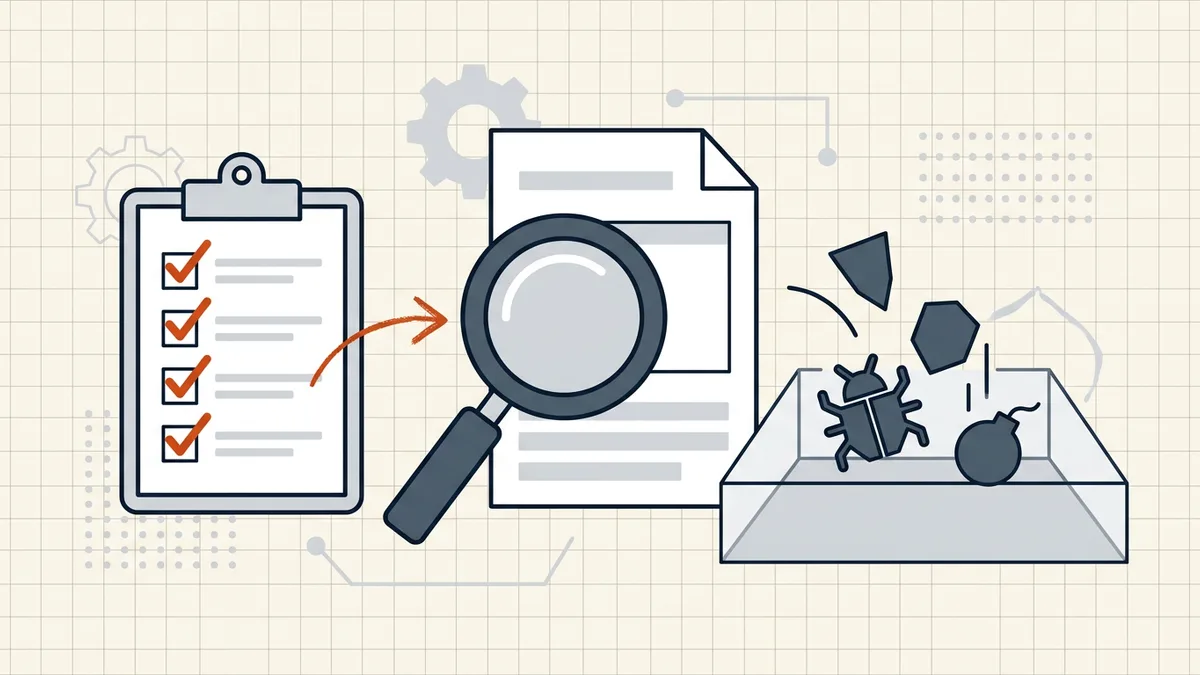
Safe fixes, in order
- Re-save from the source application. A fresh write rebuilds internal structures; many false positives die here. Same reason re-saving in any trusted editor often clears the flag.
- Attach — don't paste. Copy-pasting a PDF into a message body (or through apps that embed object wrappers) has produced flaky detections in the wild. Always use the mail client's Attach button on the file on disk.
- Try the other export path. Print to PDF vs Save as PDF produce different internals; if one trips the gate, the other often passes.
- Strip incidental metadata. A controversial Producer string can be the signal. Remove metadata → send the scrubbed copy.
- Check size rules too. Some "blocked" messages are really size policies wearing a malware costume — Gmail's measured limits and the attachment cheat sheet separate the two failures.
- Ask the human on the other side. For corporate recipients: their admin can release from quarantine or allowlist the sender. That's the correct channel — not cleverer file crafting.
Workarounds to avoid
- Encrypting purely to skip scanning — hides content from scanners and honest tooling; some gateways quarantine unscannable attachments anyway. Encrypt for confidentiality (safe password delivery), not as AV evasion.
- Stripping security features from a file you don't trust — if the inbound PDF is flagged, the warning is information. Don't launder it; run the inbound threat checklist.
- Hammering resend — repeated identical sends can trip bulk/abuse thresholds and make it worse. Change the file (steps 1–4) before retrying.
Separate the two problems
Outbound false positive = your file, their gate. Fix the file's signals or ask their admin. Inbound warning = their file, your machine. Don't open to "test" — check first. BytesPDF sits on neither side of AV: Check Before Sending is pre-send QA (size, metadata, readiness), never a malware verdict.
Frequently asked questions
Why was my PDF quarantined when it's not a virus?
Mail gateways and AV engines use heuristics on top of signatures. PDFs from niche scanners or old tools can trip them: unusual Producer strings, odd internal structures, known-exploit patterns in ancient PDF versions, or simple bulk-send thresholds. False positives on office documents are common enough that admins keep release procedures.
How do I get my PDF through after a false positive?
In order of safety: save a fresh copy from the source app (re-write the file structure); attach the file directly instead of copy-pasting it into the message body; strip metadata in case a Producer string is the trigger; try a different export path (Print to PDF vs Save as PDF). If corporate policy is the blocker, ask the sender's IT to release or allowlist — don't try to outsmart the gateway.
Does password-protecting the PDF avoid antivirus scanning?
Some gateways skip content-scanning encrypted attachments (they can't decrypt), which is why 'encrypt it' appears in admin forums as a bypass. That's a policy tradeoff, not a fix: you've hidden content from both malware scanners and the recipient's tools, and some systems quarantine unscannable attachments instead. Use encryption for confidentiality, not as an AV evasion trick.
Can I 'clean' a PDF so scanners accept it?
Re-saving and metadata hygiene are legitimate — they rewrite structures and remove incidental triggers. What you should not do is deliberately strip security features to dodge detection on a file you don't trust. If *you* created the PDF and it's flagged, re-export and contact the admin. If a PDF *you received* is flagged, don't 'clean' it — treat the warning seriously ([inbound checklist](/blog/check-pdf-for-virus-before-opening)).
Does BytesPDF scan attachments for viruses?
No — and it never will as a side claim. Check Before Sending audits size, metadata, and pre-send readiness; it is not malware scanning. Outbound false positives are about the mail gateway's opinion of your file, which no PDF editor can override. Inbound trust is a different problem entirely (sender verification, sandboxing, AV on the endpoint).
Related comparisons
Source-led comparisons written by BytesPDF, with the conflict of interest disclosed on each page. They link official provider documentation rather than fabricated tests.