
How to Fix a Blurry Scanned PDF (Before and After OCR)
Blurry is a capture problem wearing a software costume. Most 'PDF sharpener' promises oversell — here's what actually restores a soft scan, and when only a rescan will.
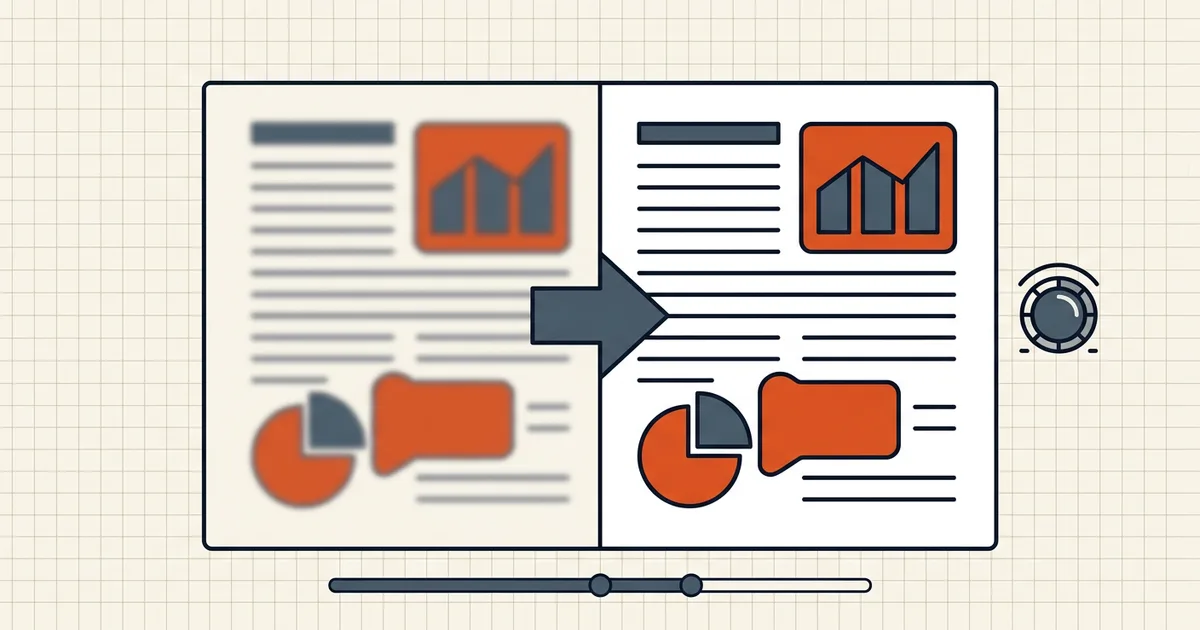
The portal wants a legible passport page. The OCR engine wants clean character edges. Your scan looks like it was taken from a moving train. Before you download another "AI PDF enhancer," separate what software can fix from what only a camera can.
What blur actually is, in a scan
A scanned page is a photo with pretensions. Blur means the character edges were soft at capture: wrong focus distance, motion, dirty platen glass, too-low DPI, or aggressive JPEG compression on the phone side. Post-processing can improve contrast and remove noise; it cannot re-create edge detail that never hit the sensor. Any tool promising otherwise is upscaling — inventing pixels, not recovering them.
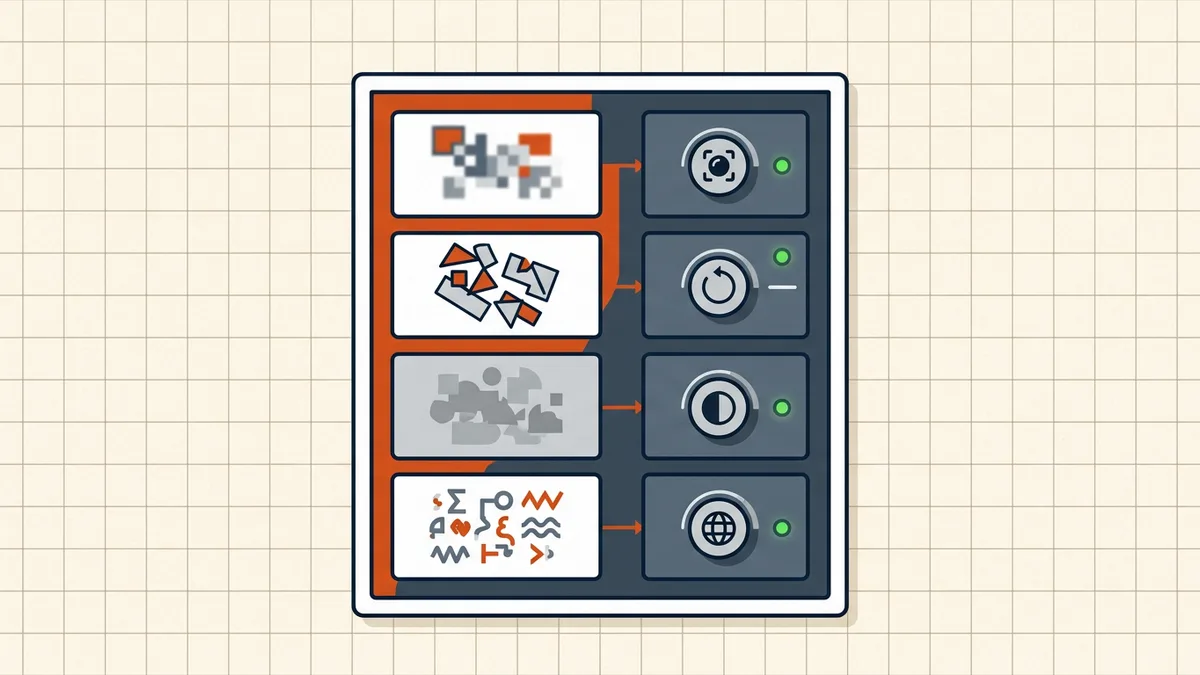
Decision tree
- Original still in hand? → Rescan. Clean glass, parallel camera, even light, ~300 DPI (capture guide, DPI question). This is always the cheapest complete fix.
- Original gone, text mostly readable when you squint? → Cleanup pass: deskew, contrast stretch, despeckle in any image-aware editor. Then OCR and proofread — soft glyphs are where
rn/mcollapses live (accuracy ladder). - Text unreadable without enhancement heroics? → You're out of software runway. Request a better copy, rescan from a printout if you have one, or capture again with the document flat and lit evenly.
- Zoom-and-print critical (IDs, MRZ, fine print)? → Enhancement is triage only; plan a proper capture before submitting (passport/ID scanning).
What "enhance" tools really do
Reputable enhance features (Acrobat's scan cleanup, image editors' auto-levels) do three honest things:
- Contrast normalization — faded gray-on-gray → darker text on whiter ground. Biggest real win for both eyes and OCR.
- Deskew and border crop — straighten the geometry so lines read as lines.
- Noise/despeckle — remove speckles without eating thin strokes (tune carefully; aggressive settings eat periods and accents).
They generally don't: raise true optical resolution, decode a motion-blurred capture, or fix a photo taken at an angle with page curvature. Marketing blur lines on those claims accordingly.
OCR ordering with a soft scan
- Straighten first — wrong line order destroys more recognition than mild blur (straighten FAQ).
- Contrast before OCR; save aesthetic sharpening for optional cleanup.
- Run OCR, then proofread names, numbers, dates — treat output as a first draft (pipeline).
- If the doc still hides secrets, remember: a clearer text layer makes redaction more possible and more necessary.
Compression interaction (don't make it worse)
Aggressive compression after a soft scan compounds the mush — re-encoded images lose what thin edge contrast remained. If size matters, compress once at a moderate setting and verify legibility at 200% zoom before sending (size checks). When the destination has a hard cap and the scan is already soft, you're at the legibility-vs-limit cutoff — change the submission plan, not the quality dial.
Frequently asked questions
Can I fix a blurry scanned PDF?
Sometimes. If the original document still exists, rescanning at the right distance, focus, and ~300 DPI is the real fix — no post-process adds detail that was never captured. For soft-but-present text, contrast/deskew cleanup helps perception; it doesn't restore missing edges. Heavy blur usually means rescan or request a better copy.
Does sharpening a blurry PDF help OCR?
A little, when blur is mild and contrast is the bigger issue — OCR reads edge contrast more than aesthetic sharpness. Aggressive sharpening adds halos the engine can misread as strokes. Fix order that works: straighten → moderate contrast → OCR → proofread ([accuracy tips](/blog/improve-ocr-accuracy-tips)).
Why does my scanned PDF look blurry when zoomed?
Because it's a raster image at a fixed DPI. A 96–150 DPI scan looks fine at 100% and falls apart at 300%. Check the effective DPI and page pixel dimensions; if the capture was low, zoom blur is physics, not a viewer bug ([best DPI question](/questions/best-dpi-for-scanned-pdf)).
Will a PDF enhancer make my scan print-quality?
Vendor 'enhance' tools clean noise, stretch contrast, and sometimes upscale — useful for legibility and OCR. They cannot invent resolution. If the scan will be zoomed, printed large, or used for MRZ/serial-number reading, treat enhancement as triage and plan a rescan when the original is available.
Does BytesPDF sharpen blurry scans?
OCR adds a text layer; it doesn't re-render page pixels. Compression re-encodes images (which can soften further at aggressive presets — verify after). There is no sharpen filter in the current toolkit. Capture right ([phone/scan settings](/blog/scanning-passport-id-card-to-pdf)), clean with an image-aware editor if needed, then OCR.
Related comparisons
Source-led comparisons written by BytesPDF, with the conflict of interest disclosed on each page. They link official provider documentation rather than fabricated tests.