
How to Convert a Scanned PDF to Text (Without Losing the Words)
There's no text inside a scan to extract — until OCR creates it. The honest pipeline from image-PDF to usable plain text, plus where it goes wrong.
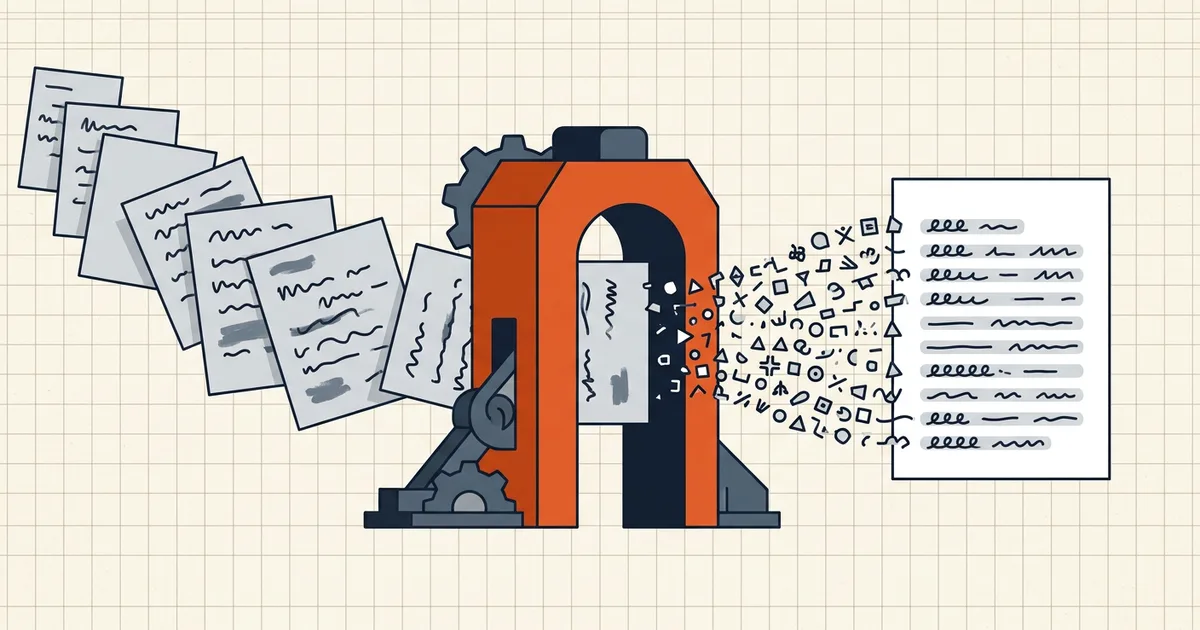
Select-all, copy, paste — and you get a rectangle instead of words. That's the defining moment of a scanned PDF: there is no text to extract until something creates it. Conversion is therefore two steps: recognize, then extract.
The pipeline
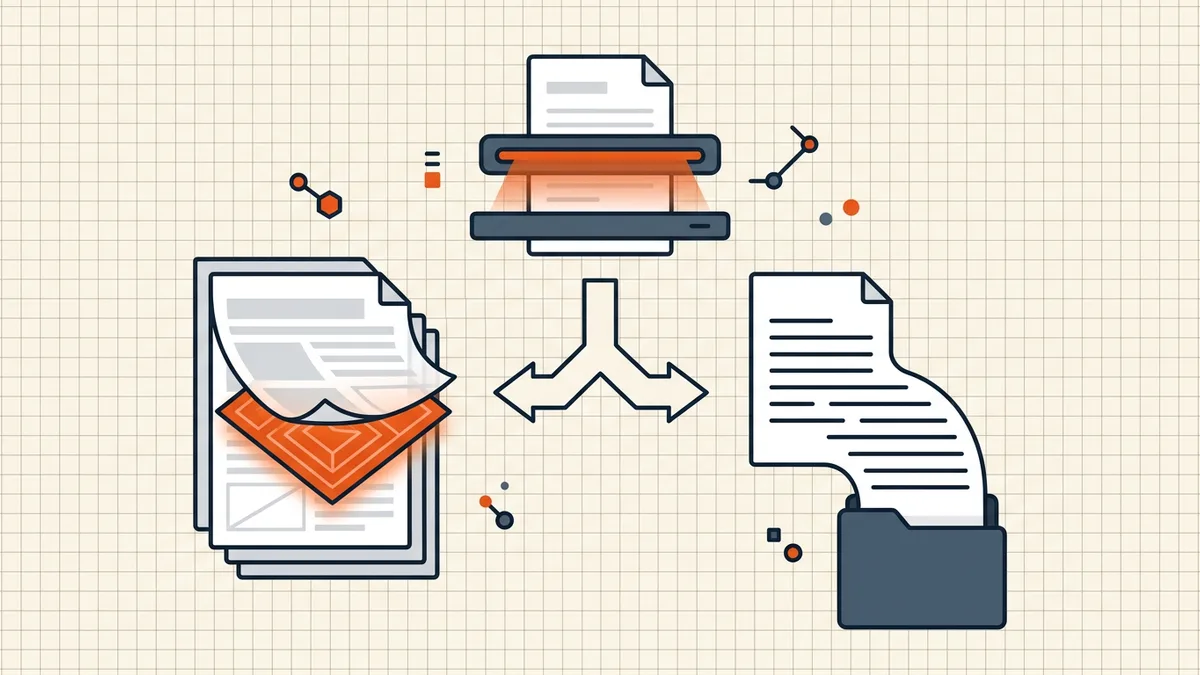
1. OCR (optical character recognition). The engine looks at each page image and writes characters — either into an invisible layer under the image (searchable PDF) or directly into a text stream you can export.
2. Extraction. Take the recognized words out as .txt, or keep them embedded in the PDF. Two products, one recognition pass.
3. Proofread. Non-negotiable. Names, figures, dates — anything where a misread character changes meaning gets human eyes. OCR is a first draft.
Choosing the output
| You need | Produce | Why |
|---|---|---|
| The document to circulate as a document | Searchable PDF | Same pages, now searchable — attachments, forms and page order intact |
| Words for a wiki, model, or search index | Plain text (.txt) | Formatting stripped; every word portable |
| An editable version of the original layout | PDF → Word-style conversion | Fidelity varies wildly on scans — proofread harder |
Most tools that "convert scanned PDF to text" are really OCR services with a .txt export button. Nothing wrong with that — just know you're running recognition either way.
Where it goes wrong (and how to pre-empt it)
- Skew and rotation — crooked pages break line assembly; straighten first.
- Resolution — undersized scans mush characters; aim for at least ~300 DPI captures (scanning guide).
- Contrast and shadows — phone photos with glare are the top accuracy killer.
- Handwriting and old type — treat output as advisory; verify against the image.
- Column layouts — reading order can scramble; spot-check structure, not just characters.
If you control the capture, fixing these upstream beats any downstream engine.
Privacy: the document is the payload
The text inside — medical, legal, financial — is exactly what an OCR service's infrastructure receives when you upload. The audit questions (upload or on-device? retention? subprocessors? human access?) are spelled out in is online OCR safe?; the side-by-side architecture picture is in the browser-local vs server-based comparison.
BytesPDF OCR PDF runs recognition in your browser tab: pages are processed on-device, and you download the result — the extraction pipeline with no upload step. Recognize → extract → proofread → ship.
Frequently asked questions
Why can't I just copy text from a scanned PDF?
Because there is no text — the pages are images. Copy-paste needs characters in a text layer; scans only have pixels. OCR is what turns the pixels back into characters.
What's the difference between a searchable PDF and a text file?
A searchable PDF keeps the original page images and adds an invisible text layer under them — same look, now searchable. A text file (.txt) is the words alone: no layout, no images, no fonts. Extract text for editing or indexing; ship searchable PDF when the document itself must circulate.
How accurate is OCR extraction?
Depends almost entirely on input quality: clean, high-contrast, straight, adequately-dressed scans recognize well; skew, shadows, handwriting, small type and heavy noise degrade it. Always proofread before the text goes anywhere that matters — treat OCR as a first draft, not a result.
Is it safe to upload a scanned PDF to an OCR converter?
Only with a service whose data path you've audited: what's uploaded, retention, subprocessors, human access. Pages you wouldn't paste into an email are better kept on-device — see [is online OCR safe?](/blog/is-online-ocr-safe) for the checklist and [browser-local vs server-based](/compare/browser-local-vs-server-based-pdf-tools) for the architecture.
Can I extract text from a scan on my phone?
Yes — phone scanners and Live Text do partial extraction, but for a whole document, run a proper OCR pass (on-device tools included) and download the text or searchable PDF. Phone-captured scans need extra care with skew and glare first.