
Can a PDF Have a Virus? How to Check Before You Open It
Yes, PDFs can be a delivery vehicle — and 99% of the ones you'll see are boring documents. A practical check sequence for the 1% that isn't.
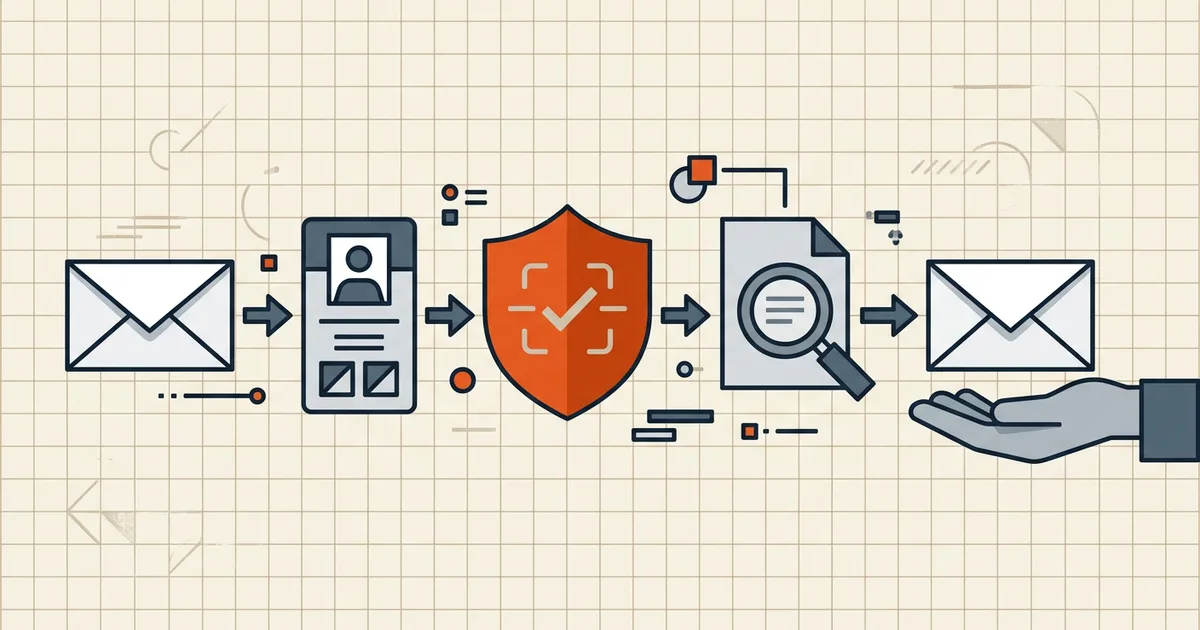
"Can this PDF give me a virus?" is the right question to ask about unexpected files — and the wrong obsession for the contract your lawyer just sent. Context first, then checks; the sequence below takes thirty seconds for the 99% and gives you a real protocol for the 1%.
The honest threat picture
PDFs carry three realistic risk channels:
- Embedded payloads — attached files inside the PDF (where they hide), waiting for an activation click.
- JavaScript / auto-actions — legacy reader features that execute on open in unpatched software (modern defaults are strict; updates matter).
- Reader exploits — vulnerabilities in the viewer itself, triggered by crafted files. Patch cadence is your defense: keep the reader current.
None of these requires the file to "look" executable. None of them fires by the file sitting in your Downloads folder — opening in vulnerable software is the event.
The check sequence (before opening)
- Sender verification — via a channel you already trust. Not the reply-to. Not the phone number in the email. The number on their website; the email thread you've used before. One call kills most phishing packages.
- Context check. Did you expect this document? Invoices, "scanned copy," legal notices and delivery notices are the favorite costumes. Unexpected + urgent + a link or phone number inside = stop.
- Local AV scan. Right-click → scan with your installed security tool — zero upload, zero privacy cost. Corporate machines: your endpoint agent already did this; don't override it.
- Filename sanity.
contract.pdf.exe(double extension), or a.pdfwhose size makes no sense for its content — quarantine, ask for a resend. - Only then open — in a current reader, with Protected/Protected Mode defaults left on (people disable these; don't).
What BytesPDF Check Before Sending is (and isn't)
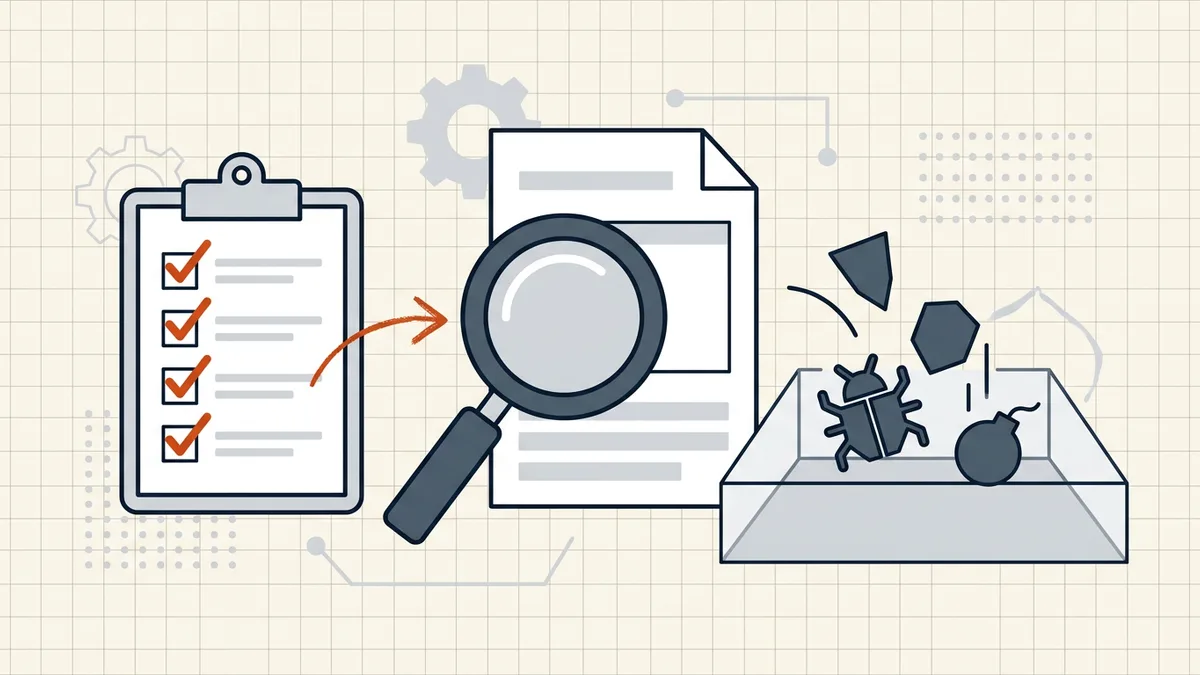
We'll be explicit because the names confuse: Check PDF is an outbound tool — it walks your document for size limits, hidden data, and pre-send gotchas before you send it. It does not scan for malware, and we don't claim otherwise. Inbound scanning belongs to your antivirus; inbound content hygiene belongs here.
Frequently asked questions
Can a PDF contain a virus?
A PDF can be a *carrier*: it can embed malicious attachments, JavaScript, or exploit vulnerable reader code. Like any document format, it doesn't 'run' by existing — something has to open it in vulnerable software or the user has to activate embedded content. Modern readers patch aggressively, which is why keeping yours updated is part of the defense.
Is it safe to open a PDF from someone I don't know?
Safer with checks first: verify the sender through a *different* channel than the one that delivered the file (call the number you already have, don't trust reply-to), scan it with your antivirus, and be suspicious of unexpected documents asking you to 'enable content' or visit links. Unknown sender + unexpected context + urgency = don't open.
How do I scan a PDF for viruses?
Right-click the file → scan with your installed antivirus (Windows Security, macOS alternatives, endpoint tools), or use your email gateway's attachment scanning. Multi-engine online scanners exist but require *uploading* the file — for sensitive documents, that's a privacy trade: [what uploading means](/blog/privacy-risks-online-pdf-tools). BytesPDF Check PDF does NOT scan for malware — it's a pre-send content/structure checklist, a different job.
What are the red flags in a suspicious PDF?
Unexpected invoice/delivery/legal document you didn't request; filename tricks (invoice.pdf.exe); pressure language; requests to enable macros/content or call 'support' numbers; odd file size for the content type; a sender whose address doesn't match their claimed organization. One flag → verify. Several → don't open.
Do online 'PDF virus checkers' make files safe?
No service makes an infected file safe — they can *report* findings, at the cost of uploading the file. Prevention (patched reader, sane sender policy) and verification (AV scan locally) beat uploading sensitive documents to unknown scanners. Treat 'upload your PDF to be cleaned' claims with the same skepticism as any [tool that wants your files](/blog/privacy-risks-online-pdf-tools).
Related comparisons
Source-led comparisons written by BytesPDF, with the conflict of interest disclosed on each page. They link official provider documentation rather than fabricated tests.