
OCR Handwritten Notes: Why Cursive Breaks Text Recognition (and Workarounds)
Printed text OCR is boringly good; your cursive diary is not the same problem. How to set expectations, prepare the page, and still get usable text out of handwritten PDFs.
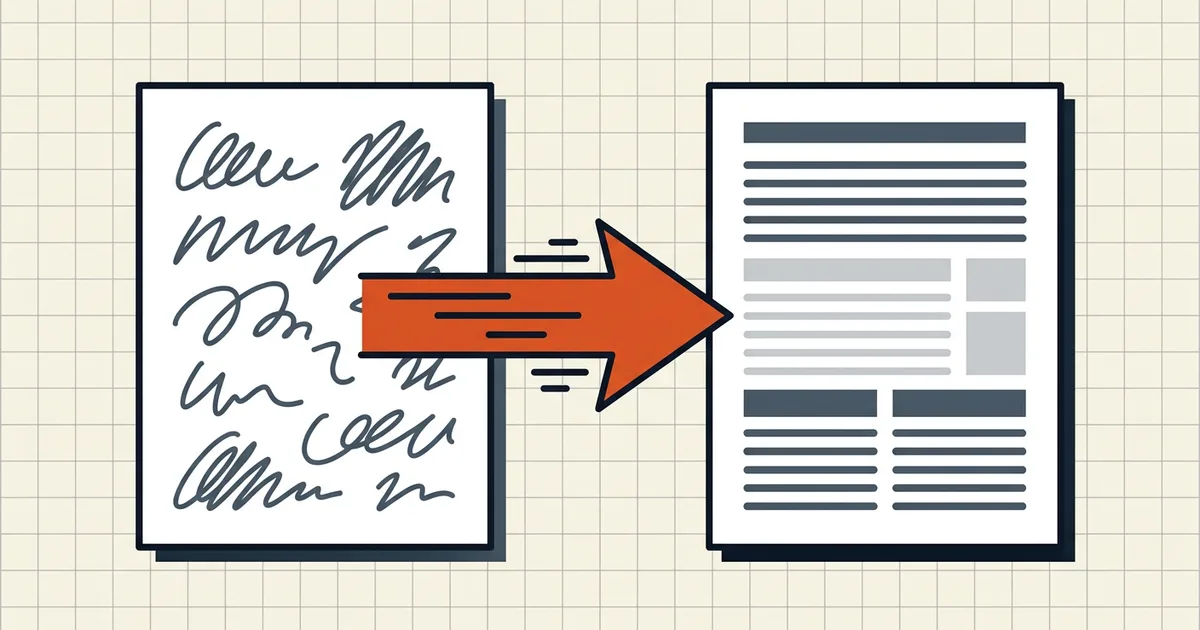
Every accuracy table eventually hits the same wall: printed text sits near the ceiling; handwriting falls off it. This post is about not walking into that wall blind.
The expectation reset
| Content | What engines typically achieve* | Trust level |
|---|---|---|
| Clean printed text, good scan | High — often production-grade | Verify samples, ship |
| Block handwriting, neat | Mixed — usable with review | Human pass required |
| Cursive / hurried / stylized | Poor-to-moderate at best | Transcribe what matters |
| Mixed print + margin notes | Engines guess routing | Split the problem |
\Numbers vary wildly by tool and page; treat any single "X%" as a benchmark, not a promise. The shape* of the gap is stable across vendors' own docs.
Prepare the page before the engine
Handwriting OCR fails for boring physical reasons as often as linguistic ones:
- Flatten the page — curled notebook shadows eat middle lines (blurry/scan triage).
- ~300 DPI floor for stroke detail; grayscale/color as ink contrast needs.
- Square the photo — angled phone shots shear letterforms.
- Contrast — pencil on cream paper is hostile; adjust before OCR, not after.
- Split mixed docs — printed forms vs handwritten annex often deserve different passes (accuracy tips).
Choose the right brain
- Written inside a note app? Use the app's ink-to-text first (Notability, GoodNotes, OneNote, platform ink tools). Stroke data beats pixels.
- Paper, block print, quick need: phone Live Text / lens OCR is fine for a page or two — verify.
- Paper, cursive, multi-page: dedicated handwriting OCR services exist for this niche; sample the hardest page before paying for the batch.
- Mixed print + cursive: classify a sample page first; don't force one engine over the whole binder.
Searchable PDF ≠ perfect transcript
Running handwriting through a general PDF OCR (searchable layer) can still help finding pages in a scan bundle — "the page that mentions April rent" — even when the text layer is peppered with errors. Just never confuse "search hits exist" with "this is a faithful transcript." For contracts, medical notes, or anything legally load-bearing, human transcription is the product; OCR is a drafting clerk.
Privacy of handwriting
Diaries, therapy notes, annotated contracts — handwriting is intimate. Prefer local/browser-side pipelines and read OCR safety framing before pasting pages into random free tools. Export targets (plain text, Word) are covered in PDF → text.
Honest BytesPDF scope
BytesPDF's OCR builds a searchable layer for scans with a local recognition engine — oriented to printed document text, processed in the browser. It is not marketed or validated as a cursive transcription engine. Use it when the win is "I can Ctrl-F this scan," not "the novel is now editable text." When errors are expensive, budget human review or a dedicated handwriting service.
Frequently asked questions
Can OCR read handwriting in a PDF?
Sometimes — with big asterisks. Engines tuned for printed glyphs degrade hard on cursive and stylized hands; clean block printing does better than connected script. Treat vendor accuracy numbers as lab conditions, run a test page first, and budget for manual correction on anything that matters.
Why is printed-text OCR so much better than handwriting OCR?
Printed fonts have stable letter shapes and spacing engines were trained to match; handwriting varies within a single line. Classic template engines assume those stable shapes — cursive supplies none of them. That's the entire gap in one sentence.
What DPI should I scan handwritten notes for OCR?
Around 300 DPI is the usual floor cited for capturing stroke detail; undersharpened 150 DPI scans lose the thin connections cursive depends on. Flat pages, even light, high contrast help more than megapixels. Fix curl and shadows before any engine sees the page.
Should I use my phone's ink-to-text or a PDF OCR tool?
If the notes were written *in* a note app, use that app's built-in conversion first — it has stroke context a camera never gets. Camera captures of paper are the harder case: try Live Text / lens tools for quick block print, dedicated handwriting OCR for cursive batches, and always spot-check numbers and names.
Does BytesPDF OCR handle handwriting?
BytesPDF's OCR tool adds a searchable text layer for scans using a local recognition engine aimed at printed document text. It is not a handwriting-transcription product and doesn't guarantee cursive accuracy. For handwritten pages, expect printed-style performance at best — verify critically or transcribe manually when errors are costly.
Related comparisons
Source-led comparisons written by BytesPDF, with the conflict of interest disclosed on each page. They link official provider documentation rather than fabricated tests.