
Scanned PDF vs Born-Digital PDF: The Five-Second Test
Same page on screen, completely different files underneath. A select-text test separates photograph-of-paper from real characters — and routes each type to the right tools.
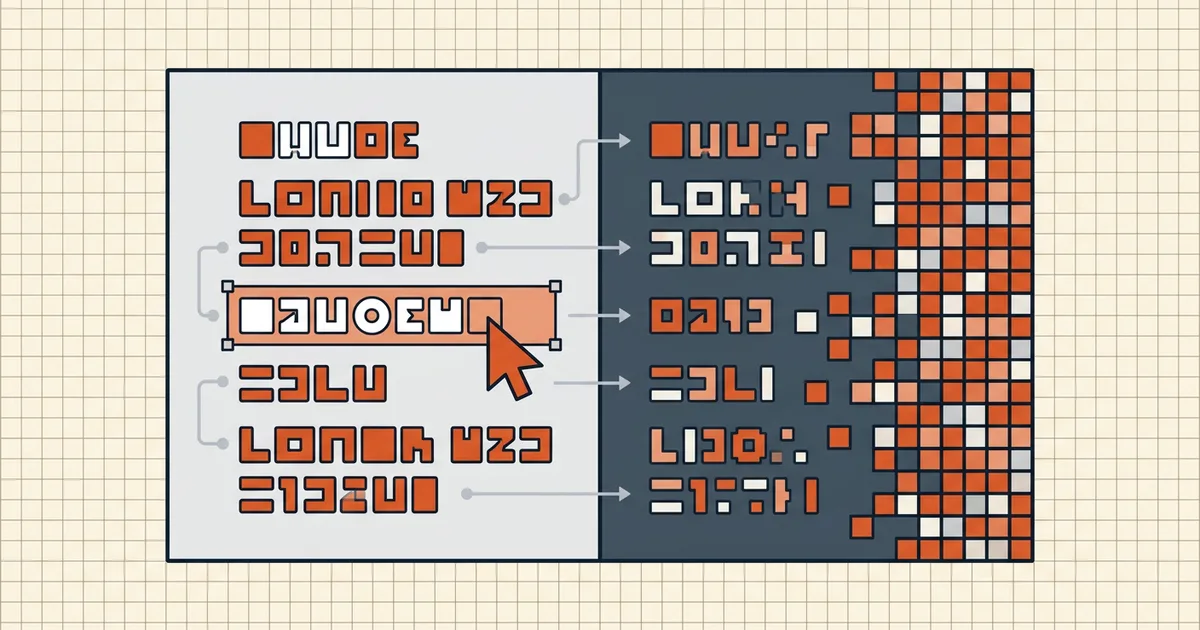
Open two PDFs. They look like the same document. One is text; the other is a photograph of text. The cursor knows the difference even when your eyes don't.
The test
- Drag across a word.
- Letters highlight individually → text layer present (born-digital, or OCR'd scan).
- Rectangle block / nothing → image-only scan.
- Ctrl+F a visible word. Hits → layer cooperates. Zero hits on selectable text → broken encoding or permissions (diagnostic).
- Select-all → paste when you need certainty: clean prose = honest layer; garbage = lying OCR.
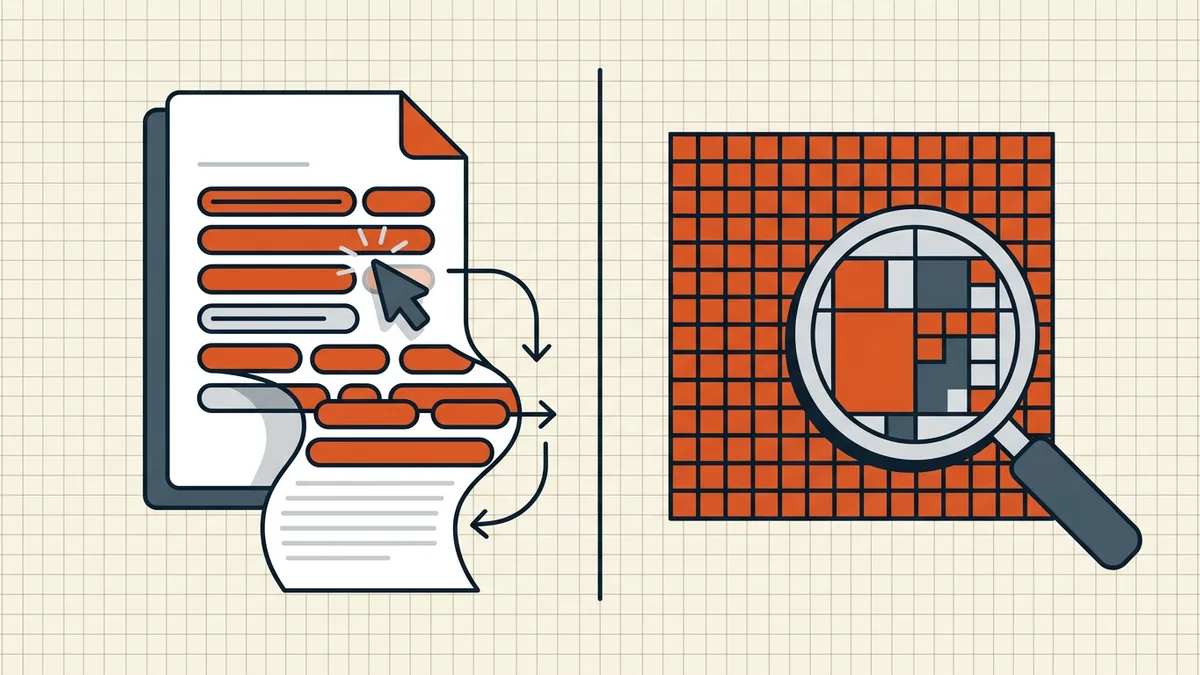
Why the fork matters downstream
| Task | Born-digital | Image-only scan |
|---|---|---|
| Search / copy | Native | OCR first |
| Compare versions | Direct text diff | OCR then diff (or skip if either side has text) |
| Compress | Text is cheap; images dominate if present | Every page is an image — size fights you |
| Word/table count | Works | Needs real layer |
| Zoom sharpness | Vector redraw stays crisp | Fixed DPI (blur guide) |
Partial cases
OCR'd scans are selectable but remain photographs underneath — enhancement can't add capture detail. Mixed packets: test a cover, a middle page, an insert. Portfolios bundle multiple types under one extension (portfolio vs merge).
Honest BytesPDF scope
No OCR at BytesPDF — we don't turn scans into born-digital text (documented boundary). Compress and clean treat both types correctly for their job; count/table/search workflows need a real layer and say so when it's missing.
Side-by-side consequences
| Behavior | Born-digital | Image-only scan |
|---|---|---|
| Ctrl+F visible word | Hits | Zero |
| Select-all → paste | Prose | Empty / box |
| Zoom text at 600% | Stays crisp (vectors) | Part of photo — soft |
| 10-page text file size | Often « 1 MB | Often multi-MB |
| Version compare | Direct | OCR first (compare scanned) |
| Screen reader / AT | Reads text if tagged | Silent without OCR |
| Compress lever | Already cheap text | Downsample images |
The select-test isn't trivia — it picks your pipeline for search, diff, compress, and accessibility work before you touch a tool.
Mixed and misleading files
- OCR'd scans: selectable and still photographs — enhancement won't add capture detail (blur guide); paste may be clean while numbers still OCR'd wrong.
- Outlined text: design exports with text as curves look sharp on zoom but copy as garbage — rare, but it fails the paste test like a bad layer (search failures).
- Attachments/portfolios: one extension, many types inside (portfolio vs merge).
Test three pages, trust the middle one most, and route from there.
Frequently asked questions
What's the five-second test?
Drag across a word. Individual letters highlight → text layer (born-digital, or a scan that already has OCR). A big rectangle over the area, or nothing → image-only scan. Second opinion: Ctrl+F a visible word — zero hits on a text-looking page strongly suggests image or broken layer.
Can a file be both?
Yes — OCR'd scans carry an invisible text layer over the photo; mixed packets can have digital pages beside scanned inserts. Select-test *middle* pages, not just page one. A bad OCR layer fails the paste test (garbled) even though selection 'works' ([search failures](/blog/pdf-search-not-finding-visible-text)).
Why does the type matter?
It decides everything downstream: search/copy/compare without ceremony on born-digital; OCR first on scans ([searchable](/blog/make-scanned-pdf-searchable), [text extract](/blog/convert-scanned-pdf-to-text)); compression behaves differently (vector text is cheap, image pages are fat — [compression guide](/blog/what-is-pdf-compression-complete-guide)); version diffs skip OCR when either side has real text ([compare](/blog/compare-two-pdf-versions)).
Does born-digital mean smaller?
Usually, for text documents — characters cost far less than 300-DPI page photos. Exceptions: embedded fonts, portfolios, image-heavy designs. Size is a hint; the select-test is the proof.
Does BytesPDF convert scans to born-digital?
Not by OCR — no recognition tool at BytesPDF (documented boundary). We preserve whatever text exists through compress/clean; making a scan searchable is OCR-tool territory. Type-aware advice above routes you correctly before you compress or compare.
Related comparisons
Source-led comparisons written by BytesPDF, with the conflict of interest disclosed on each page. They link official provider documentation rather than fabricated tests.