
Deskew a Crooked PDF Scan (Not 90° Rotate — Fractional Degrees)
Your pages lean like a bad haircut, and the rotate button only offers quarter-turns. Deskew is the different tool — measuring fractional angles off the pixels themselves.
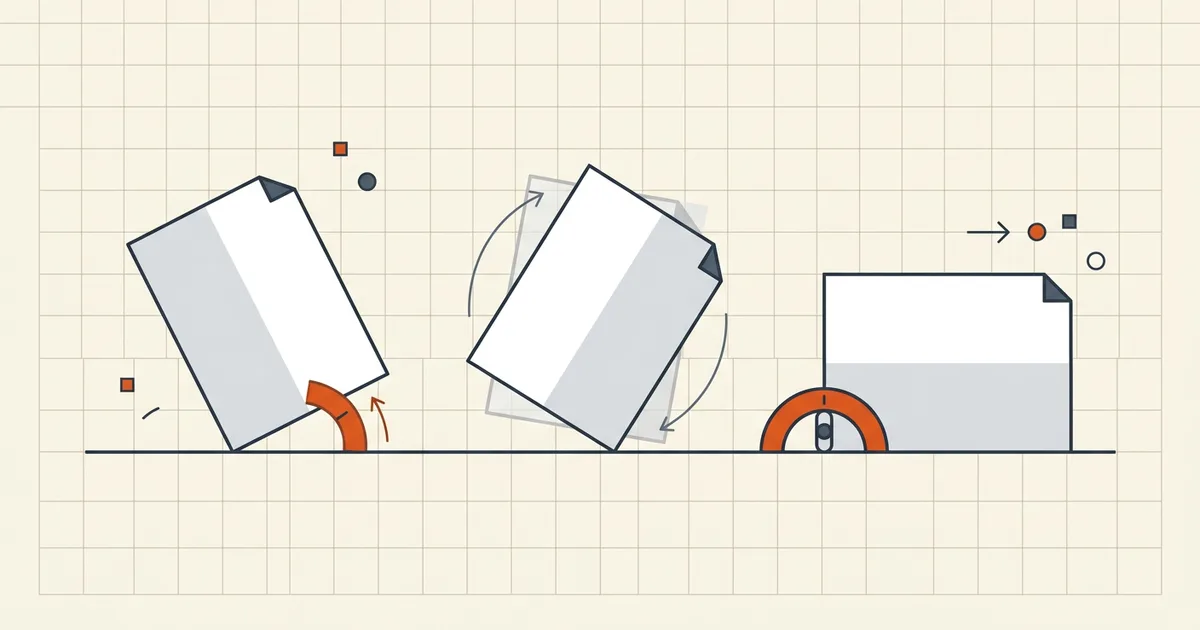
The rotate tool offers 90°. Your feeder offered 3.4°. That mismatch is the entire support ticket.
Two geometry problems
| Rotate | Deskew | |
|---|---|---|
| Angles | 90 / 180 / 270 | Continuous (± a few°) |
| Input | You choose | Measured from pixels |
| Best for | Sideways pages, duplex backs | Feeder skew, phone tilt |
| Tool class | Page structure flag | Render → measure → rewrite |
Workflow that respects the physics
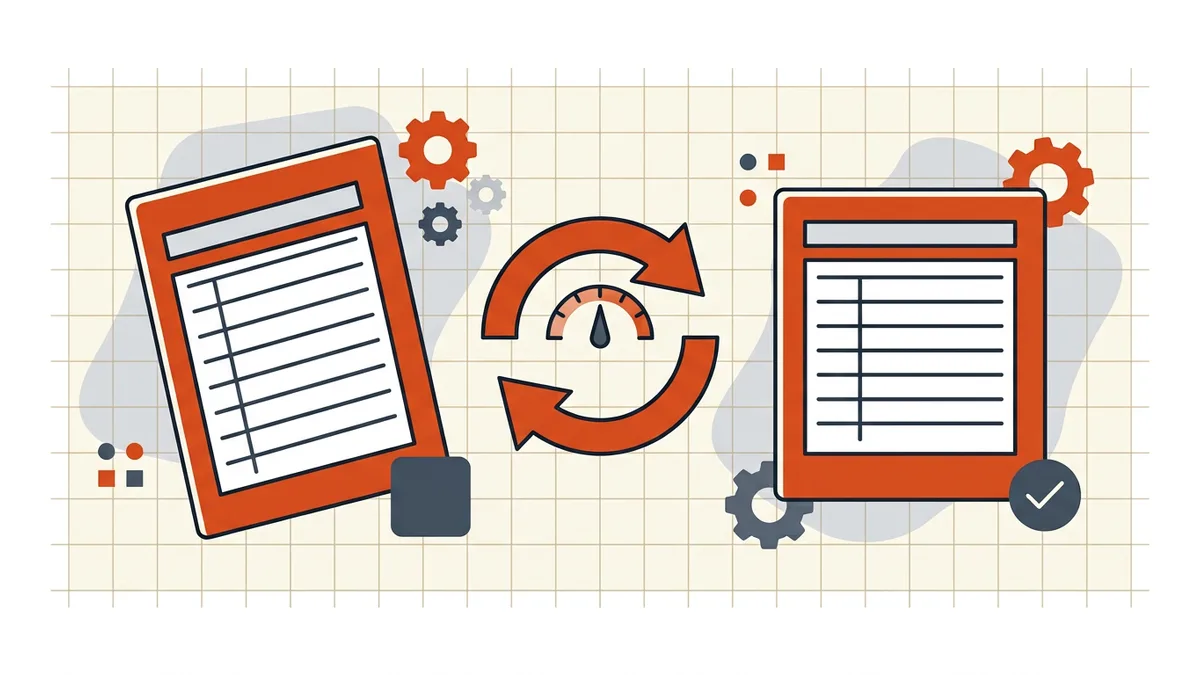
- Confirm it's skew, not rotation. Quarter-turn wrong = rotate. Slightly leaning = deskew.
- Deskew in a scanner-aware tool (desktop OCR suites, scan apps with deskew profiles, CLI unpaper/k2pdfopt-class utilities). Sensible thresholds stop sub-0.3° jitter from “correcting” already-straight pages.
- OCR after, language pack matching the document (accuracy tips).
- Spot-check baselines: zoom a text block; lines should run horizontal against the viewer grid.
- Prevent the next batch: scanner profile → Auto Rotate OFF, Auto Deskew ON, fixed orientation (capture discipline).
What deskew won't fix
Blur is a different failure (blurry scans); deskew can't invent focus. Extreme multi-angle collages need per-page handling. And if only some pages lean, verify you're not double-correcting pages that were already straight.
Honest BytesPDF scope
No deskew at BytesPDF. Rotate ships in 90° steps (iPhone/Android paths documented); straightening fractional skew requires pixel analysis we don't run. Same honest-gap policy as split, booklet, and word-count: name the boundary, route you to the right tool class.
Angle cheat sheet
| You see | Angle class | Tool |
|---|---|---|
| Page fully sideways | 90° multiple | Rotate |
| Upside-down | 180° | Rotate |
| Back of duplex flipped | 180° on evens | Rotate + duplex binding |
| Text baseline leaning 2–7° | Fractional | Deskew |
| Whole feeder batch leaning same way | Profile bug | Fix scanner profile first |
Same family of "wrong orientation," different physics. Matching tool to angle class is half the fix; the other half is not re-running deskew on pages that only needed a quarter-turn.
Field notes from real batches
- ADF skew correlates: if pages 3–7 all lean the same direction, the feed rollers or paper guides are the root cause — deskew cleans the evidence, not the cause.
- Phone captures: slight perspective (keystoning) is a projection problem; pure deskew corrects rotation only. Retake square when the document is contracts-grade.
- Thresholds matter: aggressive auto-deskew on already-straight legal forms can shave hairline edges near margins. Preview before committing a full packet.
Frequently asked questions
What's the difference between deskew and rotate?
Rotate applies fixed 90°/180°/270° turns to whole pages ([permanent rotate](/blog/how-to-permanently-rotate-a-pdf)). Deskew measures a continuous angle — often 1–7° — from the page's own pixels (text baselines, borders) and rotates by that amount to restore horizontal. If your fix needs a decimal point, it's deskew.
Why do scans come out crooked?
ADF feeds skew paper; phone captures tilt the camera; a previous manual rotate stacked small errors. Deskew at capture (scanner profile: Auto Rotate off, Auto Deskew on) prevents most of it; post-hoc deskew cleans files you already have.
Should I deskew before or after OCR?
Before. Skew breaks line segmentation; engines mis-segment baselines and accuracy falls — especially tables ([OCR accuracy](/blog/improve-ocr-accuracy-tips)). Straighten → then OCR → then verify search ([searchable guide](/blog/make-scanned-pdf-searchable)).
Does BytesPDF deskew PDFs?
No deskew feature (documented boundary). BytesPDF rotate handles 90° steps on mobile/desktop flows; scan-cleanup, OCR, and enhancement are outside our tool set. We document the distinction so you don't fight the rotate button for a 3° problem.
Can't I just crop or live with it?
Small skew still prints and OCRs worse than it looks on screen. Crop removes margins, not angle ([mixed-size merge](/blog/merge-pdfs-different-page-sizes) handles dimensions). For one degree on a personal file, living with it is fine; for packets going to OCR or archives, fix geometry once.
Related comparisons
Source-led comparisons written by BytesPDF, with the conflict of interest disclosed on each page. They link official provider documentation rather than fabricated tests.