
PDF/A vs Regular PDF: When Archives and Courts Demand the Archival Format
Regular PDF optimizes for today; PDF/A optimizes for forever. What the standard strips out, who mandates it, and why BytesPDF explicitly does not certify PDF/A.
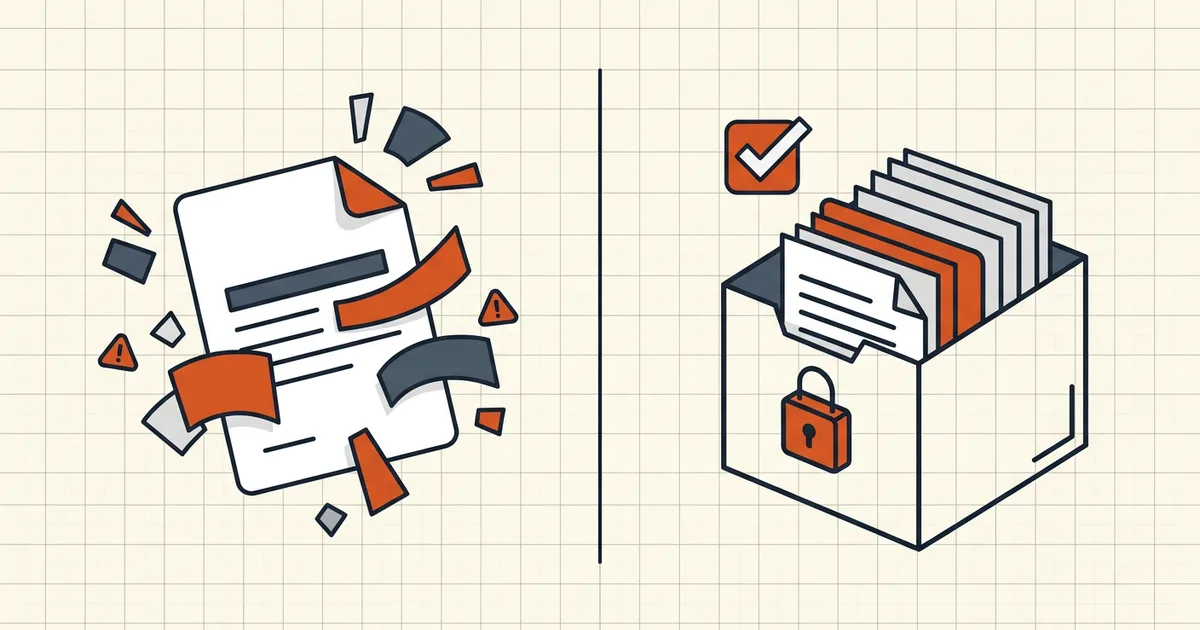
Your website PDF opens fine today. In 2036, will it? PDF/A exists because "probably" isn't good enough for archives, courts, and regulated records — and because regular PDF happily depends on things that won't exist later.
What PDF/A actually changes
| Freedom in regular PDF | PDF/A stance |
|---|---|
| Fonts referenced from the system | All fonts must be embedded |
| Encryption / passwords | Forbidden |
| JavaScript, launch actions | Forbidden |
| Links to remote stylesheets/media | External dependencies forbidden |
| Multimedia players, audio/video | Forbidden (or restricted per part of the standard) |
| Colors/ICC handling | Controlled for reproducibility |
| "Looks fine in Acrobat XI" | Must render per spec on future readers |
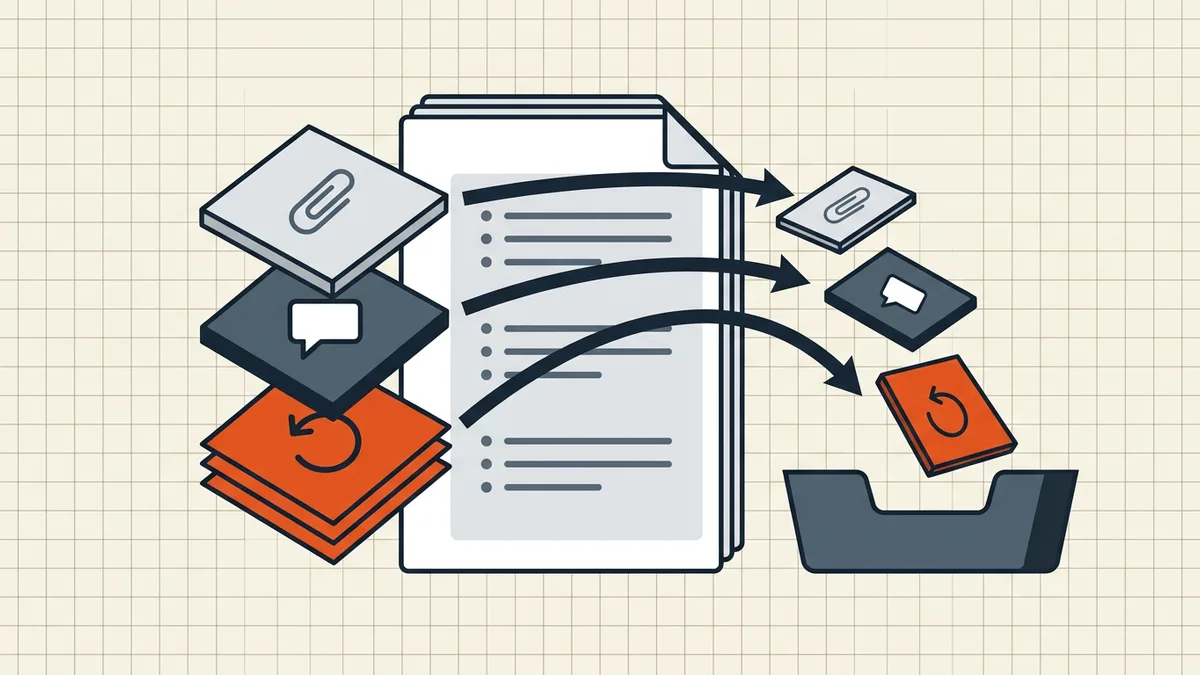
The theme: self-contained and deterministic. No secrets (encryption), no network, no missing fonts, no executable surprises — only what's needed to draw the pages identically later.
Who demands it (check your rule)
Common mandates: national/regional archives, some court e-filing programs (varying by jurisdiction — many U.S. federal filings care more about flatten/JS/searchable than formal PDF/A, while some state and EU systems specify PDF/A levels), regulated retention schemes, scholarly publishers. Always read the current requirement: "PDF/A-2b required" is a precise ask; "PDF recommended" is not the same sentence.
That court angle overlaps our e-filing checklist — content bans (JS, encryption, unflattened forms) look similar because the underlying worries (portability, safety, determinism) rhyme.
What PDF/A is not
- Not a quality tier. A blurry scan can be "PDF/A-shaped" and still be garbage evidence.
- Not a size strategy. Font embedding may grow files; compress first for distribution, convert to PDF/A when archiving demands it — two goals, two passes, verify both.
- Not PDF/X or PDF/UA. Print color management and accessibility are separate standards that sometimes stack with PDF/A in workflows — don't substitute one name for another.
- Not a malware scan. Self-contained ≠ safe to open from strangers — inbound checks still apply.
Honest BytesPDF scope (read this twice)
BytesPDF does not produce or certify PDF/A. Our toolkit (compress, target-size, merge, rotate, rename, metadata removal, check-before-send, protect, redact, OCR, compare, cleanup, sign, Word/Excel→PDF) emits ordinary PDFs for distribution. This boundary is documented in how it works and in our llms documentation — deliberately, so nobody discovers it mid-filing.
What BytesPDF does feed a PDF/A workflow well:
- pre-clean the source (metadata, hidden data);
- size-check exports before you hand them to a converter;
- strip the very features PDF/A will ban anyway (scripts/attachments die in cleanup; encryption must go before conversion — decrypt if you own it).
Then generate PDF/A in a dedicated tool and validate the conformance level the authority specified. A file that merely "mentions PDF/A in properties" without validation is how rejections happen.
Decision path
- Rule says PDF/A (with a level)? → produce via a PDF/A-capable tool; validate; submit. BytesPDF can prep inputs, not replace the converter.
- Rule says "PDF, flattened, searchable, no JS"? → our e-filing checklist maps directly; ordinary clean PDF passes.
- Rule just says PDF? → distribute normally: optimize size for the channel (compression guide), protect only where appropriate, and keep an archival master out of lossy loops.
Frequently asked questions
What is the difference between PDF/A and PDF?
PDF/A is an ISO-restricted subset of PDF for long-term archiving: all fonts embedded, no encryption, no JavaScript, no external references (links to remote content), no multimedia that depends on players, and predictable rendering requirements. Regular PDF allows all of those freedoms — which is great for distribution today and risky for archives that must open the same way in twenty years.
Who requires PDF/A?
National archives, many courts and government records programs, regulated industries (some financial/health retention rules), and publishers. Requirements specify conformance levels (commonly PDF/A-1a/-2b style levels with different feature tradeoffs). The obligation always comes from *your* jurisdiction, court, or regulator — check the current rule text, not a blog summary.
Does BytesPDF create PDF/A files?
No. BytesPDF explicitly does not certify PDF/A conformance (see how-it-works and our llms documentation). Compression, merge, rotate, OCR, and friends produce ordinary distribution PDFs. If a filing or archive demands PDF/A, generate it in a dedicated tool that can validate the level required, then verify with a PDF/A validator before submission.
Can a PDF/A file be password protected?
No — encryption is incompatible with PDF/A's self-containment and long-term accessibility model. That's the same reason court e-filing rejects encrypted PDFs: downstream systems must open them without secrets. Protect archives with access controls around the file, not encryption inside it — different layer, different guarantee.
Is PDF/A just 'high quality' or 'small size'?
Neither, specifically. It's about fidelity and self-containment over time — embedded fonts, banned external dependencies, controlled features. A PDF/A file can be larger (full font embedding) or smaller than a peer; size is orthogonal. Don't confuse it with PDF/X (print color spaces) or PDF/UA (accessibility) — different ISO standards.
Related comparisons
Source-led comparisons written by BytesPDF, with the conflict of interest disclosed on each page. They link official provider documentation rather than fabricated tests.