
Court E-Filing PDF Requirements: Why CM/ECF Rejects Files (and How to Prepare Yours)
E-filing rejection messages are specific if you know the rulebook. Flatten forms, strip JavaScript and passwords, keep it searchable — a pre-upload checklist drawn from official CM/ECF guidance.
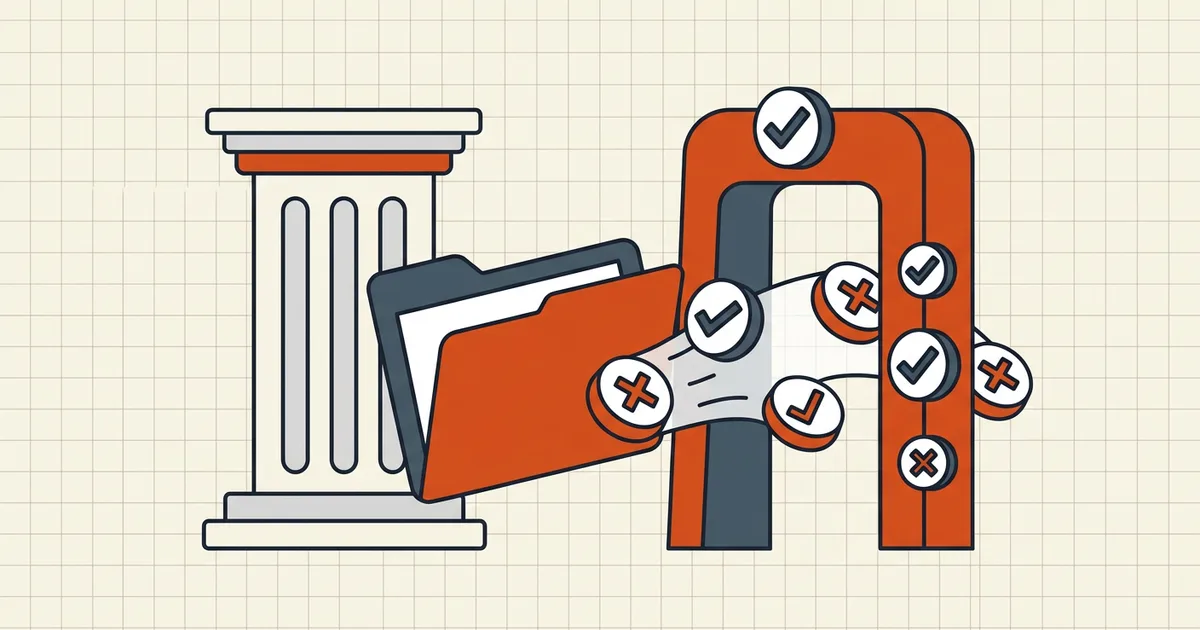
E-filing rejections are frustratingly specific once you read the rulebook. Federal CM/ECF documentation (and many state systems modeled on it) publishes what it will and won't accept — this guide turns that into a pre-upload checklist. Local rules always control: your court's LR / standing order may add requirements the national docs don't mention.
What official CM/ECF guidance says gets rejected
Summarized from U.S. Courts program documentation (verify against your court's current guide before filing):
| Rejected content | What to do instead |
|---|---|
| Not standards-compliant / malformed PDF | Re-export from source; avoid exotic exporters |
| JavaScript or launch-action scripts | Strip scripts (cleanup / re-export without JS) |
| Encrypted or password-protected | Decrypt with the owner's password before filing |
| Internal attachments / embedded files | Flatten into pages or file attachments as separate documents per local rule |
| Embedded audio/video | Remove multimedia |
| Some Mac/browser-generated form files | Rebuild form in a proper tool, then flatten |
| Over court's max file size | Check the limit in CM/ECF Court Information; split into main + attachments |
Flattening is called out in official docs as the fix for most upload rejections — unflattened editable forms are also prohibited outright by some districts.
Searchable scans (many districts require it)
Image-only exhibits often fail local text-searchability rules. Pipeline:
- Scan clean (see best DPI) — courts may set their own minimum.
- OCR the scan so a real text layer exists.
- Proof names, docket numbers, dates — OCR errors in a filing are worse than no OCR (accuracy tips).
Size limits: read the system, not a blog
Each court sets its own maximum (published in CM/ECF's Court Information screen; districts vary — some docs mention 50–75MB examples, your number is whatever the system shows). Oversized filings get split into a main document plus attachments under one event — that's the designed path, not a workaround. For other destinations with tighter caps, target-size compression is the tool; for courts, prefer splitting over crushing legibility.
Pre-upload checklist
- Opens without a password prompt (no encryption)
- No JavaScript / no embedded files / no A/V
- Fillable forms flattened if local rule requires (most do for exhibits)
- Scans have a proofed text layer (searchable)
- Stray comments/annotations removed (strip notes)
- Page orientation correct (rotate before filing)
- Filename identifiable and dated per local convention (naming)
- Size under the limit shown in the filing system
- Final reopen of the exact file you'll upload (invalid-PDF diagnosis if anything still bounces)
What BytesPDF is (and isn't) here
Use the local toolkit for the mechanical parts: compress, merge exhibits, rotate, OCR, check-before-send. We don't certify PDF/A on your behalf, don't know your judge's standing order, and don't submit filings. When a court requires PDF/A specifically, that's a separate production step with an external validator — see PDF/A explained.
Frequently asked questions
Why does CM/ECF reject my PDF?
Official guidance lists common rejects: content that isn't standards-compliant PDF, JavaScript or scripts that launch external actions, encryption/password protection, internal attachments, embedded audio/video, and some browser-created form files. Courts also enforce a maximum file size (shown in the system) and may impose local rules on searchability, form flattening, and DPI.
How do I flatten a PDF for e-filing?
Open the file in a PDF editor and flatten form fields/annotations into static page content (or print-to-PDF where settings bake values in). Many courts state plainly that flattening resolves most upload rejections. Verify after: fields should no longer accept input, but values must be visible on every page.
Do e-filing systems accept password-protected PDFs?
No — CM/ECF and comparable systems explicitly reject security measures like passwords or access restrictions. Send unencrypted filings. If the client sent you a locked copy, decrypt with their password before filing; never attach the encrypted original.
Does my scanned exhibit need OCR?
Many districts require text-searchable PDFs for scans — run OCR so the text layer exists, then proofread critical identifiers (names, case numbers). Some courts set minimum DPI for scans; check the local filing guidelines rather than assuming a number.
Does BytesPDF produce court-ready filings?
BytesPDF is a browser-local utility toolkit — compression, merge, rotate, OCR, flatten guidance via editors, and pre-send checks. It does not certify court-specific PDF standards, replace your court's local rules, or act as a filing service. Use it to prepare compliant-looking files; confirm requirements in the court's current e-filing guide.
Related comparisons
Source-led comparisons written by BytesPDF, with the conflict of interest disclosed on each page. They link official provider documentation rather than fabricated tests.