
Open PDFs in a Real Reader, Not the Browser Preview (Default App Setup)
The browser opens every PDF in a lightweight preview built for skimming — not filling, signing, or deep search. One settings change routes files to a real reader.
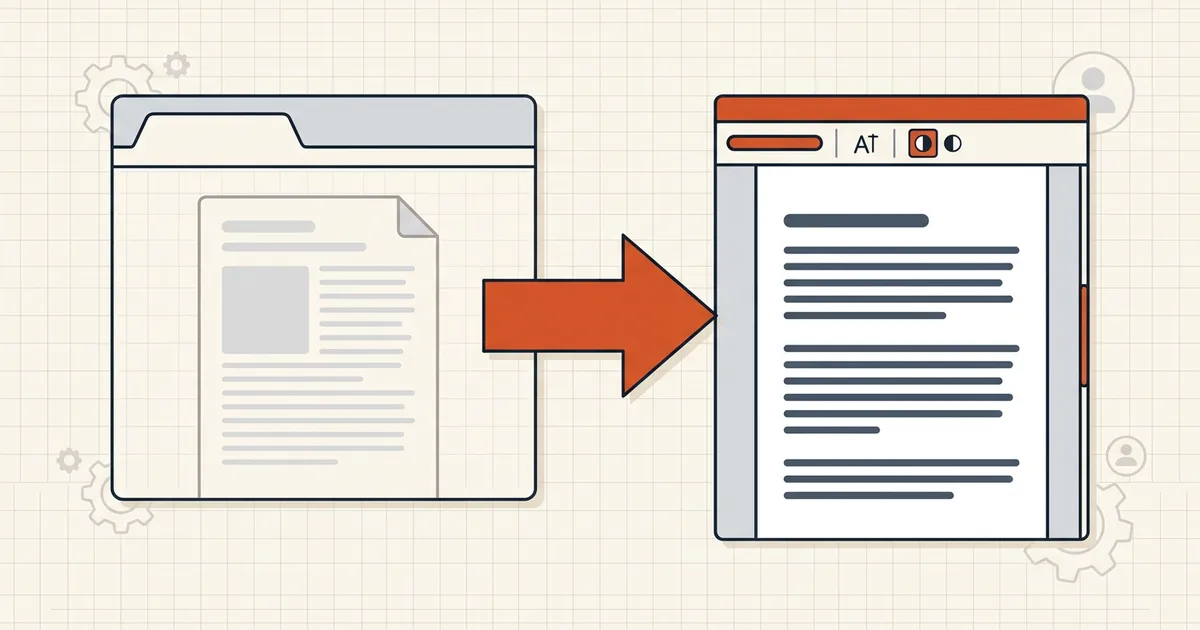
Skim mode is fine until you need to work. Then the lightweight tab preview becomes the bottleneck — fields dead, print options missing, search shallow.
Preview vs reader (job fit)
| Job | Browser preview | Desktop reader |
|---|---|---|
| Quick read of final PDF | Fine | Fine |
| Fill forms / sign | Often broken | Right tool |
| Markup + print comments | Missing options | Full dialog |
| Diagnose search/layer issues | Lies by omission | Properties, prefs |
| Permission/security review | Mixed signals | Trustworthy tab |
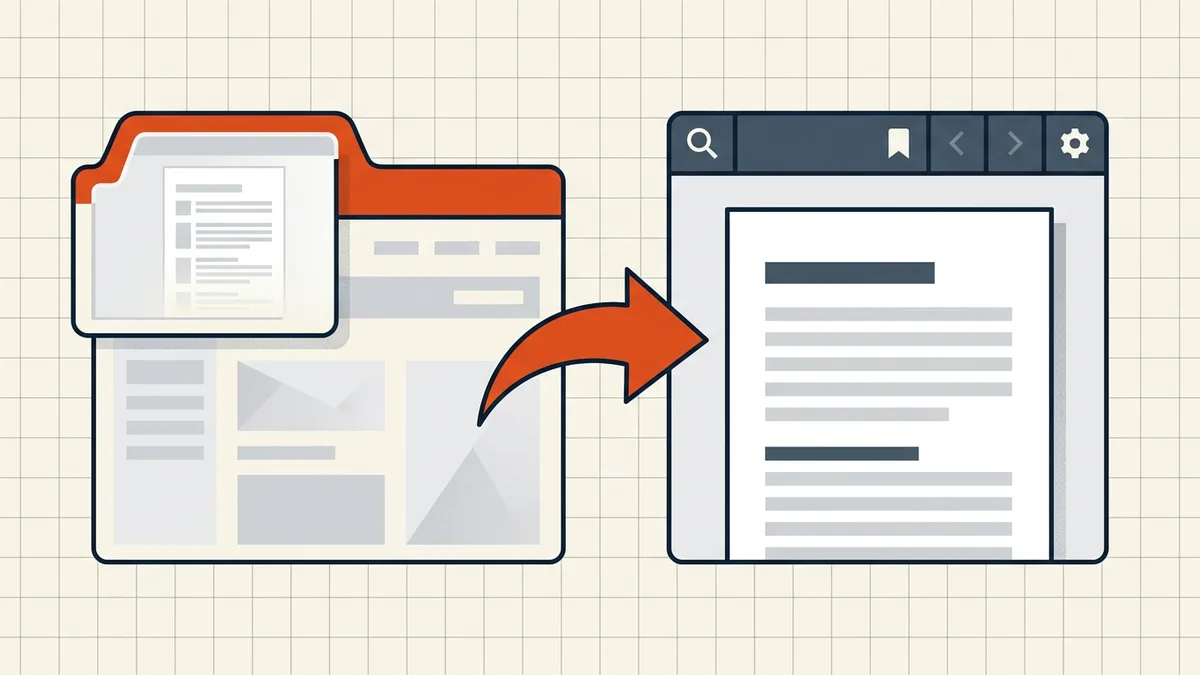
Setup once (desktop)
- Default apps → .pdf → your reader (OS-level; icon + launch test).
- Chrome: settings/content/pdfDocuments → Download PDFs.
- Firefox: Applications → PDF → Save File / use another app.
- Keep one capable reader updated (security patches matter — pre-open habits).
- Mobile still follows the download-first rule (phone forms).
When preview is still right
Mail triage, one-glance checks, quick select-tests. Toggle back only with intent — muscle memory for "open = work" prevents half the form/print/search tickets in this library.
Honest BytesPDF scope
BytesPDF is browser tooling (local-processing posture documented in comparisons). No desktop PDF reader at BytesPDF (boundary). We document viewer-class failures because they masquerade as file failures — wrong-layer blame wastes hours.
Failure catalog (preview-stranded)
- Forms: fields render but keystrokes evaporate; Fill and Sign unavailable (form diagnose).
- Print: Document-and-Markups options missing; comment summaries absent (print comments).
- Search: shallow panel; permission quirks misread (search failures).
- Security: properties truncated — hard to see encryption type (password types).
- Layers and labels: Initial View and labels hidden; layout traps misattributed to the file (cut-off guide).
If two of those hit in one session, stop troubleshooting the PDF — change the opener.
Fleet and family setup note
Home machines and office images deserve the same two defaults: OS .pdf association plus browser download mode. Write it into onboarding checklists next to update your reader. For shared kiosks, a locked-down browser may be intentional — then train download-from-disk as the power path.
Verify the setup actually took
Open a form PDF: it should launch the reader and accept input. Open a PDF from mail: expect a download, not a tab. Icon themes lie; launch behavior tells truth. One minute of verification prevents a year of phantom corrupt-file tickets (pre-send viewer QA).
Frequently asked questions
Why avoid the browser's built-in PDF viewer?
It's optimized for fast rendering of finished documents: limited form scripting, uneven annotation/print options, shallow search panels, and ignore-often permission flags. Great for skimming a brochure; wrong for filling, review markup, or diagnosing layer problems.
How do I make PDFs open in Adobe/Preview/other by default?
Windows: Settings → Apps → Default apps → choose by extension → .pdf → pick your reader. macOS: Finder → Get Info → Open with → Change All. Verify with a test PDF — the icon change isn't proof; the app that launches is.
Force Chrome to download instead of opening?
chrome://settings/content/pdfDocuments → select 'Download PDFs' instead of opening in Chrome. Links then save the file; the OS default reader takes over on open. Reverse the toggle when you *want* quick preview.
Firefox/Safari equivalents?
Firefox: Settings → Applications → Portable Document Format → Save File / use another app. Safari: often hands off to Preview — still set Finder default so downloads land correctly. Same goal: preview ≠ workstation.
Does BytesPDF care which reader they use?
BytesPDF web tools run in the browser *as tools* (by design — local processing stories live in [browser-local vs server](/compare/browser-local-vs-server-based-pdf-tools)). This guide is about opening finished PDFs elsewhere. We don't ship a desktop reader (documented boundary); we document viewer-class failures when they strand our users.
Related comparisons
Source-led comparisons written by BytesPDF, with the conflict of interest disclosed on each page. They link official provider documentation rather than fabricated tests.