
PDF Zoom Keeps Resetting (Opens Fit-Page or Wrong Magnification)
If every reopen forces the same awkward magnification, the file is telling the viewer what to do. Learn which instruction wins — and how to override it without editing the PDF.
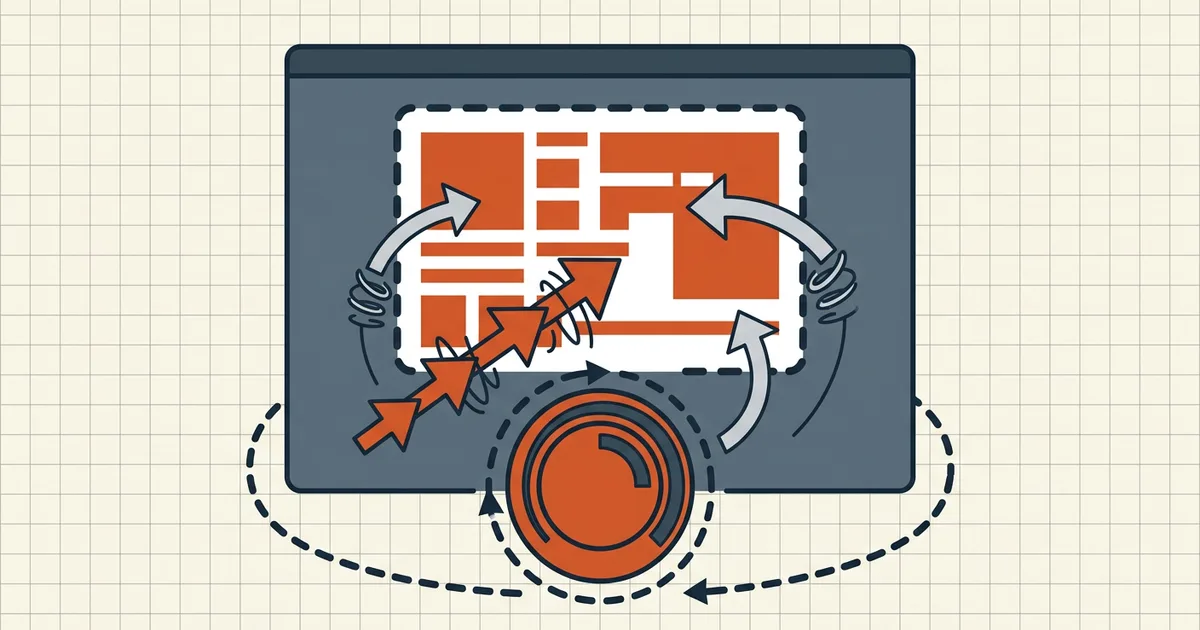
You dial in 150%, scroll two pages, and something drags you back to fit-page. Or every single reopen starts at a zoom that makes the text unreadable. That is not random viewer mood — some instruction is winning.
Who controls magnification
| Instruction | Where it lives | Typical effect |
|---|---|---|
| Initial View → Magnification | Document catalog (open action) | Forces first-paint zoom (Fit Page, 100%, custom %) |
| Bookmark / link destinations | Each destination array | /Fit snaps on click; /XYZ left top zoom keeps a scale |
| Page Layout mode | Document catalog | Continuous vs single-page changes how zoom feels |
| Viewer default zoom | Reader/app settings | Applies only when the document says "Default" |
| Accessibility zoom override | Reader prefs | Can beat document zoom in full readers |
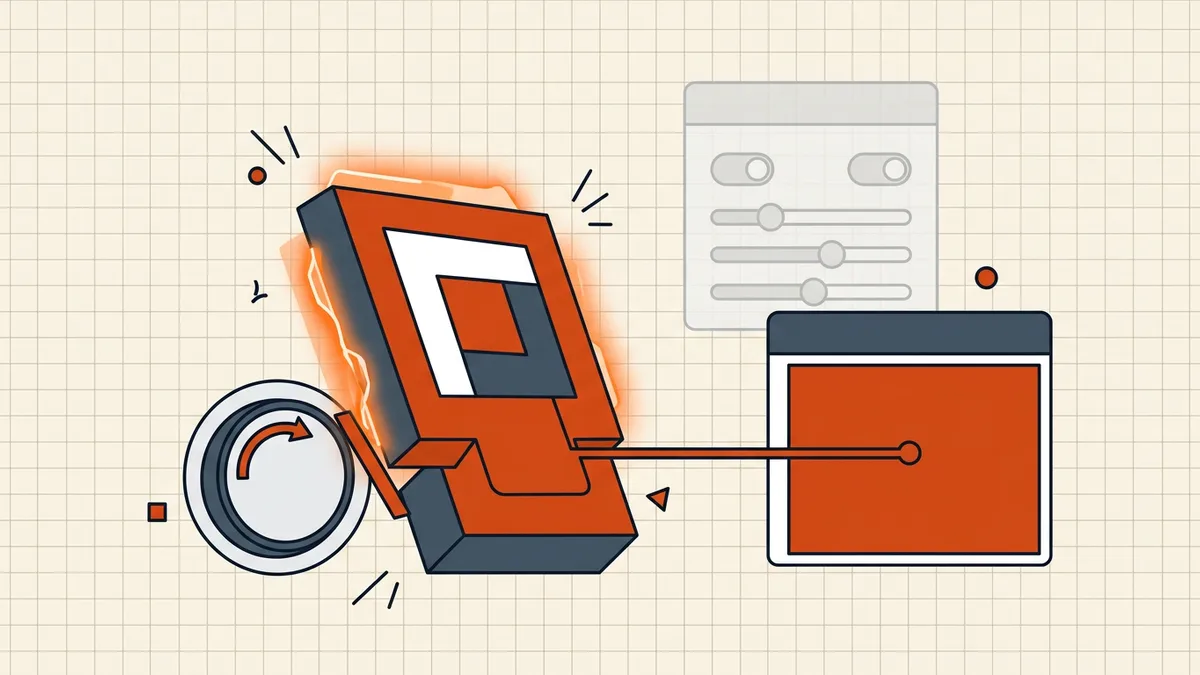
Precedence rule of thumb: an explicit document magnification or a /Fit destination beats your quiet default. Your override (if the reader exposes one) beats the document. Browser previews sit in the middle — they honor much of the open action and give you almost no override.
Distinguish three failures
| You see | Actual problem | Owner |
|---|---|---|
| Reopen always Fit-Page / wrong % | Zoom policy (this post) | Initial View |
| Jump-back after clicking a bookmark | Destination /Fit | Bookmarks/outline |
| Text cut off, cannot pan, single-page trap | Layout / scale miscount | Cut-off guide |
| Blurry when you finally zoom | Raster vs vector | Sharp zoom explainer |
If the page is physically clipped or you cannot pan at all, you are in the cut-off guide — fix layout first, then come back for magnification policy.
Reader-side fixes (no editing)
- Full desktop reader, not the tab preview
- Accessibility override (Acrobat): Preferences → Accessibility →
Override Document Display → Always use Zoom Setting. Trade-off: it applies broadly, not only to this file.
- Continuous scrolling page layout when Fit-Page fights long pages.
- Mobile: zoom freely after load; many apps correctly ignore Initial View
after the first gesture — if yours does not, try another viewer or the download-first path (phone scrolling).
Author-side fixes (you own the file)
- Initial View → Magnification → Default (let the reader decide).
- Bookmarks → destination →
/XYZwith your preferred scale (or no fixed
zoom) instead of bare /Fit.
- Avoid mixed trim sizes in one file, or
normalize page sizes before merge so fit-page is meaningful.
Hex-level destination tweaks (/Fit → /XYZ) exist in power-user threads — they are file edits: back up first, and never apply them to a signed PDF you still need to validate.
Why this shows up after merge or compress
Any tool that rebuilds pages can drop or preserve open actions depending on its pipeline. If a merged file suddenly forces fit-page, check whether the source chapters each had their own Initial View — the winner is whoever's catalog survived. That is a merge semantics issue, cousins with what merging destroys.
Honest BytesPDF scope
No Initial View / zoom editor in the BytesPDF toolkit (documented boundary). We document display failures because users mis-attribute them to corruption. Compression, merge, and rotate are content operations — they can rewrite structure as a side effect, but magnification control is a reader preference or an authoring task.
Bottom line: forced zoom is an instruction, not damage. Override in the reader, or fix Initial View in the authoring tool — and only chase page geometry if the cut-off symptoms match too.
Frequently asked questions
Why does my PDF open zoomed out to fit the whole page every time?
The document's Initial View (Page Layout / Magnification) often forces Fit Page or a fixed percentage. Viewers honor that instruction unless you override display preferences. Change the reader's zoom override, or ask for a file whose Initial View is left at Default.
I zoom in, click a bookmark, and the zoom jumps back. Why?
Bookmark destinations can carry a /Fit action (fit page) instead of /XYZ with a fixed scale. Activating the bookmark re-applies fit-page. In full readers you can edit the bookmark destination; as a reader-only user, zoom again after navigation or use an accessibility override for a constant magnification.
Is zoom reset the same as a PDF that is cut off or won't scroll?
Related family, different owners. Cut-off and single-page traps are layout/scroll problems (continuous vs single page, Chrome scale miscount). This guide is zoom *policy*: who keeps forcing magnification back. Both can appear in one file — fix layout first, then magnification.
Can mixed page sizes cause weird zoom behavior?
Yes. A file that mixes Letter, A4, and legal pages makes fit-page jump between wildly different pixel boxes; the 'reset' feel is real. Normalizing page sizes before merge is the structural fix.
Does BytesPDF change PDF zoom settings?
No dedicated zoom/Initial View editor ships in the toolkit (documented boundary). Compression and merge can rewrite the file (and bump dates) without promising a magnification change — treat display preferences as a reader-side fix unless you own the source document.
Related comparisons
Source-led comparisons written by BytesPDF, with the conflict of interest disclosed on each page. They link official provider documentation rather than fabricated tests.