
PDF Asks for a Password You Never Set (Phantom Prompt)
It opened yesterday. Today every app demands a password you never typed. Sometimes the file always had a hidden lock; sometimes the viewer invented one on save.
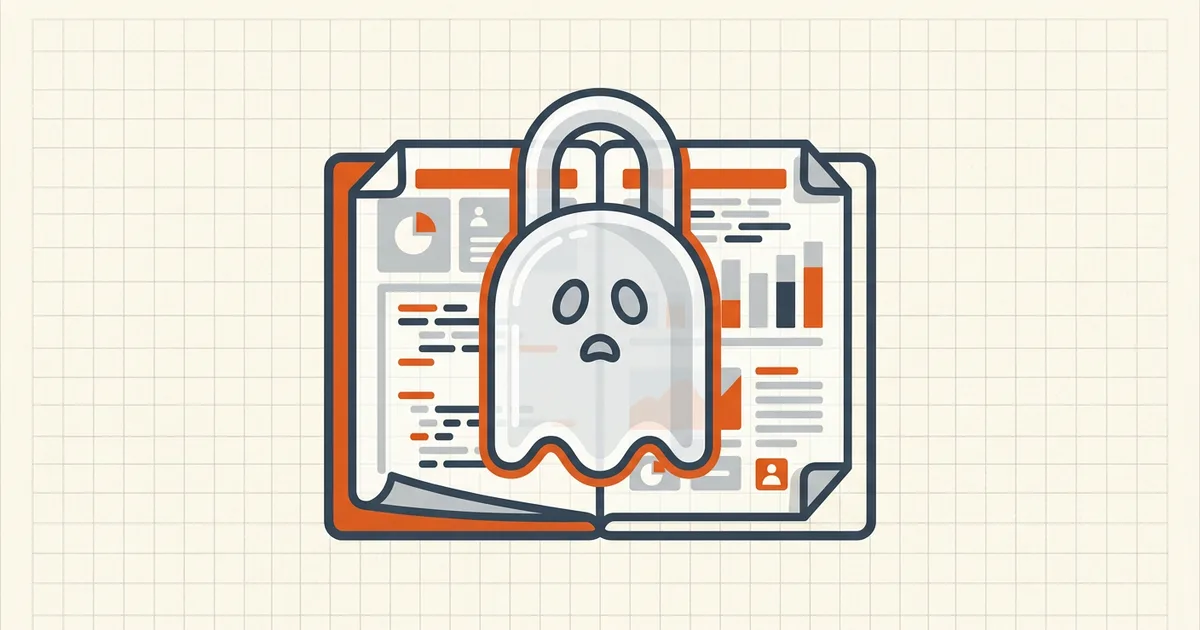
The file opened all morning. After one save, every app wants a password. Nobody set one. Either the lock was always half-hidden — or the viewer wrote one for you.
Split the story
| Pattern | What's true | First test |
|---|---|---|
| Permission-locked file; prompt only on save | Owner password doing its job | Open OK? You're in; need owner pw to alter |
| Prompt to open a file that used to work | Preview-save bug / EncryptMetadata damage | Empty password; other viewer; source re-download |
| Empty open password | Spec-legal; readers disagree | Press OK with blank |
| True issuer open password | Bank/gov lock | Request from issuer |
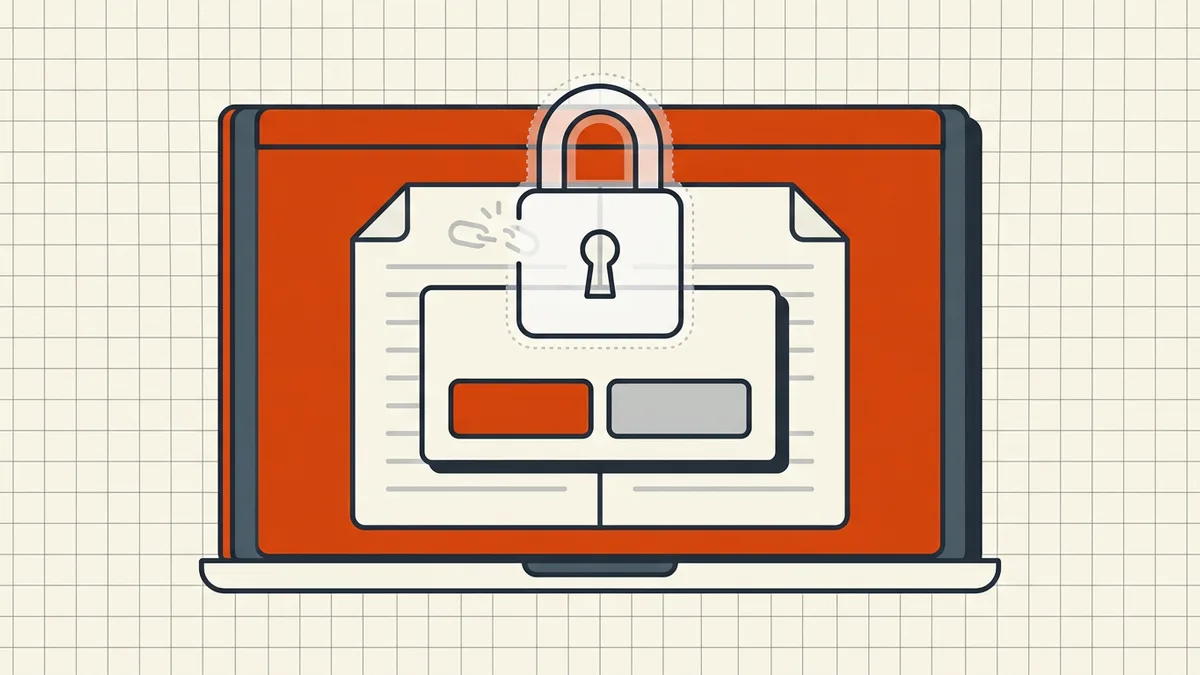
Recovery ladder (own files)
- Second reader — browser vs desktop
- Empty password once, then your password manager hits for issuer locks.
- Fresh copy from source (email attachment, portal re-download) — never
keep editing the possibly corrupted local save.
- Print-to-PDF from a viewer that can still display the pages, to a new
unencrypted file (when content is visible and policy allows).
- Full editors can inspect security dialogs
Do not ship the surprise
Reopen the exact outbound file before you send (pre-send). Recipients hitting a phantom prompt will bounce it back — or worse, think you encrypted secrets you did not mean to.
Related: right password rejected, bank statement locks, form values invisible (another Preview-class fill/save quirk).
Honest BytesPDF scope
Protect applies passwords you intentionally set. We do not add invisible locks; encrypted inputs are refused on rewrite tools (boundary). Phantom prompts after OS-level edits are diagnosed above with viewer/source tests first.
Platform notes
| Platform | Known pattern | Move |
|---|---|---|
| macOS Preview save | Encryption rewrite / phantom open password | Print-to-PDF from a still-visible view; stop editing in Preview |
| Permission-only PDF + fill attempt | Owner prompt to save | Expected — need owner password to persist edits |
| Bank/gov downloads | Real open password | Issuer channel (bank guide) |
| Cloud-synced half-hydrated file | Truncated/corrupt local | Re-download fully |
After you recover
- Save the healthy copy under a new name.
- If you own security, re-apply intentional Protect settings only when the
recipient expects them (protect, password separate channel).
- Re-run open-test on the exact outbound file
(pre-send).
Do not paste passwords into random "unlock" websites — especially for files that were never yours to unlock.
Frequently asked questions
My PDF asks for a password I never set — what happened?
Three usual stories: (1) it always had permission/owner security and a viewer only now demands it to save edits; (2) macOS Preview's known save bug rewrites encryption state so the file demands an open password that does not exist; (3) an empty user password works in some readers but not others. Test empty password, then a second viewer, then the original source.
Will an empty password open it?
Try once — some files use an empty open password with real owner permissions. If empty fails and you never set anything, suspect the Preview/EncryptMetadata class of damage or a genuine issuer password you should request.
How do I fix a Preview-locked file on Mac?
Known community fixes: open/print-to-PDF from Chrome or Safari to a fresh unencrypted copy when the content is visible; Apple stack-exchange documents EncryptMetadata mismatches from Preview saves. Do not keep editing the broken file in Preview — work from the last good copy if you have one.
Is this the same as 'password not working'?
No. [Password not working](/blog/pdf-password-not-working) = you have a password and the app says no. This guide = a prompt appears though *you* never set one (or the file should open freely). Different first moves.
Does BytesPDF create phantom prompts?
Protect sets passwords you choose (tool page). Rewrite tools refuse already-encrypted inputs — they will not silently add a lock. If a file suddenly demands a password after your local OS edits, diagnose with the second-reader test before blaming the tool.
Related comparisons
Source-led comparisons written by BytesPDF, with the conflict of interest disclosed on each page. They link official provider documentation rather than fabricated tests.