
XFA Form Won't Fill in Chrome or Firefox (AcroForm vs XFA)
Blank page where a form should be? Your browser is not broken — XFA is a different form technology that most modern viewers deliberately do not run.
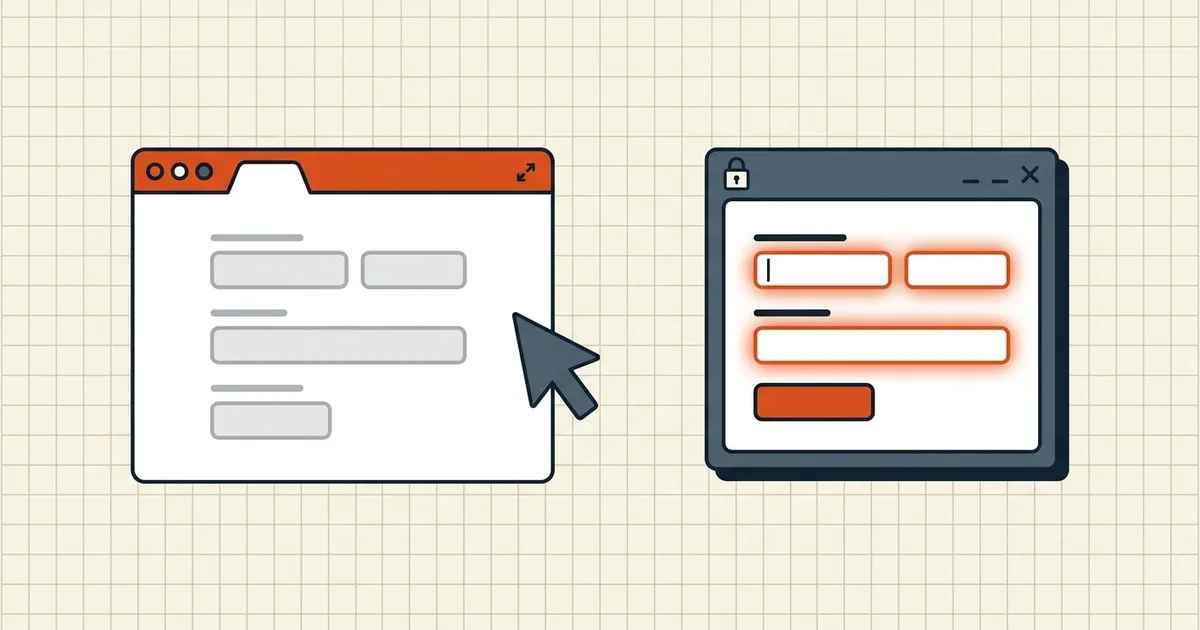
Chrome opens the file: white page, no fields, no error worth reading. Acrobat on the desktop: form works. Different form technologies, not a virus.
AcroForm vs XFA (practical)
| AcroForm | XFA | |
|---|---|---|
| Age / status | Standard interactive PDF forms | Legacy XML layer; removed in PDF 2.0 |
| Browser/mobile | Widely supported | Largely unsupported |
| Typical issuer | Modern portals, IRS-class forms | Older enterprise/gov stacks |
| Fill in generic tools | Usually yes | Usually no |
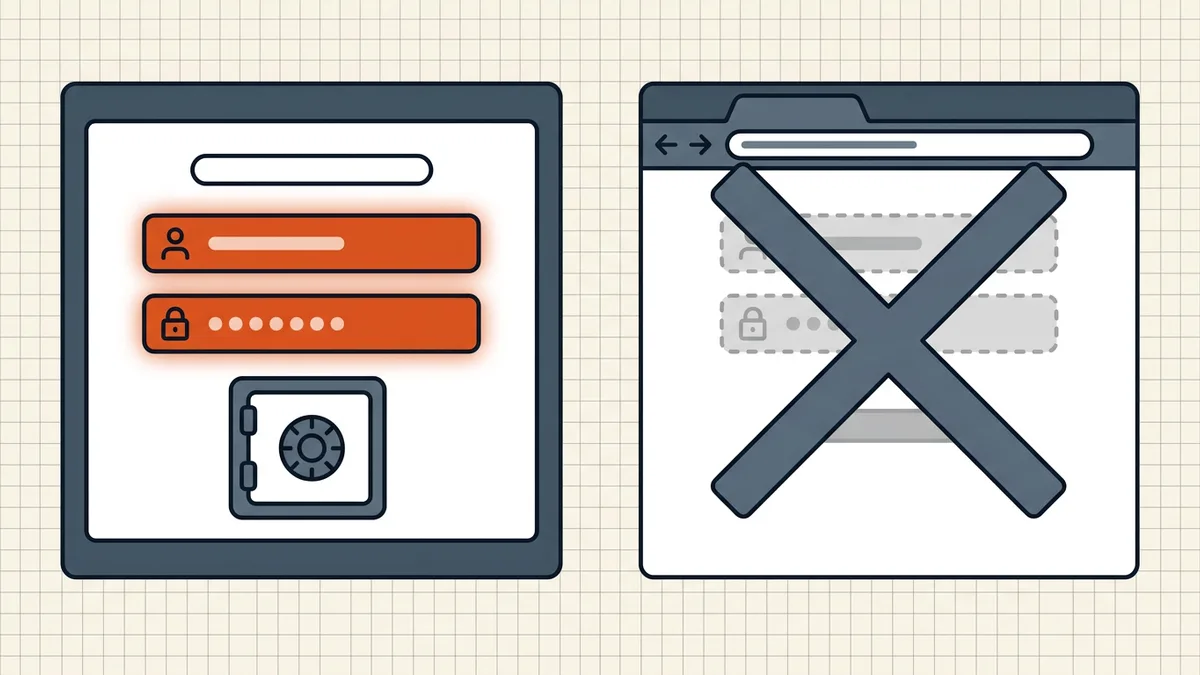
Routes that work
- Acrobat desktop — full XFA renderer (reference path).
- Ask the issuer for AcroForm/print version — often the fastest fix.
- Print → fill on paper → scan when policy allows (last resort).
- Confirm before you invest: open once in a browser; blank interactive =
high XFA probability (second-reader habit).
Symptoms that are not XFA: fields visible but keystrokes die (won't fill), totals dead (calculations), values invisible to recipients (empty on send), fully blank render for non-form PDFs (blank page).
Honest BytesPDF scope
No form filler (AcroForm or XFA) at BytesPDF (documented boundary). After the form is completed elsewhere, compress/protect/check tools apply under normal rules. We document XFA so blank browsers stop getting diagnosed as corrupt PDFs.
Issuer conversation script
"Your XFA form does not render in modern browsers. Can you supply an AcroForm export or a print-ready PDF?" Attach one screenshot of the blank Chrome view. Most portal teams already know; some will not until a user reports it.
After you get a fillable AcroForm
Resume the normal form stack: won't fill, tab order, calculations, values to recipient, flatten only for final delivery (flatten).
Why browsers gave up
PDF 2.0 removed XFA; PDF/A forbids it; mobile viewers never really shipped it. Acrobat remains the holdout. Betting a public-facing form on XFA in 2026 is betting most applicants use Acrobat — they do not.
Related interactive-form failures
XFA blank is only one branch of "the fields will not take input." Once a usable AcroForm reaches the applicant, confirm the rest of the stack still holds: fields will not accept typing, tab order wrong, calculations frozen, values missing on recipient side. Flatten only at final delivery (flatten).
Who still ships XFA
Insurance packs, some government claim kits, legacy workflow systems exporting .xfdf-heavy PDFs. If the file open menu in Acrobat shows "XFA form" in the title bar, you are in the legacy lane — plan the converter conversation before the deadline, not after (bank statement forms).
Frequently asked questions
Why is this PDF form blank in Chrome but fine in Acrobat?
Likely XFA (XML Forms Architecture). Chrome's built-in viewer and most mobile apps do not implement XFA; Acrobat desktop still does. AcroForms — the standard interactive form type — render fields in browsers. If fields appear instantly online, it is probably AcroForm; if blank only in browsers, suspect XFA.
How do I know if a form is XFA?
Blank/interactive-less open in Chrome/Firefox/mobile, Acrobat compatibility messages, issuer is a legacy enterprise/government system. Acrobat File → Properties → Initial View or form tools can show XFA hints. When in doubt, open in Acrobat-class software once.
How do I fill an XFA form without Acrobat?
Practical routes: desktop Acrobat/Reader (XFA renderer), request an AcroForm-compatible version from the issuer, print-to-paper workflow when allowed, or a server-side tool that explicitly documents XFA support. Do not assume a generic 'PDF form filler' online handles XFA — most do not.
Is XFA deprecated?
PDF 2.0 removed XFA; PDF/A forbids it; browsers and phones largely dropped it. Organizations migrate to AcroForm. Expect the ecosystem gap to widen, not close.
Does BytesPDF fill XFA forms?
No form-filling engine (AcroForm or XFA) ships in the toolkit (documented boundary). This guide exists so blank-in-browser reads as format class, not file corruption. Convert/fill in tools that document XFA, then bring the completed PDF to BytesPDF for compress/protect if needed.
Related comparisons
Source-led comparisons written by BytesPDF, with the conflict of interest disclosed on each page. They link official provider documentation rather than fabricated tests.