
PDF Owner Password vs. User Password: What Each One Really Does
One locks the content cryptographically; the other sets do-not-print flags that well-behaved readers honor. Knowing which you're setting changes the risk.
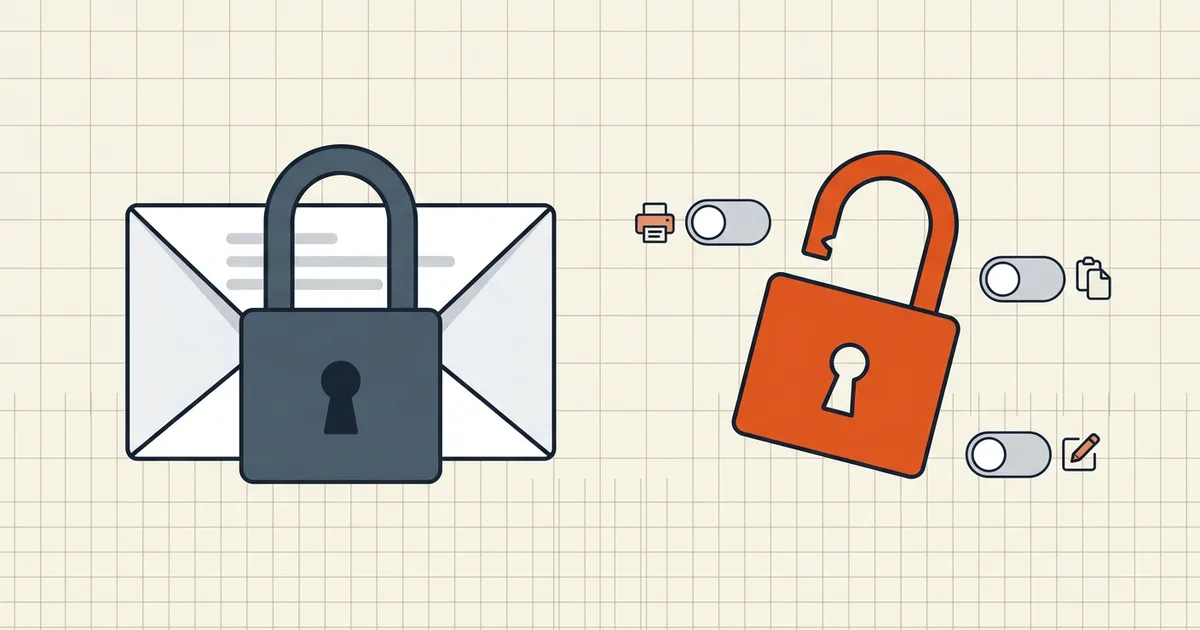
PDF security dialogs offer two password fields and rarely explain that they belong to different worlds. One is mathematics. The other is etiquette. Setting the wrong one for the job is the most common PDF security mistake there is.
The two layers at a glance
| User password (open) | Owner password (permissions) | |
|---|---|---|
| Also called | Document open password | Permissions / restrictions password |
| What it does | Encrypts content streams | Sets allow/deny flags for print, copy, edit, comment |
| Without it | File shows nothing | File opens and reads normally; restricted actions gray out |
| Enforcement | Cryptography | Reader software honors flags by convention |
| Right for | Confidentiality | Workflow guardrails on top of an open password (or alone for mild deterrence) |
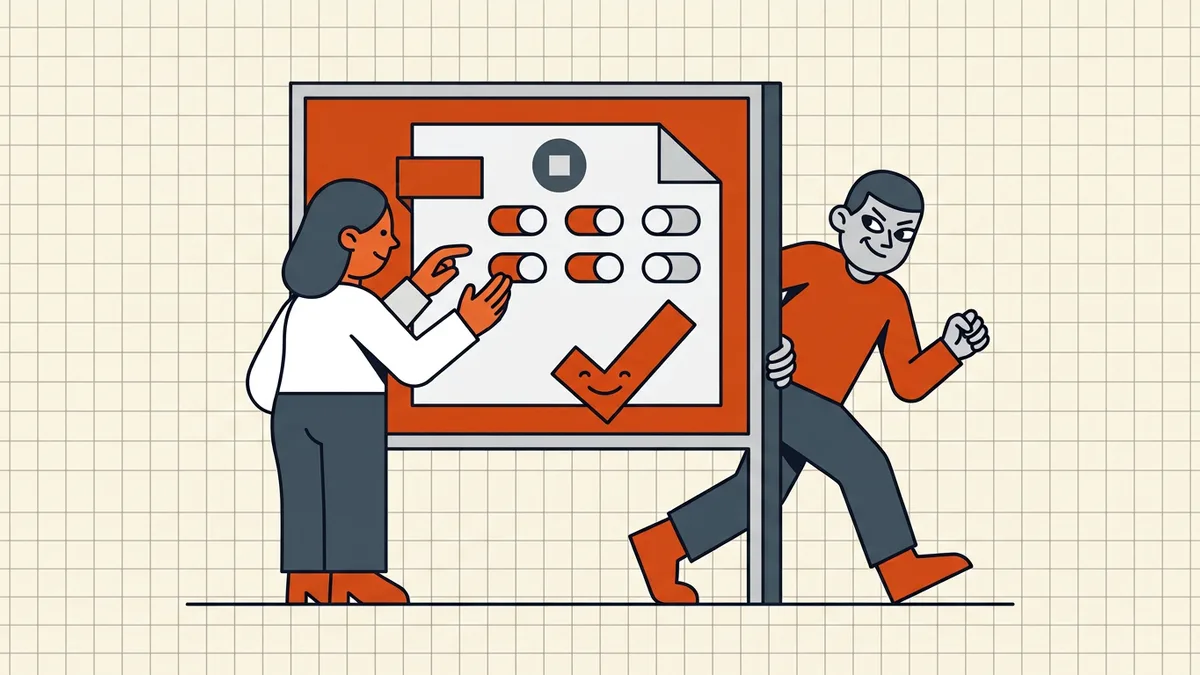
Why permissions alone aren't confidentiality
When a file carries only an owner password, anyone can open it. The viewer decrypts the content for display and then consults the permission flags before enabling print or copy. Compliant readers — Acrobat, Preview, browsers — follow the flags. But the format cannot force every program ever written to honor them, and the content is, by necessity, already readable.
That's why "restrictions removed instantly" is a feature of every PDF toolkit worth the name, while "open password removed" never legitimately is. One lifts a request; the other would require breaking AES.
So the honest use-cases for permissions-only:
- deterring casual printing/editing of internal docs (most people never install override tools);
- marking intended handling on record copies;
- layering on top of a real open password for defense in depth.
And the honest use-case for the user password: whenever the content itself must stay private.
Setting each one well
For the user password: make it a passphrase of twelve-plus characters and transmit it out-of-band (password in a call or separate channel, file in email). There is no recovery path for a forgotten open password — the strength that protects you from others also protects the file from you. Park it in the team password manager.
For the owner password: pick permissions with intent. A review copy might allow printing and commenting but block editing. A common accessibility-friendly setup allows the actions screen readers need while blocking casual copying — blanket "deny all" flags can lock out assistive technology users.
BytesPDF Protect PDF sets both layers with AES-256 encryption in your browser — strong open password first, optional reader permissions second — and the document never leaves the device while you do it.
Legacy files and compatibility
Not all "protected" PDFs are equal: older files can carry 40-bit RC4 encryption from the format's early years, which is breakable with commodity hardware and should be treated as obfuscation. Modern AES-256 security handlers are the standard of care. If you're receiving "encrypted" files from older systems, the protection strength is worth a question — the file may say password-protected and mean something much weaker.
Frequently asked questions
What is the difference between a PDF user password and an owner password?
A user (open) password encrypts the document so it cannot be viewed at all without the password. An owner (permissions) password restricts actions — print, copy, edit — in readers that honor the flags. A file can have either, both, or neither.
Can PDF permission restrictions be bypassed?
Permissions are enforced voluntarily by compliant readers; independent software can ignore them because the readable content is already decrypted when only an owner password is set. Treat permissions as workflow hygiene, not confidentiality — use an open password for secrets.
Why is my PDF readable but won't let me print?
It has an owner password with the print permission cleared (and no open password). The reader is honoring the flag. If you own the file, re-save with permissions allowed; if not, it's the author's policy.
Which PDF encryption should I use?
AES-256 (the modern PDF security handlers). Files still carrying 40-bit RC4-era encryption should be treated as breakable and re-protected.
Should I set both passwords?
If the content is confidential, set a strong open password first. Permissions are a useful second layer for workflow (e.g. discourage editing) but they are not the confidentiality boundary.