
Print Button Greyed Out When Security Says Printing Allowed
Properties says printing is fine; the button is still dead. Permission theory only covers part of the failure — then the viewer and the driver get a vote.
You opened File → Properties. Printing: Allowed. The Print menu item is still greyed like you never asked. Time to separate document policy from application state.
Checklist when permissions look fine
| Gate | Symptom | Test |
|---|---|---|
| Exact permission wording | "Low resolution only" / odd flags | Read the full Security line |
| Protected Mode / sandbox | Print dead only in Acrobat | Temporarily disable; re-enable |
| Zero printers | Menu disabled OS-wide | Install virtual PDF printer |
| Browser preview | Print missing/minimal | Download → desktop reader |
| Certified signature restrictions | Allowed text vs certified policy | Signature panel details |
| Reader bug / hung print spooler | Everything else failed | Second reader; restart spooler |
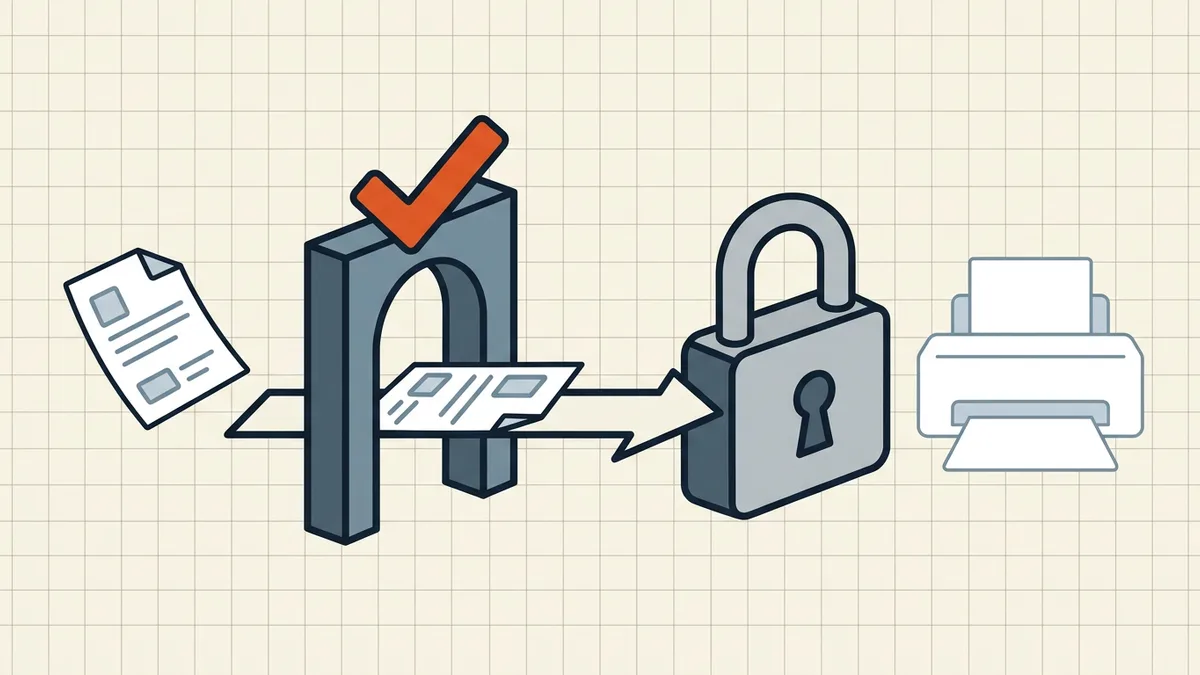
Order of operations
- Properties → Security (exact strings).
- Second reader (real reader).
- Default/virtual printer present?
- Protected Mode test (desktop only).
- Still stuck → owner password path or ask sender
(can't print).
If Print works but paper comes out wrong — different guides: clipped edges, extra blanks, sideways.
Honest BytesPDF scope
No permission-stripping print bypass in the toolkit (boundary). Compress/merge do not grant print rights. Diagnose gates in order; print a test page before you trust a batch (pre-send).
Real-world sequence (desk checklist)
- Properties → Security → exact Printing value.
- Note Certified signature panel if present.
- Desktop reader, not browser tab (reader guide).
- Confirm virtual/default printer exists (Settings → Printers).
- Protected Mode off → print test → on.
- Second machine or second reader if still grey.
- Owner password / ask sender (can't print).
If Print unblocks but output clips or adds blanks — hand off to print edges and extra blanks. Permission gates and layout gates are sequential, not the same bug.
Managed laptops
Group Policy can force Protected Mode, block printer installs, or hide print in viewers. IT owns those gates — bring the Security screenshot so they stop blaming "the PDF."
Security property cheat sheet
Open Document Properties → Security:
| "Printing" value | Expected print button |
|---|---|
| Not allowed | Grey everywhere |
| Low resolution | Enabled |
| High resolution | Enabled |
| (Unset / unprotected) | Enabled |
Certifications can lock further changes and interact with downstream print policy — check the signature panel before blaming Protected Mode.
What this guide does not cover
Circumventing permission passwords on files you are not authorized to print. Owner passwords exist for a reason; request the unlocked original from the rights holder instead (policy primer). Greyed-out-when-allowed is a bug/config path — that is this page.
Frequently asked questions
Security tab says printing is allowed — why is Print still greyed?
Check the exact permission value (Allowed vs non-owner passwords some readers misread), whether you are in Protected Mode/sandbox, whether a default printer exists, and whether you are inside a browser preview that hides print. Open Properties → Security and note the exact Printing line, then test in a second reader.
Protected Mode blocking print — how do I test?
In Acrobat: Preferences → Security (Enhanced) → temporarily disable Protected Mode for a controlled test, print, re-enable. Managed machines may block the toggle — ask IT. Always re-enable after the test.
No printer installed — can I still print?
Install a virtual printer (Microsoft Print to PDF / Save as PDF) or ensure any default printer exists. Some menus disable Print entirely when zero printers are configured — that is a driver/OS gate, not the document.
Browser preview has no print — what do I do?
Download the file and open in a desktop reader ([default reader guide](/blog/open-pdfs-in-real-reader-not-browser)). Browser PDF UIs vary; the OS print path is more predictable.
Does BytesPDF bypass print restrictions?
No. We do not strip owner permissions as a feature here. If the file is yours, fix security settings with the owner password ([password types](/blog/pdf-owner-password-vs-user-password)); if it is not yours, request a printable copy ([can't print guide](/blog/why-cant-i-print-or-copy-this-pdf)).
Related comparisons
Source-led comparisons written by BytesPDF, with the conflict of interest disclosed on each page. They link official provider documentation rather than fabricated tests.