
Extract Embedded Files and Attachments from a PDF
A PDF can carry whole other files inside it — spreadsheets, images, even other PDFs. Getting them out depends on whether you can see the attachments panel at all.
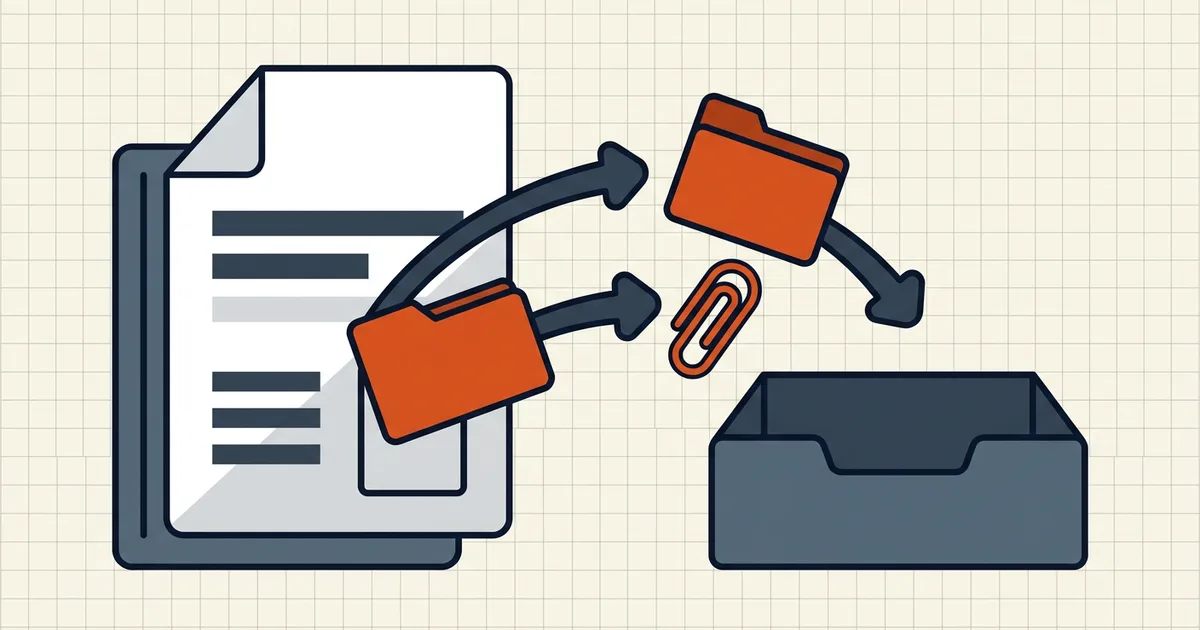
People think of a PDF as pages. The spec also allows embedded file streams: whole attachments riding inside the container — CSVs, images, even other PDFs. Seeing them is viewer-dependent. Pulling them out is workflow-dependent.
Attachments vs portfolio vs pages
| Kind | What it is | How you get it out |
|---|---|---|
| Embedded attachment | File stream + /Filespec annotation | Attachments panel / extractor CLI |
| Portfolio member | Item in a /Collection container | Portfolio UI or open member then save |
| Just a page | Normal content | Print/export page — not "extraction" |
Deep container mechanics live in portfolio vs merged PDF. This page is the pull files out path for attachments and portfolio members.
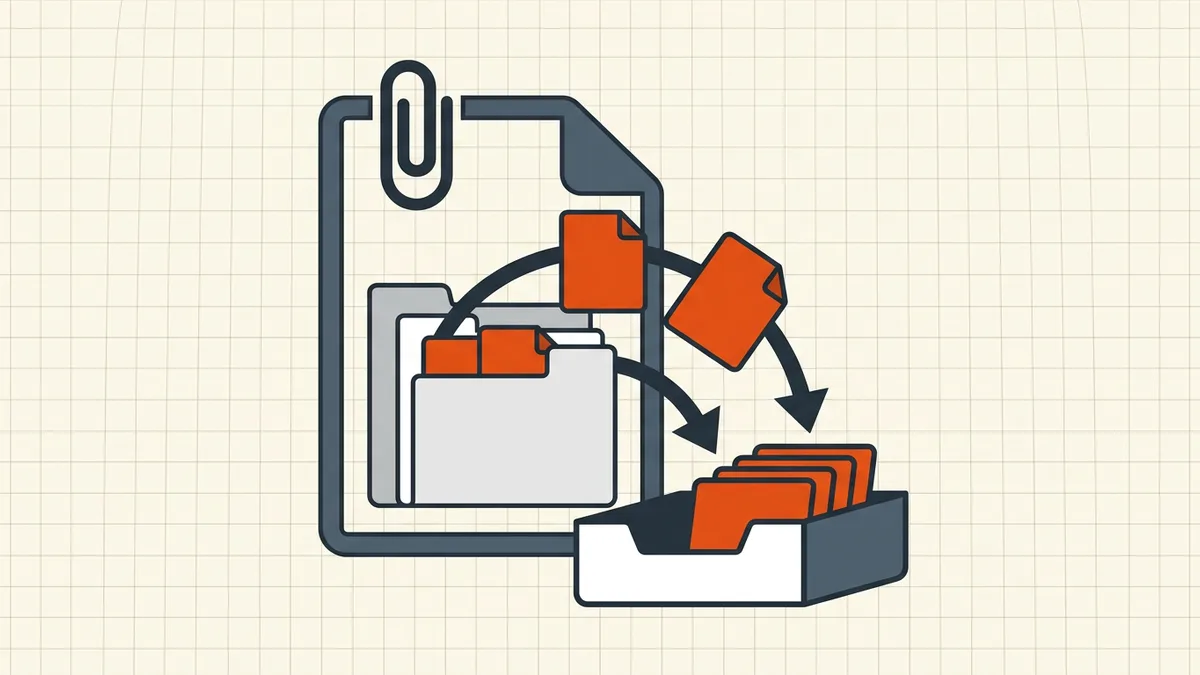
Viewer matrix (why the panel "isn't there")
| Viewer | Attachments visible? | Notes |
|---|---|---|
| Acrobat / Reader desktop | Yes — paperclip / Attachments | Reference behavior |
| Many Windows readers | Often | Feature depth varies |
| macOS Preview | Poor / hidden | Classic false "no attachments" |
| Browser built-in previews | Rarely / no | Download-first applies |
CLI (pdfdetach -list) | Exhaustive | Trust this over a blank panel |
Empty panel ≠ empty file when the viewer is wrong. Confirm with a second viewer before you tell the sender "nothing was attached."
Routes to extract
- Acrobat/Reader: Attachments panel → select → save/extract to a folder.
- Full-featured desktop readers that implement embedded file
annotations — verify with a known test PDF.
- Command line:
pdfdetach -list file.pdfthen extract;pikepdf/
equivalent libraries for scripted batches. Power-user path, no GUI.
- Portfolios: open the collection UI, save each member; members may still
be native Office files that need their own tools.
After extraction, treat outputs as new files: scan them (pre-open habits), rename sanely (naming conventions), and do not assume the parent PDF's permissions govern the children.
Removal is the other direction
Extraction is for when you want the payload. When you are sending, the usual job is the inverse:
- Strip attachments you did not mean to ship
(remove attachments before sending).
- Full hidden-data pass (remove hidden data).
- Metadata scrub (remove metadata).
A PDF that looks like three pages can still carry a spreadsheet. That is why what to check before sending includes an attachments glance — with a viewer that actually shows them.
Honest BytesPDF scope
No attachment extraction tool at BytesPDF (documented boundary). Clean / sanitize paths cover removal of hidden payloads and metadata; extraction is readers and CLIs as above. We document the feature because hidden files are a privacy and QA issue for every outbound send — not because we pretend to edit portfolios.
TL;DR: paperclip in a full reader → save attachments out; blank Preview panel is a viewer lie; portfolios are a different container; when sending, strip instead of extract.
Frequently asked questions
How do I see files embedded inside a PDF?
In Acrobat/Reader: click the paperclip or open the Attachments panel (often under the side panel menu). Full desktop readers usually expose embedded file annotations; many browser previews and macOS Preview do not. If the panel is empty, the PDF may simply have no attachments — or your viewer is hiding them.
Why can't I find attachments in macOS Preview?
Preview does not present the full embedded-files annotation set that Acrobat's Attachments panel shows. Use Acrobat, another full reader, or a command-line extractor (pdfdetach, pikepdf) when you need a complete list of embedded payloads.
Portfolio PDF vs merged PDF — which one am I extracting from?
A portfolio is a container: one PDF file wrapping other files (often still in native formats) with a manifest UI. A merged PDF is a flat sequence of pages. Portfolios need extraction of the members; flat PDFs only have attachments if someone explicitly embedded them. See the portfolio vs merge guide for the split.
Can BytesPDF extract embedded attachments?
No — there is no attachment-extraction tool in the BytesPDF toolkit (documented boundary). Removal of hidden data and attachments is documented on the clean/sanitize side; extraction routes in this guide are external readers and CLIs.
Should I worry about embedded files before sending a PDF?
Yes — they travel with the file. Sanitize/remove attachments and metadata before external send ([remove attachments](/blog/how-to-remove-attachments-from-pdf), [remove hidden data](/blog/remove-hidden-data-from-pdf)), and treat unexpected embedded payloads as a reason to pause ([pre-open checks](/blog/check-pdf-for-virus-before-opening)).
Related comparisons
Source-led comparisons written by BytesPDF, with the conflict of interest disclosed on each page. They link official provider documentation rather than fabricated tests.