
PDF Cut Off or Can't Scroll? Fix Page Layout and Viewer Zoom Traps
Half the page is missing and you can't drag down. Usually the viewer's page-layout mode or a sticky zoom — the PDF is fine; the window is misconfigured.

The file opens. Half a page is amputated. Scrollbar dead. Before you blame the PDF — three viewer traps cause most of these tickets.
Trap board
| Symptom | Likely trap | First switch |
|---|---|---|
| Snap page-to-page, no drag | Single-page layout mode | Enable continuous scroll |
| Bottom clipped in browser | Viewport/zoom ≠ 100% | Reset zoom; try desktop reader |
| Embedded height lock (websites) | Theme fixed container | Open file directly, not embed |
| Page counter races ahead | Viewer miscount + zoom | 100% zoom; trust another reader |
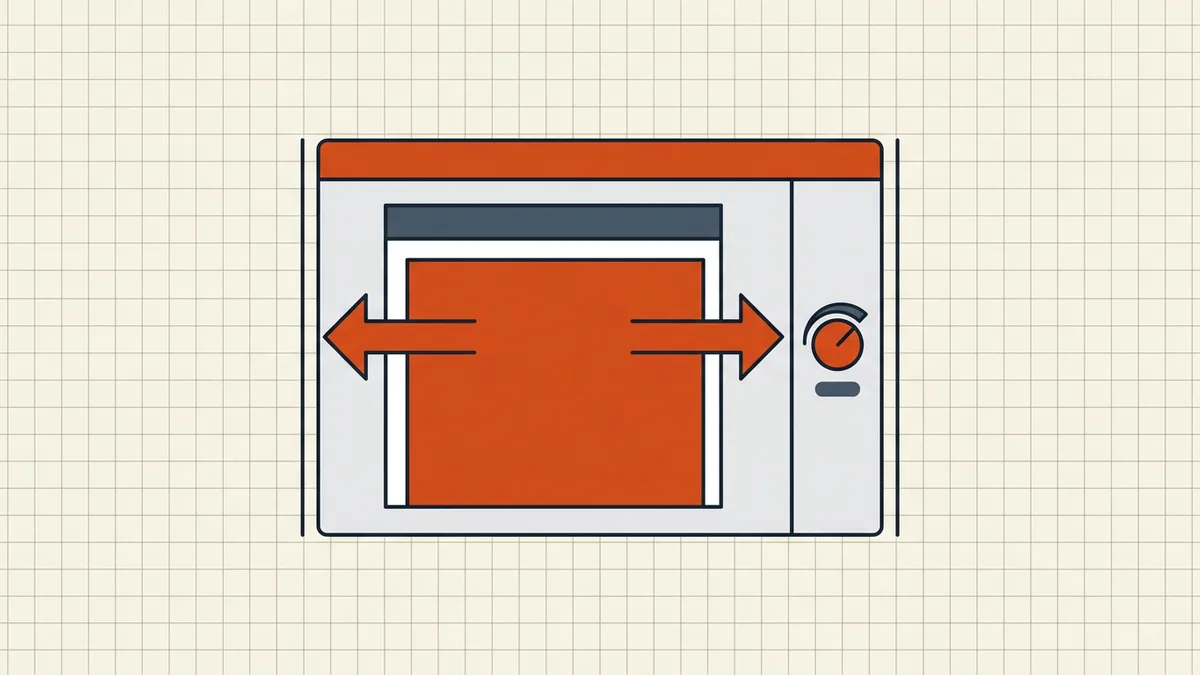
Fix order
- Desktop reader test on the same file — isolates file vs viewer in one step.
- Enable continuous scrolling (Acrobat: View → Page Display; persist via Accessibility override if documents force single-page).
- Browser zoom to 100%; disable odd PDF viewer flags; download instead of in-tab preview.
- Open from disk rather than a themed embed (embed height bugs clip without scrollbar).
- Still weird on one file only? Check page sizes (mixed sizes) and Initial View properties — then suspect corruption (blank render).
Screen cut vs print cut vs export cut
Clipping on screen ≠ sideways/clip at print ≠ content lost in Excel export. Same word “cut,” three layers — diagnose on the layer that hurt.
Honest BytesPDF scope
No viewer-layout fixes at BytesPDF (reader-side, documented boundary). We ship content tools; layout modes and Initial View overrides belong to readers. Post-optimize, sanity-check in two viewers (pre-send).
Symptom to switch matrix
| Where | Symptom | First switch |
|---|---|---|
| Chrome tab | Bottom clipped, weird counters | Appearance zoom 100%; or Download mode |
| Acrobat | Snap page-to-page only | View, Page Display, Enable Scrolling |
| Acrobat (persist) | Reverts every file | Preferences, Accessibility, Always Use Page Layout Style, Single Page Continuous |
| Website embed | No scrollbar at all | Open file URL directly or download |
| Phone browser | Tiny window, no pan | Native reader app after download |
Document Initial View can force single-page layouts — override client-side or open in a reader that exposes layout controls. None of this edits the PDF; you are changing the window, not the file (viewer vs file habit).
After layout is sane — is content actually missing?
Compare thumbnails against expectation. Missing content (not viewport) usually means export bugs (Excel cut columns), wrong pages shipped, or blank trailing pages (print blanks). Viewport clipping with full thumbnails equals pure viewer. One desktop-reader test separates the classes permanently.
Handoff tip
When sending a long or odd-size PDF, say continuous scroll; open in a reader, not a mail preview. Ten words prevent the your-file-is-broken reply thread (pre-send patterns).
Frequently asked questions
Why can't I scroll continuously through a PDF?
Page layout mode: Single Page / Two-page modes snap between sheets and hide continuous drag; some documents ship Initial View settings that force those modes. Switch the viewer to Single Page Continuous / Enable Scrolling (View → Page Display, or override in Preferences → Accessibility → Always Use Page Layout Style).
Bottom of every page is clipped — file or app?
Usually app: browser zoom ≠ 100% (Chrome's page zoom has historically mis-scaled the PDF viewport and even skewed page counters), embedded viewer height in themes, or 'fit page' fighting a tiny window. Test the same URL/file in a desktop reader; if it expands fully there, the file is innocent.
Chrome page number counter seems wrong while scrolling?
Known viewer miscount class when zoom/scroll settings are off — set Chrome appearance zoom to 100% for PDFs, or open in another reader and trust that count. Confusing counts cause false 'pages missing' panic ([blank/trim QA](/blog/pdf-prints-extra-blank-pages) uses preview counts carefully).
Huge single pages (posters, dashboards) awkward?
They're designed for zoom, not for 'fit one screen.' Use continuous scroll + pan; zoom to region. If *export* cut content at creation, that's a different bug ([Excel cut-off](/blog/convert-excel-to-pdf-without-cut-off-columns)).
Does BytesPDF fix viewer layout?
No — layout is reader-side (documented boundary). We don't rewrite your Initial View as a product feature. Content-level cuts (export clipping, print spills) have their own guides; blank renders are [a separate diagnosis](/blog/pdf-opens-blank-white-page).
Related comparisons
Source-led comparisons written by BytesPDF, with the conflict of interest disclosed on each page. They link official provider documentation rather than fabricated tests.