
Invalid PDF or Corrupt File at Upload? Diagnose Before You Retry
'File is corrupt' rarely means your document is doomed. It usually means the portal rejected it for a narrower, fixable reason. The diagnosis table, then the fix.
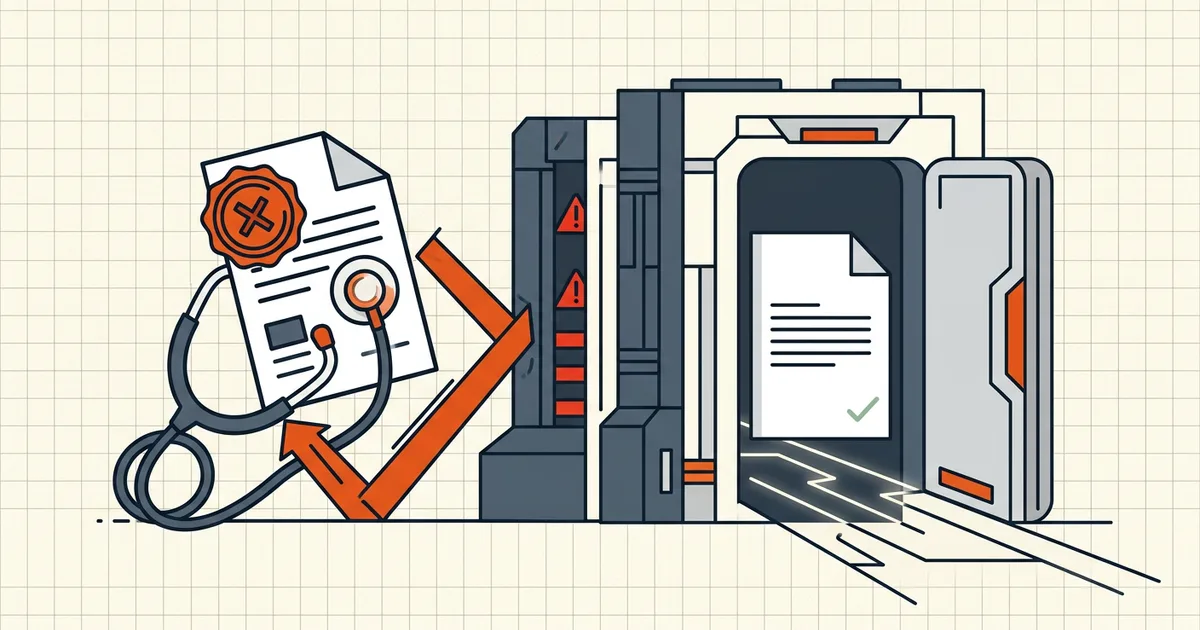
"Your file is corrupt." It opens perfectly on your machine. Someone is wrong — and it's usually neither of you: the message is lying in shorthand. Portals compress a dozen different failures into one scary phrase. Untangle them in order, and most "corruption" evaporates.
The diagnosis table
| Check | Test | If it fails |
|---|---|---|
| Is it actually a PDF? | Look at the first bytes (or open in a text editor: should start %PDF-) | Renamed HTML/JPEG happens constantly — re-export properly |
| Truncated download? | Re-download; compare file sizes; open first & last page | Interrupted transfer = classic "corrupt" — fetch again or ask sender |
| Encrypted? | Does it prompt for a password? | Many portals reject encrypted files outright — decrypt with the password you know |
| Size / page / type rules | Portal's stated limits vs file properties | Size rejections are their own category — compress to target |
| Viewer proof | Open in two local viewers, every page | Fine locally → validator pickiness; broken locally → real corruption |
| Junk structure | Attachments, JS, exotic encodings | Pages-only cleanup rebuilds a boring, acceptable file |
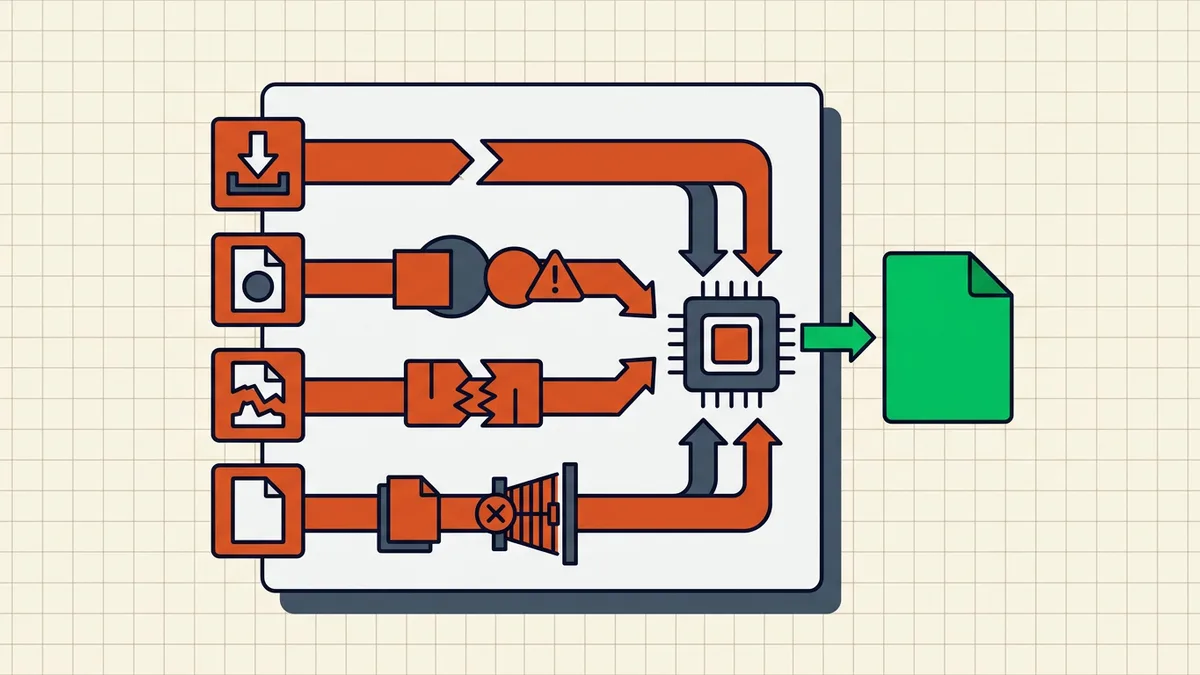
The fixes, matched to cause
- Truncation → re-download/re-request. Compare sizes; don't trust the filename.
- Wrong type → export/export again from the source (print-to-PDF from the browser is a legitimate rescue for a mangled download).
- Encryption → remove it if you own the password (how); if you don't — that's a different conversation with the sender.
- Size → compress to the stated limit, undershoot slightly, verify legibility.
- Validator pickiness → re-save through any PDF editor — editors rewrite the file body cleanly. A pages-only rebuild (Secure Cleanup) goes further: attachments, scripts, revision history all dropped, structure regenerated.
- Genuinely corrupt file → recreate from source (the original Word/scan), not from the broken PDF. Repair tools exist but are a last resort on files that matter.
The retry discipline
Portals with attempt counters punish shotgun debugging: change one variable per submission, keep a local copy of everything you send, and — before the real attempt — verify the exact bytes you're about to upload in a second viewer. The full pre-flight this belongs to: what to check before sending; the rejections-that-aren't-size story: why portals reject PDFs.
Frequently asked questions
Why does a portal say my PDF is corrupt when it opens fine?
Most 'corrupt' messages are really *validator* failures: the portal's parser rejects structure it doesn't like — truncation from an interrupted download, unusual encodings, encryption it won't accept, or a mismatched extension (an HTML page named .pdf). Your viewer is tolerant; the portal's checker often isn't. Re-download or re-export and the 'corruption' vanishes.
How do I fix an invalid PDF error?
Diagnose in order: confirm the file really is a PDF (extension vs content), re-download/re-request the file in case of truncation, remove encryption, check size/type/page-count against the portal's stated rules, then re-save through a PDF editor (which rebuilds structure). Only if a *locally verified* file still fails everywhere is it actually corrupt — recreate from the original source.
Can compression fix an invalid PDF error?
Sometimes — re-exporting through a compressor rebuilds the file body and drops constructs the validator chokes on (and fixes size rejections outright). But compression is a *fix to try*, not a diagnosis: if the error is encryption or wrong file type, recompression won't help. Identify first, then choose the tool.
The file opens on my computer but not for the recipient — what's wrong?
Usually features, not corruption: encryption they can't open, fonts/interactive content their viewer handles differently, or an email gateway that mangled the attachment. Send the test copy to yourself through the same channel they'll receive it — that reproduces their experience honestly.
What's the difference between 'invalid' and 'corrupt'?
Practically at portals: 'invalid' often means 'doesn't meet my rules' (type, size, standard profile like PDF/A), 'corrupt' means 'my parser choked.' Both messages hide the real cause; the response is the same — diagnose before retrying, because blind resubmits burn attempt counters on some portals.