
Extract Clean Text From a PDF for Notes or AI Tools (Without Header Junk)
AI tools don't need your running headers or 'Page 7 of 42.' A small pipeline — select pages, extract honestly, strip boundary noise — beats select-all-paste every time.
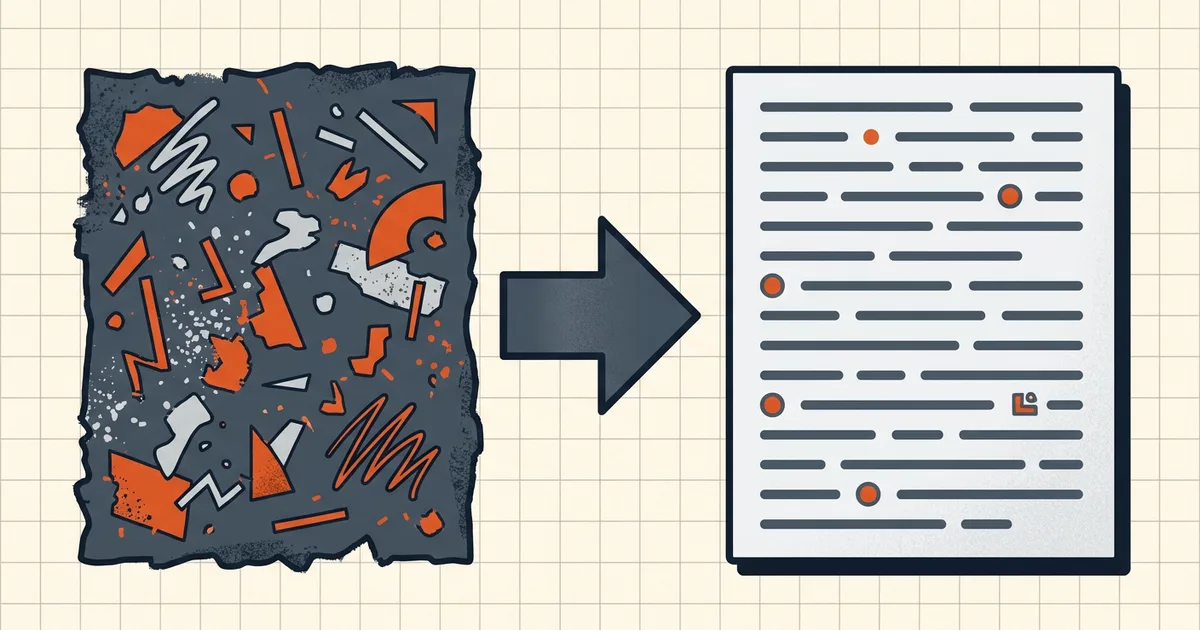
Paste-into-AI is a terrible extraction UI wearing a convenient hat. Two minutes of scoping beats an hour of arguing with a model about your page headers.
Pipeline
type-test → (OCR if scan) → split to needed pages
    → extract text layer → strip boundary noise
    → join wraps → skim → paste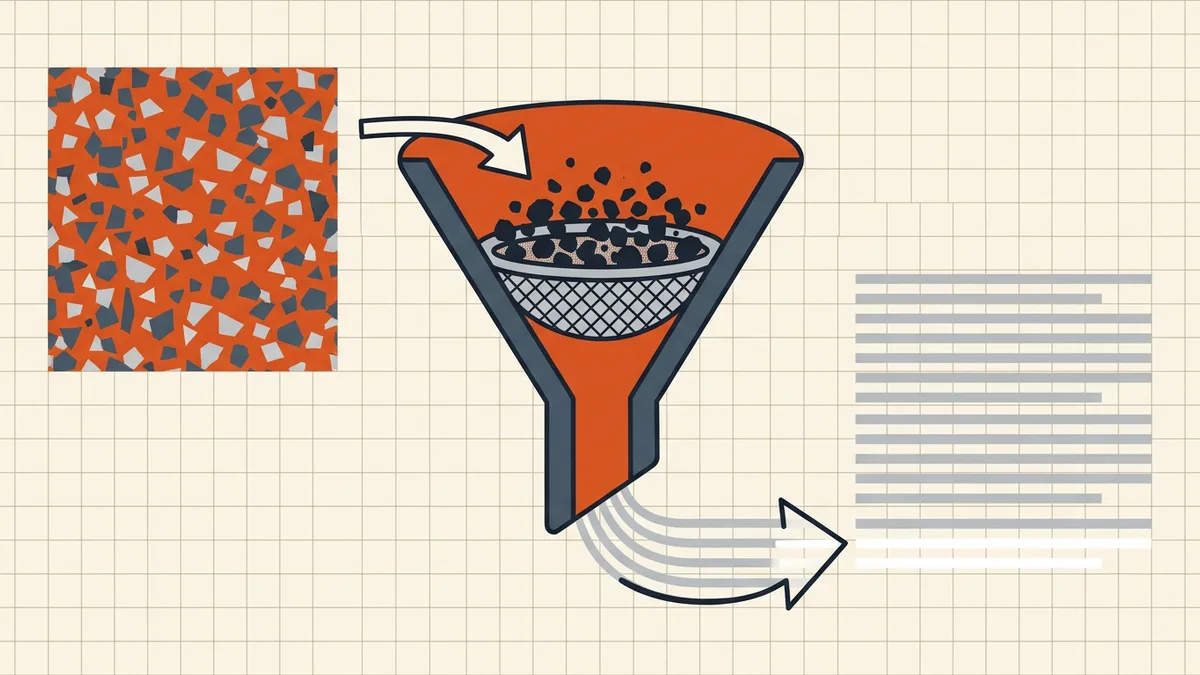
Noise taxonomy
| Artifact | Kill when |
|---|---|
| Running header/footer | Crossing page boundaries |
| “Page N of M” | Always, for prose |
| Line-wrapped staircase | Always (join rules) |
| Column interleave | Prevention — copy per column |
| Ligature oddities | After paste if search/compare matters |
| OCR number confusions | After OCR; proofread totals |
Scope beats cleanup
Need chapter 3 only? Split/remove to that range before extraction — smaller attack surface for privacy, smaller noise field, smaller token bill. Then extract, clean, paste (type test picks the path).
Honest BytesPDF scope
No AI-text exporter at BytesPDF. Page extraction, table routes, and honest layer checks are real; prose sanitization is not our tool set — same policy as word-count and deskew gaps. Privacy-first workflows documented via OCR-safety and redaction guides.
Token economics and quality
| Bad paste habit | What it costs |
|---|---|
| Full document select-all | Headers repeated N pages; huge prompt; noise citations |
| Un-scoped sensitive file | Privacy incident — worse than any token bill |
| OCR without proofing | Confident wrong numbers in summaries |
| Column drag-select | Unrecoverable word order; hallucination fuel |
Scope, clean, skim — fewer follow-up prompts correcting the model. For long reports, paste section-wise with explicit source pages X to Y labels so answers stay attributable.
Tool choice cheat sheet
| Situation | Route |
|---|---|
| Born-digital, few pages | Reader copy with boundary cleanup (line breaks) |
| Whole chapter | Split to range, extract file, clean (scope) |
| Scanned | OCR plus accuracy proof first (OCR tips) |
| Table to spreadsheet | Table extractor, not prose paste (Excel route) |
| Sensitive | Redact or split locally before any upload (redact, OCR safety) |
Follow canonical paths from relatedPosts rather than hand-typed drafts.
Honest BytesPDF scope recap
Pages split and merge: real. Text sanitization for prompts: not our tool. The pipeline above stays tool-agnostic on purpose — your reader, your editor, your AI. We own the scoping, privacy, and does-a-text-layer-even-exist gates (type test).
Frequently asked questions
Why not just select-all and paste into the AI box?
You'll import running headers, footers, page numbers, line-wrapped staircases, and sometimes the wrong column order. Models then cite 'Page 14 Confidential' as content, waste context budget, and mangle quotes. Scope first (which pages), clean second (noise), then paste.
What's the cleanest extraction order?
1) Type-test: born-digital or scan? 2) If scan → OCR and proof numbers ([OCR limits](/blog/improve-ocr-accuracy-tips)). 3) Extract/split to only the pages you need (less noise, less privacy exposure). 4) Pull text via reader export or text layer (not tab-select across page breaks). 5) Strip headers/footers/page numbers; join line wraps ([line-break rules](/blog/copy-paste-pdf-line-breaks)). 6) Skim once before pasting upstream.
Multi-page headers keep re-injecting mid-paste?
Page-boundary noise recurs every N lines. When joining breaks, delete repeated header/footer strings as you cross boundaries — or extract page-by-page and discard first/last lines of each chunk. Column layouts: per-column copy only.
Privacy: should this document go into an AI tool at all?
Different question from formatting. If content is sensitive, the pipeline stops at privacy review — redact unnecessary pages first ([redaction](/blog/how-to-redact-a-pdf-properly)), extract locally where possible, and audit any upload path ([OCR safety](/blog/is-online-ocr-safe), [tool architecture](/compare/browser-local-vs-server-based-pdf-tools)).
Does BytesPDF extract text for AI?
No dedicated 'AI-ready export' tool (documented boundary). Adjacent real tools: extraction of *pages* for scoping, table→Excel when structure matters, count-words for limits — all requiring an honest text layer where relevant. Paste-cleanup remains editor-side ([guide](/blog/copy-paste-pdf-line-breaks)).
Related comparisons
Source-led comparisons written by BytesPDF, with the conflict of interest disclosed on each page. They link official provider documentation rather than fabricated tests.