
PDF Portfolio vs Merged PDF: Container or One Continuous Document?
One file either way — but a portfolio is a folder in a PDF costume, and a merge is a single reading sequence. Choose by what the recipient must *do* with the contents.
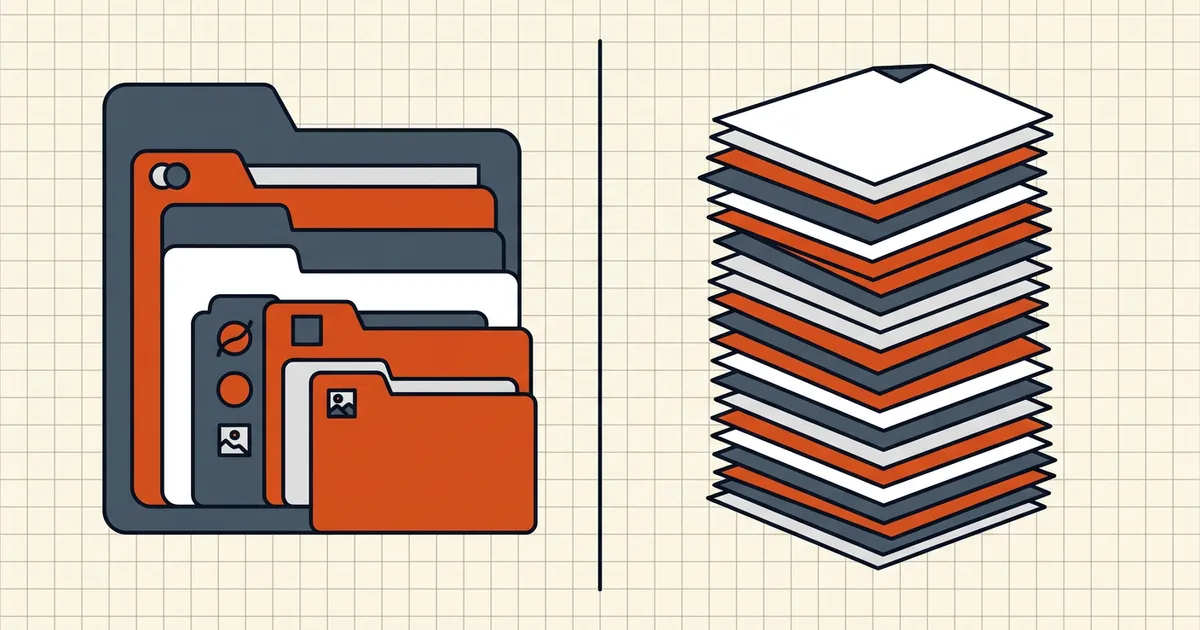
Marketing wants "one file." Engineering has to decide what that sentence means: one thing to read or one box of things. PDF portfolios and merges answer differently — and only one answer survives contact with a phone PDF viewer.
The core distinction
| Merged PDF | PDF Portfolio | |
|---|---|---|
| Structure | Single page stream, continuous numbering | Container + embedded files in original formats |
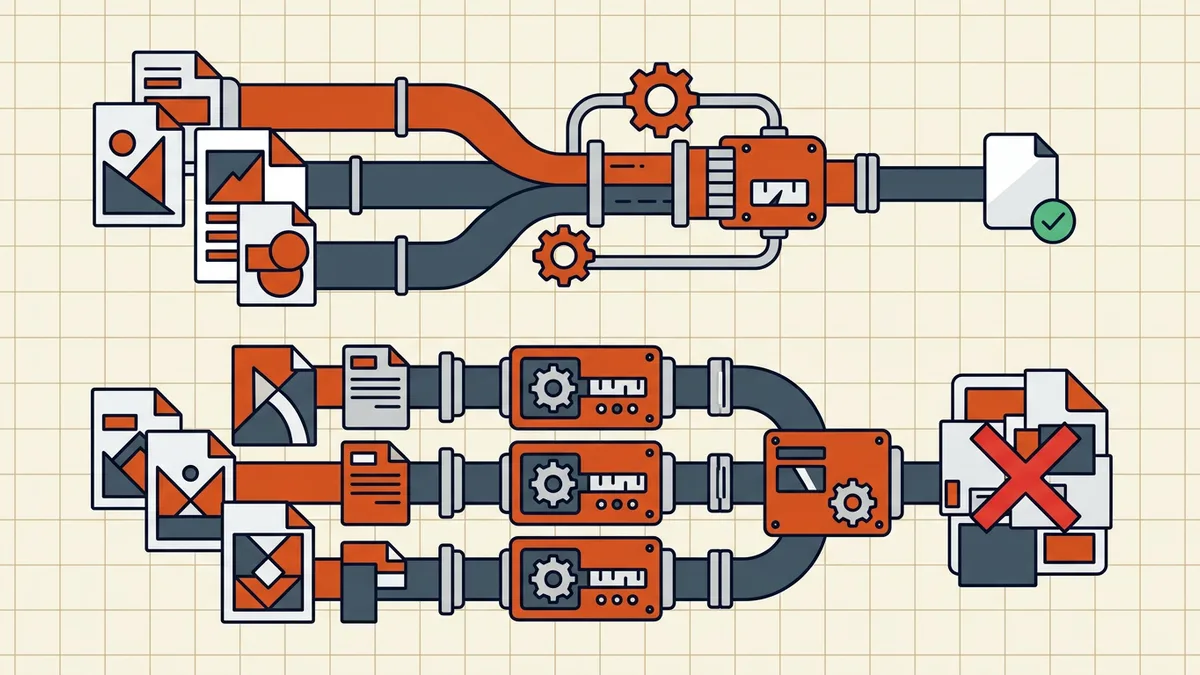
| Excel inside | Becomes pages (values/print view) | Stays .xlsx — open in Excel with formulas |
| Search | Across the whole document in any indexer | Often only cover sheet / weak outside Acrobat |
| One document | Open pieces first; unpredictable | |
| Mobile/browser | Just works | Cover page "use Reader" lottery |
| Portals/courts | Expected | Frequently rejected or invisible |
| Size | Compressible as one file | Sum of parts + container overhead |
Rule of thumb from the vendor-neutral docs out there: if the recipient should read, merge; if the recipient should extract and edit mixed originals, consider a container — knowing compatibility costs you.
When a portfolio is actually right
- Legal/technical productions where each native file (CAD, spreadsheet, email) is a deliverable and recipients standardize on full Acrobat.
- Tender/exhibit packs that explicitly request a collection with a manifest — rare; most tender portals want discrete PDFs (tender prep).
- Internal archives where you control every reader's software (a shrinking group).
When merge wins (the default)
- Any public or multi-device audience.
- Upload portals (school, insurance, government) that expose one file field.
- Contracts, reports, books — linear reading is the product.
- Search-engine or enterprise-index friendly delivery.
- When "PDF/A" is the mandate — containers/embeddings face strict limits (PDF/A explainer).
Merges still need discipline
Portfolios dodge conversion; merges dodge chaos only if you prep sources: normalize page sizes (mixed sizes), rotate phone scans, merge then compress once, strip stray comments/metadata, and check before send. BytesPDF merge is whole-file merge in the browser — the normal continuous-PDF result.
Receiving a portfolio without Acrobat
You're not stuck: portfolios embed files as attachments — tools that list/extract attachments can pull components out. You lose the fancy layout and maybe field order; you keep the bytes. If only a cover page appears in your viewer, that extraction path (or asking the sender for a plain zip/merge) is the fix — not another PDF app from an ad.
Related container concepts (don't mix labels)
- Attachments inside a normal PDF — removable via attachments guide; part of cleanup (hidden data).
- PDF/A-3 embedded files — archival standard with its own rules; ≠ portfolio UI.
- ZIP — still the compatibility king when the portal doesn't ask for PDF-shaped packaging (tender zip trap).
Frequently asked questions
What is a PDF portfolio?
A PDF portfolio is a PDF that acts as a container: embedded files (other PDFs, Word docs, spreadsheets, images, media) stay in their original formats behind a PDF front door, often with a file-list UI. Unlike a merge, a .docx inside a portfolio is still a .docx — not pages of a converted document.
What is the difference between a PDF portfolio and merging PDFs?
Merging converts sources into one continuous page sequence — one document to read, search, and print. A portfolio keeps components separate and extractable — one package to browse. Reading, portals, and courts generally want merges; mixed-format productions with Acrobat-equipped recipients sometimes want portfolios.
Why does my PDF portfolio look like a blank 'use Adobe Reader' page?
Because the viewer doesn't understand portfolio collections and only shows the cover sheet. Mobile and browser PDF views often behave this way. Recipients without a compatible reader see a poster, not your files — which is why portfolios fail 'send to anyone' workflows.
Is a PDF portfolio the same as embedded attachments?
Close cousins. Portfolios are the full collection UI (list fields, layout, cover). Plain embedded attachments live inside an ordinary document without that browser shell. Archival standards treat them differently too — PDF/A-1 forbids embedded files; PDF/A-3 allows them under constraints. Never assume 'attachments' equal 'archival.'
Does BytesPDF create PDF portfolios?
No. BytesPDF's merge builds a normal continuous PDF from whole source files; we don't ship a portfolio/container builder and don't claim portfolio authoring. Use dedicated authoring tools when a container is truly required — and prefer merge for portals, courts, and general sharing.
Related comparisons
Source-led comparisons written by BytesPDF, with the conflict of interest disclosed on each page. They link official provider documentation rather than fabricated tests.