
PDF Is Slow or Laggy Scrolling on iPhone/Android (Fix Mobile Render Load)
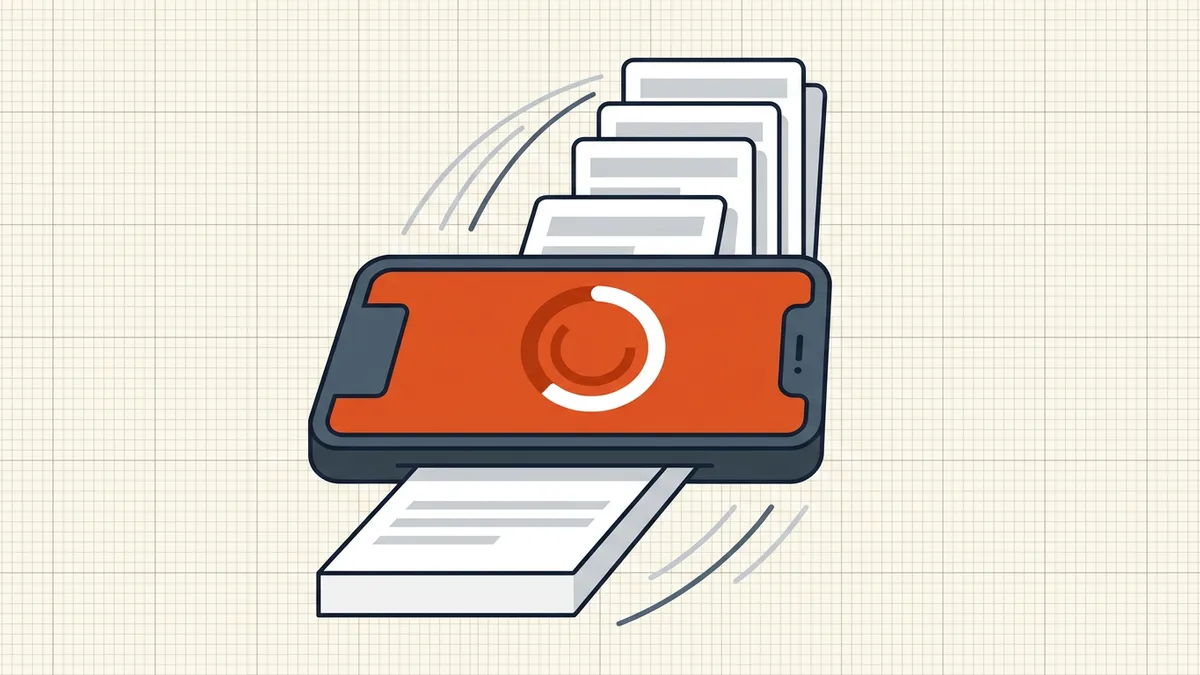
Your laptop laughs at the file; your phone drops frames scrolling it. PDF rendering is expensive per page — here's what actually reduces the cost on mobile silicon.

Desktop GPU absorbs sins your phone can't. The file didn't get heavier — the budget got smaller.
Cost model (one page turn)
- Decompress content streams
- Rasterize fonts
- Decode + scale images to screen
- Composite transparency
- Present — all in ~16ms for smooth 60fps
Full-page 300-DPI scans blow the frame budget on 3–4 GB devices. That's stutter, not corruption.
Fix ladder (in order)
| Step | Lever | Reversible? |
|---|---|---|
| 1 | Moderate compress (downsample images) | From master — keep originals |
| 2 | Linearize for fast first paint | Structural only |
| 3 | Split long documents | Yes — merge back |
| 4 | Flatten extreme transparency | One-way — last resort |
Retest scroll after each step; measure, don't guess. Compression guide explains what each profile touches — vector text should stay sharp (zoom explainer).
Phone-side hygiene
Close background memory hogs; try a second viewer once (rules out app-specific bugs); open from local storage not a flaky cloud stream. If only one file lags, it's composition; if everything lags, it's the device or app.
Honest BytesPDF scope
Compress = the main lever we ship (image downsample + structural cleanup per profile). No transparency-flatten switch, no “mobile DPI mode” preset by name — pick profiles and verify. Linearization explained, not toggled as a separate product feature story.
What optimize-once looks like
- Desktop compress at Recommended/Moderate — downsample images, keep vector text untouched (guide).
- Linearize if serving from a URL (fast web view) — first page before full download.
- Split chapters if still heavy with image pages (viewer memory, not just data plans).
- Phone test: cold-open, scroll ten pages, pinch-zoom one detail. Stutter gone? Ship this copy; archive the master.
- Portal path: same file if under cap; else second moderate pass with margin (size ladder).
Do not stack three aggressive passes hoping each helps more — quality cliffs are real; one measured pass plus split beats thrice-crushed images (legibility checks).
Architecture note (network vs render)
Opening from flaky cloud streams duplicates work: re-download on cache miss, then render. Download once to local storage and open from disk — separates slow network from heavy pages. If only one device lags, it is render budget; if all devices lag on one file, it is the file; if one network lags, it is the pipe (browser-local vs server tools for where processing runs).
Frequently asked questions
Why does a PDF scroll smoothly on desktop but lag on my phone?
Every page turn decompresses content, rasterizes fonts, decodes images, and composites layers — budgeted for ~16ms at 60fps. Full-bleed 300-DPI scan pages can be megabytes of image data per frame. Phones have less RAM/GPU headroom, so queues stutter. Cost per page, not file size alone, is the enemy.
What fix helps most?
Downsample embedded images toward ~150 DPI for screen reading (quarter the pixels), compress once at a moderate profile, then re-test scroll. Second: linearize so page one appears before the full download ([fast web view](/blog/pdf-linearization-fast-web-view)). Third: split monster files so the viewer holds fewer pages ([size causes](/blog/why-are-my-pdf-files-so-large-causes-and-fixes)).
Should I flatten transparency?
Only for pathological decks with many live transparency stacks — flatten is one-way and changes editability ([flatten forms](/blog/flatten-pdf-forms-explained) for fields; print-production flatten for effects). Try downsample + split first; they're reversible from the master.
Does BytesPDF help mobile lag directly?
BytesPDF Compress downsample/re-encodes images per profile — the highest-impact mobile lever we ship — and merge/split-style workflows are documented. We don't expose a 'mobile mode' toggle or transparency flattener (documented boundaries); linearization is its own concept ([guide](/blog/pdf-linearization-fast-web-view)).
Compress for portals too — same pass?
Usually yes if limits allow: one moderate pass serves portal caps and phone scroll. Verify legibility at zoom after ([post-compress check](/questions/how-to-check-pdf-after-compression)) — mobile readability still needs readable text.
Related comparisons
Source-led comparisons written by BytesPDF, with the conflict of interest disclosed on each page. They link official provider documentation rather than fabricated tests.