
Copy-Paste From PDF Gives Hard Line Breaks (Clean Paragraphs Fast)
You pasted one paragraph and got thirty lines. PDFs store where each line sits, not where sentences flow — paste cleanup is text surgery with a few reliable rules.
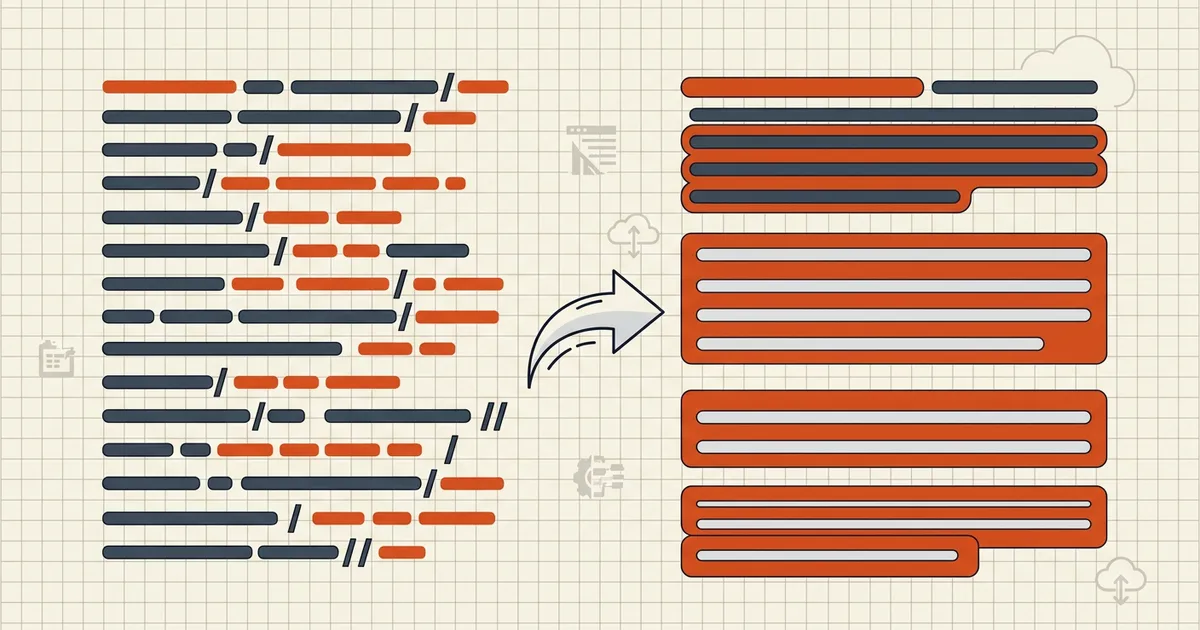
Select-all, copy, paste — and your beautiful paragraph arrives as a staircase. Nothing broke; PDFs were never storing the paragraph you saw.
Why lines are lines
The file records where glyphs sit (x, y per run). Sentence flow was a property of the authoring app, discarded at export. Your paste faithfully reproduces geometry — and betrays prose.
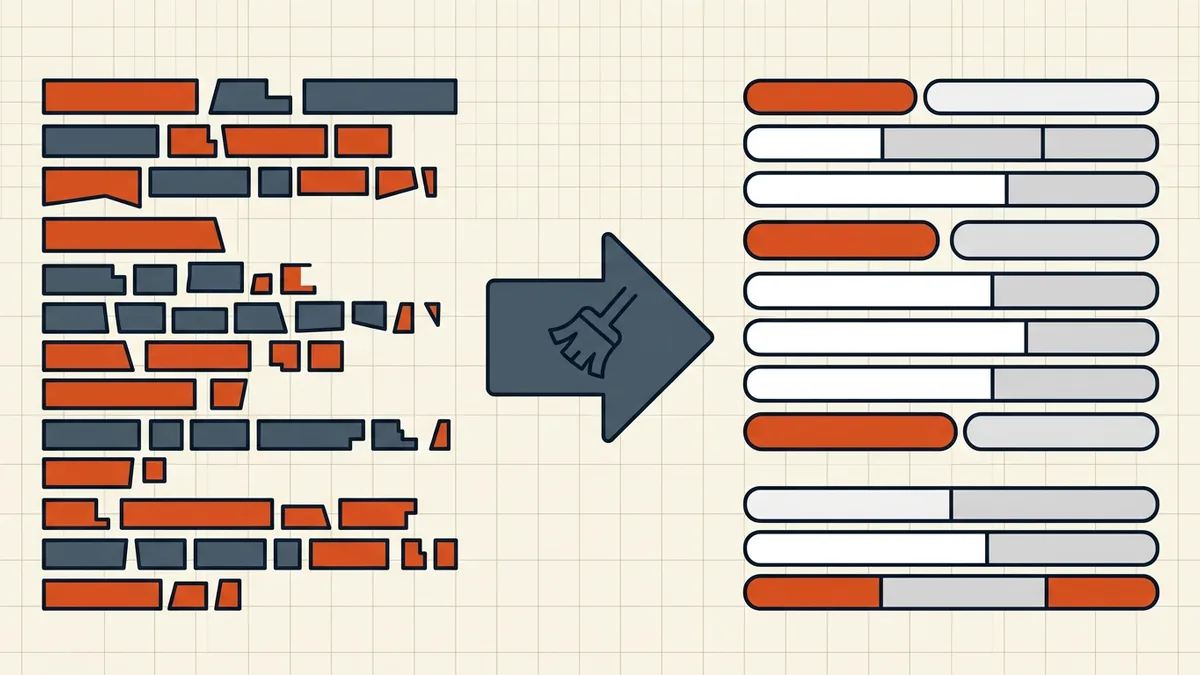
Cleanup rules that work
- Paste to plain text first (kills font/color junk).
- Protect real paragraphs (blank-line tokens) before joining singles.
- Join single newlines → space; restore tokens after.
- Unhyphenate end-of-line breaks; leave intentional hyphens alone.
- Delete page-boundary noise (running headers, “Page 12”, footers) as you merge across breaks.
- Columns: never drag a whole two-column page — copy per column/paragraph (tables need extractors).
Quality gates
After cleanup: read one paragraph aloud for missing spaces; search a hyphen-suspect word; recount words if a limit applies (count guide). Quote fidelity matters in legal diffs (compare).
Honest BytesPDF scope
No paste-cleaning tool at BytesPDF. Text extraction assumes an honest layer; OCR'd layers inherit recognition errors; tables bypass paste entirely. Paste cleanup = editor regex or text utilities — stated beside our other intentional gaps.
Worked cleanup (before to after)
Before (clipboard):
The Committee reconvened on March 14 to review the revised budget. Attachment B remains un- der discussion pending counsel. Page 12
After: The Committee reconvened on March 14 to review the revised budget. Attachment B remains under discussion pending counsel.
Recipe: protect blank-line paragraphs, join single newlines to spaces, repair end-of-line hyphens, delete page-boundary junk lines. Repeat at each Page N marker when crossing sections.
Editor recipes (pick one)
| Tool | Move |
|---|---|
| VS Code / Notepad++ regex | Token double-newlines, join singles, restore; regex hyphen-newline |
| Google Docs | Find/replace with regex where supported |
| Plain sed/awk scripts | Same token approach for batches |
| Dedicated text cleaners | One-click remove line breaks plus trim spaces |
Column chaos is not fixed by any of these — clipboard order is already wrong; re-copy per column (tables to Excel when cells matter).
When to stop cleaning
Quotes for legal compare need a human skim (compare). Word counts for portals: count after cleanup so joins do not double-count (count guide). If the whole document needs this treatment, extraction-to-file beats clipboard loops (clean extract pipeline).
Frequently asked questions
Why does every visual line become a new line?
PDF text is a list of positioned lines — the file knows line 3 starts at y=412, not that line 3 continues a sentence from line 2. Copy exports those hard breaks; your editor treats each as a paragraph edge. Layout fidelity and flowing prose are different data models.
What's the fast cleanup?
Paste into a plain editor first. Replace single newlines with spaces; protect double newlines as real paragraphs (token → join singles → restore tokens). Unsplit hyphen breaks (`for-\\nmatting` → formatting). Strip injected headers/page numbers at page boundaries. Regex or any text-cleaner tool works — review, don't blind-replace.
Two-column papers paste interleaved — fix?
Unfixable after the fact — column order is already scrambled in the clipboard. Copy one column (or one paragraph) at a time going down each column. Faster than trying to un-weave garbage ([compare-clean text need](/blog/count-words-in-pdf) after).
Scanned PDF copies as nothing?
No text layer — selection draws a box ([type test](/blog/scanned-pdf-vs-birth-digital)). OCR first ([searchable](/blog/make-scanned-pdf-searchable)), then paste-cleanup; expect OCR typos in the layer ([accuracy](/blog/improve-ocr-accuracy-tips)).
Does BytesPDF clean pasted text?
No text-sanitizer tool at BytesPDF (documented boundary). We extract where a real layer exists and count words honestly; paste cleanup is editor find/replace or dedicated text tools. Tables need structure, not join-lines ([table → Excel](/blog/extract-pdf-table-to-excel)).
Related comparisons
Source-led comparisons written by BytesPDF, with the conflict of interest disclosed on each page. They link official provider documentation rather than fabricated tests.