
Remove Blank Pages From a Scanned PDF (Without Eating Intentional Dividers)
Half the blanks are scanner noise; half are chapter dividers you want. Auto-detection is a suggestion engine — set tolerance, then review like a human.
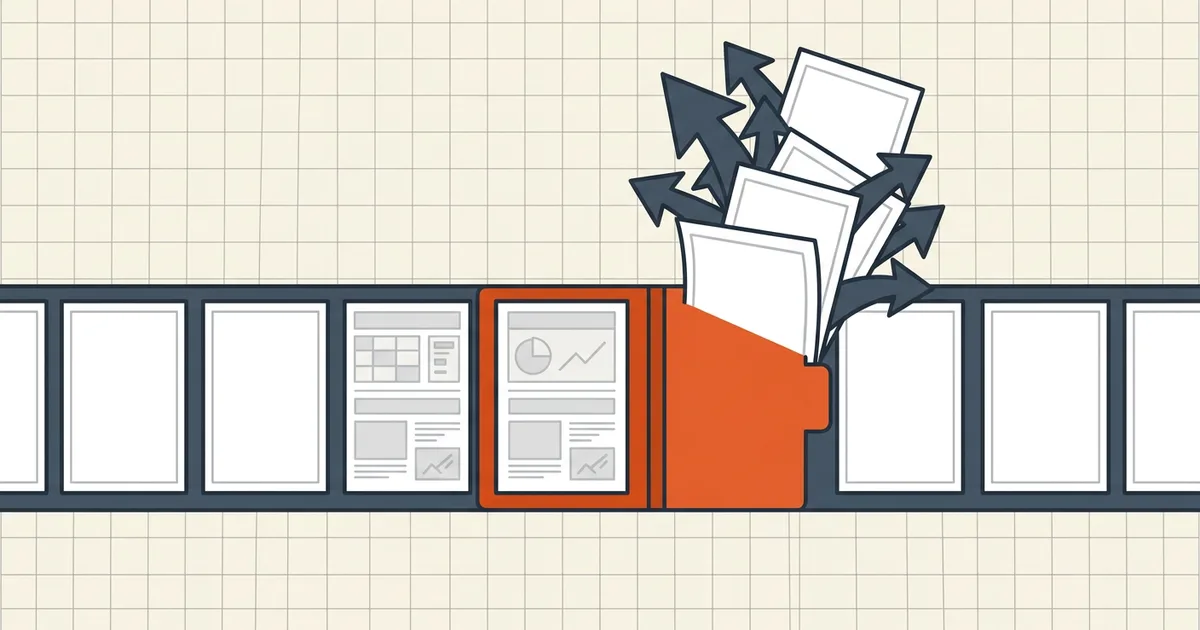
“Remove all blank pages” is a one-click phrase hiding a judgment call: which blanks are noise, and which are structure?
Noise vs structure
| Blank type | Keep? | Why |
|---|---|---|
| Trailing pad from duplex even-count | Drop | Artifact |
| Dusty feeder near-blank | Usually drop | Artifact + noise floor |
| Chapter/section divider | Keep | Intentional rhythm |
| Title page with only a heading | Keep | Not empty — threshold trap |
| Intentional spacer before annex | Keep | Author signal |
Safe cleanup pass
- Thumbnail skim first — know how many “blanks” exist and where dividers live.
- If automating: set tolerance (noise allowed on a blank), workspace (ignore edge dirt), and a min-content threshold (title-only pages survive).
- Prefer extract-suspects-to-side over silent delete — review, then discard.
- Manual path for short files: select blanks in the organizer, delete, save new name.
- Renumber stamped footers if any (renumber); recount for portals (checklist).
When the blank isn't in the file
Print preview shows extra sheets the PDF never contained (print blanks). And a blank-rendering file is a different failure entirely (opens blank). Delete-from-file only after you've confirmed the page exists in thumbnails.
Honest BytesPDF scope
No auto blank-detection at BytesPDF (documented boundary). Page deletion is manual (by design — judgment beats silent eats); print blanks and blank-render failures have their own guides. Capture-side prevention lives with scanner discipline.
Detection methods compared
| Method | Digital PDF | Scan (image pages) | Divider risk |
|---|---|---|---|
| No extractable text | Works | Useless (all pages have images) | High if misused on scans |
| Non-white pixel ratio | Overkill | Right tool | Controlled by tolerance |
| Thumbnail eyeball | Fine short files | Fine short files | Lowest false deletes |
| Ink-coverage CLI | Works | Works | Needs threshold tuning |
Scans need pixels, not text predicates — that is why naive scripts find nothing or find everything on the same batch. Text-only detectors cannot handle feeder blanks (type test).
Divider-safe policy (short form)
- Inventory intentional dividers (chapter starts, annex spacers) — note page numbers first.
- Auto-pass with moderate tolerance; export a suspects list rather than silent delete when offered.
- Diff auto results against the inventory; restore any eaten divider.
- Skim thumbnails once — 30 seconds beats a recipient asking where Section 4 went.
- Renumber stamped footers (renumber); recount for portals (checklist).
Prefer keeping a near-blank over deleting a legal exhibit. Blank-noise is embarrassing; missing content is fatal.
Frequently asked questions
Why does my duplex scan have blank pages?
Odd page counts force a trailing blank on the back of the last sheet; separator settings inject intentional breaks; some drivers pad jobs to even counts. Distinguish *file* blanks from *print-time* spills ([print blanks](/blog/pdf-prints-extra-blank-pages)) first.
Why do auto-removers delete pages I need?
Naive detectors treat 'no extractable text' as blank — but scans are images, so real detectors measure non-white pixels. Too-low tolerance drops dusty 'empty' pages you wanted; too-high keeps noise. Header-only pages (chapter openers with just a title) are the classic false positive — set a content threshold or review manually.
Dirty scans: dust looks like content?
Scanner noise makes every 'blank' non-empty. Use a tolerance/noise floor and a workspace crop that ignores edge speckles; extract-to-review (keep suspects in a side file) beats silent delete. When unsure, keep the page — a divider is cheaper than a missing exhibit.
Does removing blanks change page numbers?
Physical positions shift; stamped footers and TOC entries go stale ([renumber](/blog/pdf-page-numbers-wrong-after-reorder)). Review bookmarks that pointed at dropped pages ([merge bookmarks](/blog/merge-pdf-keep-bookmarks)).
Does BytesPDF auto-detect blank pages?
No blank-page detector at BytesPDF (documented boundary). Delete pages manually in an organizer (thumbnail review stays honest), fix print-only blanks via the print guide, and use BytesPDF Compress/merge once the list is clean.
Related comparisons
Source-led comparisons written by BytesPDF, with the conflict of interest disclosed on each page. They link official provider documentation rather than fabricated tests.