
How to Compare Two Scanned PDF Versions (OCR First, Then Diff)
Scans break comparison tools: two images of 'nearly the same' document, zero selectable text. Add a text layer first, then diff — and know what only eyeballs can catch.
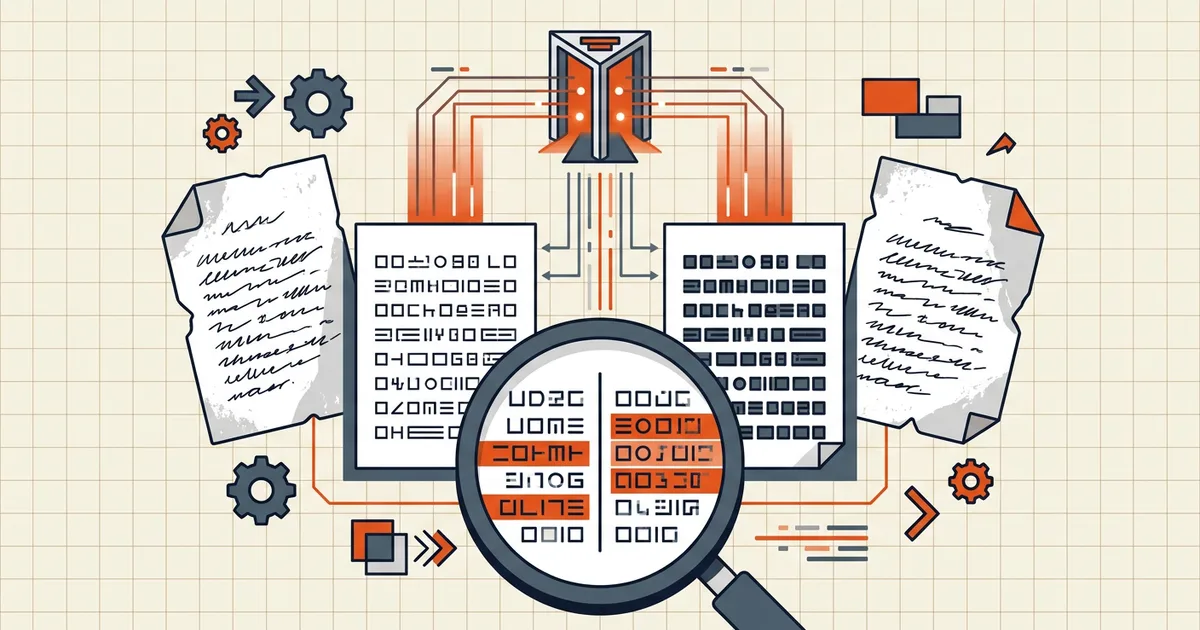
Two scans of the same contract — a signed original and a re-signed revision — and a diff tool cheerfully reporting no differences. Of course it does: it compared two empty text layers. Scans need a middle step before comparison means anything.
Why scans break comparison
Comparison tools extract text from each file and diff the streams. Born-digital PDFs have text. Scans have pictures of text — until you run OCR, both files look like blank slates with identical (empty) content.
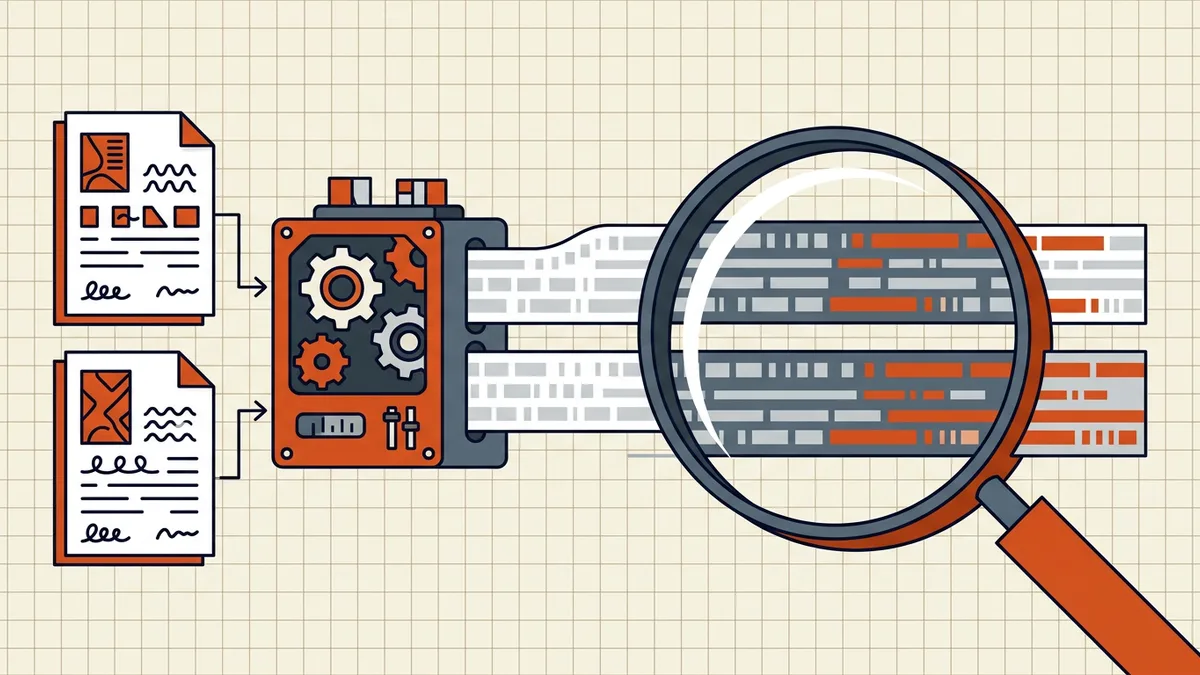
The workflow: OCR both → diff → eyeball
- OCR version A (the original scan) → searchable copy.
- OCR version B (the revision) → searchable copy.
- Same engine, same settings both sides — asymmetric recognition masquerades as change.
- Input quality drives accuracy: the fix ladder.
- Compare the OCR'd pair — BytesPDF Compare PDFs runs line-level text comparison in the browser; changed/added/removed lines surface side by side (basics).
- Triage each flagged change:
- Visible on the page image? → real change.
- Not visible? → OCR ghost; confirm against the scan before believing it.
- Visual-only pass for what text diff can't see — stamps, signatures, logos, handwritten annotations, moved tables. Side-by-side at 100% zoom, or export both to images and flip between them.
What each step proves
| Step | Catches | Misses |
|---|---|---|
| Text diff (post-OCR) | Wording changes, numbers, clauses, reordered lines | Layout-only moves, image swaps |
| Eyes on page images | Stamps, signatures, handwriting, visuals | Subtle text edits across long docs (too slow) |
| Both together | The union | Nothing material, for a normal document |
Common scan-comparison situations
- Signed contract vs re-signed revision — OCR both, diff the text for clause changes, then eyeball only the signature pages for stamp/signature differences. Text diff alone would miss a swapped initial.
- Invoice issued vs invoice amended — amounts and line items usually live in the text layer after OCR; the diff catches them fast. Totals in a stamped "PAID" region still need eyes.
- Two scans of the same printed report — if nothing changed, OCR noise is your only signal. Run the diff; if every flagged line is invisible on the page image, the versions match and the engine is just inconsistent. Re-OCR with steadier settings if the ghost rate is high (accuracy tips).
When to skip OCR entirely
If either file already has selectable text (born-digital export, earlier OCR pass), diff against it directly — half the pipeline disappears. Mixed pairs (one scan, one digital) work too: OCR only the scan, then compare. Save the full OCR-both path for image-only pairs, which is where the naive "compare and see nothing" failure starts.
Privacy note (scans are usually sensitive)
Contracts, HR files, discovery documents — the OCR step and the diff step are two handoffs of the same sensitive pair. Keeping both on-device collapses the pipeline to zero uploads (is online OCR safe?); the comparison stage in BytesPDF likewise processes in-tab. If any step uploads, you've inherited that server's whole trust model — twice.
Frequently asked questions
Why does PDF comparison show no differences on my scanned files?
Because text-based comparison diffs the text layer — and image-only scans have none. Two pages can differ visibly while both present 'no text to compare.' Run OCR on both files first to create text layers, then compare: every recognized change becomes detectable.
Do I need OCR on both scanned versions?
Yes — a diff needs comparable text on both sides. OCR the original and the revised scan with the same tool/settings so recognition differences don't masquerade as content changes. ([Accuracy tips](/blog/improve-ocr-accuracy-tips) matter here: garbled OCR creates phantom diffs.)
Can comparison miss changes in scans?
It can miss purely visual changes that don't alter recognized text: a swapped logo, moved stamp, changed handwriting, re-photographed signature. Text diff covers words; visual changes outside the text still need side-by-side eyes — treat the tool as the first pass, not the audit.
Is OCR-then-compare private for sensitive scans?
It depends where each step runs. Browser-local OCR + browser-local comparison keeps both operations on-device — no upload for either stage. Upload-based pipelines hand the document to servers twice (once per stage). Choose accordingly: [OCR privacy evaluated](/blog/is-online-ocr-safe), [architecture compared](/compare/browser-local-vs-server-based-pdf-tools).
Is OCR noise mistaken for changes a problem?
It's the main false-positive source: the engine recognizing 'rn' as 'm' in one file and 'm' in the other produces a fake change. Mitigate with [high-quality OCR inputs](/blog/improve-ocr-accuracy-tips), then sanity-check flagged changes against the page images — a real change is visible; a recognition ghost isn't.
Related comparisons
Source-led comparisons written by BytesPDF, with the conflict of interest disclosed on each page. They link official provider documentation rather than fabricated tests.