
How to Compare Two PDF Versions and Actually Catch the Changes
Two 40-page contracts, one 'minor revision'. Eyes miss things; diffs don't. Here's how PDF version comparison actually works and how to do it safely.
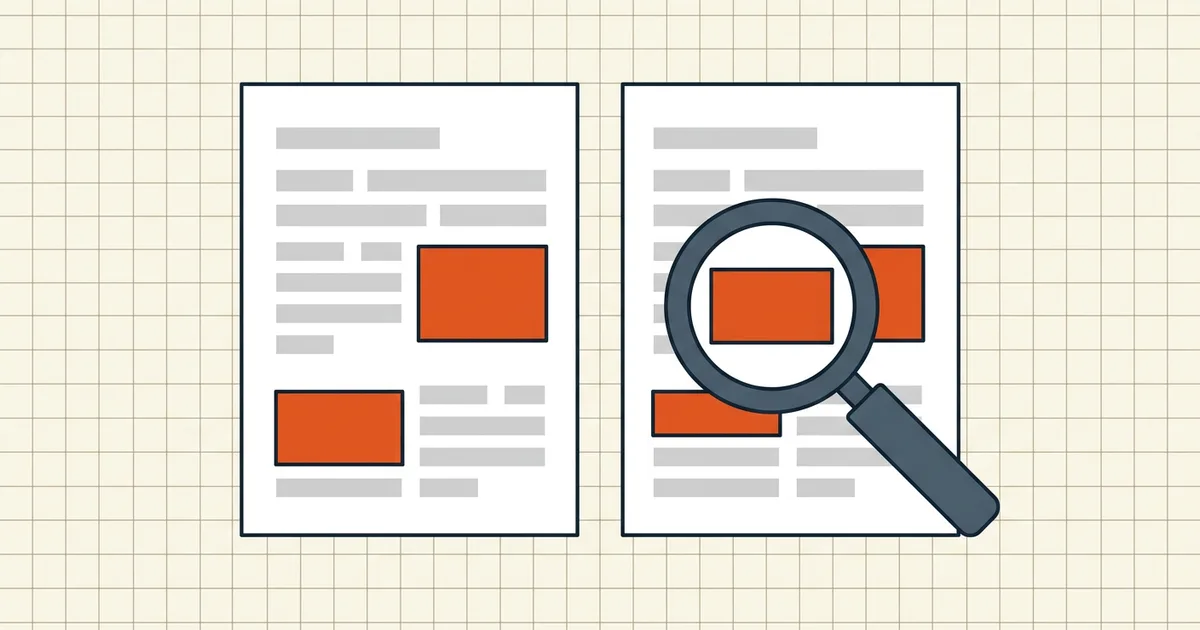
"The changes are minor — mostly formatting." Famous last words in contract review, procurement, and editorial work. The clause swap hiding in "mostly formatting" is exactly what PDF comparison exists to catch. But comparison tools differ in what they can see, and picking the wrong kind produces false confidence — the worst possible review outcome.
Two comparison philosophies
Visual (pixel) comparison renders both files and flags regions that differ. Strength: nothing escapes it — stamps, signatures, layout shifts, font swaps, and text edits all register. Weakness: it can't tell you what changed semantically, and harmless rendering noise (a re-save that re-encodes images) lights it up like a Christmas tree.
Text (line-level) comparison extracts the text of both documents and diffs it — the way diff works on code. Strength: a precise, reviewable list of added/removed/changed lines; harmless visual noise ignored. Weakness: blind to purely visual changes (a rotated stamp, moved image, swapped photograph).
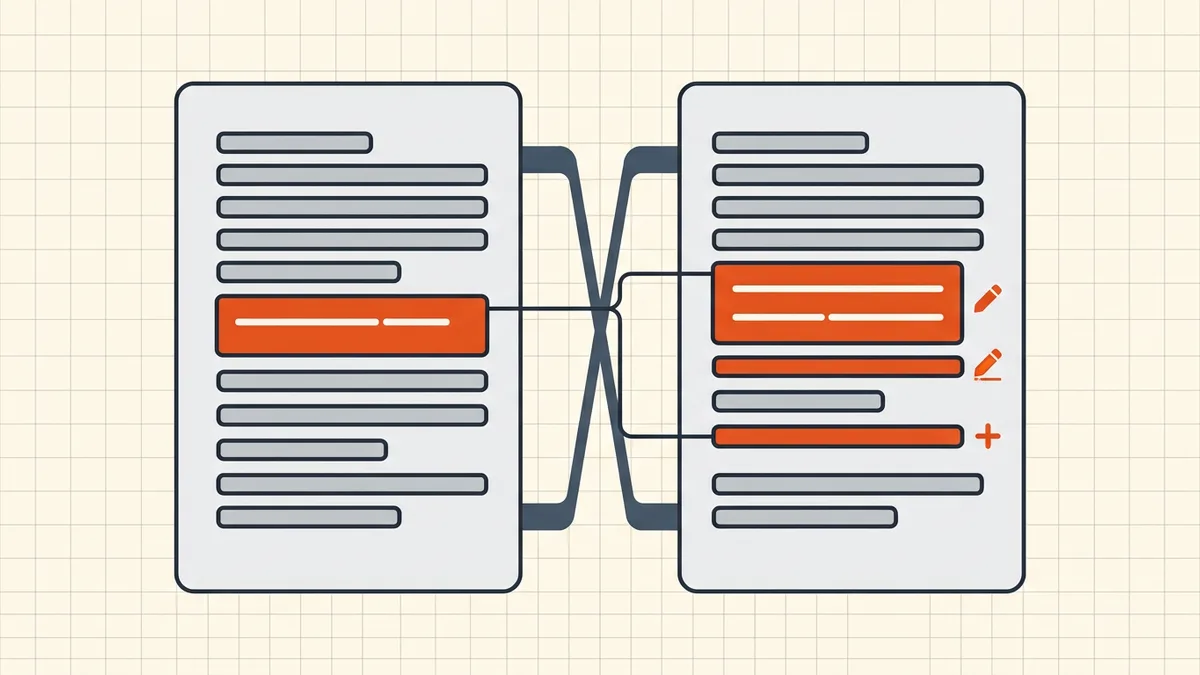
Serious reviewers lead with text diff and treat visual as the safety net. BytesPDF Compare Versions computes a line-level diff between two drafts, locally in your browser — both versions stay on your device, which for contract drafts and pre-publication text is the correct default (tool architecture).
A review workflow that actually catches things
- Freeze the pair. Name them explicitly:
agreement_v3_counterparty.pdfandagreement_v4_counterparty.pdf. Comparing the wrong two files is its own genre of failure. - Run the text diff. Walk the change list top to bottom. For each change: accepted, rejected, or needs a human.
- Visual-check the layout-sensitive pages — signature blocks, tables, defined-term schedules, exhibits. This is where visual comparison or careful page-by-page eyes cover the diff's blind spot.
- Check the invisible layers too. Comments, metadata and attachments can change between versions without touching text — hidden-data guide.
- Scanned version in the pair? OCR it first, or neither diff will see inside it.
Where version comparison earns its keep
- Contract redlines — counterparty sends v4 "with minor edits"; the diff is the only honest answer to what moved.
- Before/after any tool run — compressed, cleaned, or converted output vs. the original. A quick text diff catches collateral damage (pre-send checklist).
- Regulated submissions — proof that the filed version matches the approved version.
- Editorial and design proofs — the "final_FINAL" family of files, sorted at last.
Keeping the drafts private
Comparison tools see both complete documents — the widest exposure of any single operation short of OCR. Same discipline applies: local processing where possible, and a skeptical read of "no upload" claims per privacy risks of online PDF tools. When the pair is under NDA, in-browser comparison isn't a preference; it's due diligence.
Once the accepted version is truly final: clean, size, protect, and sign the right bytes at the right time.
Frequently asked questions
How do I compare two PDF files for differences?
Use a PDF comparison tool rather than reading side by side. A line-level diff extracts text from both files and highlights additions, deletions and changes (BytesPDF Compare Versions does this locally in your browser); visual comparison tools overlay rendered pages. Review the change list, then spot-check layout-sensitive pages visually.
What's the difference between visual and text comparison?
Visual comparison rasterizes pages and finds any pixel difference — fonts, spacing, stamps included — but can't say 'this word changed'. Text/line comparison reports semantic edits but can miss purely visual changes. Serious review uses text diff first, visual as backup.
Can I compare scanned PDFs?
Only after OCR. Image-only scans have no text to diff — run [OCR](/blog/make-scanned-pdf-searchable) first, then compare; or compare visually page by page.
Is comparing contracts online safe?
Prefer tools that compare locally in your browser so neither draft uploads anywhere. Contract drafts are routinely NDA-covered; the evaluation checklist in our [online-tools privacy guide](/blog/privacy-risks-online-pdf-tools) applies to diff tools too.
Related comparisons
Source-led comparisons written by BytesPDF, with the conflict of interest disclosed on each page. They link official provider documentation rather than fabricated tests.