
How to Remove Attachments from a PDF (Embedded Files, Gone)
A PDF can hide whole files inside itself — spreadsheets, images, prior versions. Exports keep them; recipients get them. Here's how to find and remove embedded files.
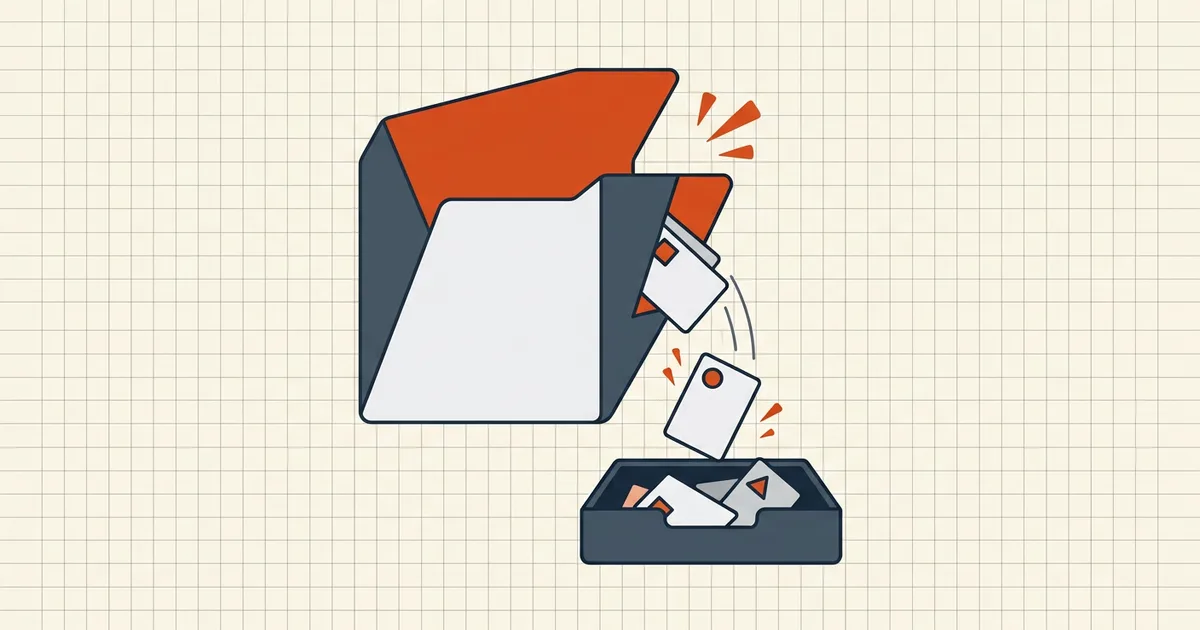
A PDF is a container. Most people think of it as a container for pages; the format also allows embedded files — whole documents, spreadsheets, images, archives — sitting quietly inside, invisible to anyone who just reads the pages. Then someone forwards the PDF, and the spreadsheet goes with it.
How attachments hide
- True embedded files (FileAttachment / EmbeddedFiles). Added deliberately — a "supporting workbook" stapled inside the proposal, a signed scan inside a form package.
- Byproducts of tooling. Some export pipelines stash originals, thumbnails or sidecars as embedded streams.
- Revision history baggage. Incremental saves keep earlier document states — not attachments, but the same "invisible extras" class (full inventory).
The common thread: standard save/export preserves them. The file you think you're sending is a superset of the pages you reviewed.
Find them first
- Acrobat/Reader: attachments panel (paperclip). Browsers: menu → attachments where offered. Preview: sidebar → attachments view.
- Command line:
pdfdetach -list your.pdfprints the inventory — good for the paranoid and for batch checks. - Cheap audit habit: if the panel shows anything you didn't intentionally add, treat the rest of the hidden-data sweep as mandatory too (metadata, comments, revisions).
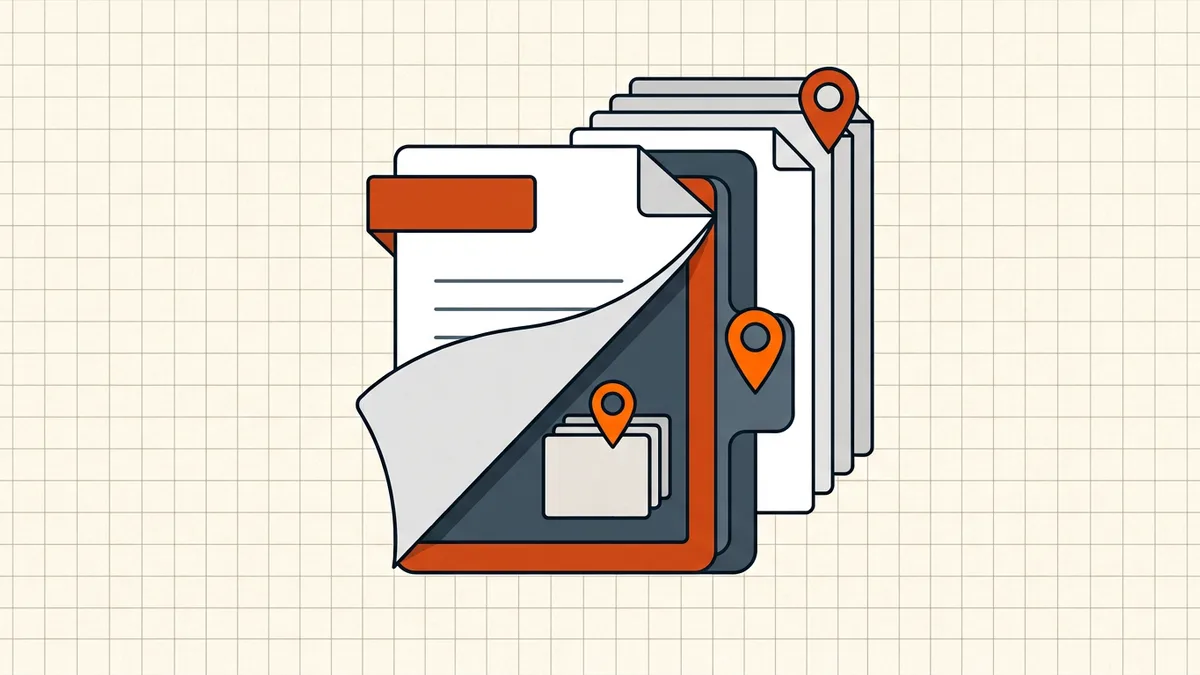
Remove them — two depths
Shallow: delete in the panel. Open attachments, remove each entry, save. Works; leaves other hidden classes untouched; easy to forget one file in a long list.
Structural: rebuild from pages. Take the document's pages and write a fresh PDF from just those. Nothing document-level survives: no attachments, no comments, no revision history, no metadata residue, no embedded scripts (Secure Cleanup is precisely this operation — pages-only rebuild, in your browser, signed/encrypted inputs refused as always). For outbound documents this is the move: you stop reasoning about which extras exist and remove the entire category.
Make it a habit, not a one-off
Attachments are one item on the outbound layer stack: content → hidden extras → metadata → size → signature. The standing checklist that ties them together is what to check before sending a PDF; when the destination has a size cap, remember embedded files count toward file size too — compression after cleanup, always in that order.
Frequently asked questions
How do I see if a PDF has attachments?
Open the attachments panel in your reader (paperclip icon in Acrobat; menu equivalents in browsers and Preview). Some readers also show a small paperclip badge on the document. Command-line check: `pdfdetach -list file.pdf`. If you didn't know the panel existed, assume nothing — look.
How do I remove embedded files from a PDF?
Delete each file in the attachments panel and save — or do it structurally: rebuild the PDF from its pages only, which drops attachments, metadata, revision history and scripts in one pass (BytesPDF Secure Cleanup does exactly this rebuild in-browser).
Why does my PDF still contain attachments after I exported a copy?
Because standard exports and saves preserve document-level objects, attachments included. Page-oriented exports (print to PDF, pages-only rebuilds) generally don't carry them — 'exported' isn't the same as 'stripped'.
Are attachments dangerous?
They're data-at-rest risk (the embedded file travels with the PDF and often isn't obvious) and, in hostile files, a delivery vector for macros or scripts in the attached content. Recipients' security posture matters too — you may be handing their mail gateway a file inside a file.
Does removing attachments change the document?
The pages render identically — attachments are separate document-level objects. The change is invisible content: what used to ride along, doesn't anymore. Any digital signature on the file will be invalidated by the rewrite; re-sign after cleaning.