
PDF/UA Accessibility Basics: Tags, Reading Order, and What Tools Don't Do
An accessible PDF isn't a prettier PDF — it's a structured one. What PDF/UA actually demands, how it differs from PDF/A, and why BytesPDF doesn't claim compliance.
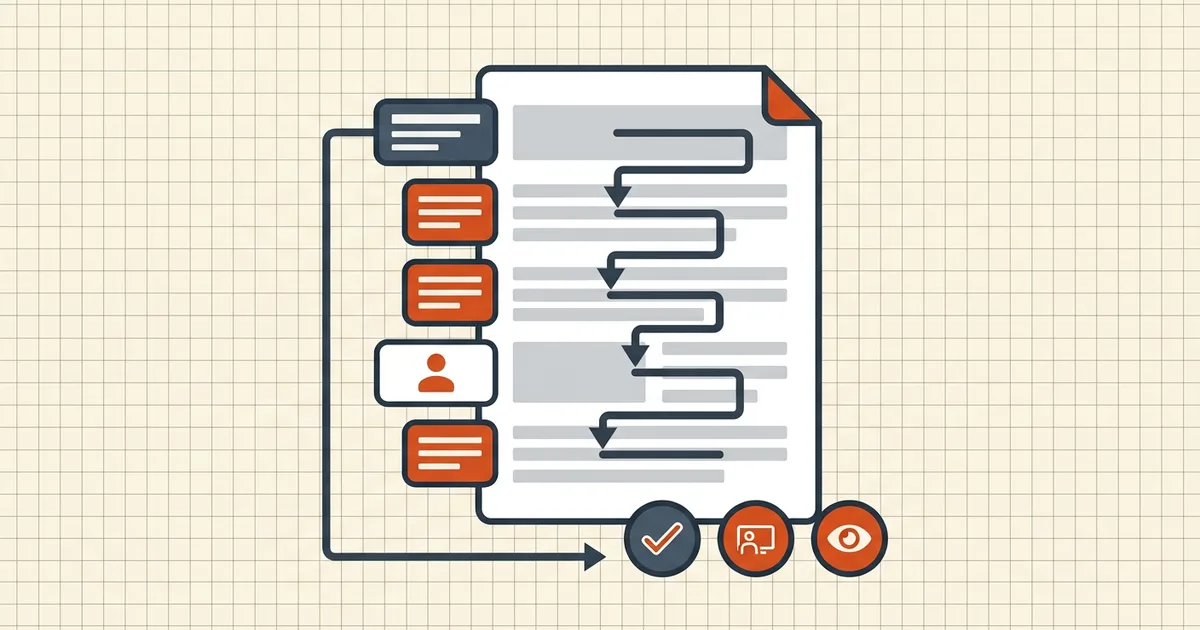
"Accessible PDF" gets used as a vibe word. PDF/UA is the non-vibe version: a checklist of structural facts a screen reader can verify — or fail.
What PDF/UA actually requires (file side)
Summarized from the standard's widely published requirements (your program may cite a specific edition — check):
| Requirement | Plain language |
|---|---|
| Tagged structure tree | Headings, paragraphs, lists, tables, figures marked with standard tags — not just visual boxes |
| Reading order | The order assistive tech walks content matches a sensible document order (not left-right chaos in multi-column layouts) |
| Document language | Set so the right voice/pronunciation loads |
| Alt text | Meaningful images described; decorative junk marked as artifacts |
| Fonts embedded + unicode maps | Characters resolve for speech and braille, not just drawing |
| Security ≠ blocker | Permissions must not prevent assistive tech from reading |
| Title / navigation | Real title; bookmarks help on long docs |
None of that is "make it look nice." A pixel-perfect brochure with zero tags scores a zero with a screen reader.
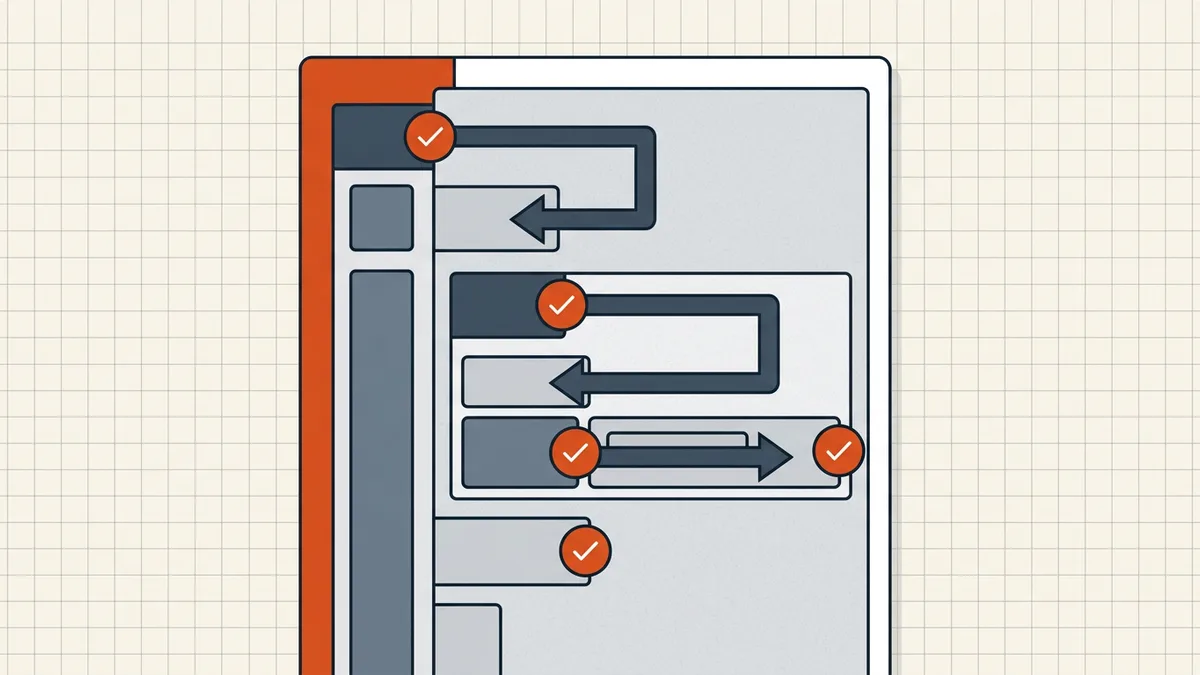
PDF/UA ≠ PDF/A (say it twice)
| PDF/A (ISO 19005) | PDF/UA (ISO 14289) | |
|---|---|---|
| Goal | Read the same in 20 years | Read by assistive tech today |
| Bans | Encryption, JS, external deps | Untagged content, broken reading order |
| Overlap | Both like embedded fonts | Both dislike encryption that blocks AT |
We covered archival framing in PDF/A explained. Compliance programs pick a target — or both — from their rule text, never from a marketing badge.
Where ordinary PDF workflows break accessibility
- Scans: image-only → need OCR then tagging. OCR without tags is halfway.
- Print-to-PDF paths: often drop structure the native exporter would keep (export vs print).
- Word/Docs exports: heading styles and alt text in the source become tags in a good export (Word fidelity); garbage styles in → garbage tags out.
- Aggressive flatten/cleanup: can strip form structure or annotations that carried meaning (flatten guide, cleanup scope).
- Handwritten or complex tables: recognition stays shaky (handwriting limits); human review non-negotiable for critical docs.
Honest BytesPDF scope
BytesPDF does not remediate, tag, or certify PDF/UA. We will not sell you a badge. What the local toolkit can do inside an accessibility workflow:
- OCR scans so text exists at all (first box on every remediation checklist);
- strip junk metadata / hidden layers before a specialist editor session;
- convert Word/Excel with our own export path caveats documented;
- check-before-send for ordinary structural gotchas (orientation, obvious empties).
Tag trees, reading-order panels, alt text authoring, PAC-style validators, and screen-reader QA live in dedicated accessibility tools and trained humans — not in a compress button.
Practical path if you must publish accessibly
- Find the actual requirement your org cites (WCAG level? PDF/UA edition? both?).
- Fix the source (Word styles, alt text in the authoring tool) and re-export properly.
- OCR legacy scans; then remediate tags in an accessibility editor.
- Validate with a reputable checker; spot-check a real screen reader on the worst pages.
- Keep an eye on security settings so AT isn't locked out.
Related standards honesty
Same posture as PDF/A: educational scope, no certification claims, no fake "BytesPDF is PDF/UA compliant" footers. If a vendor promises one-click accessible compliance from a browser compressor, read their how-it-works twice.
Frequently asked questions
What is PDF/UA?
PDF/UA (ISO 14289) is the ISO standard for universally accessible PDF: all meaningful content tagged into a logical structure tree, correct reading order, document language set, alt text for non-text content, fonts embedded with usable character maps, and security that doesn't block assistive technology. It's about structure for screen readers — not archival longevity.
What is the difference between PDF/A and PDF/UA?
PDF/A (ISO 19005) targets long-term archival: embed fonts, ban encryption/scripts/external deps. PDF/UA (ISO 14289) targets accessibility: tags, reading order, language, alt text. They're different standards that can stack; a file can aim for one, both, or neither. Confusing them leads to wrong compliance claims.
Is PDF/UA the same as WCAG?
No. WCAG applies to web content broadly; PDF/UA is the PDF-specific technical profile (structure tags, annotation handling, character encoding). Accessibility programs often reference WCAG AA for published documents and treat PDF/UA as the concrete PDF conformance target — check which rule your jurisdiction, school, or employer actually cites.
Does BytesPDF make PDFs accessible or PDF/UA compliant?
No. BytesPDF does not add tag trees, fix reading order, author alt text, or certify PDF/UA (documented in how-it-works and llms). Cleanup, OCR, and conversion can *support* a remediation workflow — searchable text, cleaner sources — but tagging and accessibility QA need a dedicated editor and human review.
Can a scanned PDF be accessible?
Only after OCR creates real text *and* someone adds structure: tags, reading order, alt text, language. Image-only scans are invisible to screen readers regardless of resolution. OCR is necessary but not sufficient — which is why remediation guides always list tagging after recognition.
Related comparisons
Source-led comparisons written by BytesPDF, with the conflict of interest disclosed on each page. They link official provider documentation rather than fabricated tests.