
Privacy Risks of Online PDF Tools: What to Check Before Processing
Some web tools upload PDFs and some process them locally. Learn how to tell the difference and assess the complete workflow without treating either model as risk-free.
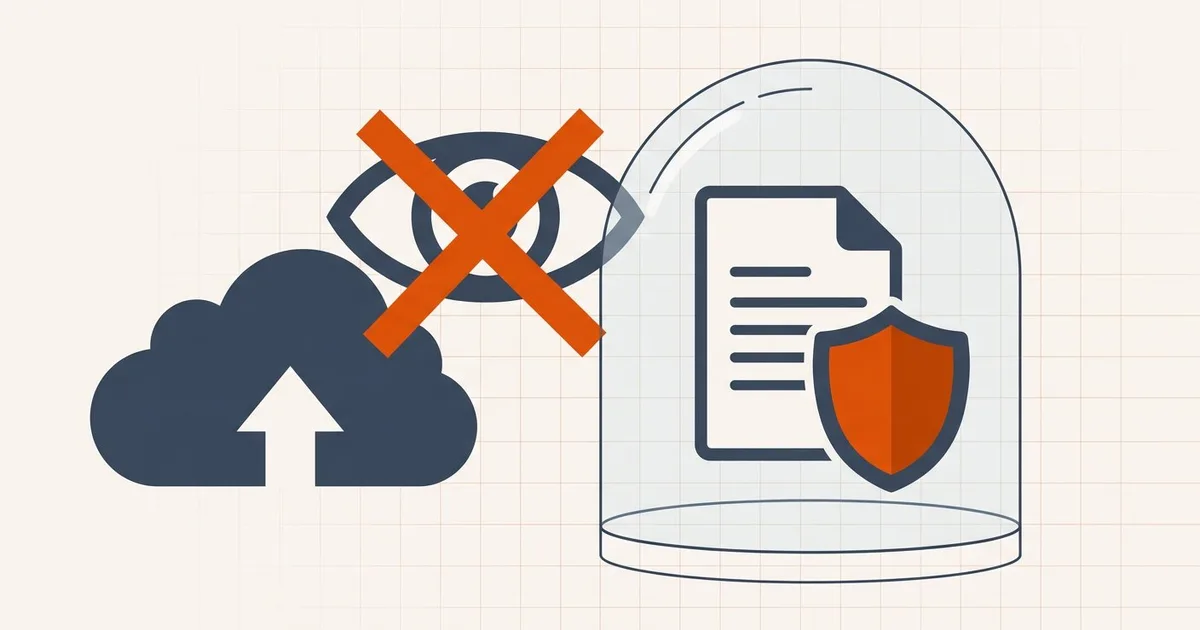
The word “online” describes how you reach a tool, not where the document is processed. Two pages can look alike while one sends the PDF to a server and the other keeps document bytes in the browser tab.
Three processing models
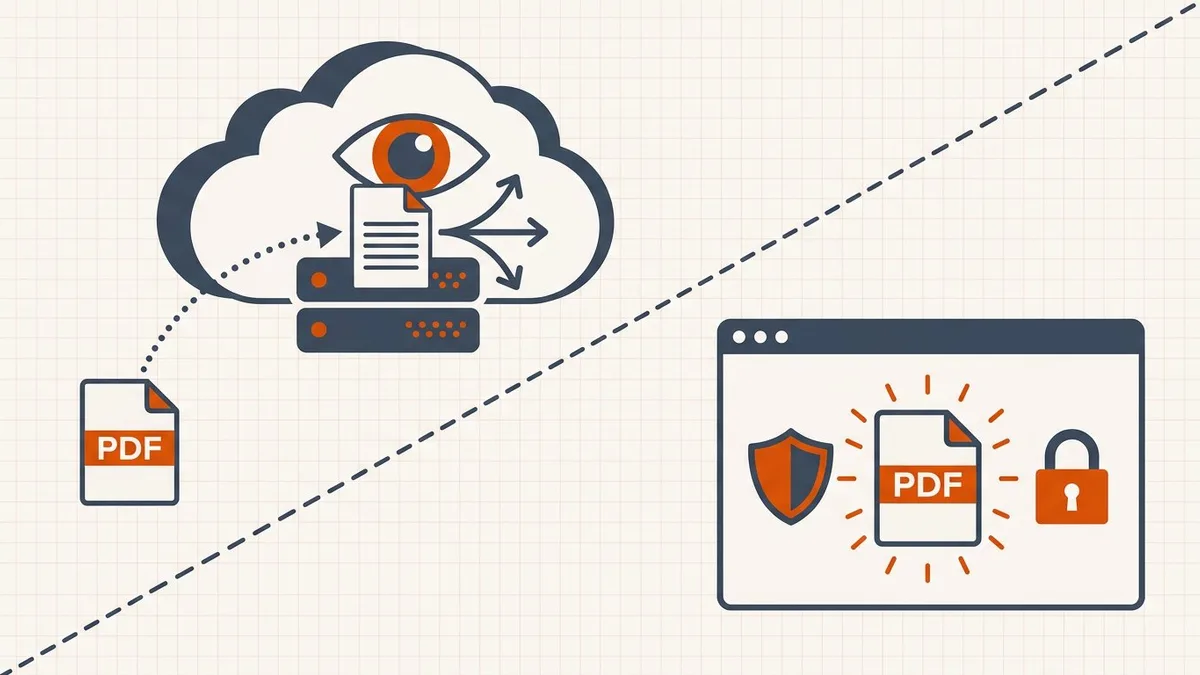
- Browser-local — The application code runs on the device and need not transmit selected PDF bytes to the operator.
- Server-based — The document is uploaded to remote infrastructure for processing and returned or stored.
- Hybrid — One feature may run locally while OCR, AI, conversion, collaboration, storage, or another feature uses servers.
Questions for a server-based service
- Where is the document processed, and which subprocessors receive it?
- Is transport encrypted, and how are temporary files protected at rest?
- When is ordinary processing data deleted, and how is account storage different?
- Can the provider use document content or derived data to improve products or models?
- What contracts, audit reports, certifications, residency options, or support commitments are available for the actual plan?
Encryption and a short deletion statement are useful controls, but neither makes every document suitable for upload. The legal role, data classification, access controls, and recipient still matter.
How to check, in about a minute
Architecture claims are verifiable. To find out whether a web tool uploads your document:
- Open the tool in a desktop browser.
- Open DevTools (F12) and select the Network tab.
- Filter by Fetch/XHR, or sort requests by size.
- Process a file and watch what leaves the machine.
A browser-local tool requests application code, fonts, and assets — but no transfer containing your document. A server-based tool shows an upload, usually of roughly your file's size. Either result is fine; what matters is that it matches what the privacy policy claims.
Also worth checking, in the same panel: whether the page loads third-party scripts from analytics, advertising, or chat vendors. Those do not receive your PDF, but they do receive a record that you visited.
What leaks besides the document itself
Even a tool that never uploads your PDF can expose more than people expect:
- Metadata — author names, organisation, software version, edit history, and sometimes GPS coordinates from photos
- Filenames —
passport-scan-john-smith.pdfsays a great deal before anyone opens it - Hidden text layers — OCR output, tracked changes, and content hidden behind images or white rectangles
- Visit records — analytics and embedding pixels that log the visit even when the file stays local
This is why "does it upload?" is the first question but not the last one. For anything genuinely sensitive, rename the file before processing and inspect the metadata afterward.
Risks that remain with local processing
- A compromised device, browser extension, origin, or dependency can expose an open file.
- A local application can choose to persist data unless its storage behavior is clear.
- Screen capture, shoulder surfing, unsafe filenames, and shared download folders remain possible.
- The user can still send the output to the wrong person or an unapproved portal.
- Local processing does not create HIPAA, GDPR, ISO, or other certification by itself.
Match the workflow to the document
Not every document carries the same risk, and treating them all identically is how people end up either careless or paralysed.
| Sensitivity | Examples | Sensible default |
|---|---|---|
| Low | Public brochures, manuals, published papers | Any tool; convenience wins |
| Moderate | Internal reports, invoices, coursework | Local processing or a vetted institutional tool |
| High | Contracts, medical records, tax returns, identity documents | Local processing; keep the original; delete working copies |
| Regulated | Anything under a specific legal or contractual obligation | Follow the policy that governs the document, not a blog post |
For the high-sensitivity tier, the practical routine is: process locally, download the output to a folder you control, close the tab so working blobs are released, and delete the download once it has been submitted.
Two habits matter more than the tool you pick. Rename the file before processing, so the filename does not describe its contents. And keep the original untouched until the compressed copy has been accepted — you may need it again.
Questions that separate real answers from marketing
When a vendor's privacy page will not give you a straight answer, ask directly:
- Does the document leave the device to perform this operation?
- Which subprocessors receive it, and in which jurisdictions?
- Is the document retained after processing, for how long, and where?
- Is document content used to train models or improve the product?
- Can I delete it, and does deletion cover backups?
Vague answers to these are themselves an answer.
Public handouts and routine personal documents may fit a simple workflow. Financial, legal, medical, employment, identity, or confidential corporate records deserve a policy-based decision. Classified, privileged, regulated, or contract-controlled material should use the specifically approved environment, whether that is managed local software or a vetted vendor.
BytesPDF's current data flow
BytesPDF reads selected PDFs in your browser tab. Working document blobs remain in tab memory and are not stored in IndexedDB, Cache Storage, or BytesPDF server storage. Closing the tab releases the working copy; a downloaded result stays where the user saves it.
That PDF path is not the whole site. Supabase can handle account, subscriber, and consent-audit data; Formspree can handle contact submissions; Google Analytics measures traffic unless you opt out (advertising cookies stay off); and Sentry can receive error data when configured. These services do not need PDF content for the core tools and are described in the privacy policy.
Frequently asked questions
Do all online PDF tools upload files?
No. Server-based tools transmit the PDF for processing; browser-local tools can process selected document bytes on the device. Hybrid products can vary by feature.
Can a server-based tool read an uploaded PDF?
Its processing infrastructure necessarily receives the bytes sent for the operation. Access controls, encryption, retention, personnel, subprocessors, and contractual terms determine how that access is governed.
Is browser-local processing risk-free?
No. It removes a server recipient for the PDF but still depends on the device, browser, extensions, loaded code, supply chain, local storage choices, screen privacy, downloaded output, and eventual recipient.
How long do online PDF tools retain files?
There is no universal period. Check the current policy for the exact product and feature, including temporary processing, account storage, backups, deletion controls, legal retention, and subprocessors.
Does BytesPDF store selected PDFs?
No. Selected PDF content is processed locally and working blobs remain in tab memory rather than BytesPDF server storage, IndexedDB, or Cache Storage. Downloaded files remain wherever the user saves them.
Related comparisons
Source-led comparisons written by BytesPDF, with the conflict of interest disclosed on each page. They link official provider documentation rather than fabricated tests.