
GPS and EXIF Location Inside PDFs from Phone Photos
Receipt packets and scan photos can carry the coordinates of your kitchen table. Document properties scrub is not the same as image EXIF removal — order matters.

Nobody puts "my home address" in a PDF title. They photograph the insurance form on the counter — and the JPEG still knows the counter's coordinates.
Two metadata neighborhoods
| Layer | Typical fields | Scrubbed by document metadata tools? |
|---|---|---|
| Document Info / XMP | Author, Creator, dates, software | Yes (that is the tool's job) |
| Embedded image EXIF | GPS, camera model, serial, capture time | Not reliably — clean before embed |
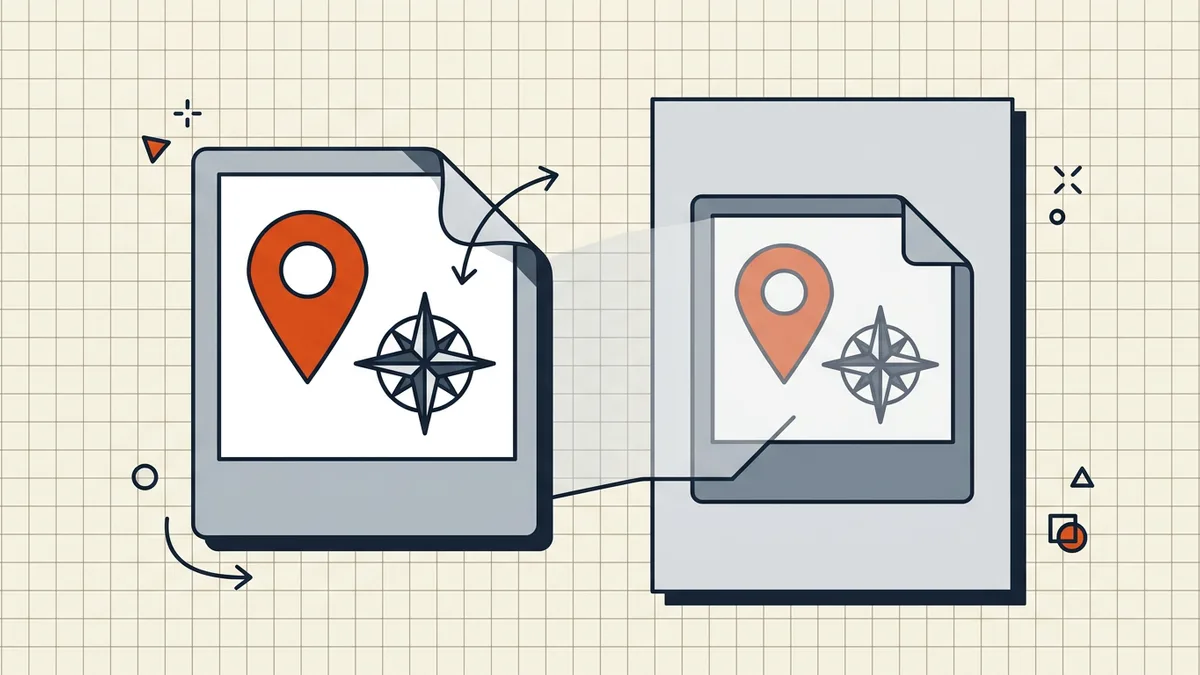
How location gets in
- Camera app writes GPS into the JPEG/HEIC.
- You insert/print/export those images into a PDF with EXIF preserved
(lossless-style embeds are the usual culprits; aggressive re-encode often drops tags — do not rely on that).
- Recipient extracts an image or runs EXIF tools on the file → coordinates.
Chat "send as document" paths generally preserve bytes; do not trust the channel to clean for you.
Order that works
- Strip EXIF on the photos (share-sheet location off, OS export, or an
EXIF cleaner) before merge/convert.
- Build the PDF (receipt packets,
- Document metadata scrub on the finished PDF
- Verify: properties panel + spot-check one embedded image.
What this is not
- Not the same as redaction (proper redaction).
- Not solved by compress alone (re-encode might drop EXIF; never the plan).
- Not a reason to panic over text-only PDFs with no embedded camera images —
those rarely carry GPS (metadata inventory).
Honest BytesPDF scope
Remove Metadata scrubs document-level fields in-browser (tool page is the capability source). There is no separate "GPS killer for embedded images" toggle in the toolkit — clean images first, scrub document fields second, and verify when the packet is sensitive (pre-send checklist).
Packet patterns that raise risk
- Receipt/ID photo piles built straight from the camera roll
- Home inspections / insurance photo sets → PDF in one tap.
- Travel visa scans made on hotel Wi-Fi with location still on.
Mitigation is boring and reliable: location off (or strip after capture), build PDF, scrub document fields, verify one image, send.
What verification looks like
- Properties → check Author/dates/XMP after scrub.
- Extract or inspect one embedded photo's EXIF (tool of choice).
- Fail → rebuild from cleaned images; do not ship "mostly clean."
Sensitive content still needs the full sweep (remove sensitive info, hidden data).
Frequently asked questions
Can a PDF contain GPS location from my photos?
Yes. The standard document Info panel has no GPS field, but JPEG/HEIC images embedded with EXIF intact can keep GPSLatitude/GPSLongitude tags, and some authoring pipelines add location-bearing XMP. If the PDF was built from phone camera photos, treat location as possible until verified.
Does Remove Metadata / document scrub delete photo GPS?
Document-level scrub clears Author, Creator, dates, and similar Info/XMP fields. Image-level EXIF inside embedded streams can survive that pass depending on the pipeline. For photo packets, strip EXIF on the images before you build the PDF — pre-embed is the reliable order.
How do I check a PDF for location data?
Inspect document properties for XMP location tags, and use an EXIF-aware tool (exiftool on the PDF, or extract an embedded image and view its metadata). If you built from cleaned images, re-check one sample image from the packet.
Do chat apps strip GPS when I send a PDF?
Sending a PDF as a document usually ships the file as-is. Apps that recompress 'photos' may strip EXIF from image messages — that is not a PDF guarantee. Clean the source photos (or the PDF) yourself before share.
Does BytesPDF remove image GPS from PDFs?
Remove Metadata shows and scrubs document metadata fields locally (documented tool behavior). For camera EXIF on embedded images, clean the images before merge/convert; run a post-build verify with an EXIF tool when location sensitivity matters.
Related comparisons
Source-led comparisons written by BytesPDF, with the conflict of interest disclosed on each page. They link official provider documentation rather than fabricated tests.